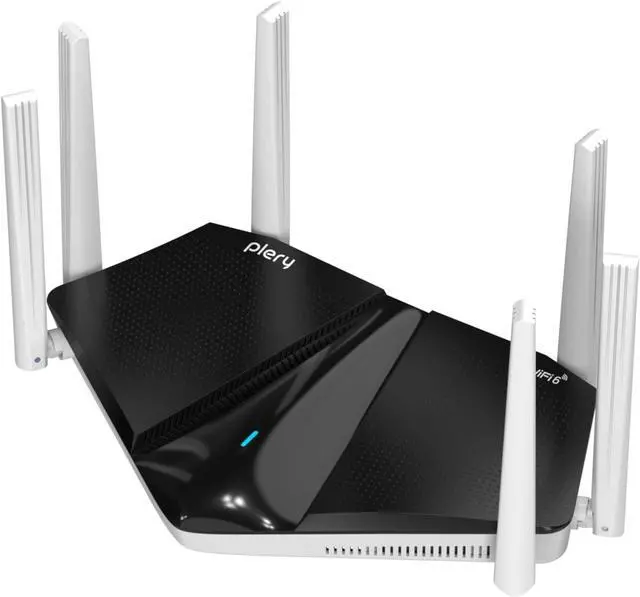
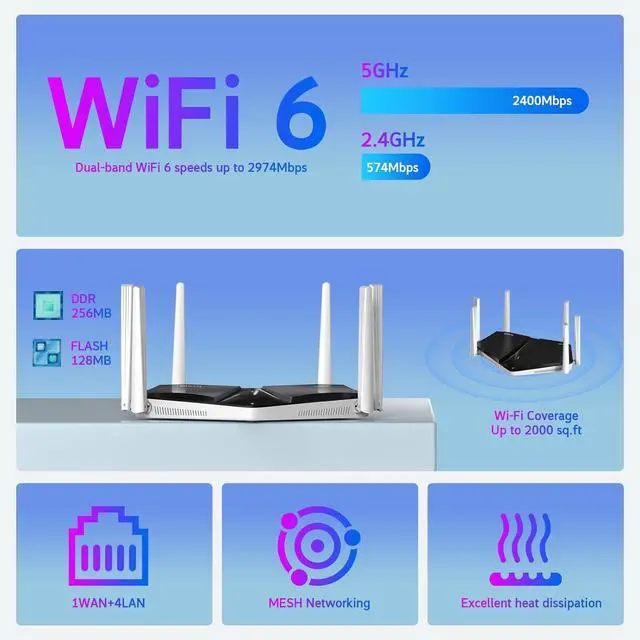
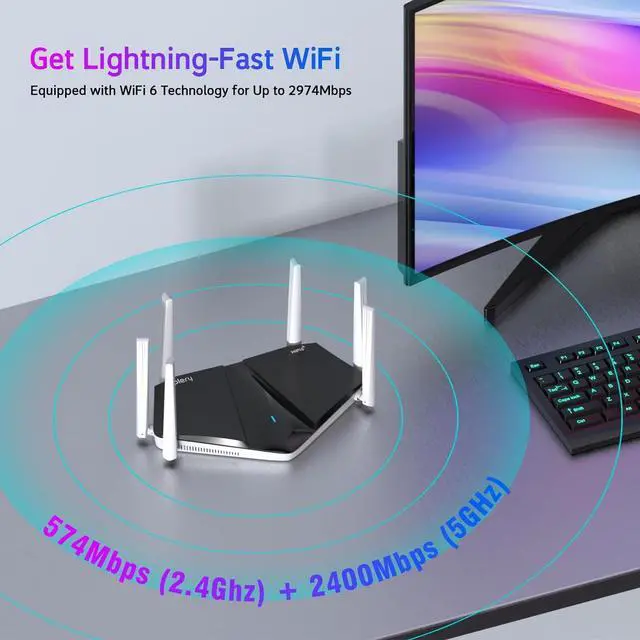
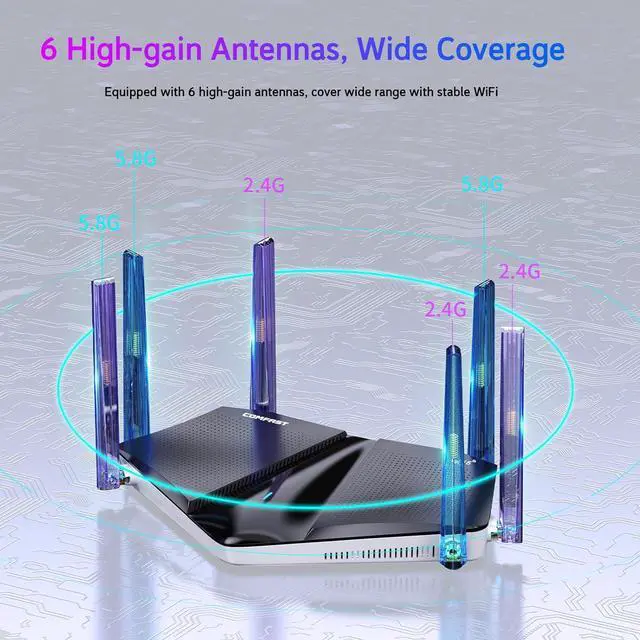
Experience the next generation of wireless technology with combined speeds up to 3000 Mbps (2402 Mbps on 5 GHz+574 Mbps on 2.4 GHz). Perfect for 8K/4K streaming, intense online gaming with ultra-low latency, and lightning-fast large file downloads.
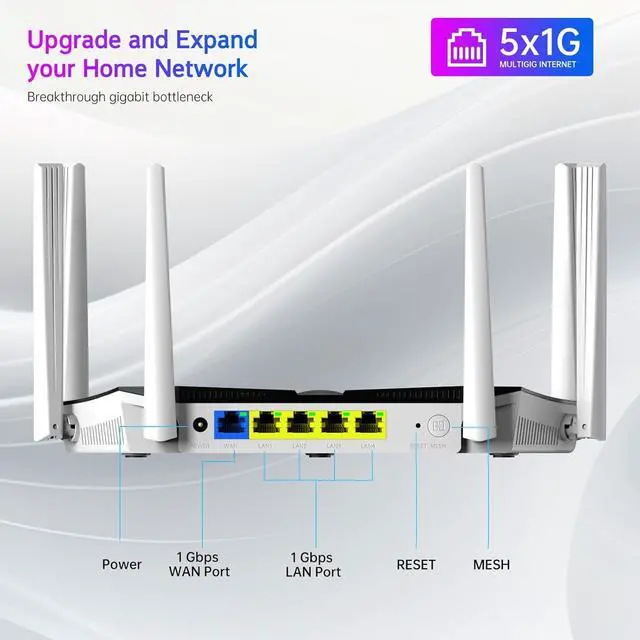
Connect the router to the power supply, then connect the modem or Ethernet cable to the WAN port, plug the Network Cable into the LAN port, and connect the other end of the cable to the computer host.Open the website at 192.168.0.1 on the computer, enter the page and enter the initial password: admin.Enter the "Internet" section and select the access mode. There are a total of three modes: PPPOE, DHCP, and static IP.Enter the "WiFi" section, where you can change your WiFi username or password. If you choose WiFi unification, your 2.4g and 5g WiFi will be merged, otherwise it will be two separate WiFi. Choose according to your needs.
How to choose Internet access method?
a. PPPOEDial-up InternetIf you have a broadband account and password
b. DHCPIf the broadband operator only provides one Ethernet cable without a broadband account or password, and no IP address, subnet mask, gateway, or DNS
c. Static IPIf the broadband operator provides you with an IP address, subnet mask, gateway, and DNS server address
High-speed dual band router How to quickly install Plery WiFi 6 router