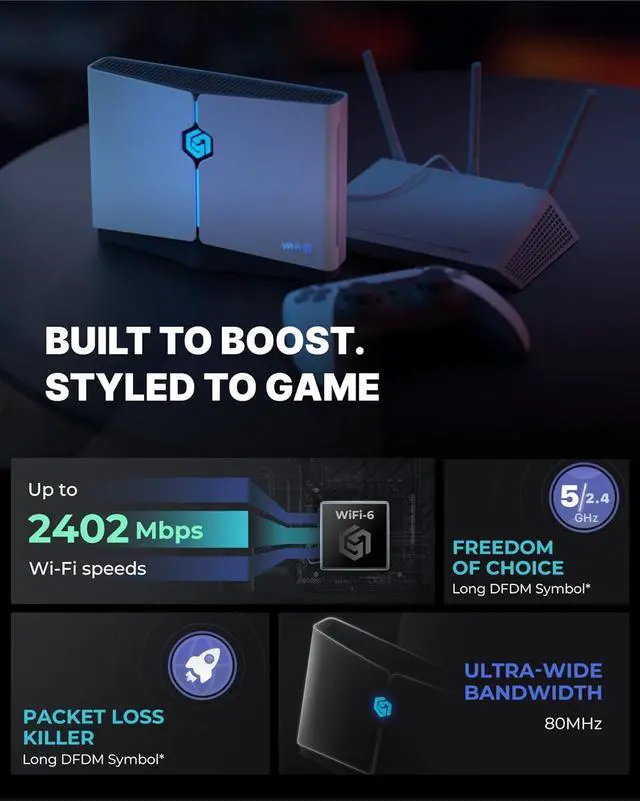
1Lag-Free Gaming2Stable Gaming Connection3Multi-Platform Support4Powerful Tech Specs1Comes with Free VIP2Wifi Repeater3Expert Support4EASY SETUP5Boost Comparison My speed didnt improve what should I check?
Please ensure the device is bound to your GearUP Router: for ConsolePC app account. Also confirm a suitable server is selected in the app. For quick help, go to GearUP Router: for ConsolePC Help Center Feedback.
What devices and games are supported?
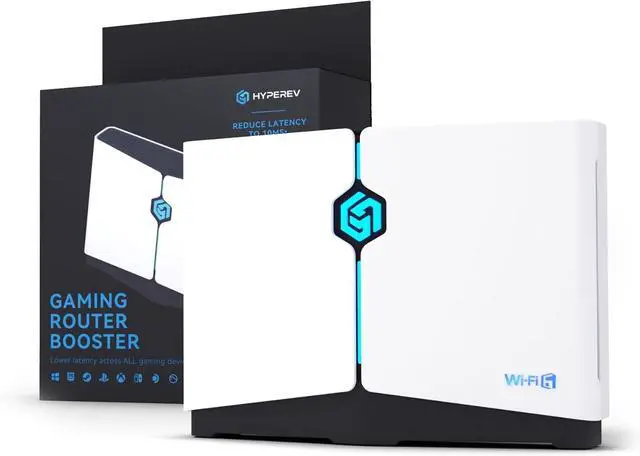
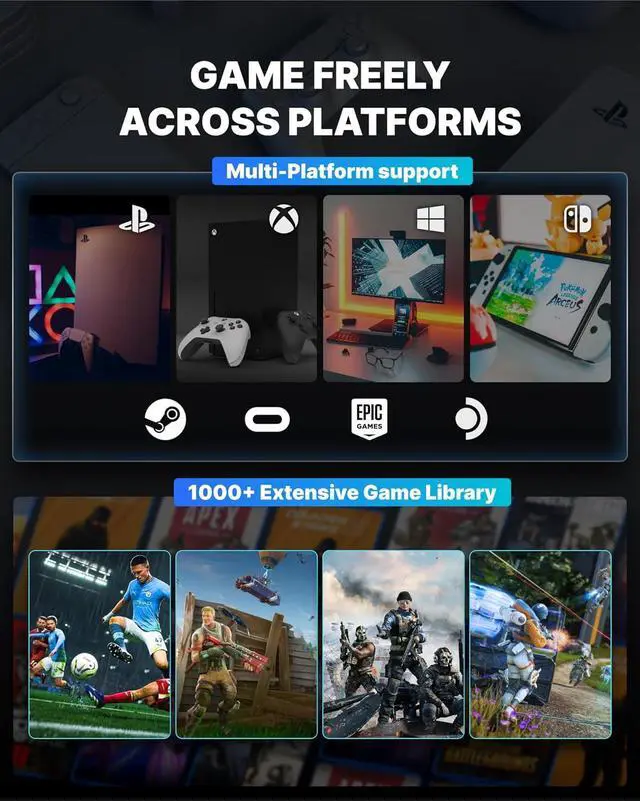
HYPEREV supports many platforms and games. Compatible with PS5, Xbox, Switch, PC, Steam Deck, and titles like FC25, Fortnite, and Warzone. Wired and wireless setups are both supported.
What's the difference between hardware-only and hardware + software acceleration?
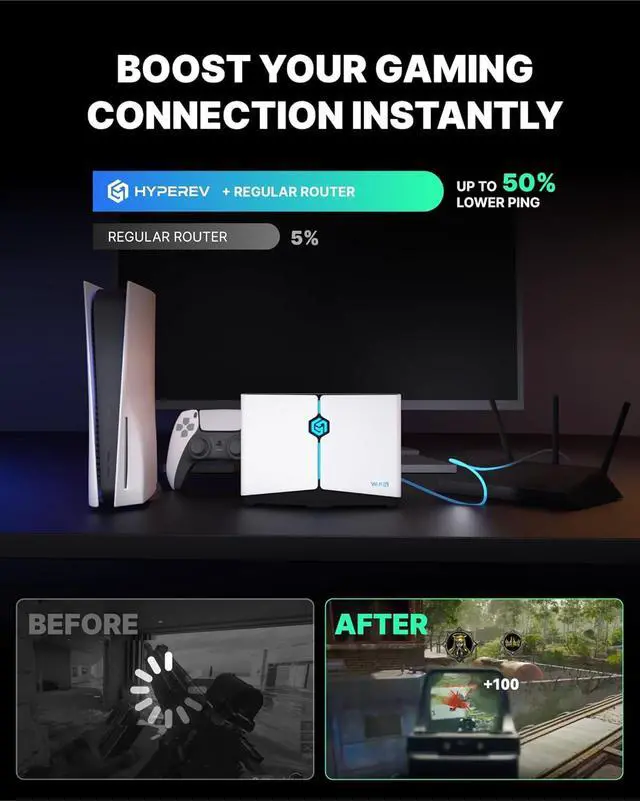
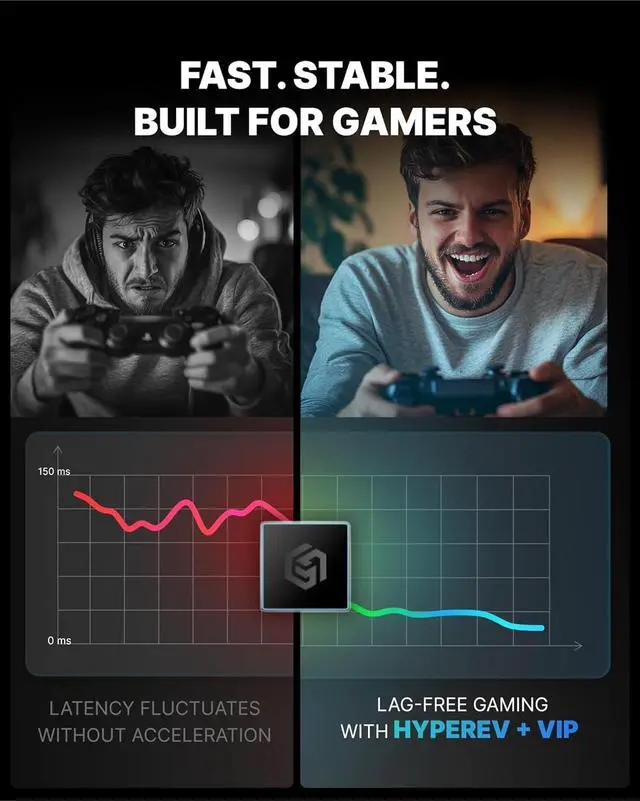
Hardware-only mode improves general connection stability. With the app, HYPEREV analyzes your game and network, selecting optimal routing in real-time delivering better, smarter acceleration.
If my internet is slow, will this improve my speed?
HYPEREV optimizes your current network. If your internet is very slow, results may be limited it works best on average or better connections.
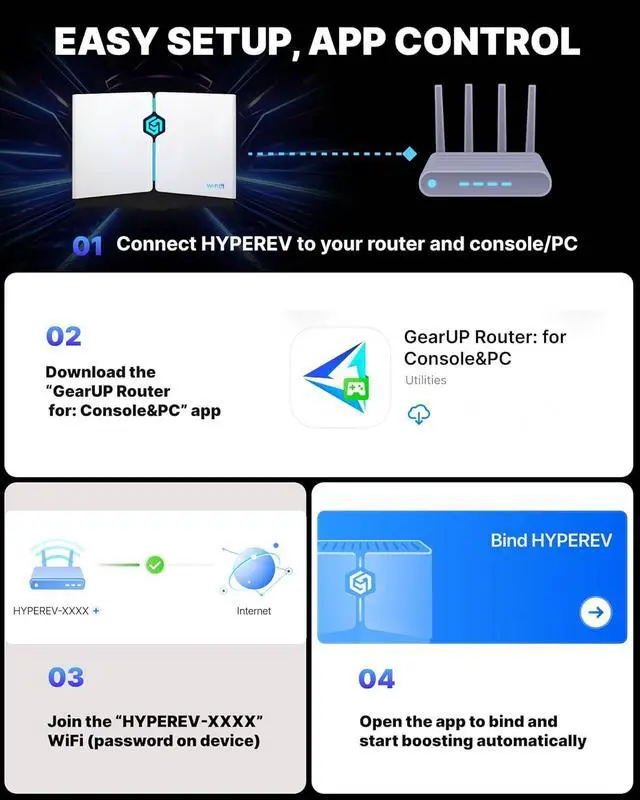
Power on HYPEREV, connect it to your internet router with Ethernet cable, wait for green light to confirm setup.
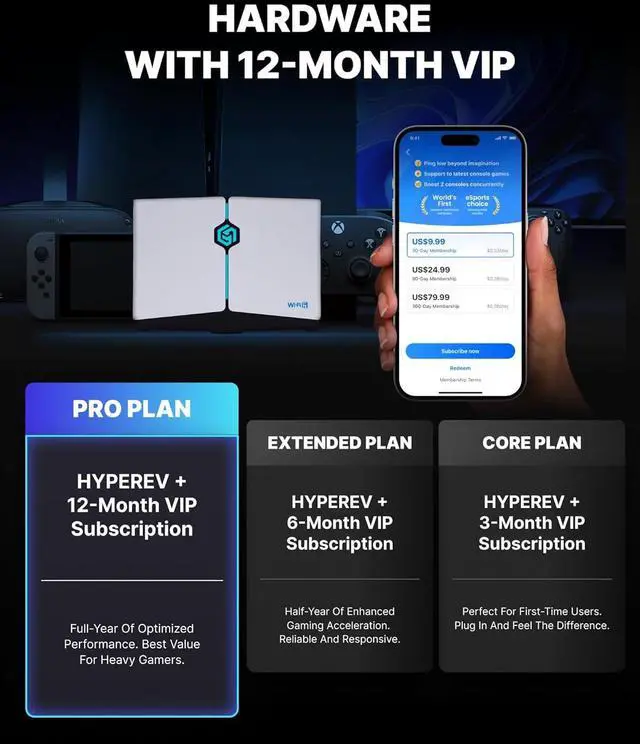
From Customer: All-in-One Game Accelerator: Meet HYPEREV All-in-One Game Accelerator: Meet HYPEREVDo I need to pay for a subscription separately?
My speed didnt improve what should I check?
What devices and games are supported?
What's the difference between hardware-only and hardware + software acceleration?
If my internet is slow, will this improve my speed?
How to set up HYPEREV?