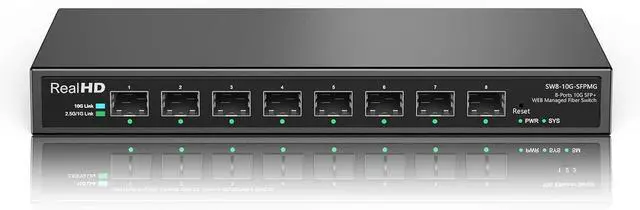
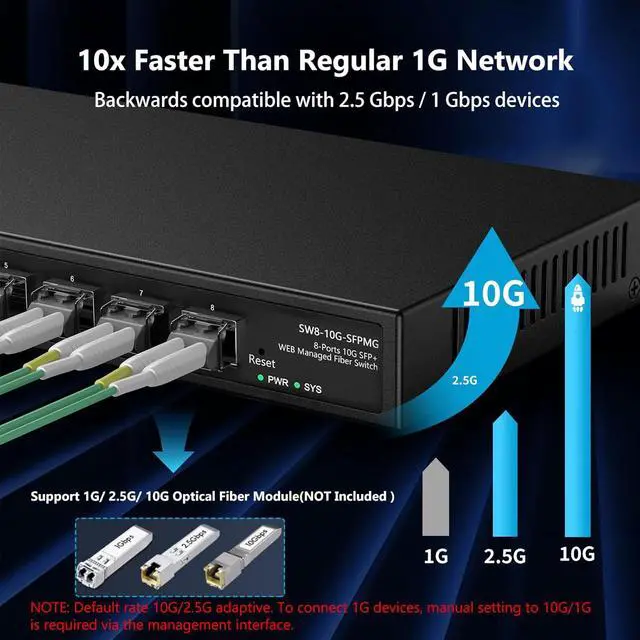
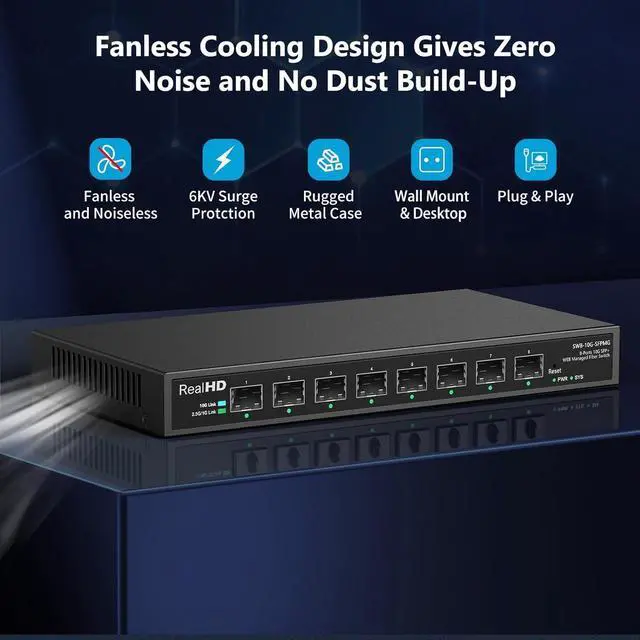
Real HD 10 gigabit switch features 8 x 10Gb SFP+ Ports
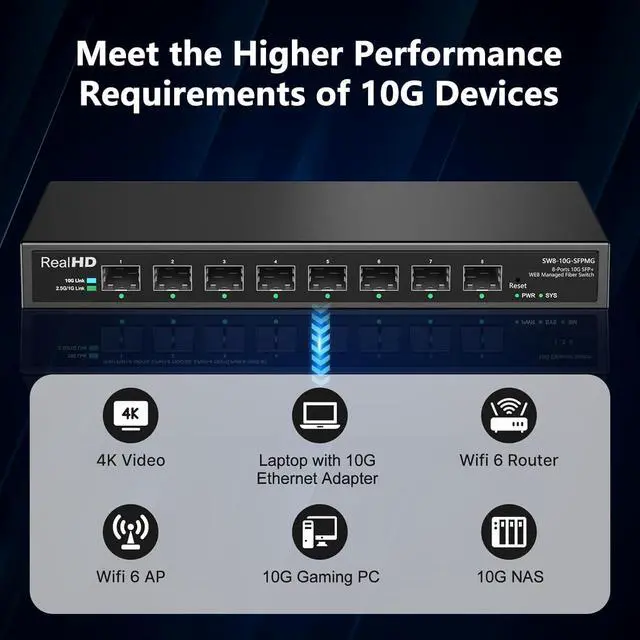
Providing higher-speed connectivity for your devices, Enjoy a better experience
Easy for installation or configuration needed for this 10gb SFP+ switch
Multi-gigabit switch works with a wide range of ethernet devices
Web Managed 8 Port 10gb SFP+ Fiber Switch
How to access the management interface?
Set PCs IP address 192.168.2.x and the subnet mask 255.255.255.0 for the first login(1< x 254).
Type in the web address "192.168.2.1" and press Enter.
Type in the username admin and the password admin, click Login to enter system.
What brands of SFP modules is Real HD 10Gb SFP+ Switch compatible with?
Just compatible with TP-Link and Cisco SFP+ Modules.
Why its network speed not reach the described 2.5G/10G?
Ensure the devices connected to the switch(such as routers, computer network cards,APs, DACs and SFPs, etc) support 2.5/10Gb network speed and compatible with our switches, it supports the brands Cisco /Tp-Link.
Why can't access the management system after using for a period of time?
Press & hold the Reset button for 6 seconds to reset the switch, then log in with the default IP, or restart / reset your router. Note any added device IP must be different from the switch, otherwise, it will make the management system unavailable.
How to access the management interface?
What brands of SFP modules is Real HD 10Gb SFP+ Switch compatible with?
Why its network speed not reach the described 2.5G/10G?
Why can't access the management system after using for a period of time?