How to use the 5G router ?
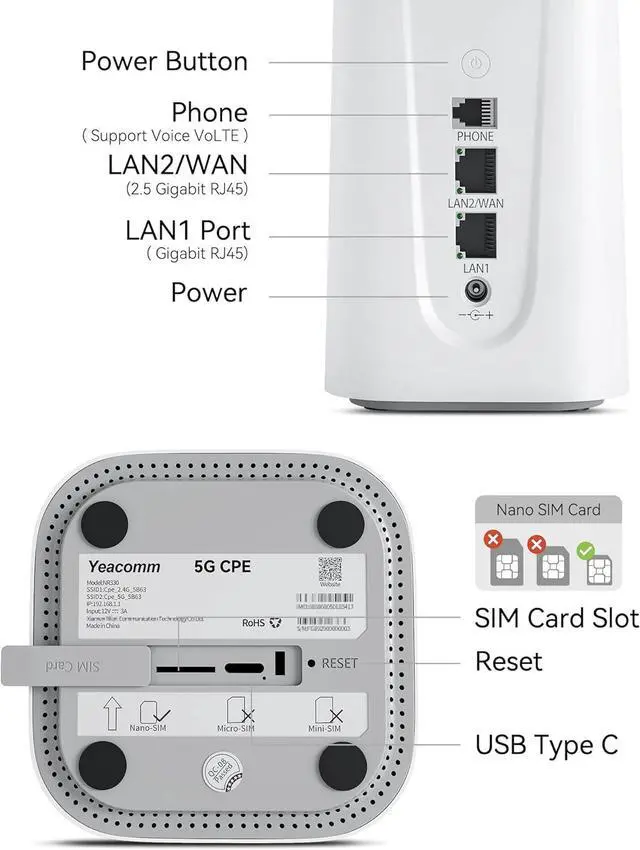
1. Insert the 5G Nano sim card
2. Connect to the power supply, then wait1-2 minutes to get the signal
3. Connect the 5G router via Lan port or via WIFI
4. Open the browser, and the page is automatically displayed (If no, manually enter 192.168.1.1)
5. If the device doesn't recongize the APN automatic. Then pls disable the setting "Auto configuration by SIM" and add the APN manually.
Note: Before inserting the SIM card into the router, make sure the SIM card is activated.
&. The 5G router NR330 works with most data plan from AT&T, Verizon and T-Mobile. If it does not work with T-Mobile 5g home internet sim, pls contact our support team.
If you meet any problem, please follow below instructions:
1. Pls refer to the user manual in the package.
2. Press the reset button for 10 seconds to restore the router to factory default setting.
3. If it is still not working, pls contact our support team.
Using high-performance 2GHz Quad-Core CPU, powerful data processing capability, make device performance more excellent and easily cope with multi-device connections.
32GB Flash+2GB LPDDR4 large-capacity memory, greatly improving operational efficiency and making 5G WiFi 6 routers run smoothly.
Primary and backup internet connections for a more stable internet. Plug an ethernet cable with internet to the WAN/LAN port, then the WAN/LAN port will act as the primary source of internet and the 5G network will act as a backup. If the WAN/LAN network is disconnected, it will automatically switch to 5G network service.
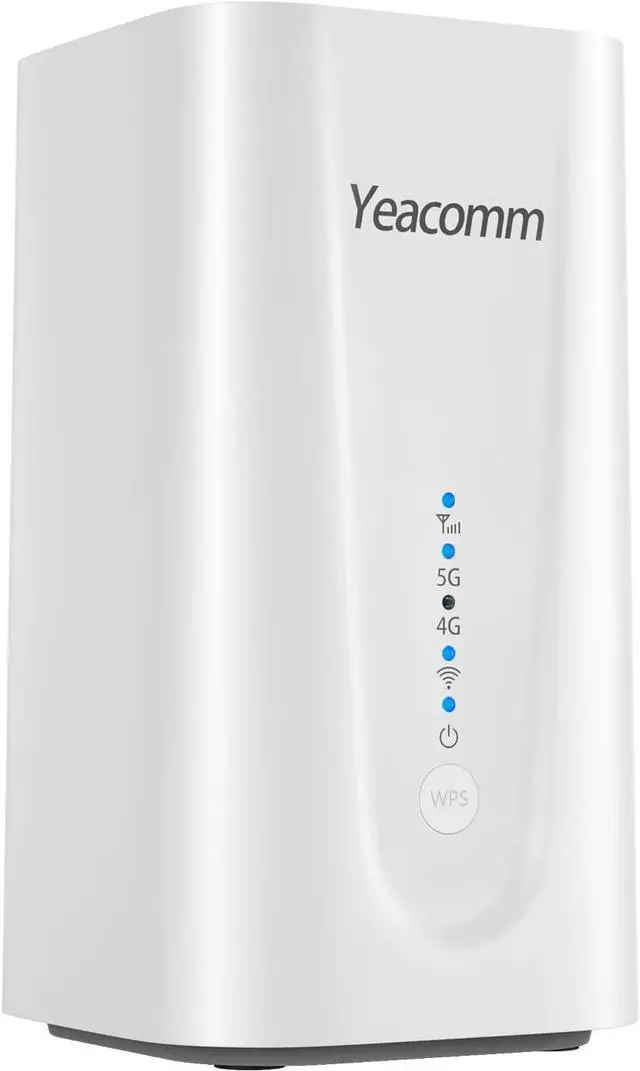
Yeacomm 5G Cellular Router has RJ-11 port (Phone port) on the back, supporting Voice Volte.
And has 2 full gigabit ports (1*2.5G LAN/WAN port+1*1G LAN port), which can give full play to the effectiveness of each megabit wireless rate, and the wireless transmission rate is no longer limited by wired ports.
Built-in silent cooling fan, effective cooling without noise interference. Even during heavy use. The fan will also adjusts its speed depending on the detected temperatures, which allows for efficient heat dissipation and consistent performance over a long period.
Supports locking the working band in one or more 5G or 4G bands to maintain the stability of the router.
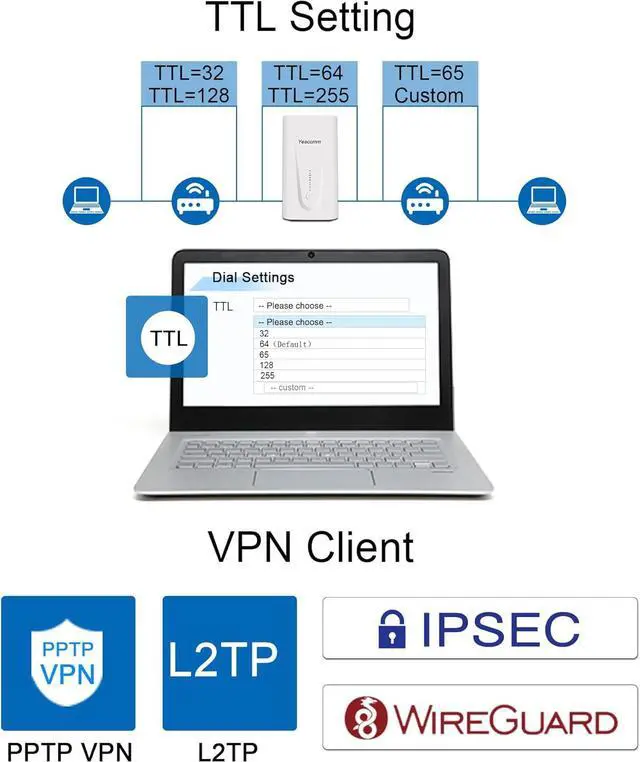
Support manual set TTL values to meet ISP's requirement.Internet Protocol: IPv4&IPv6 and Multiple PDN.
Support PPTP/L2TP/IPSEC/WIREGUARD VPN. Protecting network security.
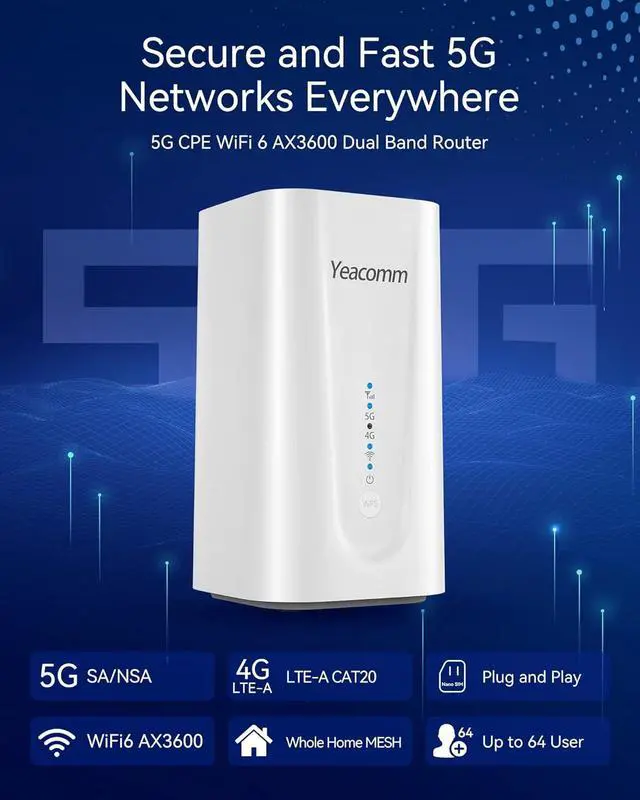
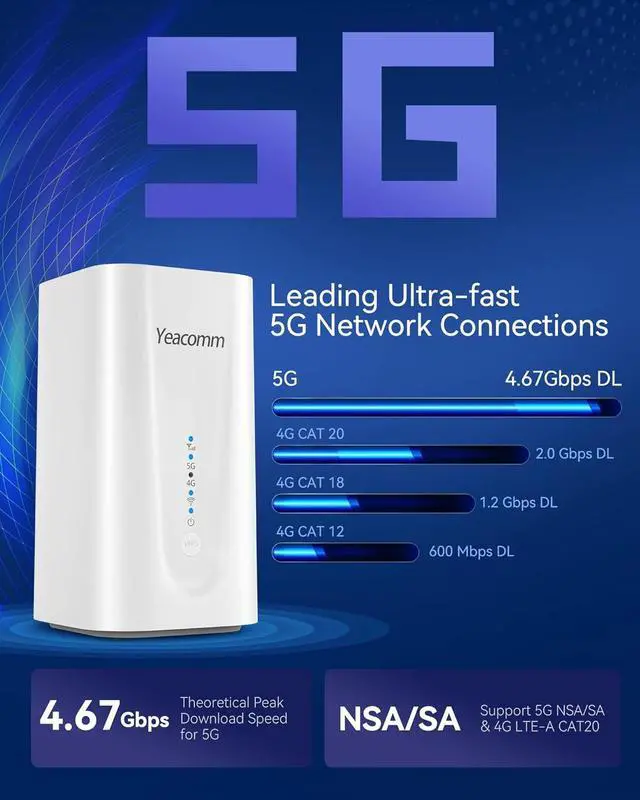
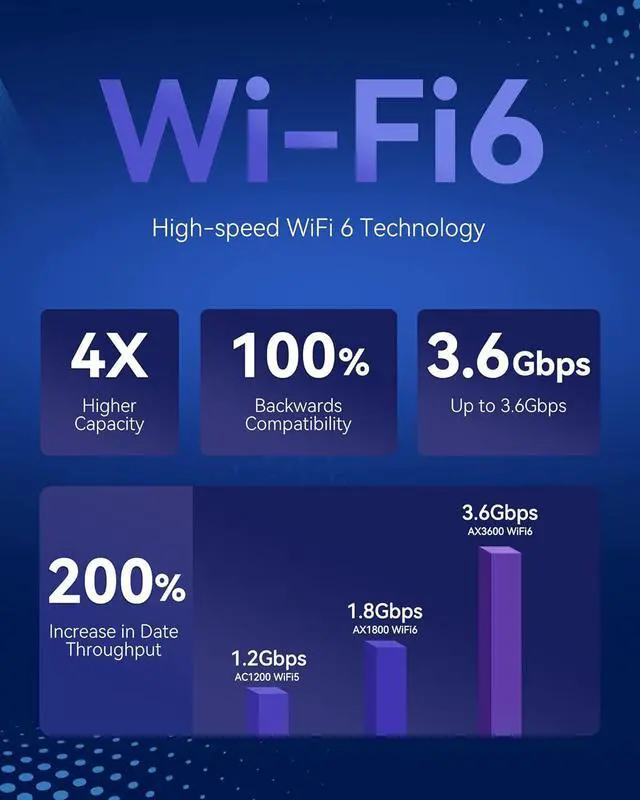
5G Network ModesSA (standalone)NSA (non-standalone)Bandwidth5G Sub-6: Downlink 4.67Gbps, uplink 1.25Gbps LTE Cat20: Downlink 1.6Gbps, uplink 211MbpsWiFi SpeedWiFi6 AX3600 and the WiFi speed is up to 3.6Gbps (2400Mbps on 5GHz and 1146Mbps on 2.4GHz)WiFi StandardIEEE802.11 a/b/g/n/ac/ax, 2.4GHz+5GHzSIM SlotNano SIM CardISP compatiblityMajor 4G/5G ProvidersAT&TT-MobileVerizon... Maximum Access NumberUp to 64 UsersPorts1x2.5G LAN/WAN port, 1x1G LAN port, 1x Phone port (Support Voice VoLTE)Frequency Band5G NR: N2/N5/N7/N12/N14/N25/N30/N41/N48/N66/N71/N77/N78LTE: B2/B4/B5/B7/B12/B13/B14/B17/B25/B26/B29/B30/B66/B71/B41/B42/B48 WCDMA: B1/B2/B5Frequency Band LockingSupportCPU2GHz Quad-Core CPUInternet ProtocolIPv4&IPv6 and Multiple PDNVPNPPTP, L2TP, IPSEC, WIREGUARDTTL Settings32/64/65/128/255 and customPower InputDC 9~24VTemperatureOperating Temperature: -10°C to +50°C (14 to +122); Storage Temperature: -40°C to +85°C (-40 to +185) Previous page
Next page 5G/4G Band Lock TTL Setting VPN Client Yeacomm NR330 5G Indoor CPE Router Yeacomm Store