Applications Case:
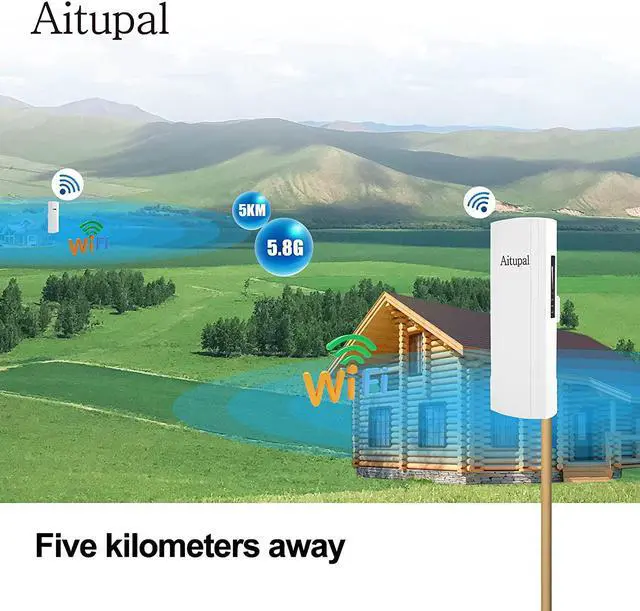
Z company have a second building that is about 200' from its main building and needed stable internet for both employees and security systems. I tried reaching it with our mesh routers, but even placing one on an outside wall wouldn't supply a stable signal. We could have installed a second modem/router but that would add hundreds to our initial install and monthly costs. Installing this gigabit wireless bridge has offered a stable signal and wiring it into a mesh system, it has allowed us to expand our net throughout the second building.
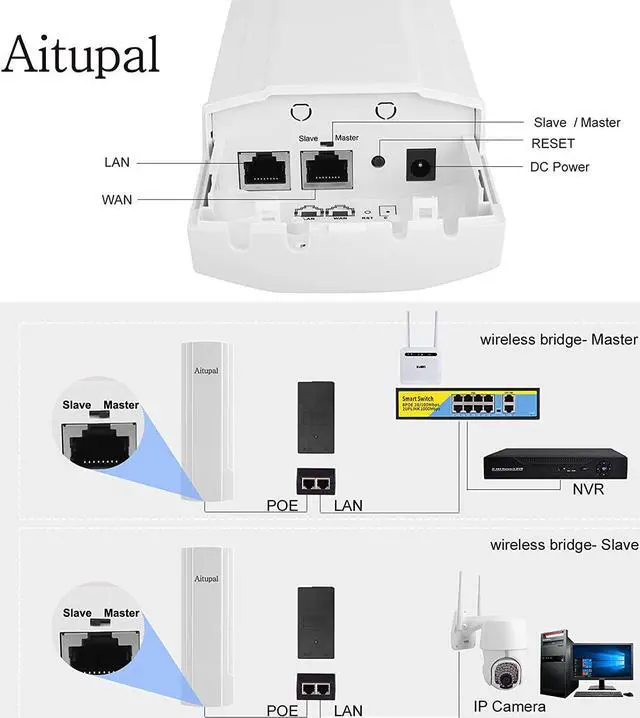
Fast pairing of S/M switch. It has been paired successfully before leaving the factory; E.g Master A8, Slave B8
Dial a bridge toMand the another bridge toS.
First press "reset" of M unit, then press "reset" of S unit, and can be paired successfully.
After the pairing is successful, the signal lights of the master flash in sequence, and the signal lights of the slave is always on.
Then the two bridges can be automatically connected without using a computer for IP setting. The dialing settings are connected using a point-to-point bridge, which is also suitable for point-to-multipoint connections.
It has integrated passive Power over Ethernet (PoE)
For easy installation and lower cost
So it can be installed in areas where power outlets are not readily available
Eliminating the mess of altering existing network infrastructure
Wireless wifi Bridge Waterproof & dust proof & lighting protection
Operating Temperature: -30~45
Storage Temperature: -40~70
Humidity: 5%~95% non-condensing
Standard: 802.11ac/a/n, MU-MIMO technology
Antenna: Build in 14dBi MIMO Panel Antenna
Frequency: 5GHz: 802.11a/ac ; 5GHz: 4920~5920MHzThroughput: 867Mbps
1 * WAN Port(10/100/1000Mbps)
1 * LAN Port(10/100/1000Mbps)
1 * Reset button
1 * DC Input
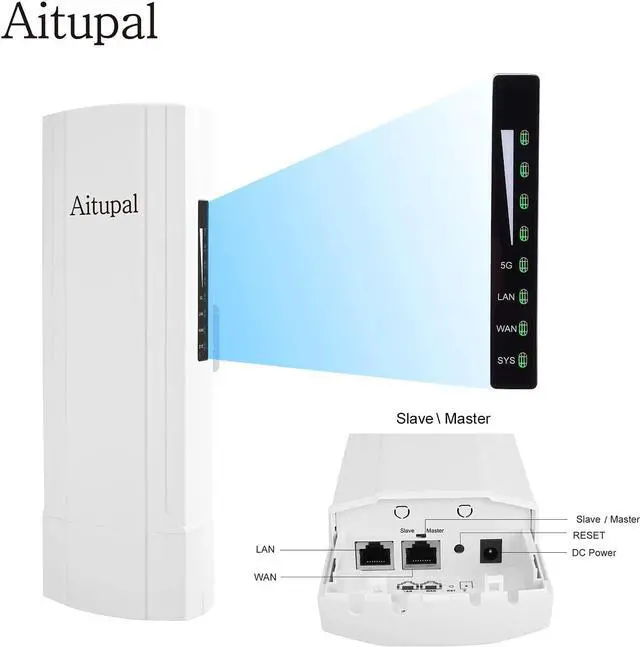
1 * Master/Slave Switch
Signal strength indicator
5G indicator
LAN indicator
WAN indicator
System indicator
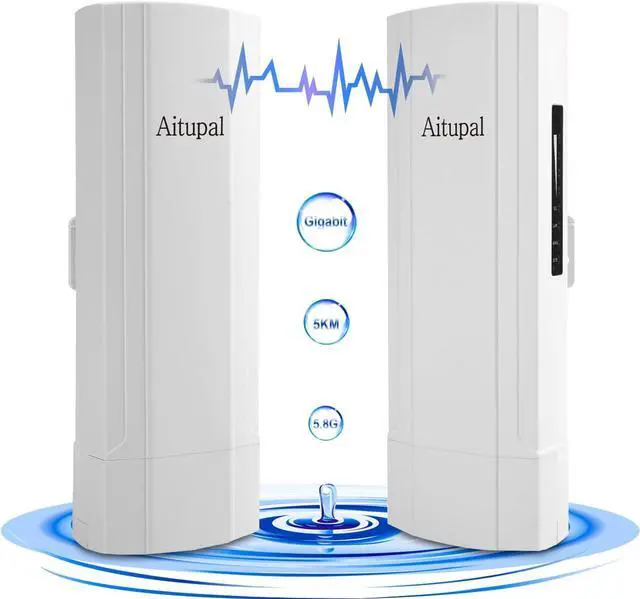
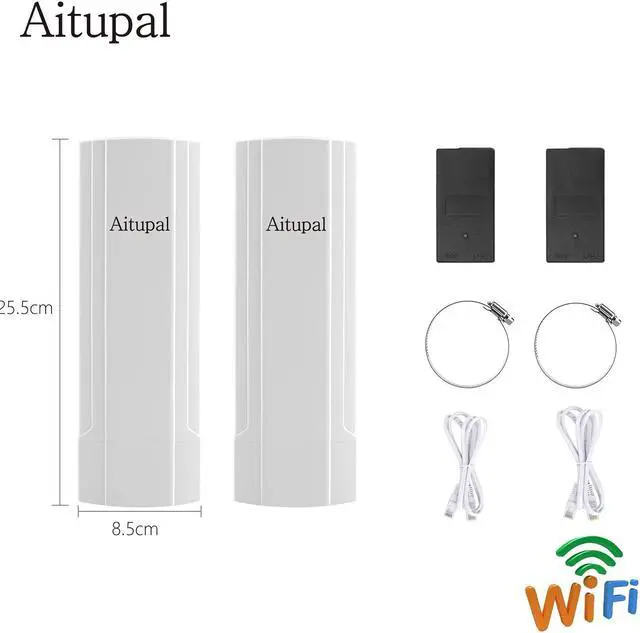
Outdoor Bridge *2
LAN Cable *2
Install Accessory
PoE Adapter *2
User Manual *1
Connect Its WiFi(SSID) ; SSID: Wireless 5.8G-XXXXXX; Password: 66666666
Or Connect by Cable
Before logging in to the management page
Please set the IP address to (192.168.188.X)
WebUI: 192.168.188.253(master); 192.168.188.100(slave)
Defaultpassword: admin
Wireless Bridge Set Up Power over Ethernet Extreme Distances Even in Extreme Weather 14dBi MIMO Panel Antenna Interface Indicator Packages Connect Its WiFi(SSID) Set the IP Address Login WebUI