• $144.99
  • Free 30-day Returns
  • Price alert
    Shop it at NeweggBusiness.

    Meet Your Seller

    Family-Friendly WiFi Booster | 65 Devices, Easy Setup & Rainproof for Backyard Fun

    • Todaair Family-Friendly WiFi Booster
    • Connect to any type of device, including wired devices via Ethernet ports, Wi-Fi routers, gateways, access points. 2.4GHz/300Mbps: Better diffraction capability; 5GHz/867Mbps: Faster network speed, providing greater wifi coverage and high-speed Internet, HD video game use
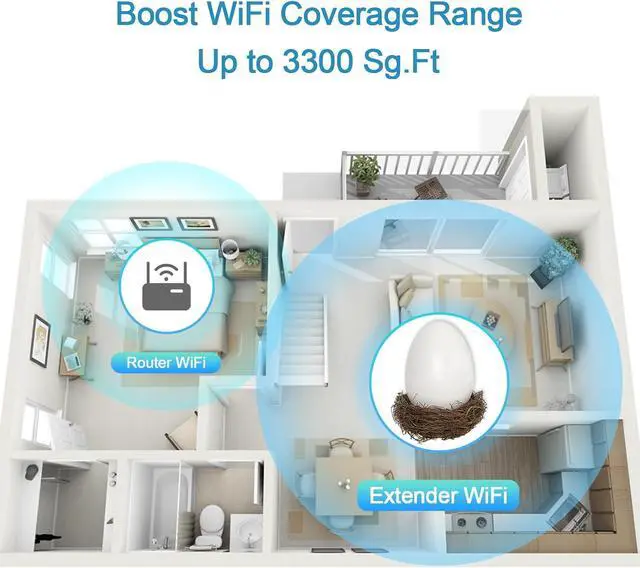
    • Extend WiFi coverage up to 3440 square feet and connect up to 30 devices such as laptops, smartphones, speakers, IP cameras, tablets, IoT devices, etc. Includes enhanced antenna to effectively increase antenna gain and improve wireless stability.
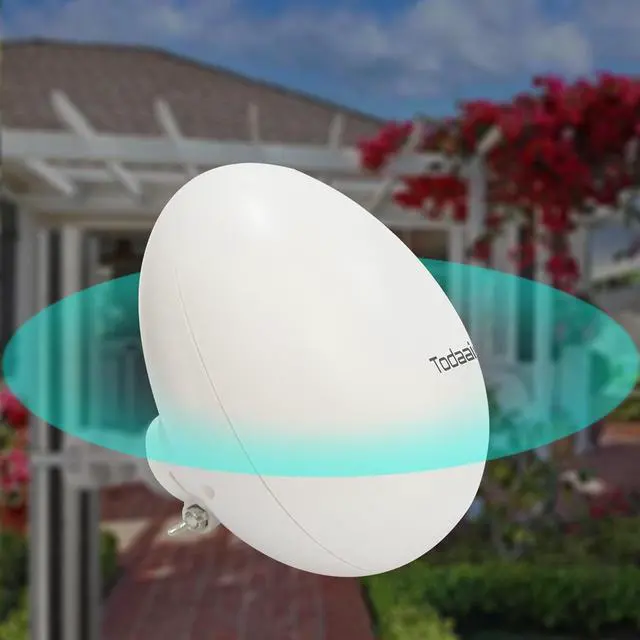
    • TODAAIR WiFi extender adopts IP65 waterproof shell, which is lightning-proof, waterproof, dust-proof, freeze-proof, high-temperature-resistant and corrosion-resistant, ensuring stable operation in harsh environments or cold or hot climates.
    • If you encounter problems with the TODAAIR Dual Band Wifi Extender, please contact us and our technical team will help you solve the problem as soon as possible.
    +
    +
    Overview
    Specs
    Reviews
    avatar

    Any questions? Our AI beta will help you find out quickly.

    Why can't I ever set up my WIFI extender?
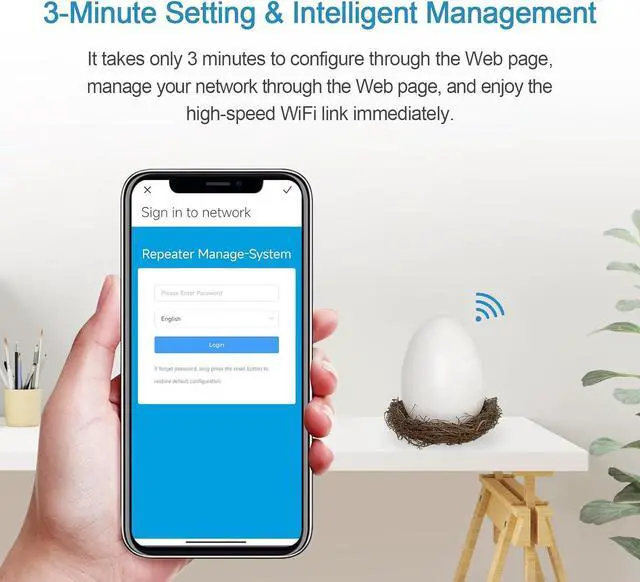
    You need to give the wifi extender on the power, in the cell phone settings wifi page to find TDair to connect, it will jump to the setup page, if there is no jump, you need to enter the browser 192.168.34.1 to enter the setup interface

    You guys advertise this repeater as dual-band, but I don't see any 2.4GHz or 5GHz networks when I connect it!
    This depends on whether your parent router supports dual band 2.4G and 5G

    Why does the WIFI extender keep dropping out?
    1. Move the repeater to a location where the signal of the main router can still maintain more than 1 frame.
    2. Avoid placing the repeater in a place where it will be disturbed.
    3. Try to minimize the number of devices online at the same time.

    I can't find the reset button
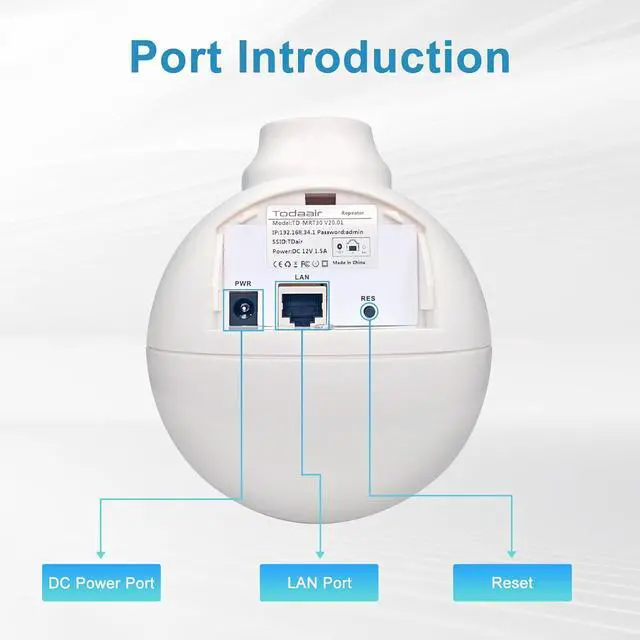
    The reset button is located at the bottom of the product, you need to open the bottom cover to see it; to reset, you need to press and hold the reset button for 15 seconds to reset successfully

    This ItemTodaair Family-Friendly WiFi Booster | 65 Devices, Easy Setup & Rainproof for Backyard FunRecommendationsCudy RE1200 Outdoor AC1200 WiFi5 Outdoor Fast Access Point Mesh, IP65 Waterproof MU-MIMO Support RE Mode, PoE Powered, Business WiFi Solution 1.2Gbps WiFi Extender, wifi extender signal booster for Home | Dual Band 5GHz&2.4GHz, 2024 Fastest, Broader Coverage Than Ever, Internet Booster WiFi Repeater w/Ethernet Port, Alexa/Fire TV Compatible TP-Link AC1900 WiFi Range Extender RE550 | Dual-Band Wireless Repeater Amplifier w/Gigabit Ethernet Port | Up to 2200 Sq. Ft., 32 Devices | Internet Signal Booster | APP Setup | EasyMesh Compatible 2025 Outdoor WiFi ExtenderIP65 WeatherproofWiFi Booster and Signal AmplifierOutdoor WiFi Extender for FarmCourtyardFactoryCampsite

    Warranty & Returns

    Warranty, Returns, And Additional Information

    Warranty

    • Please contact the Seller directly for warranty information. Warranty information may also be found on the Manufacturer's website.
    • CONTACT

    Return Policies

    • Return for refund within: 30 days
    • Return for replacement within: 30 days
    • This item is covered by LEMITE Return Policy

    Manufacturer Contact Info

    LOADING...