Welcome to JOOWIN Store and wish you a good experience. Further help via:
[email protected] JW-EW74 INSTALLATION GUIDANCE:
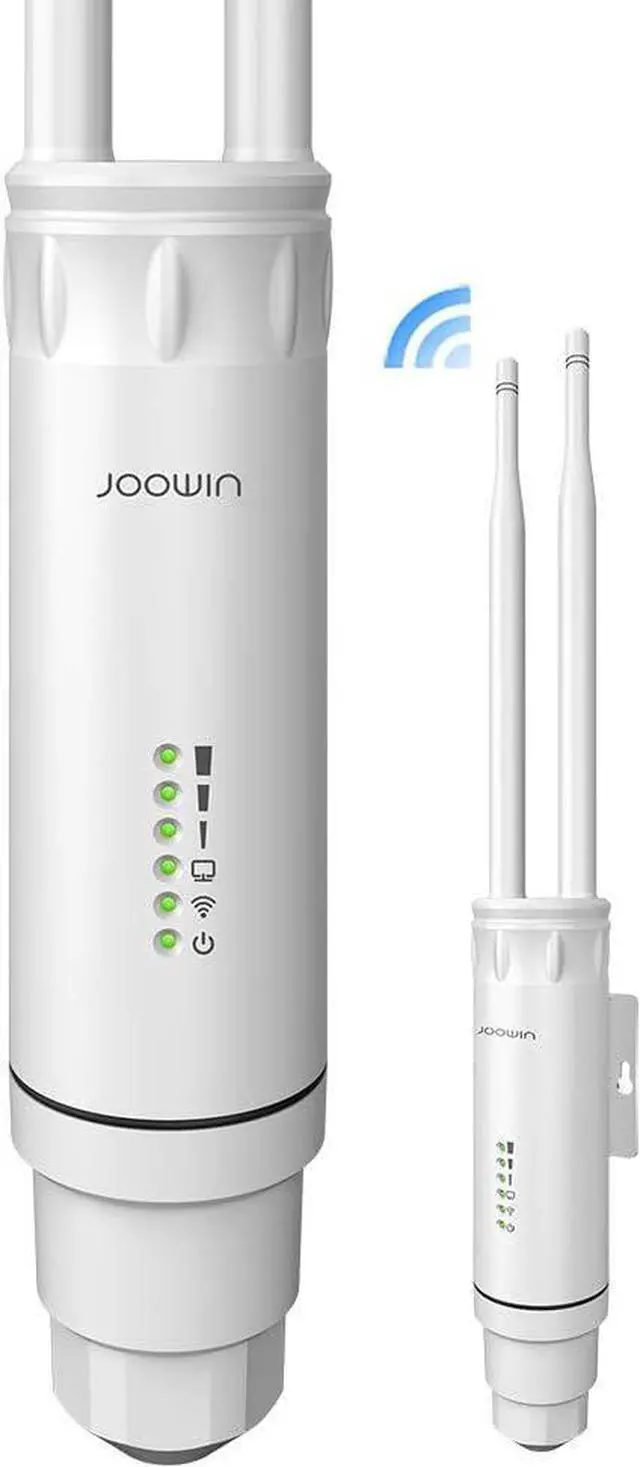
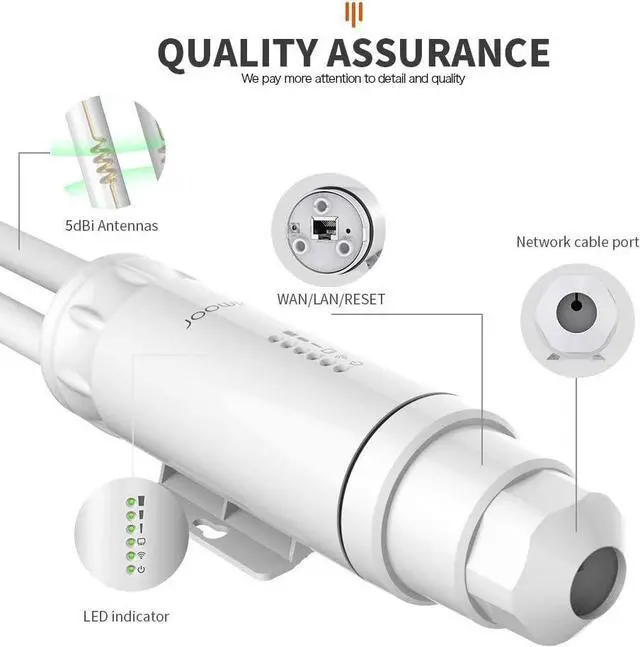
1. Assemble the AP device.
2. Set the computer to obtain the IP address automatically and connect the LAN port of the device to the computer to enter the management page.
3. The device is defaulted to the interface Repeater Mode. The steps to enter the setup page as follows:
(1) Under default configuration, power on the device and wait for the device to start for 90 seconds.
(2) Connect device wireless SSID (default is JOOWIN_EW74)
(3) Open the computer browser, and input 192.168.10.1 to get into the device login page (Default password: admin).
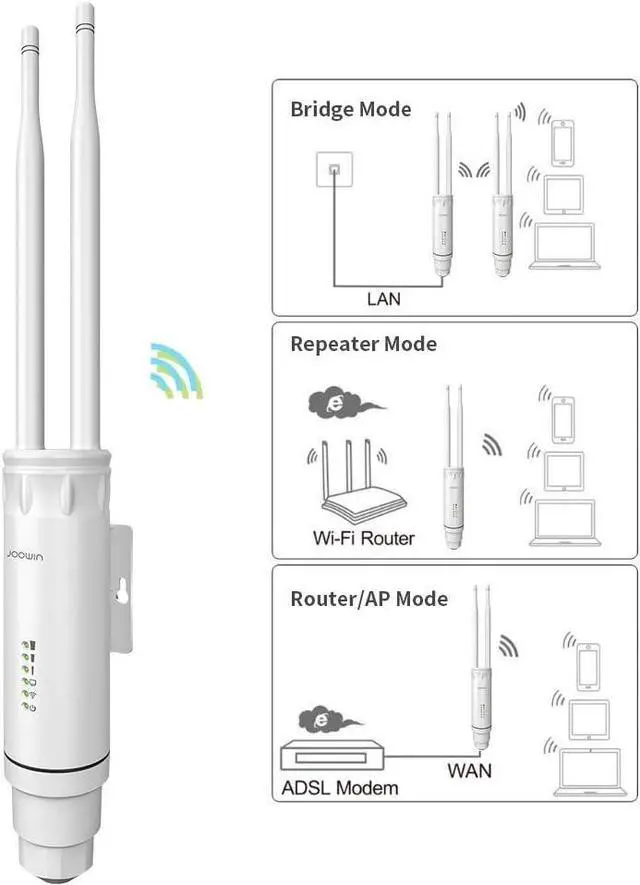
4. When getting into the setting page, there are four working modes in the Wizard: AP Mode, Bridge Mode, Router Mode, Repeater Mode.
5. Click AP Mode and set up IP address and subnet mask. The IP address and subnet mask should be within the same network segment as upper network and can not conflict with IP address from upper network router. After settings, you can visit the device from the IP address you have set just now by connecting internet with WAN port of the device or POE adapter LAN port.
Note: In AP Mode, the IP address from the other devices connected the AP will be allocated by the super network router.
The AP needs to set an intranet IP address (do no set the same IP address as the upper router). If you want to manage the device, manually set the IP address of the same network segment of the intranet IP.
eg: AP Mode: You can set up 2.4G/5.8G wireless SSID, password, channel and country in advance. After setting up, the device's WAN port or POE adapter LAN port connected Internet, other mobile devices can connect the SSID to surf the internet.
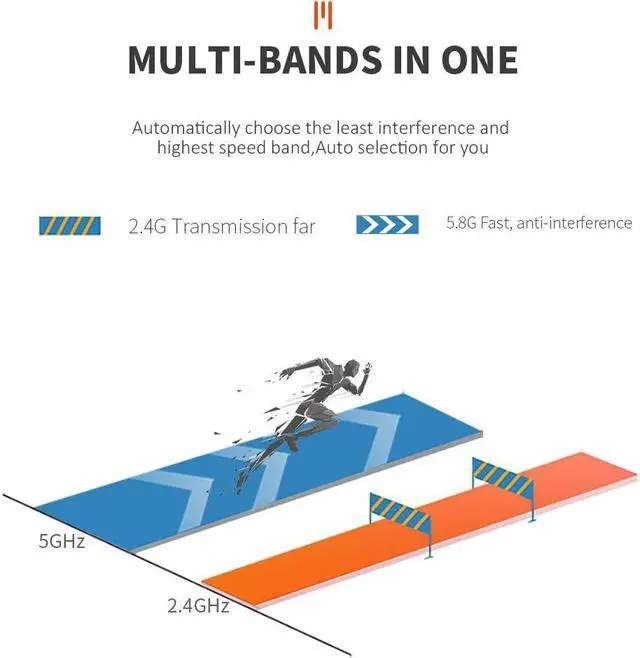
(Note: The SSID in WiFi Unification supports 2.4G and 5.8G simultaneous connection)