Previous page
Next page Application Case1:
I needed high speed internet about 350 feet away from my house. It only took six minutes to get this system set up and running. I'm glad I paid a little extra and went with this 1Gbps model versus the slower 100Mbps model. The receiving bridge gets 285.38 Mbps download speed and 159.87 Mbps upload speed. I'm on Starlink in a very remote location. I do not notice any slowdown at all from my house speeds. I do have direct line of sight.
I also bought a second set, and have hooked them all together. One of the units was set up as the master and the other three were set up as remote receivers. I are only covering distances of about 350 yards, but I have no doubt that the system would handle much longer distances without problem. Throughput to all three remote locations is great, even when streaming video on all three.
Recommended ULNA wireless bridges
1.Unbox everything
2. Switch one unit to A and one unit to B
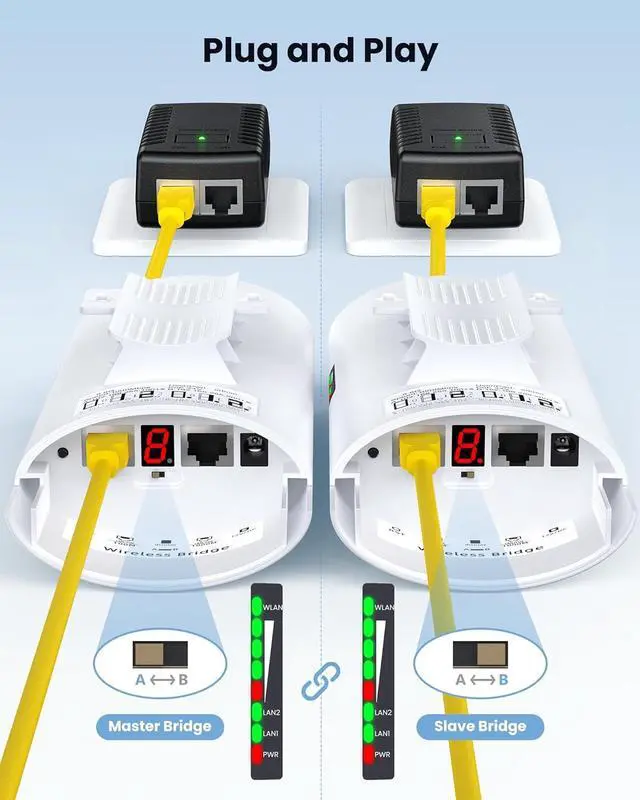
3. Connect the POE to each unit using the Ethernet cable and plug the POE in
3. Wait for them to power up, about 2 min
4. For 5.8 gh Use the tiny reset button to click through until you get a channel with a letter. A,B,CI used C. Then on the other unit do the same. Both units need to be on the same channel
5. You should see them sync
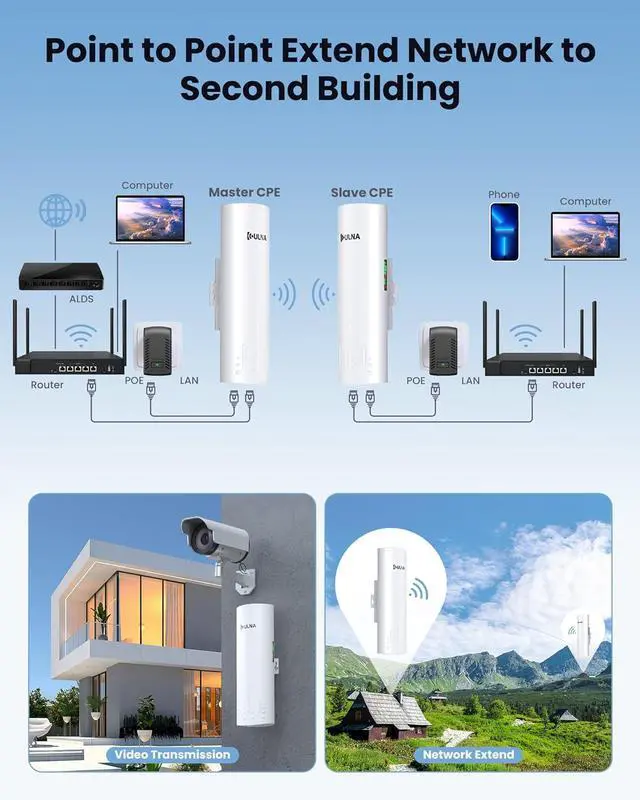
6. Place the unit you designated B in step 2 above at the existing WiFi point and the unit designated A at the location you are trying to establish extended WiFi
7. Plug at cable from your router to the POE then to the unit
8. At the far end plug a cable in the unit, then to the POE then another cable from the POE to your new router
9. Enjoy
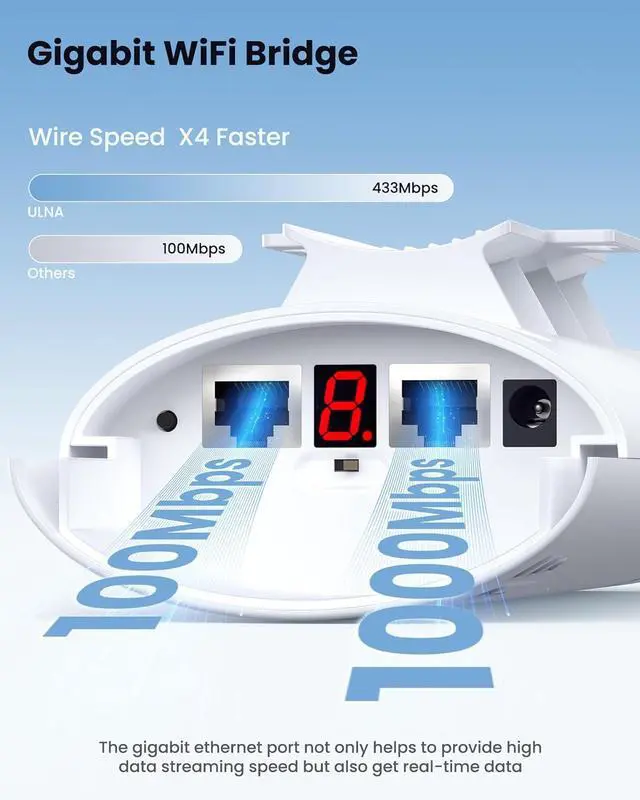
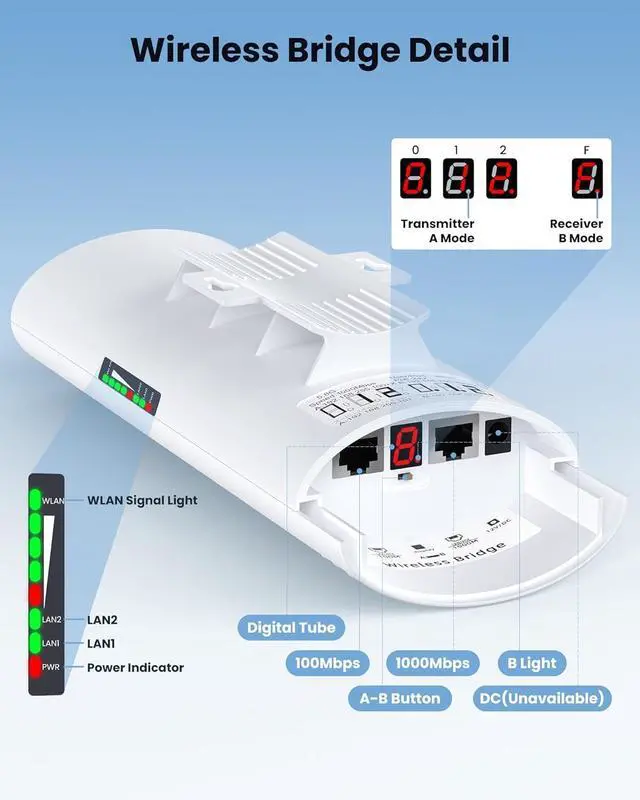
The gigabit wifi bridge has 1 100Mbps and 1000Mbps ports, both of which can accept a 24V PoE power supply, recommended to connect a gigabit port, and the CAT 5e network cable can be used as a power cable to supply power and transmit data. DC power supply is not recommended.Tip: only the PoE port supplies power
The wifi bridge ethernet pairing can be done by dialing without having to access the GUI, plug and play.
Switch button to"A" indicates the bridge as the master bridge (transmitter),Switch button to"B" indicates the bridge as the slave bridge (receiver)
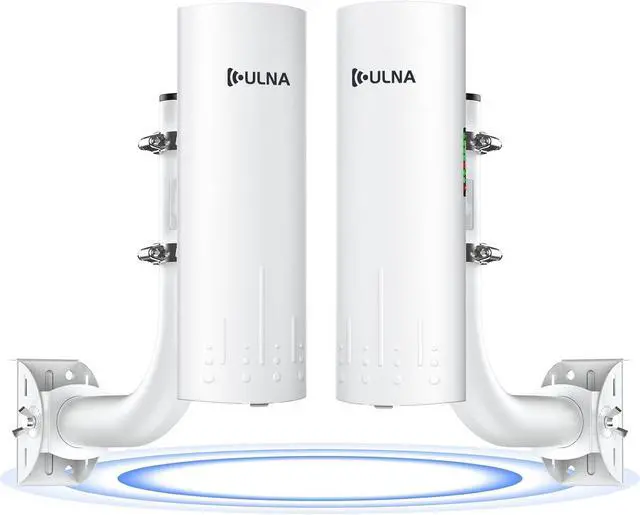
2 x CPE966 1Gbps wireless bridge
2 x PoE Adapter
2 x Network Cable
2 x Metal Cable Tie
1 X User Manual
2.4G channel is used by a large number of people, anti-interference is poor, slow transmission and easy to drop, 5.8G channel is used by a small number of people, the channel is more pure, anti-interference ability is better, faster and farther transmission
Use metal ties (included) to secure the ethernet bridge wireless to the bracket or hang it on the wall. Tip: Install the 2 wireless bridges facing each other as much as possible with a clear and unobstructed view. Recommended ULNA Universal Bracket (ASIN: B0BCNZFNTD)
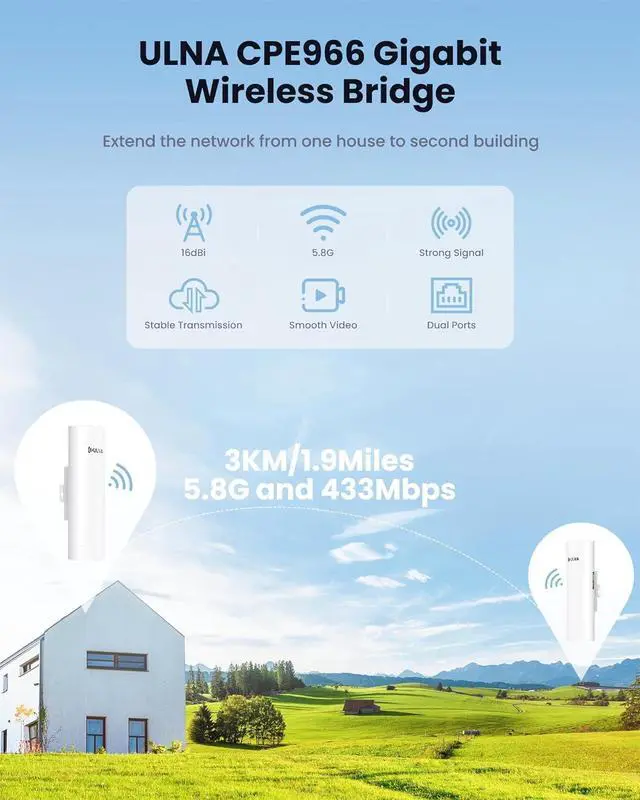
Gigabit port
16dBi antenna
5.8G channel
Transmission distance up to 3 km
Support PC side to modify IP settings
Dialing to set the transmitter and receiver
WDS networking mode, video network dual compatibility
Dynamic MIMO power saving mode (DMPS) and automatic power saving transmission (APSD)
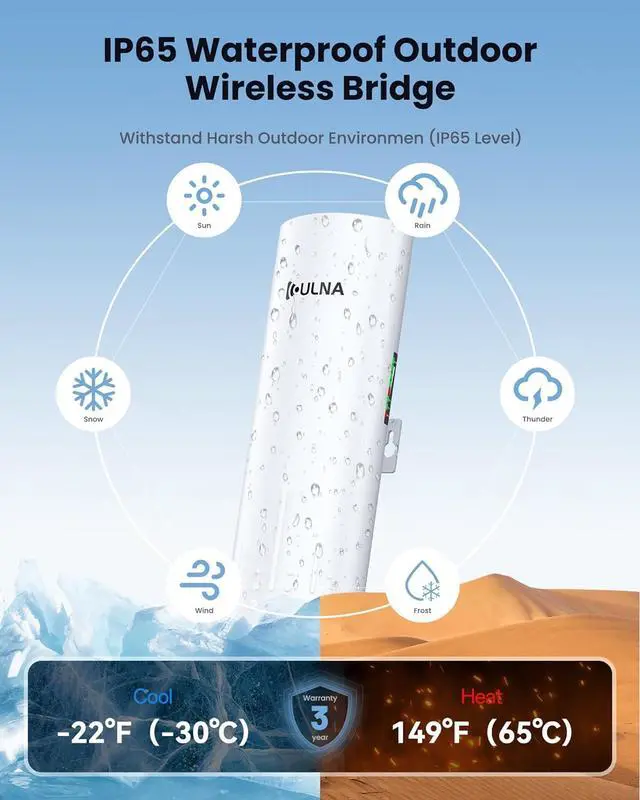
What is the ULNA brand? What is a wireless bridge Practical application Wireless Bridge Set Wireless Bridge and Mount Set Gigabit Wireless Bridge High-speed Internet Easy to Use Wireless Bridge Detail Only One 1Gbps Port DialingPairing Package Included 5.8G Wifi Bridge Outdoor Easy Installation Features Clear and Stable Video Transmission Resistant to Heat, Rain and Snow