How to Use:
Device Access:
1. Insert Data Card: Please use a standard SIM card(not included). Insert from top to bottom.
2. Wired Connection: Connect the device cable to the 4G router RJ45 network port; if you need to connect multiple devices, you can connect a standard network switch to the 4G router and then connect the devices to the network switch.
3. Wireless Connection: Turn on the device, search for WIFI network named 'MIFI_XXXX', for example: click on one of the links, WIFI default password: 1234567890 (you can modify it by entering the password after accessing the WEB interface).
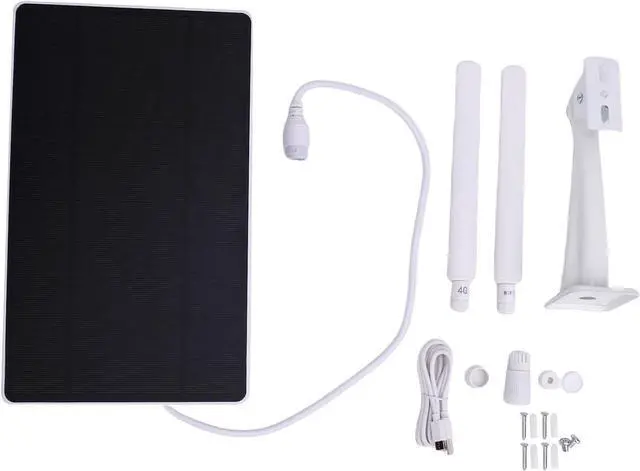
packing list:
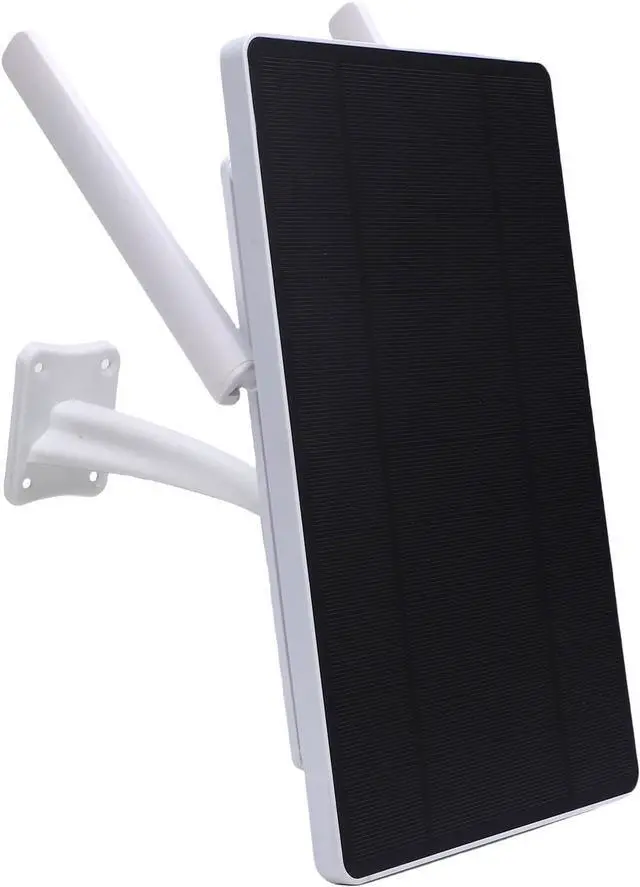
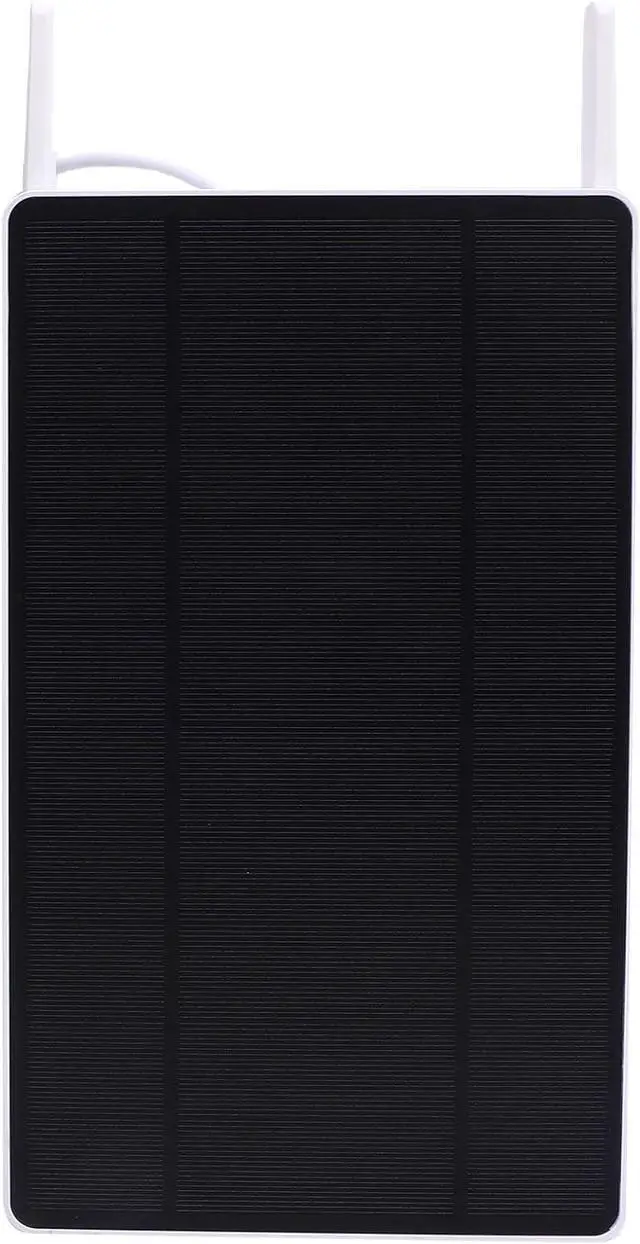
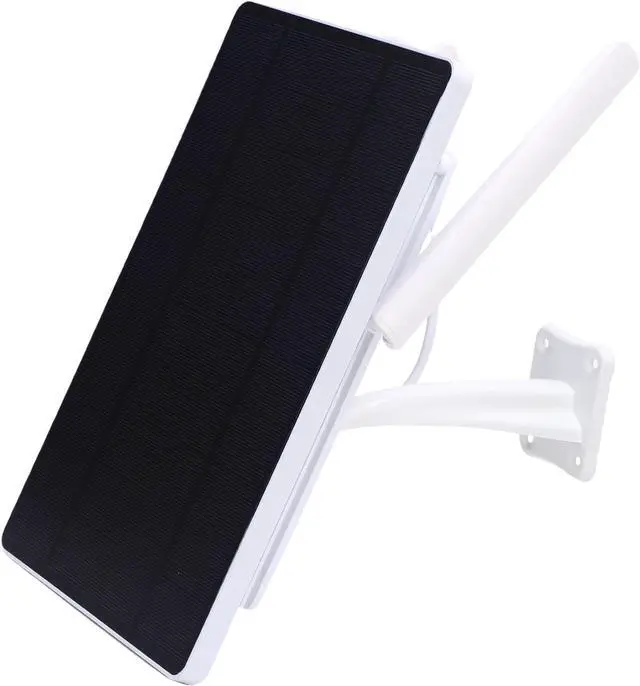
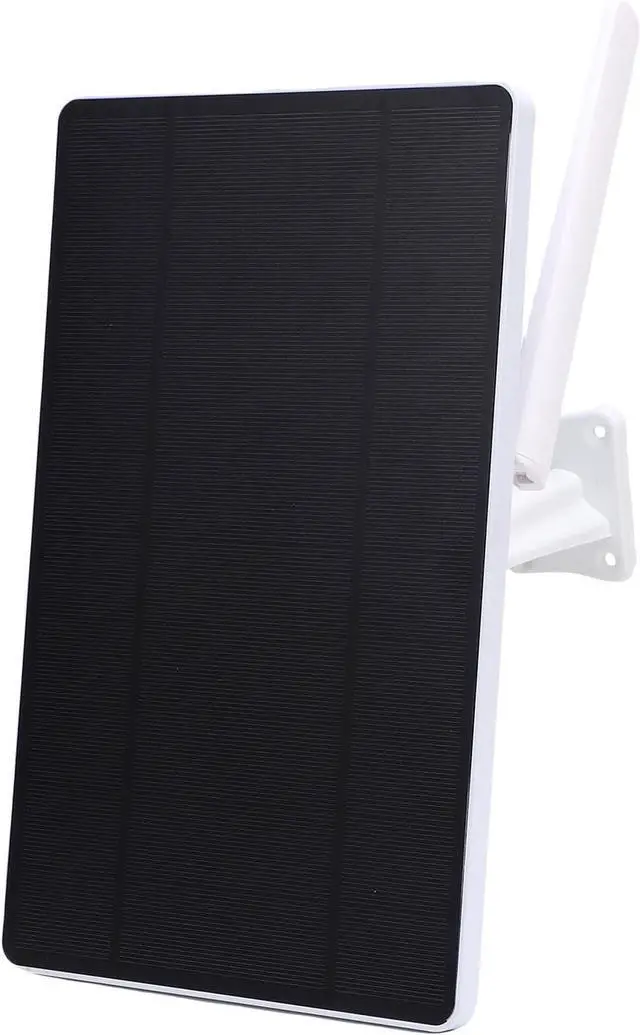
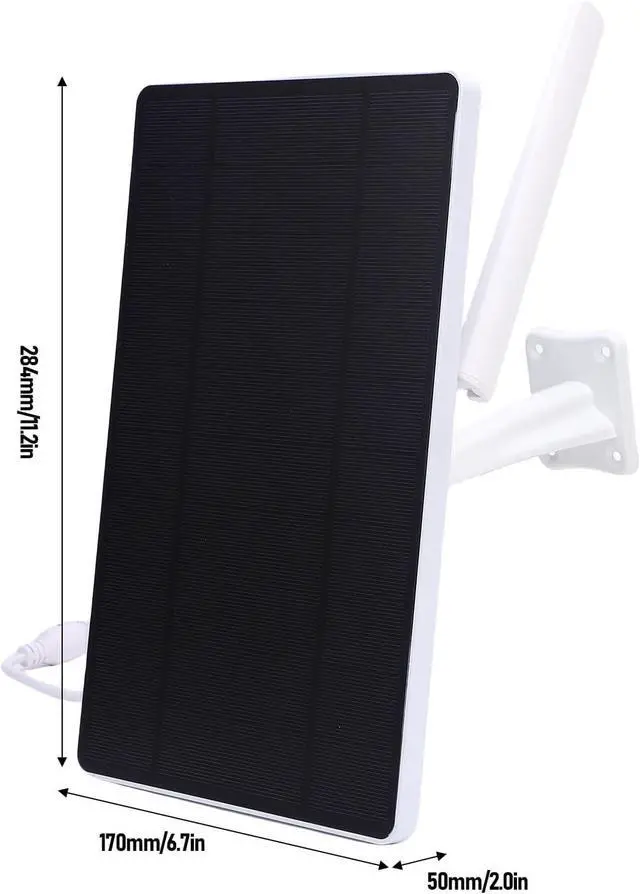
1 x Solar Powered Modem Router
2 x Antennas
4 x Plastic Expansion Tubes
4 x Long Screws
2 x Short Screws
4 x Accessories
1 x USB Cable
1 x Instruction Manual
1 x Mounting Bracket