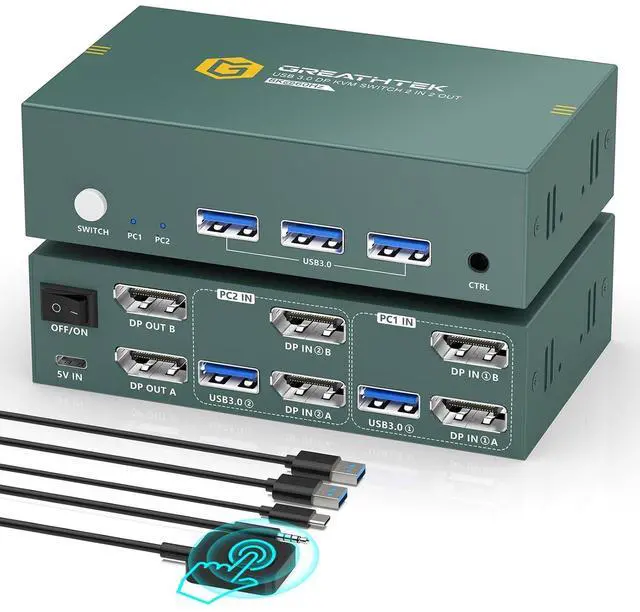
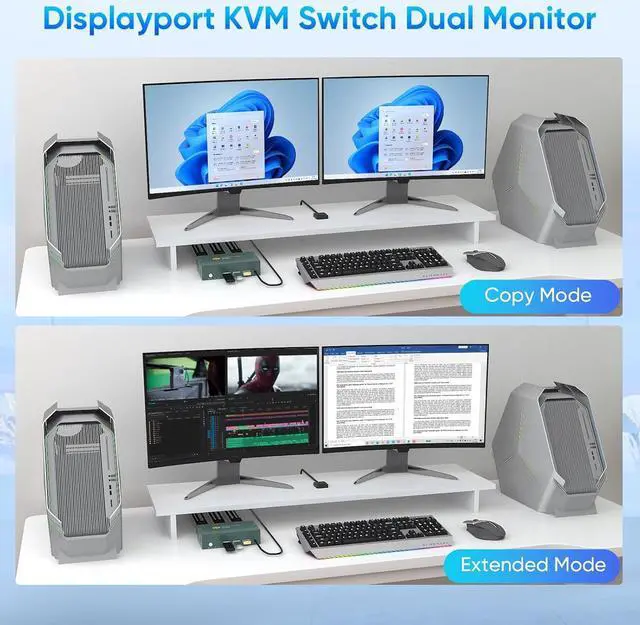
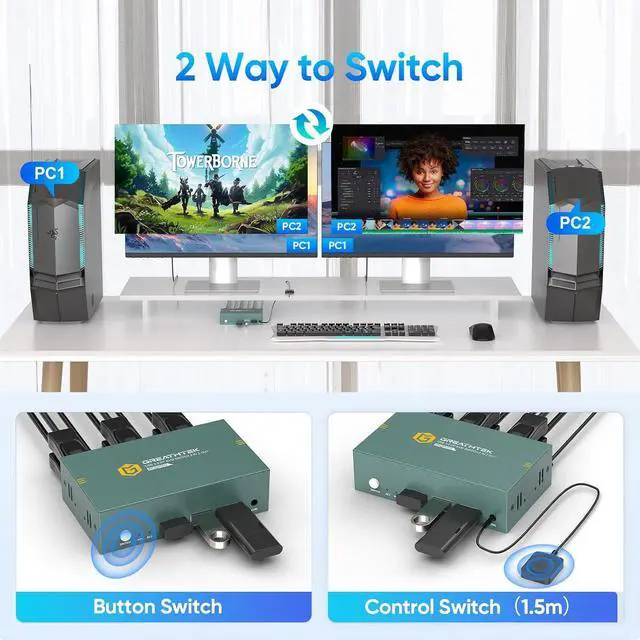
[Displayport Dual Monitor KVM Switch This KVM switch is specially designed to help users manage multiple devices efficiently in a compact workspace. It allows two computers to share dual monitors and three USB 3.0 peripherals including keyboards, mice, webcams, printers and more. With support for both extended and mirrored display modes, you can switch between different systems smoothly without repeated plugging and unplugging.
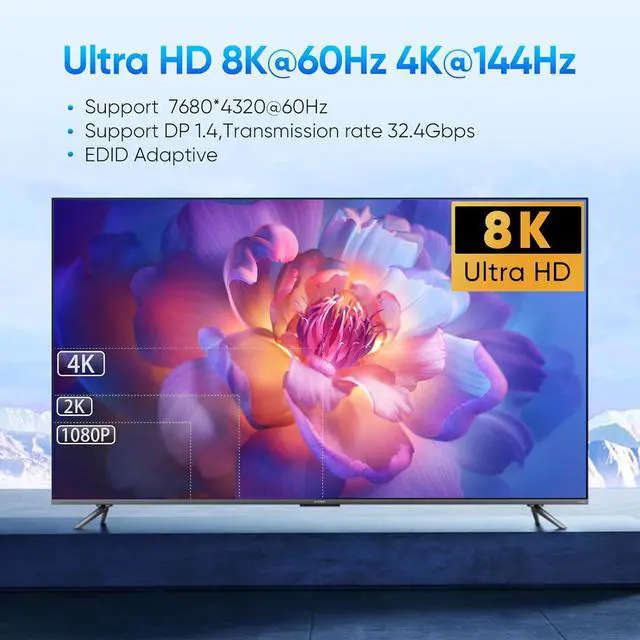
[Ultra HD 8K Visuals] Our kvm switch supports resolution up to 8K@60Hz and backward compatible with 4K@240Hz, 4K@120Hz, 4K@60Hz,plug and play. (Note: To achieve 8K resolution, both your computer and monitor must support 8K, and an 8K DP1.4 cable is required.)
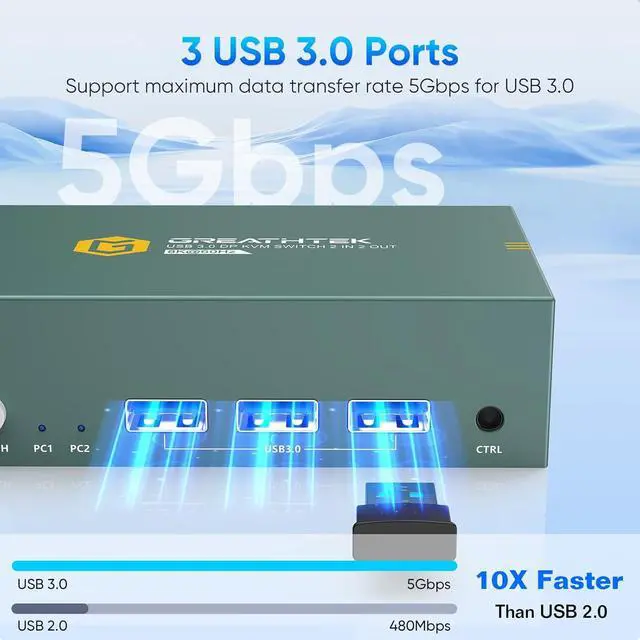
[High-Speed USB 3.0] The monitor switch equipped with three high-speed USB 3.0 ports, this switch delivers fast and stable data transmission at 5Gbps and works with almost all common USB accessories. It remains backward compatible with USB 2.0 devices for wider usability. For stable operation of high-power devices like external hard drives, an external power supply is recommended.
[Flexible Switching Methods]Switching between computers is made easy with either the front panel buttons or the included wired desktop remote. Clear LED indicators let you check the active channel at a glance. The entire system supports plug-and-play functionality with no drivers required, making installation quick and hassle-free.
[Wide Compatibility]Compatible with PC, laptop and gaming consoles; ideal for office, classroom and conference room use; external power recommended for high-power USB devices.Package List:1*displayport dual monitor KVM switch , 2*USB3.0 cables, 1*wired desktop keypad, 1*USB C power cable, and 1*user manual.
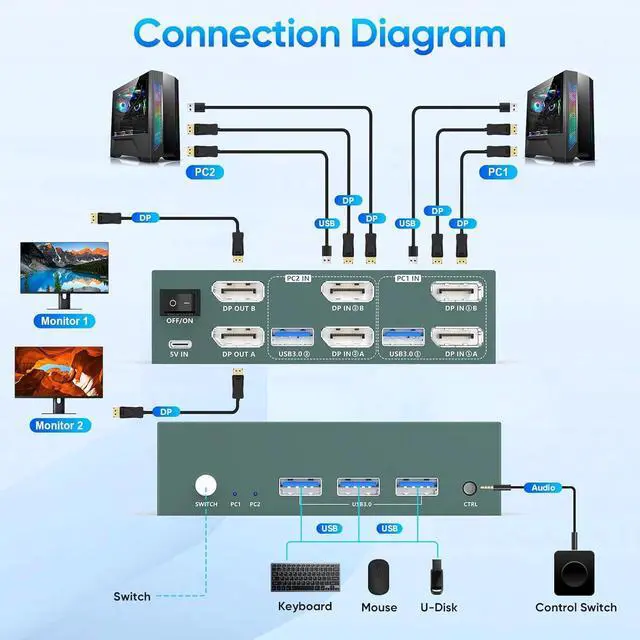
Important Notes 1 1. Please make sure that the computer you connect to itself supports at least two monitors working at the same time. 2.Keep the cable wires properly connected (refer to the picture connection schematic). 3. If you have any problems when using the KVM switch displayport,please contact our professional technical team for help, we provide 24 months replacement service for quality problems, so that you have no worries after the sale
Important Notes 2Each computer needs to be connected with 2*DP cable + 1*USB cable to get dual screen display properly. For computers that do not have 2 DP port, you will need to use them with a reliable adapter or USB C docking station to expand the DP signal. Before purchasing, please make sure that each of your computers can support dual screen display. Test method: You can connect your computer directly to 2 monitors (not via KVM)