

Your Browsing History

Meet Your Seller

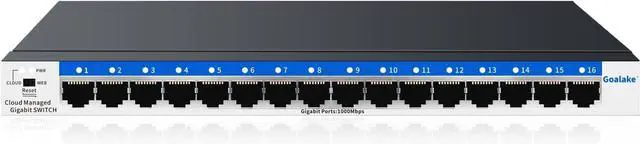


Goalake 16-Port Gigabit Easy Managed Switch for Small Business & Home Office VLAN & QoS, Plug & Play, Fanless Metal, Desktop/Wall Mount
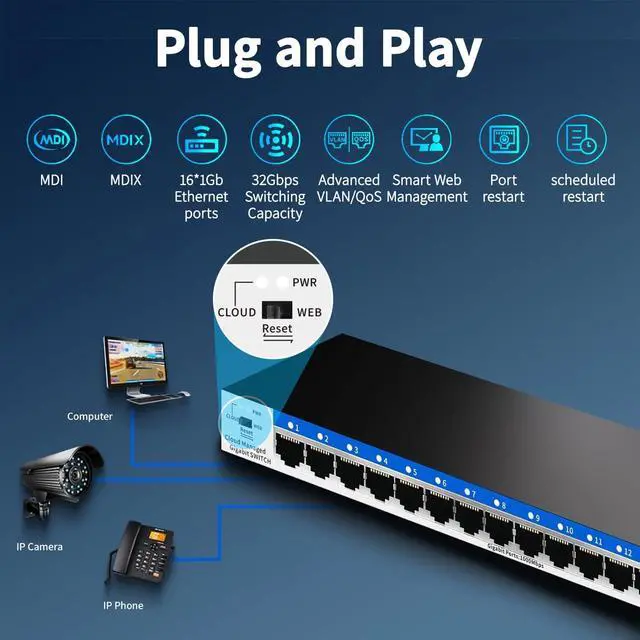
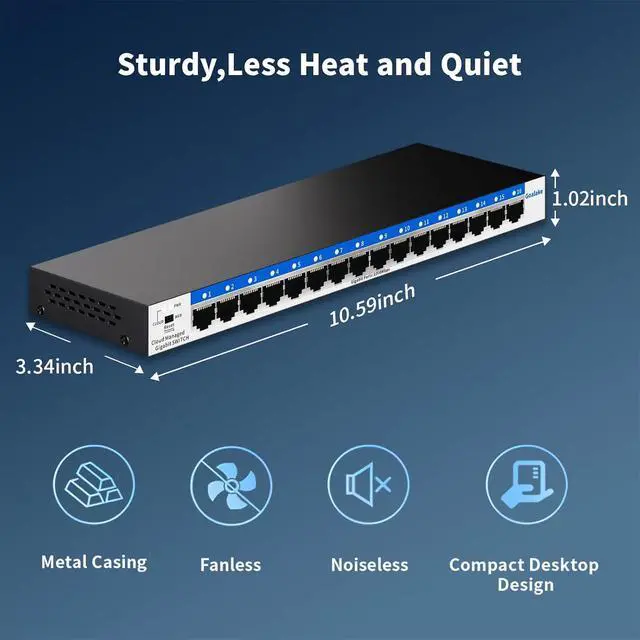
- 16 Gigabit Ethernet Ports for Unlimited Connectivity: Running out of Ethernet ports for your office computers, printers, NAS, and security NVR? This Goalake 16Port Gigabit Managed Switch gives you 16×10/100/1000 Mbps ports plenty of room to connect all your wired devices without daisychaining cheap hubs. Each port delivers full gigabit speed simultaneously, so file transfers, backups, and video streaming never slow each other down. Plug and play out of the box, or dive into advanced settings when youre ready.
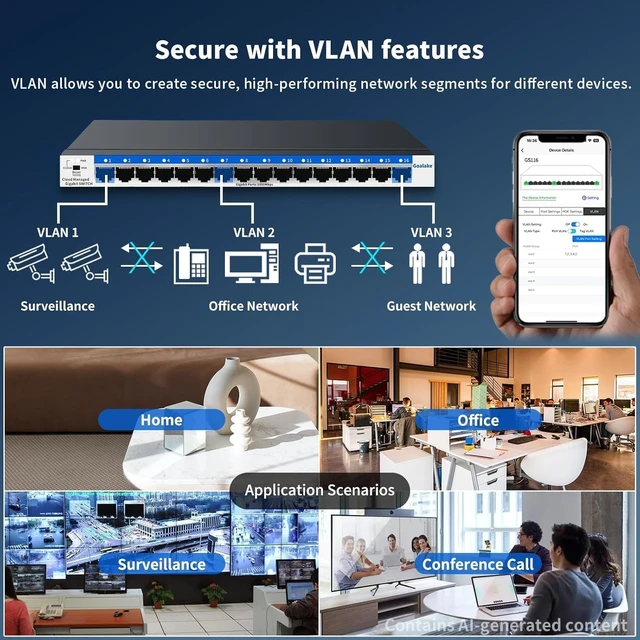
- Effortless Management via APP or Web Interface: Want to separate guest WiFi from your main office network, or make sure video calls get priority over large downloads? Use the free Amitres IOT app (or web interface) to manage this smart switch without any command line. Set up 802.1Q VLANs to isolate traffic one for employees, one for guests, one for security cameras. Turn on QoS to prioritize mainstream media. Monitor each ports realtime bandwidth, reboot a stuck device
+
+
Overview
Reviews

Any questions? Our AI mode will help you find out quickly.
Try me now
Reduce setup time and ongoing maintenance costs with our plug-and-play Cloud Managed Switch. You only need to spend the price of ordinary switches to purchase our switches with cloud management function.
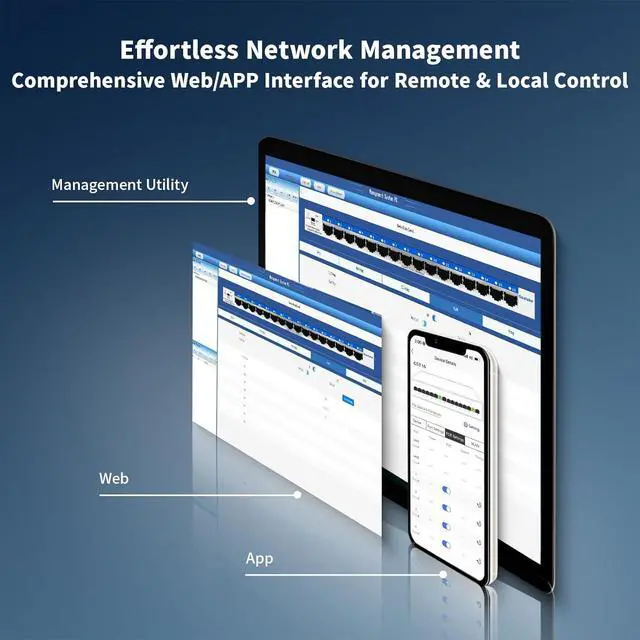
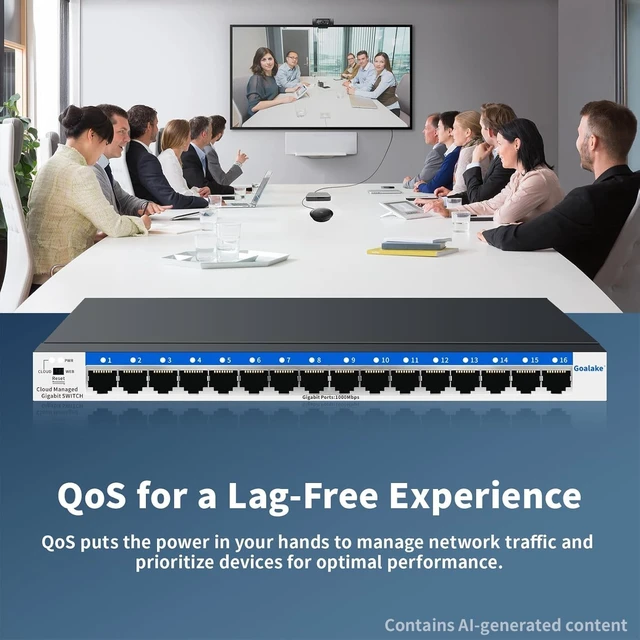
Goalake 16 ports managed switch through its web-based user interface or mobile App and free management utility, offers a variety of useful features, including network monitoring, traffic prioritization, and enhanced QoS.
VLAN helps to build a network with better management and higher security.
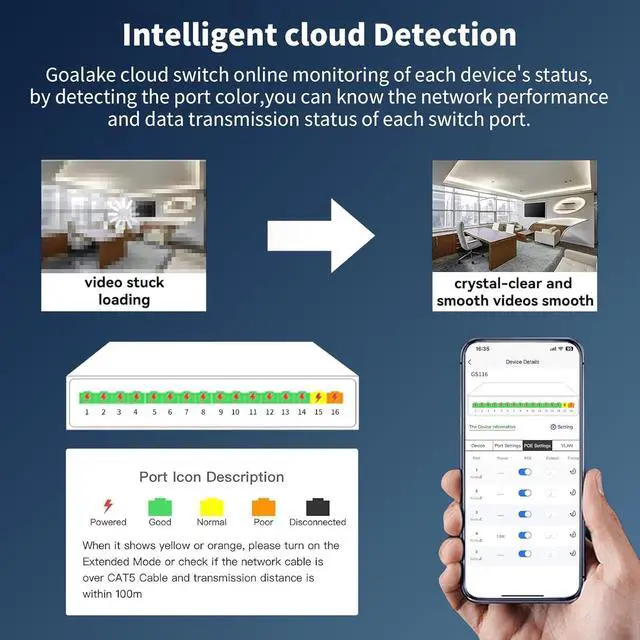
Provide an intuitive visual interface. When remotely managing the switches, you can have a clearer understanding of the network status and device configuration, and quickly locate and solve problems that occur on site without having to visit the site in person.
Why need managed switch?
1.Can have a clearer understanding of the network status and device configuration, and quickly locate and solve problems that occur on site without having to visit the site in person.
2.Support WEB local management, many management methods to choose.
How to manage the switch ?
Open PC browser and enter the device's IP address to manage the switch. the default management IP is : 10.0.0.10, and the computer must be in the same network segment as the IP address. for more details, please check the instruction manual.
Whats the maximum throughput per port?
Gigabit Ethernet (1000Mbps) on all ports
Non-blocking switching No bottleneck when all ports are active
Making Management Easy VALN For Higher Security Why need managed switch?
How to manage the switch ?
Whats the maximum throughput per port?
Goalake 16 ports managed switch through its web-based user interface or mobile App and free management utility, offers a variety of useful features, including network monitoring, traffic prioritization, and enhanced QoS.
VLAN helps to build a network with better management and higher security.
Provide an intuitive visual interface. When remotely managing the switches, you can have a clearer understanding of the network status and device configuration, and quickly locate and solve problems that occur on site without having to visit the site in person.
Why need managed switch?
1.Can have a clearer understanding of the network status and device configuration, and quickly locate and solve problems that occur on site without having to visit the site in person.
2.Support WEB local management, many management methods to choose.
How to manage the switch ?
Open PC browser and enter the device's IP address to manage the switch. the default management IP is : 10.0.0.10, and the computer must be in the same network segment as the IP address. for more details, please check the instruction manual.
Whats the maximum throughput per port?
Gigabit Ethernet (1000Mbps) on all ports
Non-blocking switching No bottleneck when all ports are active
Making Management Easy VALN For Higher Security Why need managed switch?
How to manage the switch ?
Whats the maximum throughput per port?
Warranty & Returns
Warranty, Returns, And Additional Information
Warranty
- Please contact the Seller directly for warranty information. Warranty information may also be found on the Manufacturer's website.
- CONTACT
Return Policies
- Return for refund within: 30 days
- Return for replacement within: 30 days
- This item is covered by Solides Home Return Policy
Manufacturer Contact Info
- For a directory of all our manufacturers, please click below.
- Manufacturers Directory
LOADING...