Your Browsing History
Meet Your Seller
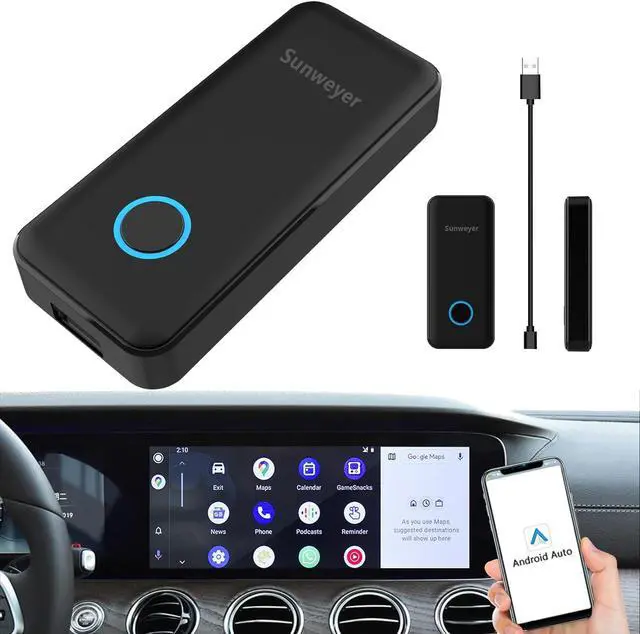
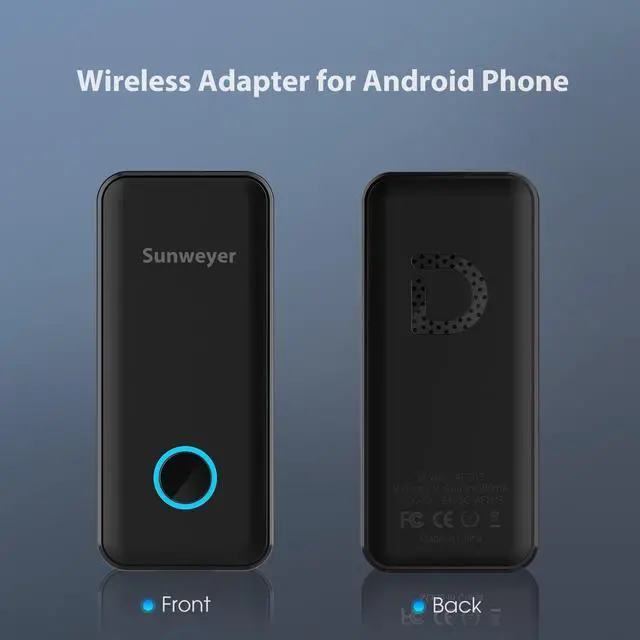
Sunweyer Android Auto Wireless Adapter Plug & Play Auto Connect Bluetooth Wired Android Auto to Wireless Dongle Convert
- Wireless Android Auto AdapterAndroid Auto Wireless adapter converts your wired Android Auto to wireless, free from those mess cables in the storage box. You can enjoy full Android Auto function and keep the original vehicle operation like Navigation, Music, Smart Assistant, Phone calls and messages as before.
- Compatibile with 98% CarsThe Wireless Android Auto dongle is compatible with over 98% car models. Our Android Auto wireless dongle can work with almost all car models which HAVE FACTORY WIRED Android Auto.
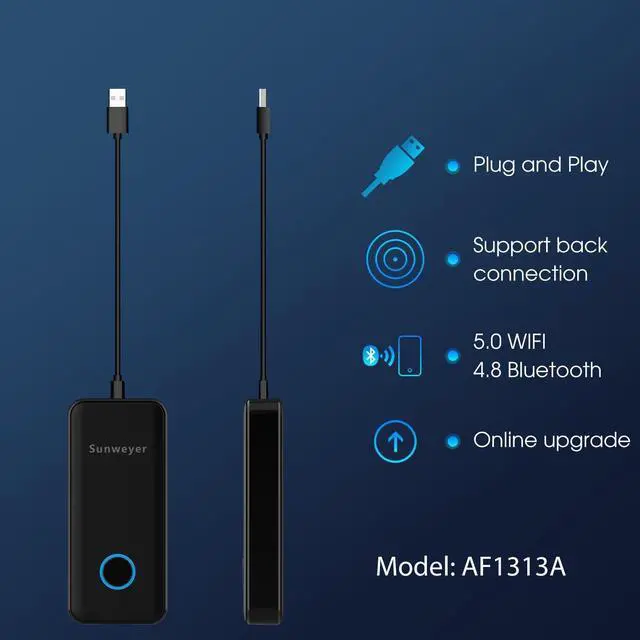
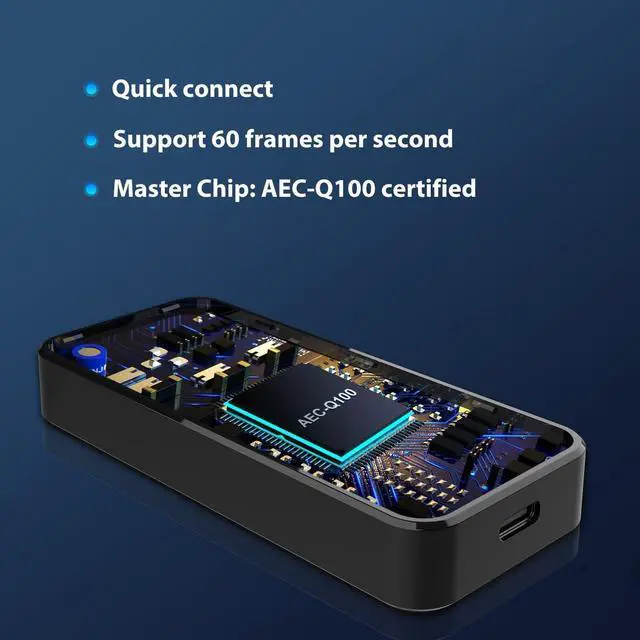
- Fast & StableBuilt-in 2.4G MHz Bluetooth and 5.8G MHz WiFi modules can make the connection stable in range max to 5 meters, you don't have to take out your iPhone out of your pockect after getting into the car.
- Plug & Play Auto ConnectAfter the fist connection manually, you can enjoy the wireless connect automatically ever, all you need is start the engine and it will auto connect to the adapter. No need to install any App on your original car stereo.
- 24X7 Warranty
+
+
Overview
Specs
Reviews
Any questions? Ask CelesteSM will help you find out quickly.
Try me now
Farewell to the messy data cables inside the car!There is no need to connect to the phone through a data cable. Own this carplay box to enjoy a cleaner interior space.
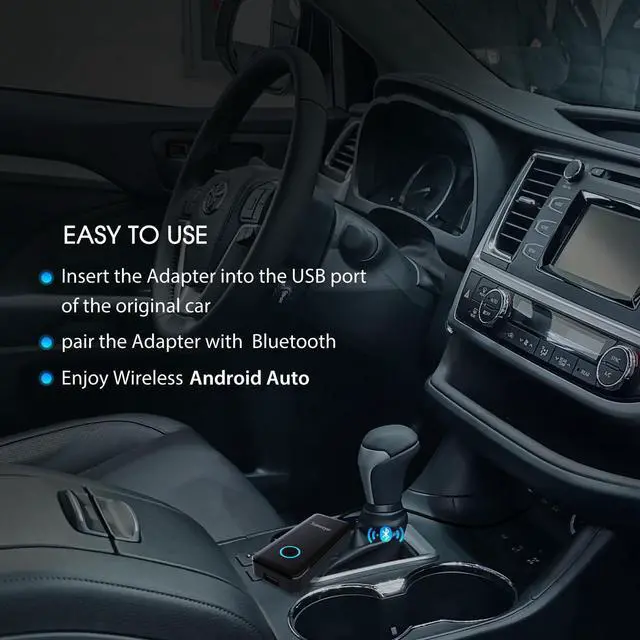
Insert this device into the car, and after pairing the phone with Bluetooth for the first time, it will automatically connect.
This device system can be upgraded online. If your connection is unstable, you can try upgrading this device system.
After the first connection, when you start the car again, the wireless Android Auto will automatically connect.
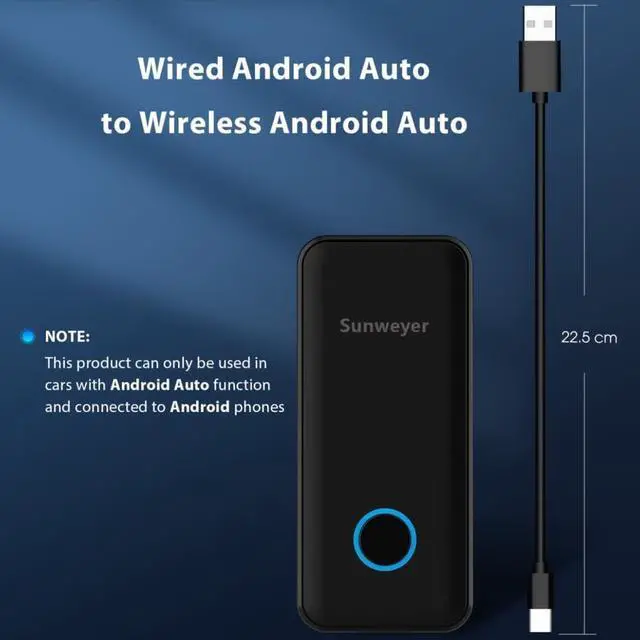
Please note: Your car must have the factory Android Auto function, and your phone is an Android phone. It cannot be used on any Apple device
The wireless connection will not affect the functionality of your original car Android Auto.
If your original wired Android Auto had functions such as touch screen, steering wheel control, and knob control, you can still use these functions after being connected to the wireless Android Auto smart box.
You can use google assistant for voice control, making it easier for you to enjoy navigation, music, and phone calls while driving
Wireless smart box makes it easier for you to connect Start the car and connect automatically to Android Auto Wireless Android Auto connection allows you to enjoy the same functions as the original car

Insert this device into the car, and after pairing the phone with Bluetooth for the first time, it will automatically connect.
This device system can be upgraded online. If your connection is unstable, you can try upgrading this device system.
After the first connection, when you start the car again, the wireless Android Auto will automatically connect.
Please note: Your car must have the factory Android Auto function, and your phone is an Android phone. It cannot be used on any Apple device
The wireless connection will not affect the functionality of your original car Android Auto.
If your original wired Android Auto had functions such as touch screen, steering wheel control, and knob control, you can still use these functions after being connected to the wireless Android Auto smart box.
You can use google assistant for voice control, making it easier for you to enjoy navigation, music, and phone calls while driving
Wireless smart box makes it easier for you to connect Start the car and connect automatically to Android Auto Wireless Android Auto connection allows you to enjoy the same functions as the original car
Warranty & Returns
Warranty, Returns, And Additional Information
Warranty
- Please contact the Seller directly for warranty information. Warranty information may also be found on the Manufacturer's website.
- CONTACT
Return Policies
- Return for refund within: 30 days
- Return for replacement within: 30 days
- This item is covered by PartsPro Store Return Policy
Manufacturer Contact Info
- For a directory of all our manufacturers, please click below.
- Manufacturers Directory
LOADING...