

Your Browsing History
- Free 30-day Returns
$567.99

Meet Your Seller


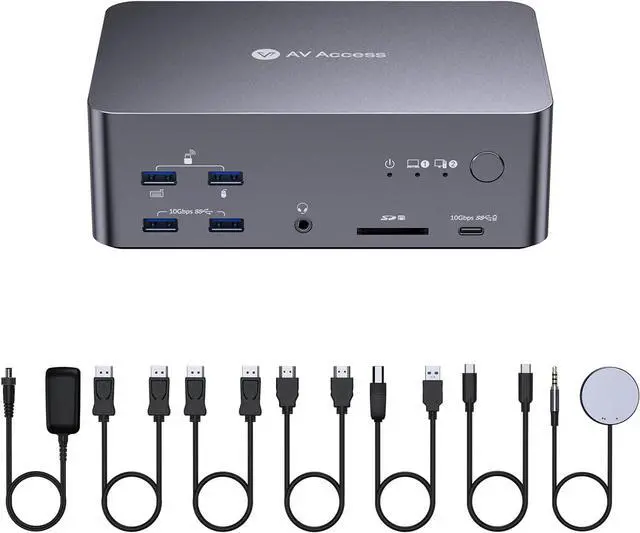
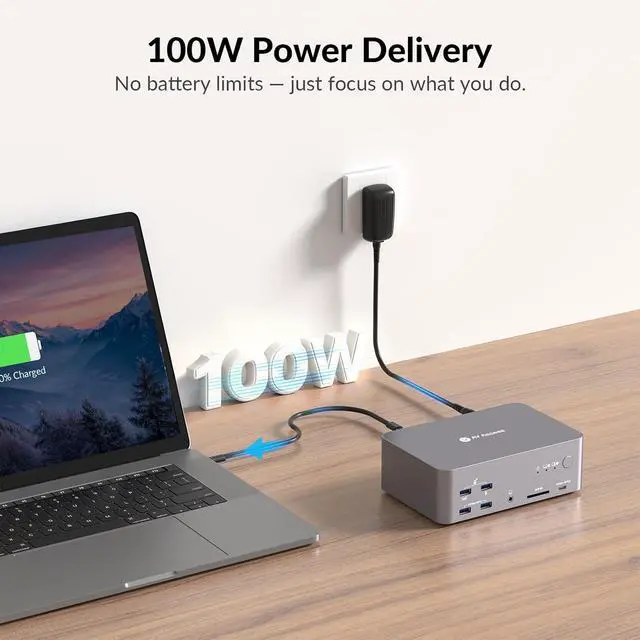
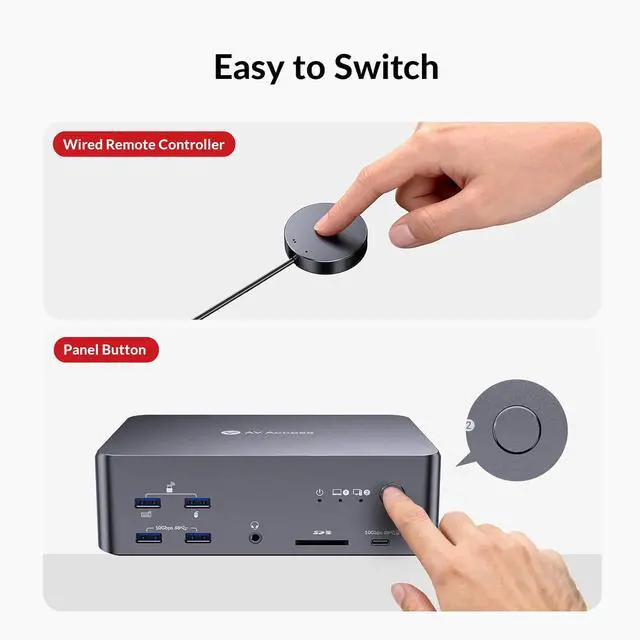


AV Access 8K KVM Switch 3 Monitors 2 Computers, Laptop + Desktop KVM Docking Station, 100W PD, GbE, 2xUSB 3.2 10Gbps USB-C Hub, SD Reader & Remote Switcher for HP, Dell, Chromebook, PC, and More
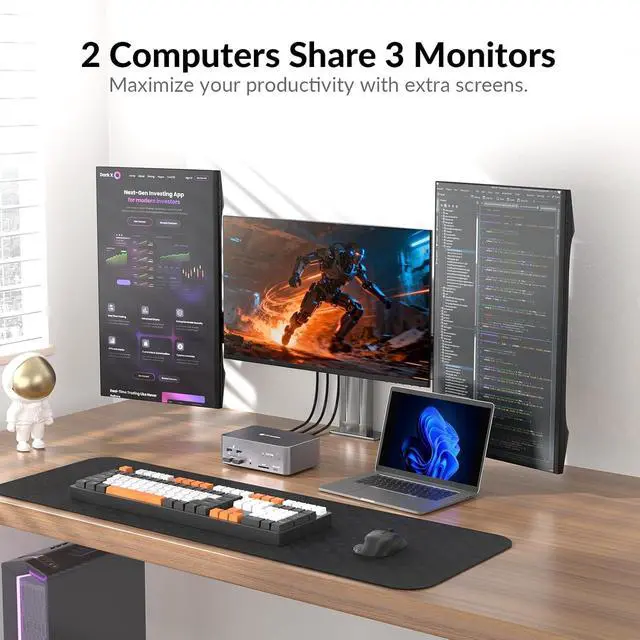
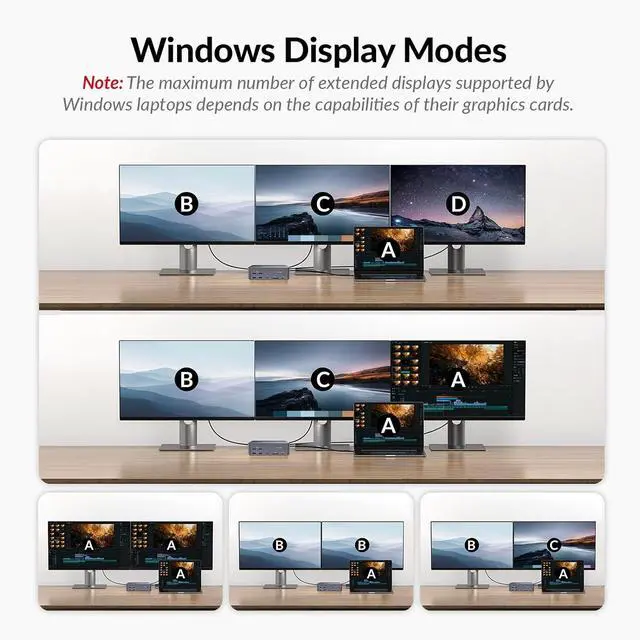
- 2 Computers, 1 Dock Total Control: Connect your USB-C laptop and desktop PC (via USB-B + HDMI + 2 DisplayPorts, all required) to a single dock. Control both with one keyboard, mouse, and up to three monitorsno re-plugging or extra cables. Perfect for hybrid offices and dual-PC setups.
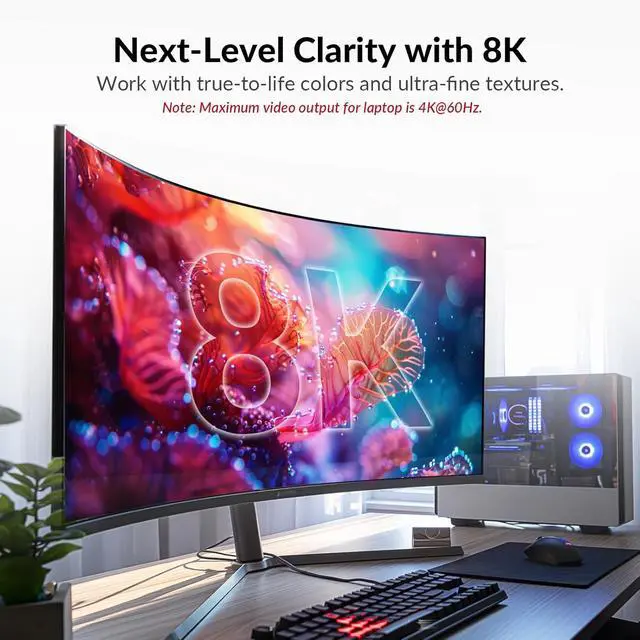
- KVM Switch 3 Monitors 8K Output: Supports up to three external displays through 2 DisplayPorts and 1 HDMI output, delivering up to 8K@30 Hz or 4K@120 Hz quality. Ideal for designers, coders, and traders who need crisp, immersive visuals and fluid multi-display performance.
- Display Performance Note: Your desktop PC can extend to three screens at up to 8K@60Hz or 4K@165Hz. Your laptop can extend to two screens at 4K@60Hz and one screen at 4K@30Hz.
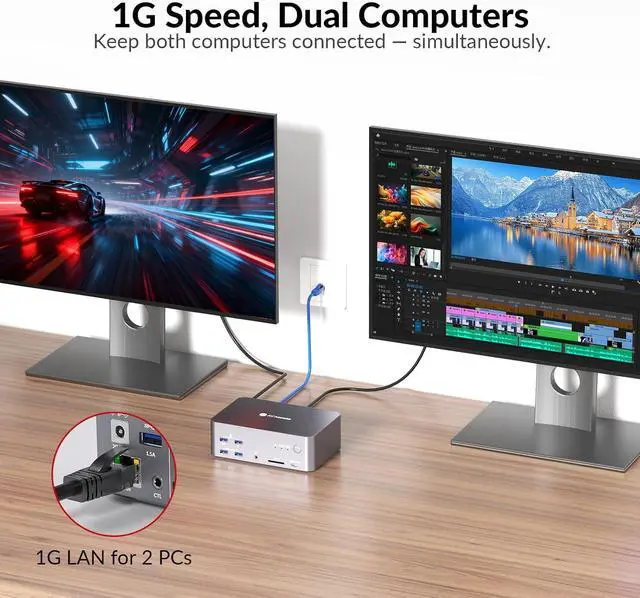
- Always-On 1 Gb Ethernet Connection: Stay connected on both computers at all times. The shared 1 Gigabit LAN port remains active even when switching controlso the other PC can keep downloading, syncing cloud files, or updating without interrupting your work
+
+
Overview
Reviews

Any questions? Our AI mode will help you find out quickly.
Try me now
Does iDock B23 work well for gamers?
Yes, iDock B23 is designed for gamers. There is no latency caused by the KVM switch and it supports up to 8K@60hz, 4K@165hz resolutions. With three monitors, you can multitask more easily - chat with groups, search for tips while you are playing.
Can I use a MacBook with iDock B23?
Not really. If you connect to a Mac device, you will get three duplicate screens.
Does the iDock B23 support G-Sync, FreeSync, and VRR?
Yes, the iDock B23 supports G-Sync, FreeSync, and VRR.
Does iDock B23 support ultra-wide screens?
Yes. iDock B23 supports ultra-wide resolutions such as 3840*1440@240Hz/120Hz, 3840*1080@240Hz/120Hz, 3440*1440@240Hz/120Hz.
Can I use iDock B23 with two monitors?
Does iDock B23 work well for gamers?
Can I use a MacBook with iDock B23?
Does the iDock B23 support G-Sync, FreeSync, and VRR?
Does iDock B23 support ultra-wide screens?
Yes, iDock B23 is designed for gamers. There is no latency caused by the KVM switch and it supports up to 8K@60hz, 4K@165hz resolutions. With three monitors, you can multitask more easily - chat with groups, search for tips while you are playing.
Can I use a MacBook with iDock B23?
Not really. If you connect to a Mac device, you will get three duplicate screens.
Does the iDock B23 support G-Sync, FreeSync, and VRR?
Yes, the iDock B23 supports G-Sync, FreeSync, and VRR.
Does iDock B23 support ultra-wide screens?
Yes. iDock B23 supports ultra-wide resolutions such as 3840*1440@240Hz/120Hz, 3840*1080@240Hz/120Hz, 3440*1440@240Hz/120Hz.
Can I use iDock B23 with two monitors?
Does iDock B23 work well for gamers?
Can I use a MacBook with iDock B23?
Does the iDock B23 support G-Sync, FreeSync, and VRR?
Does iDock B23 support ultra-wide screens?
Warranty & Returns
Warranty, Returns, And Additional Information
Warranty
- Please contact the Seller directly for warranty information. Warranty information may also be found on the Manufacturer's website.
- CONTACT
Return Policies
- Return for refund within: 30 days
- Return for replacement within: 30 days
- This item is covered by Chinathru Trading Co., Limited Return Policy
Manufacturer Contact Info
- For a directory of all our manufacturers, please click below.
- Manufacturers Directory
LOADING...