











Wireless Headset with Mic for Work

Smart Dock Integrates Charging &Phone Stand
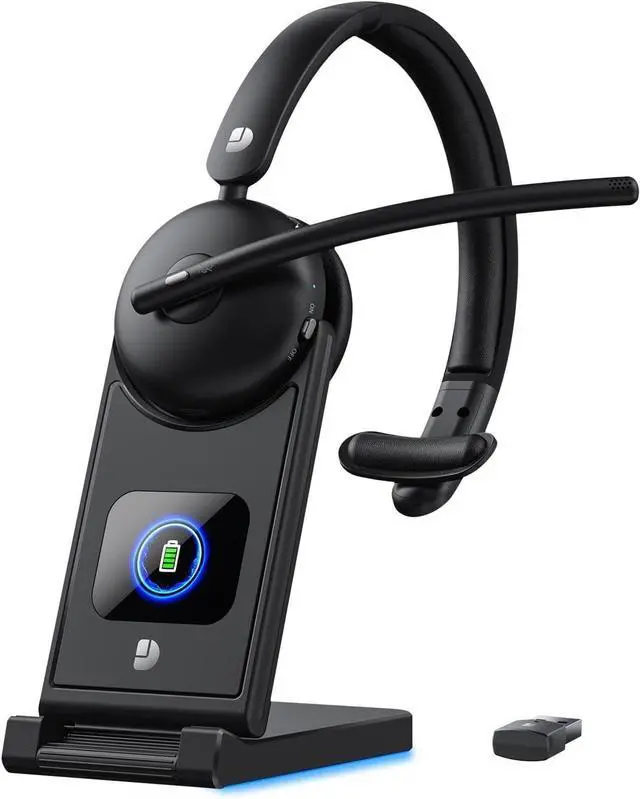
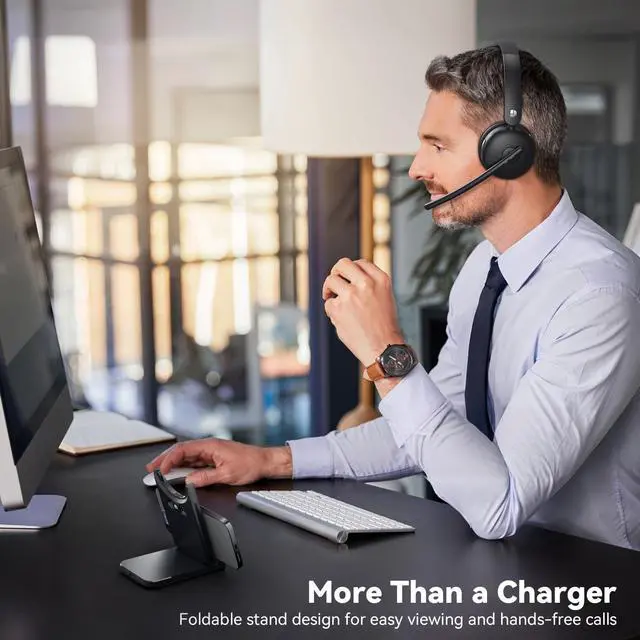
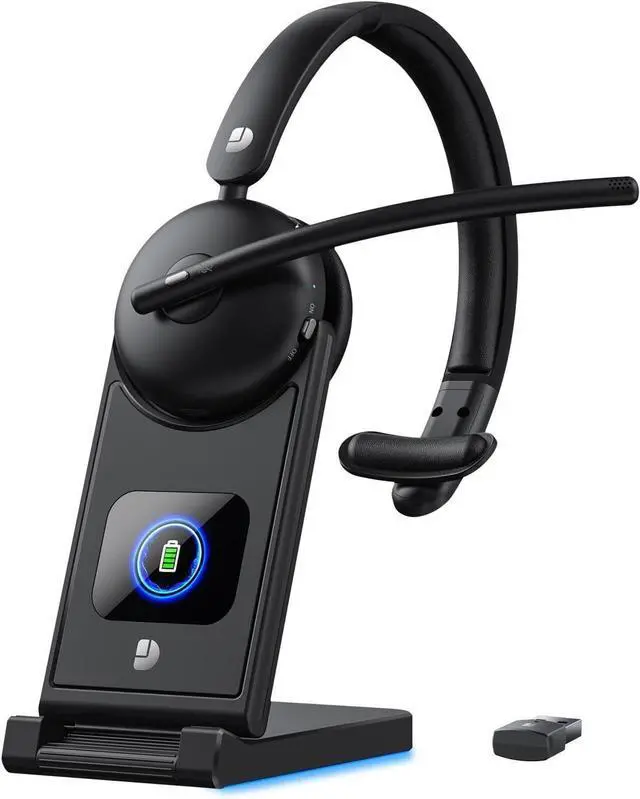
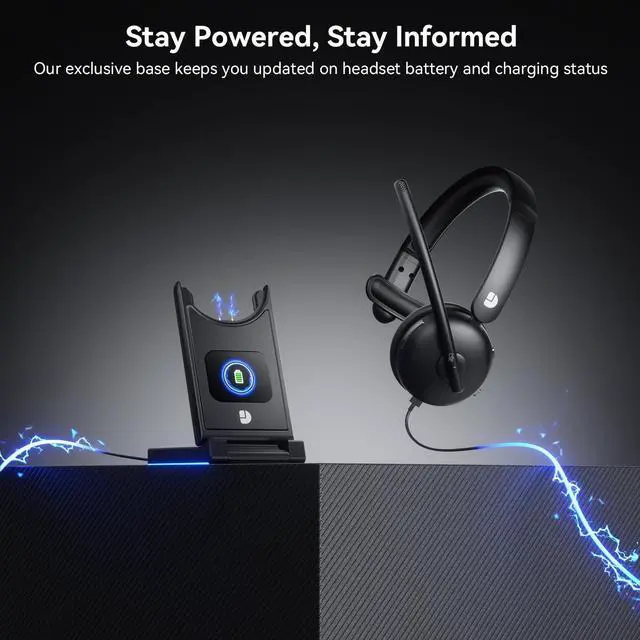
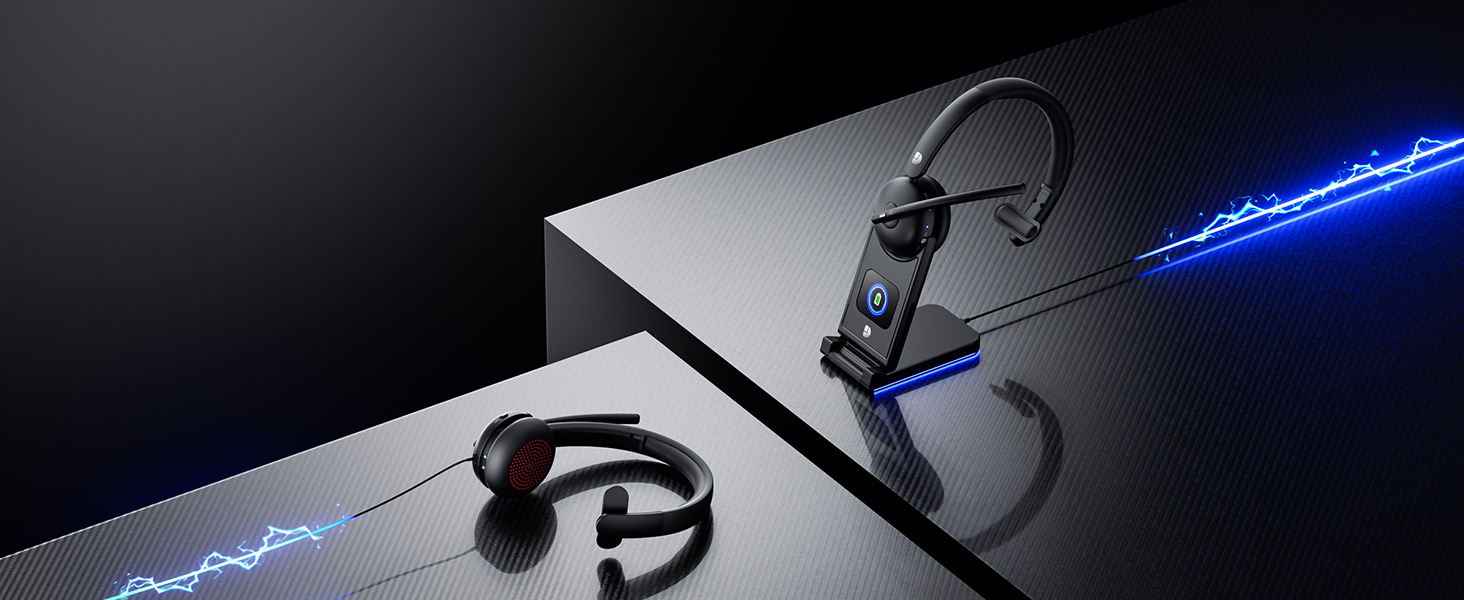
Dock charges the headset, holds your phone as a stand, and stores the USB adapter neatly

Does the wireless headset with mic charging base accurately display the battery level?
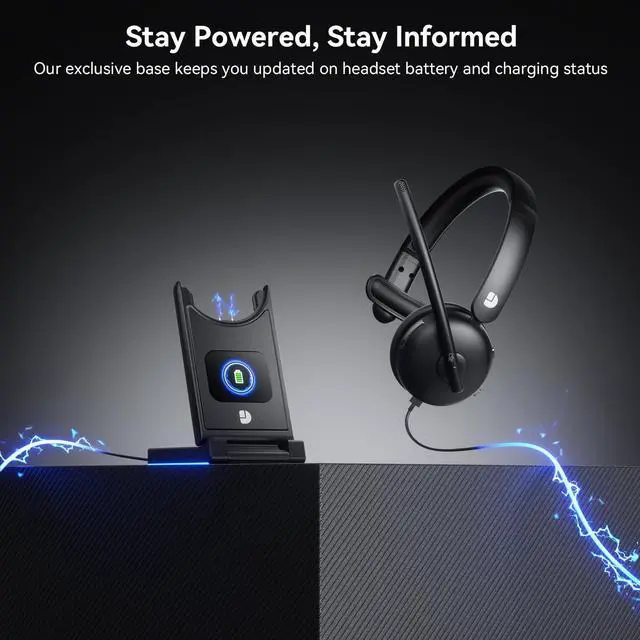
Of course! Our multifunctional charging base has a built-in LED screen that displays the battery level and charging status of your wireless headphones in real time. When not in use, it can also store your earphones and USB adapter
How do I connect these wireless headphones to my computer?
When the wireless headphones with mic is paired with the computer, please check the sound settings of both the computer and the software to make sure [DY109] is selected as the default output and input device (speaker/microphone)
How to clear the pairing records?
Press and hold the MFB and “Volume-” button simultaneously for at least 5 seconds. When the indicator light remains purple for 2 seconds, initialization is complete. After initialization, the headset all Bluetooth pairing information will be deleted
How can I check the remaining battery level of my wireless headset with microphone?
When the headset needs to be charged, it will prompt "Low battery please charge"Place the headset on the charging base, the display shows the remaining batterylevel of the headset
Is it possible to convert voice to text through microphone?Such as google voice typing
Sure. Once you have confirmed that the device is successfully connected to the headphones, please allow the microphone to connect to enable the voice-to-text feature.
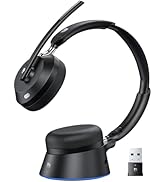


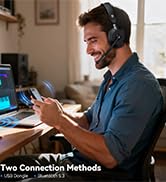
Wireless Headset with Mic
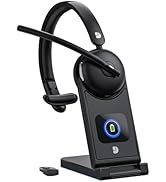


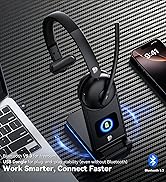
Wireless Headset with Mic

Empowering Lives with Technology. Our brand is dedicated to providing convenience and enjoyment in this fast-paced digital era. With a focus on innovation and quality, we offer electronics that enhance your daily life. From high-quality wireless headsets to efficient laptop coolers. Experience excellence with our meticulously designed and crafted products, backed by top-tier suppliers and advanced technology.
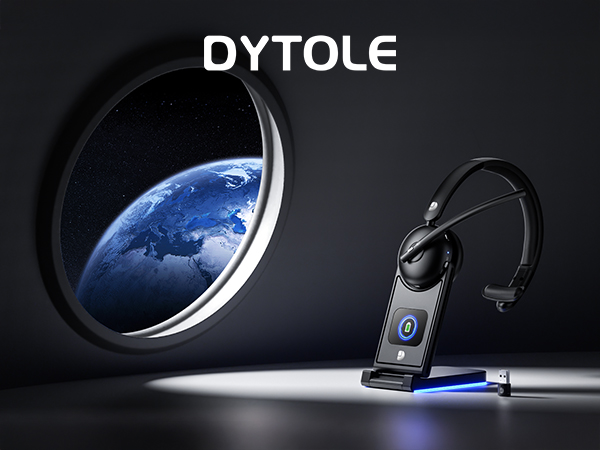
Wireless Headset with Mic for Work
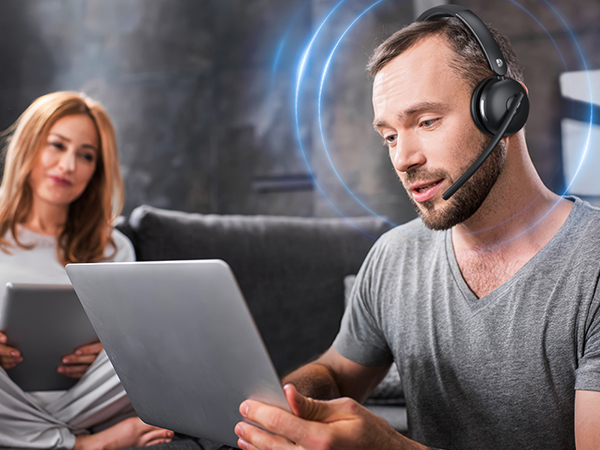
AI Noise Cancelling for Pro-Level Clarity
Advanced AI noise reduction 99.9% of background noise for professional clarity calls anywhere
Bluetooth 5.3 & 2.4G Dongle for Instant Pairing
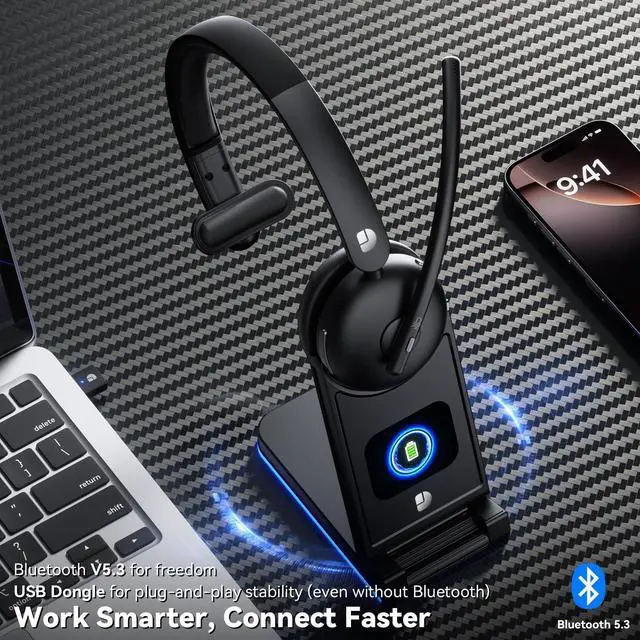
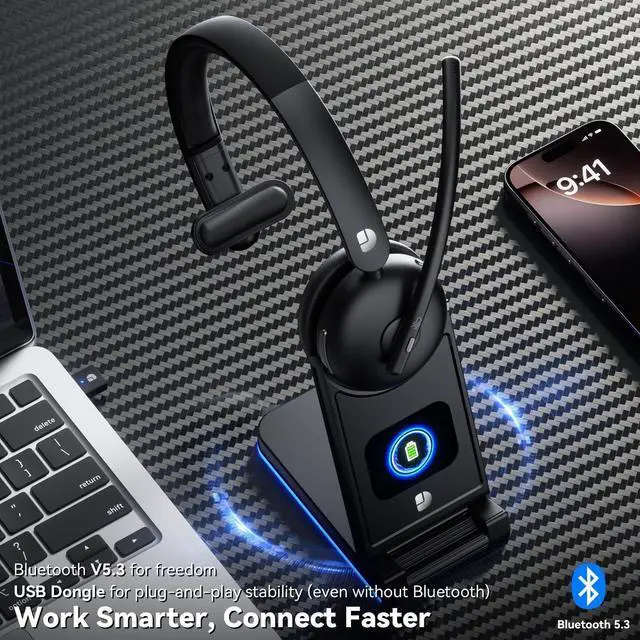
Bluetooth connectivity for wireless freedom / Plug-and-play USB seamless pairing for zero latency
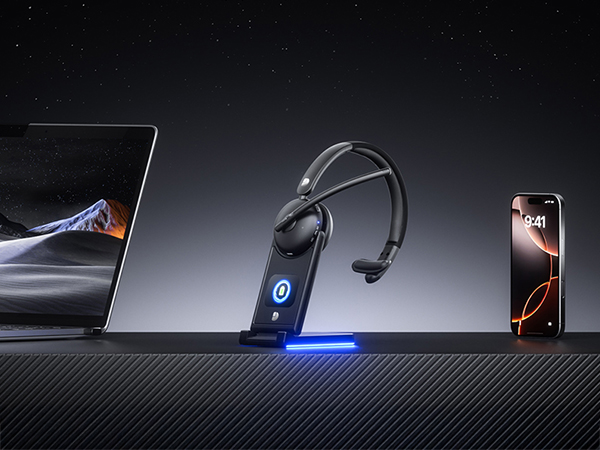
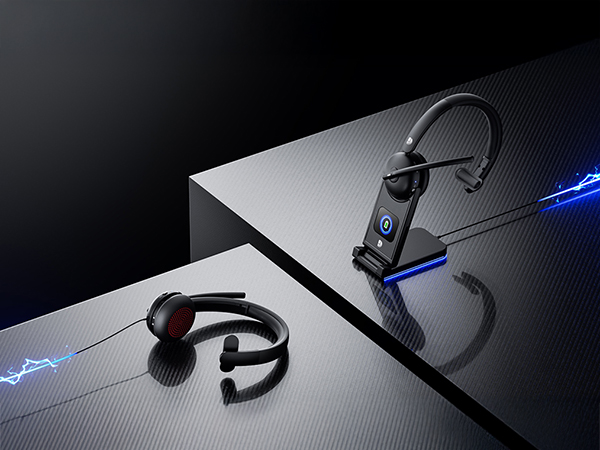
USB-C or Dock Charge—Stay Powered Anytime
5min adds more 2H talk | the dock shows battery level and you always know your charge status
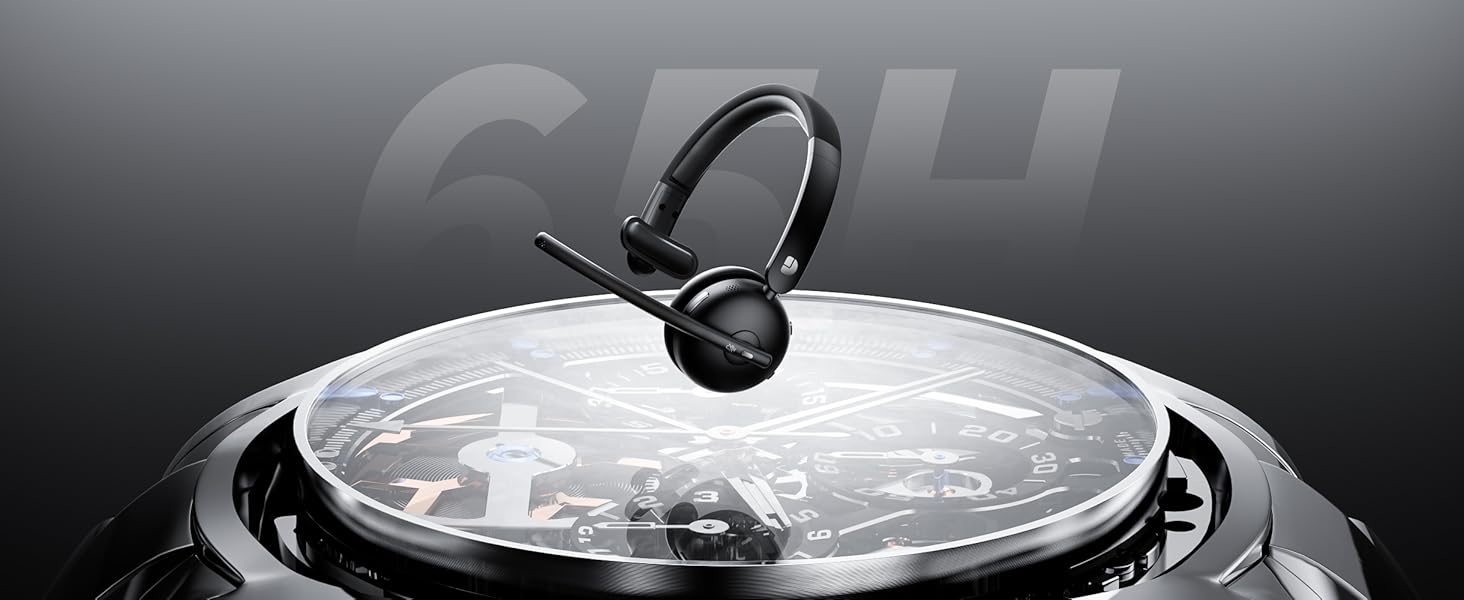
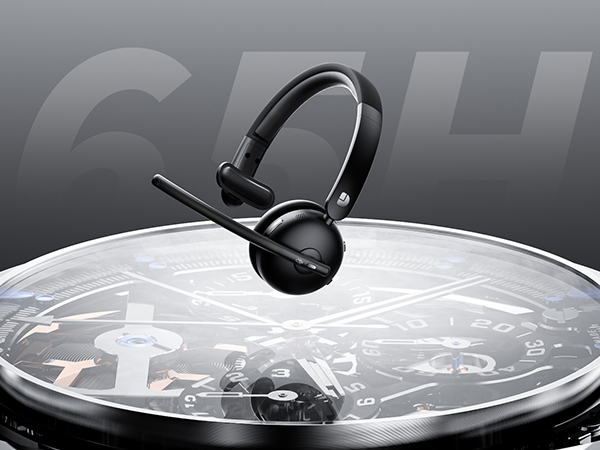
65H Battery Life for a Full Week of Work
A single full charge enough for a full week of meetings, remote work without battery anxiety
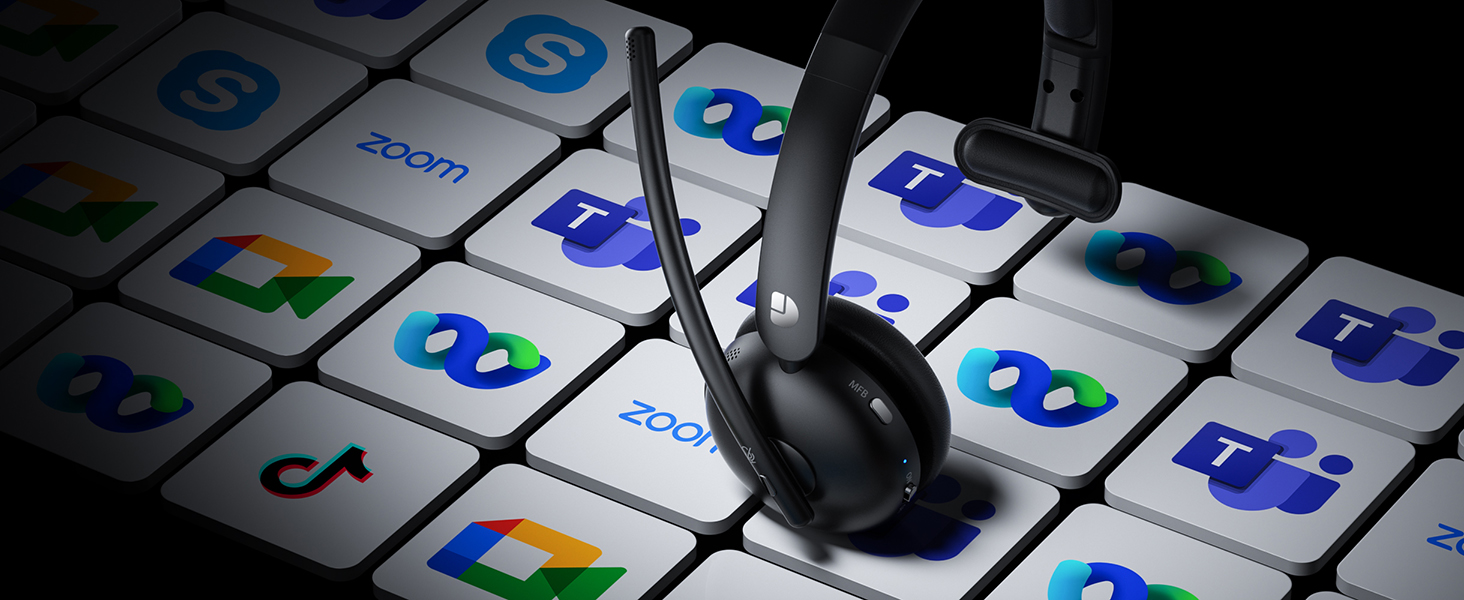
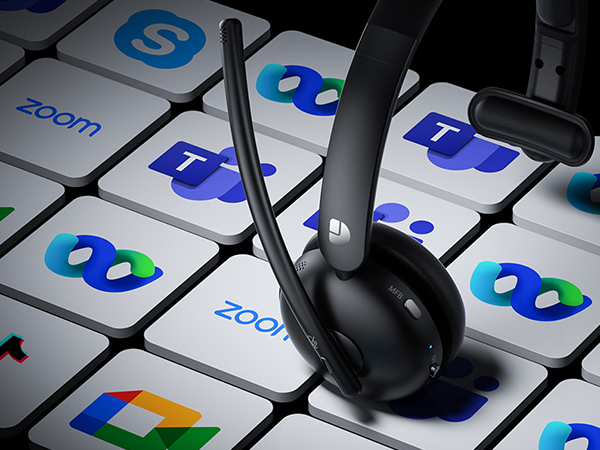
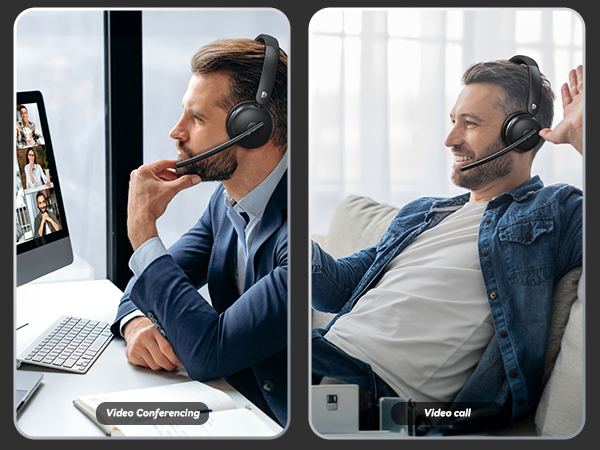
Stable Support to Major Platforms
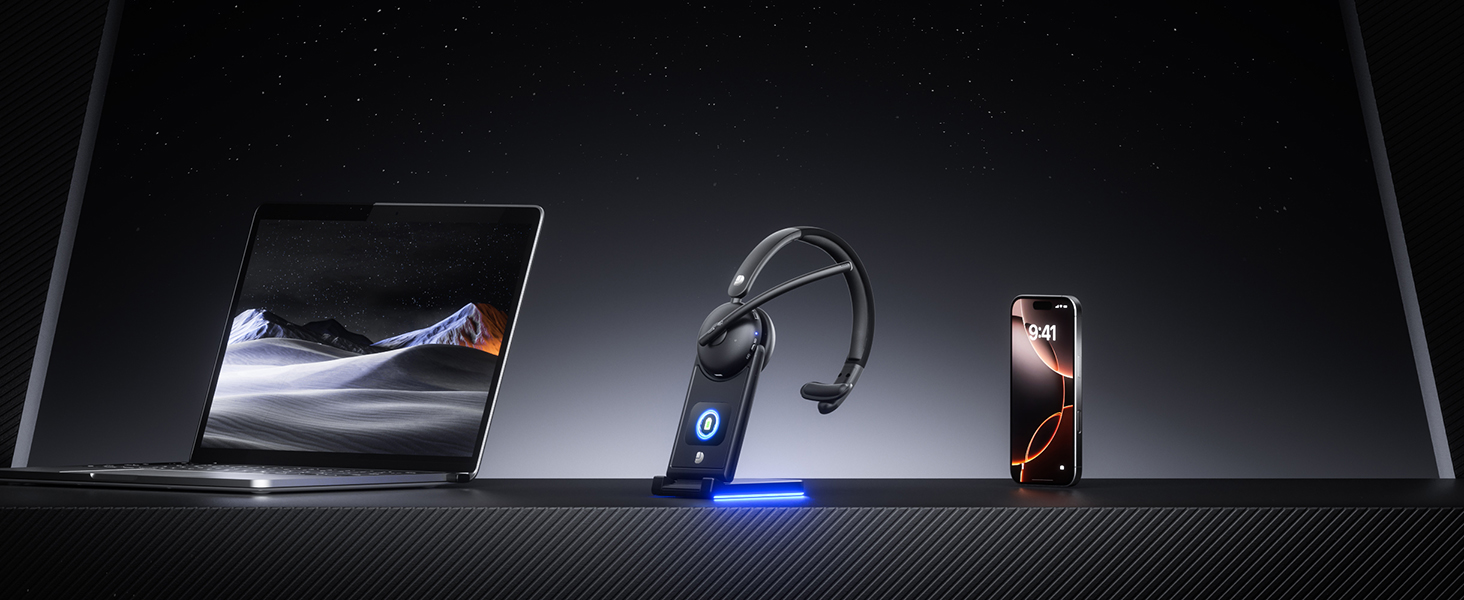
Stable connection to laptops & phones, fully optimized for Zoom, Teams-No delays, No interruptions
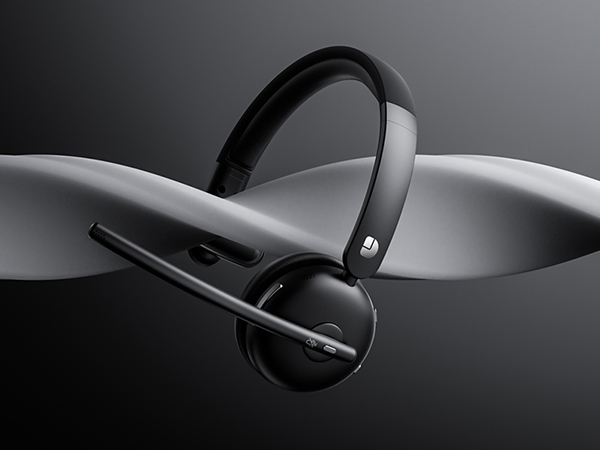
Soft Cushioning for All Day Comfort
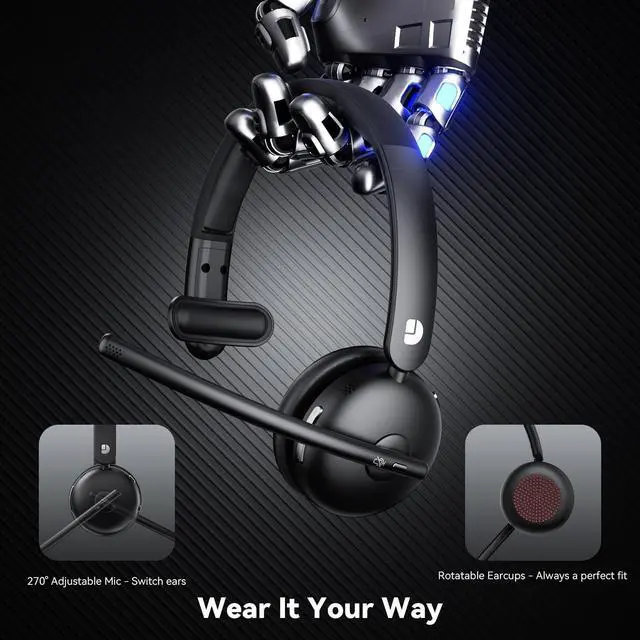
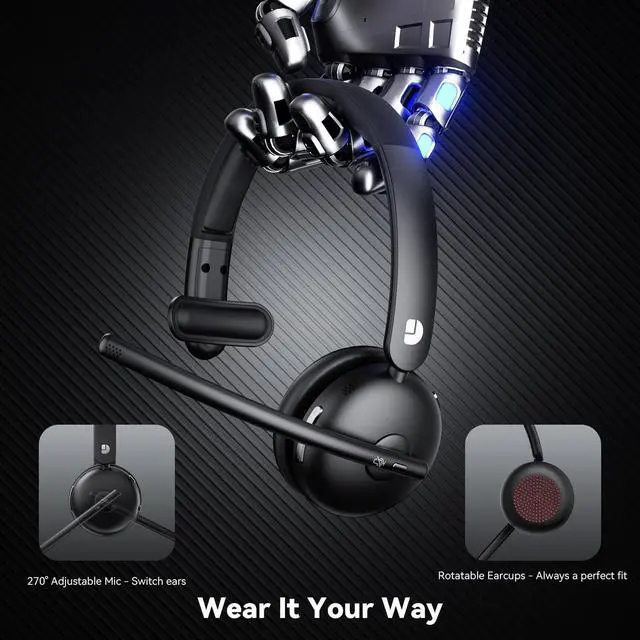
Cushioned Ear Covers for Extended Wear,Enjoy long listening sessions without ear fatigue
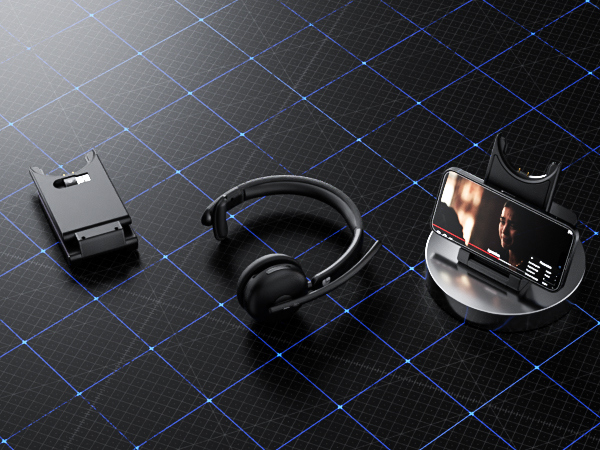
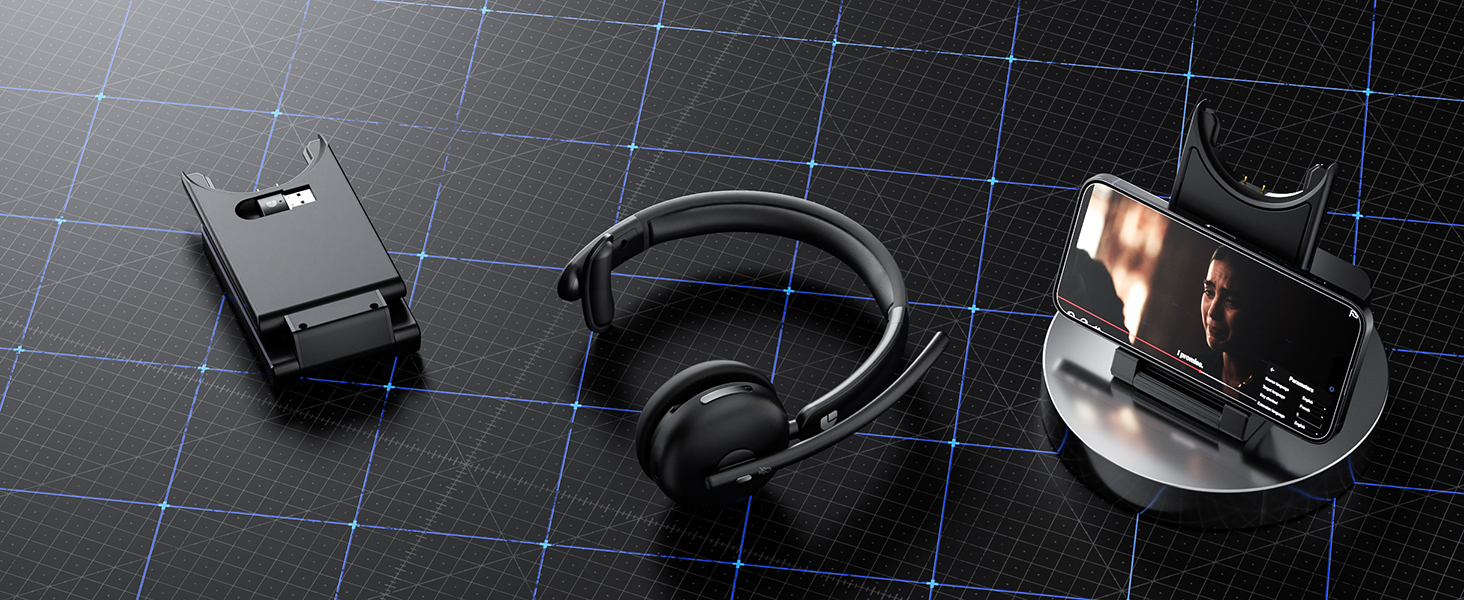
Smart Dock Integrates Charging &Phone Stand
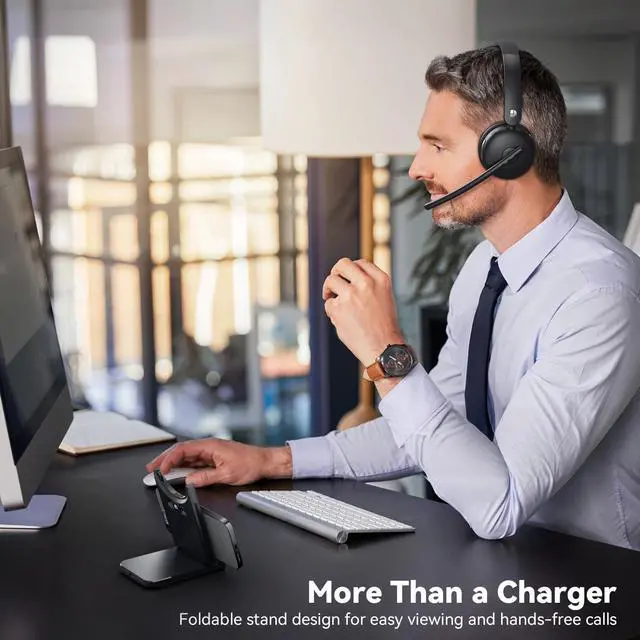
Dock charges the headset, holds your phone as a stand, and stores the USB adapter neatly
Does the wireless headset with mic charging base accurately display the battery level?
Of course! Our multifunctional charging base has a built-in LED screen that displays the battery level and charging status of your wireless headphones in real time. When not in use, it can also store your earphones and USB adapter
How do I connect these wireless headphones to my computer?
When the wireless headphones with mic is paired with the computer, please check the sound settings of both the computer and the software to make sure [DY109] is selected as the default output and input device (speaker/microphone)
How to clear the pairing records?
Press and hold the MFB and “Volume-” button simultaneously for at least 5 seconds. When the indicator light remains purple for 2 seconds, initialization is complete. After initialization, the headset all Bluetooth pairing information will be deleted
How can I check the remaining battery level of my wireless headset with microphone?
When the headset needs to be charged, it will prompt "Low battery please charge"Place the headset on the charging base, the display shows the remaining batterylevel of the headset
Is it possible to convert voice to text through microphone?Such as google voice typing
Sure. Once you have confirmed that the device is successfully connected to the headphones, please allow the microphone to connect to enable the voice-to-text feature.
Wireless Headset with Mic
Wireless Headset with Mic
Empowering Lives with Technology. Our brand is dedicated to providing convenience and enjoyment in this fast-paced digital era. With a focus on innovation and quality, we offer electronics that enhance your daily life. From high-quality wireless headsets to efficient laptop coolers. Experience excellence with our meticulously designed and crafted products, backed by top-tier suppliers and advanced technology.