






Q: Why does my system ask for permission to record my screen?
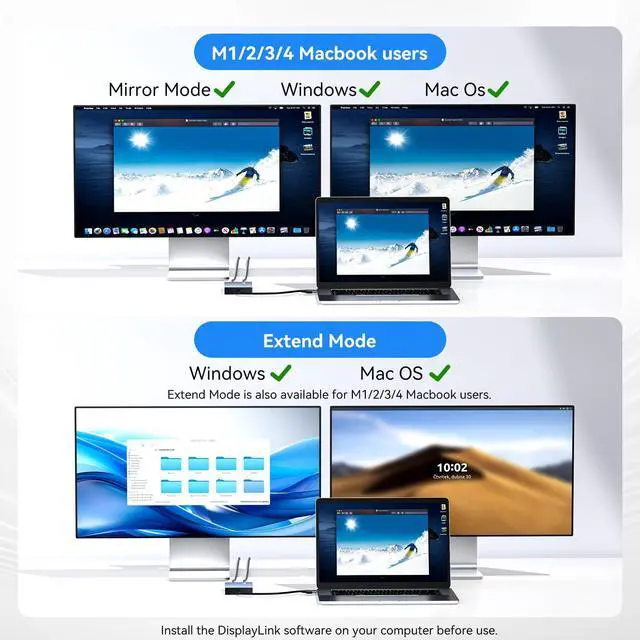
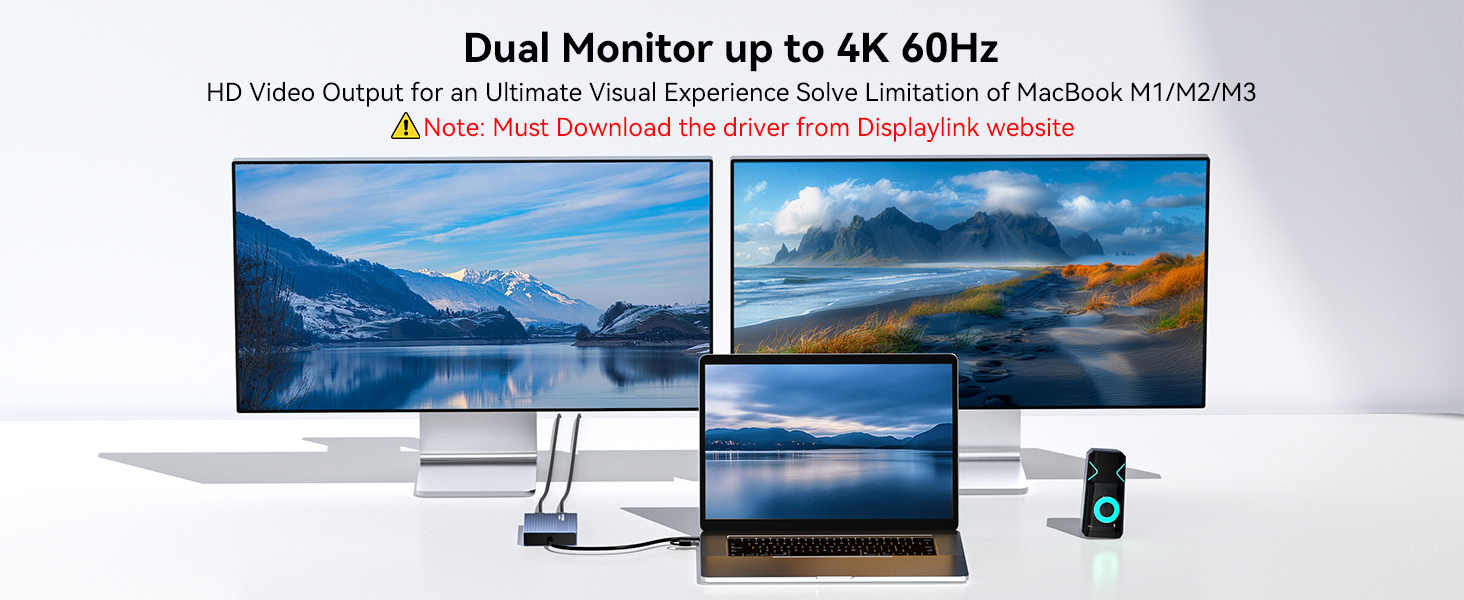
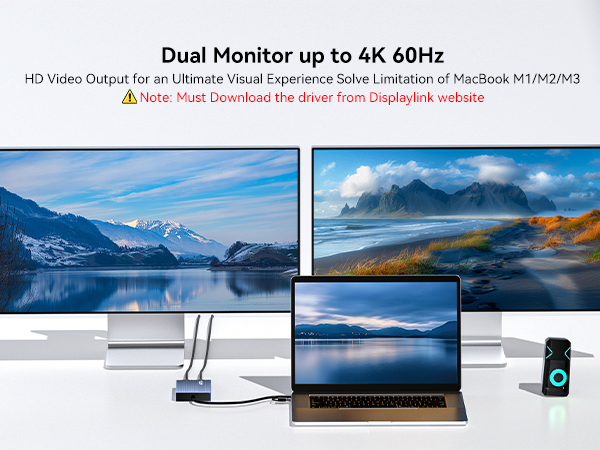
A: This is a standard security prompt for DisplayLink. The permission is required because the technology transmits video signals via USB. It needs to capture your screen content to display it on the external monitor.
Q: Is this screen recording process safe?
This is a legitimate functional requirement, not privacy theft. The process is secure when using official drivers, and you maintain full control over this permission in your system settings.
Q: If the monitor is not displaying after installing DisplayLink software, please follow these steps:
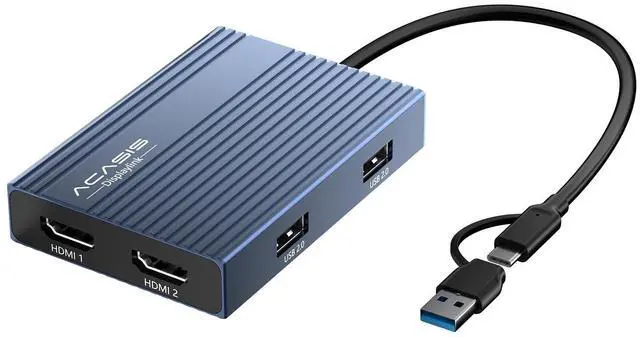
A: 1.Try using another HDMI port on the dock.
2.Try using a different HDMI cable.
3.Test with another monitor.
If the issue persists, please contact our support team.
Q: Why does my system ask for permission to record my screen?
A: This is a standard security prompt for DisplayLink. The permission is required because the technology transmits video signals via USB. It needs to capture your screen content to display it on the external monitor.
Q: Is this screen recording process safe?
This is a legitimate functional requirement, not privacy theft. The process is secure when using official drivers, and you maintain full control over this permission in your system settings.
Q: If the monitor is not displaying after installing DisplayLink software, please follow these steps:
A: 1.Try using another HDMI port on the dock.
2.Try using a different HDMI cable.
3.Test with another monitor.
If the issue persists, please contact our support team.