shipping Holiday Shipping Details & Extended Holiday Returns
  • $90.99
  • Free 30-day Returns
  • Price alert
    Shop it at NeweggBusiness.

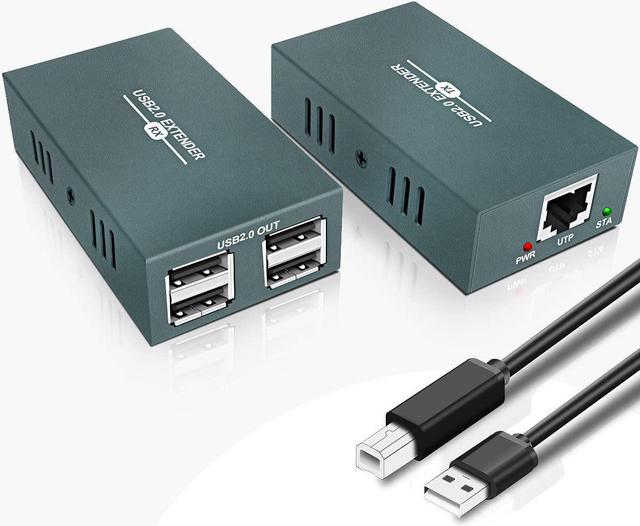
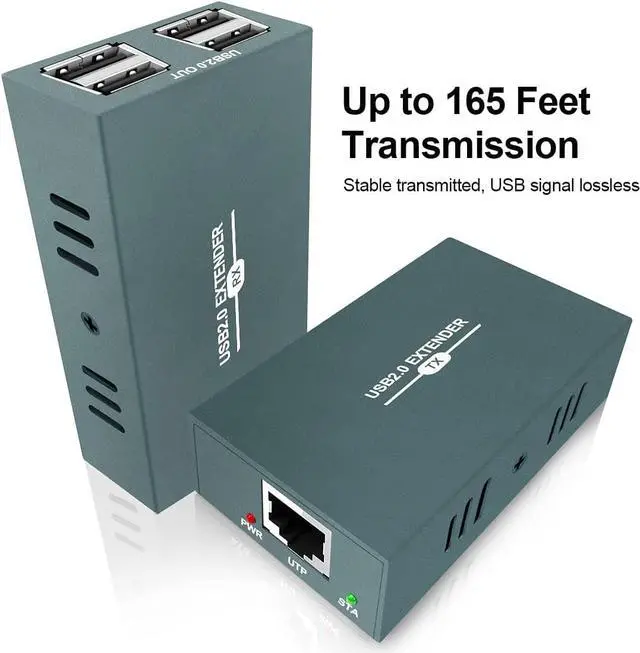
    USB Extender Over Ethernet RJ45 LAN Extension, with 4 USB 2.0 Ports, Transmit 50m/165ft Over Ethernet Cat5/5e/6/7, Support Power Over Cable, Play and Plug, No Driver Required

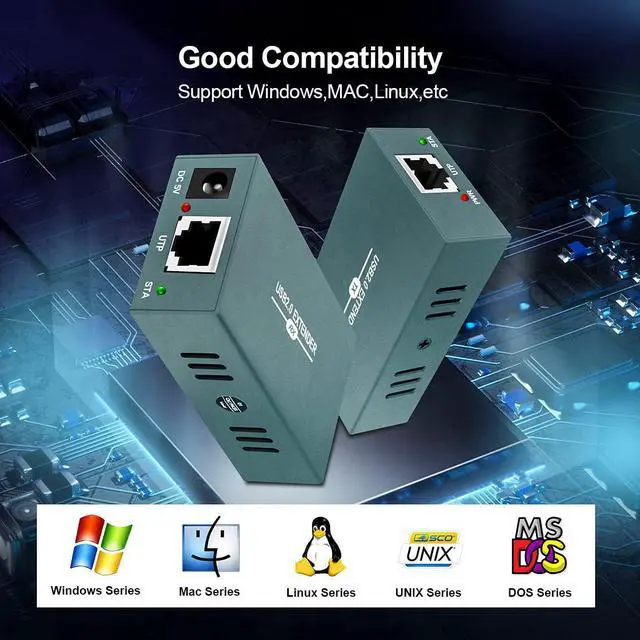
    • USB extender transmits signal through a long distance by a single ethernet cable. Support standard CAT5/5e/6/7 class network wire, adopt the standard Ethernet IEEE-568B connection, and suitable for various operating systems, such as Win8 / Win10 / MAC OS V8.6 etc.
    • /USB extender can transmit USB lossless signals 165ft (50 meters) over Single Cat5/Cat5e/Cat6/Cat7 network cable and achieved stable work. Plug and play, no driver is needed.
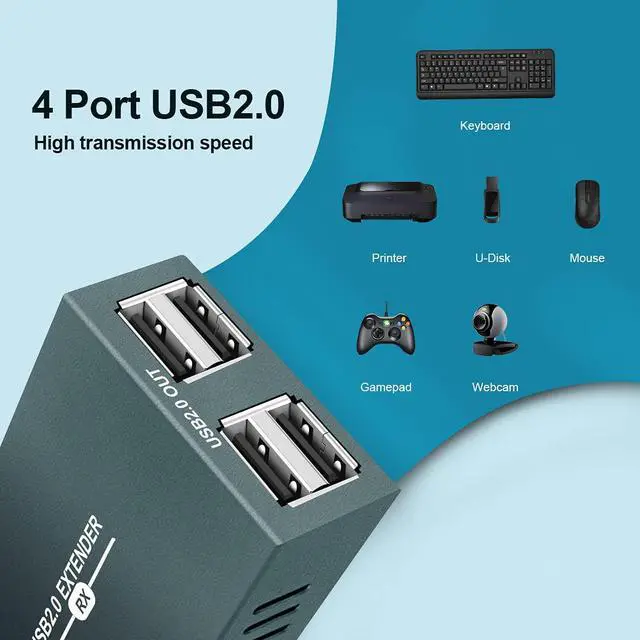
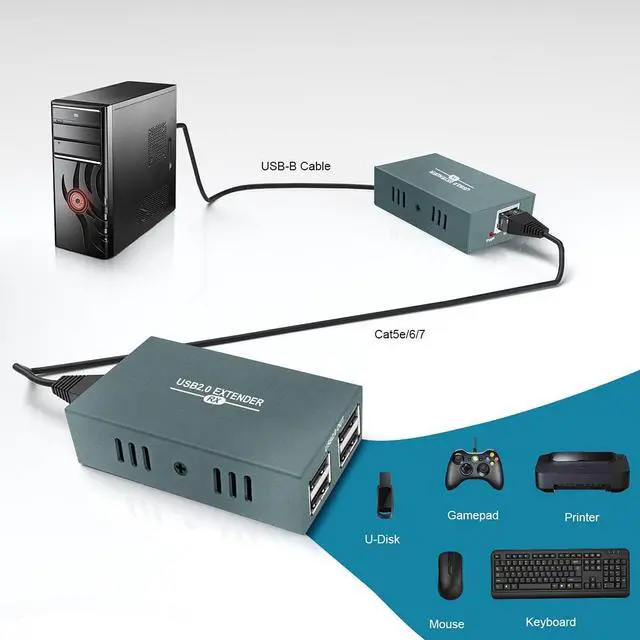
    • . , 4-Port USB 2.0 extender has strong compatibility which is compatible with most hard drive enclosures, printers, scanners, webcams and other popular peripherals.And it can be two-way transmission at high speed.
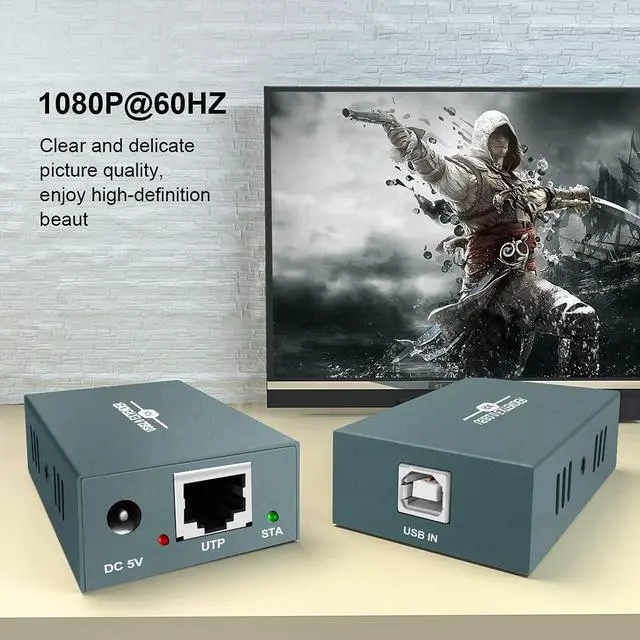
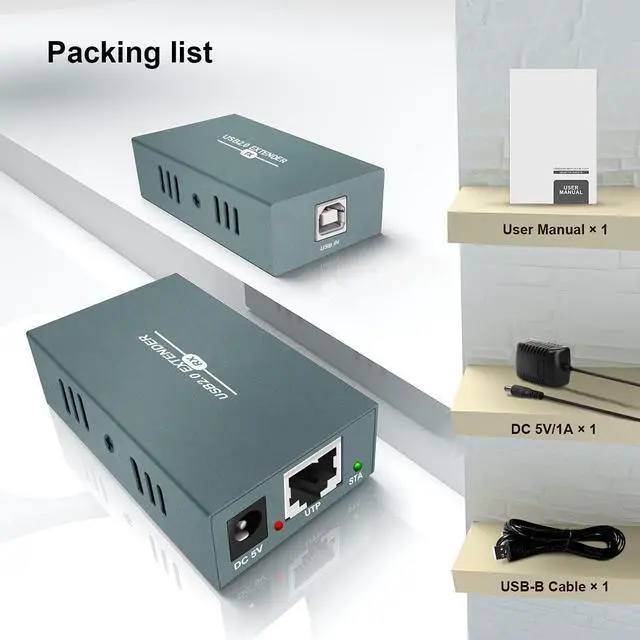
    • Power by Ethernet cable. This usb extender including transmitter and received.Transmitter is powered by UTP port and receiver is powered by lockable DC 5V power adapter, which save the space and avoid complicated steps of wiring.^
    +
    +
    Overview
    Reviews
    avatar

    Any questions? Our AI beta will help you find out quickly.

    The USB extender can transmit signals over a long distance through a single network cable. It can transmit up to 50 meters with a single network cable. It supports the USB2.0 protocol and is backward compatible with USB1.1. The device has excellent processing and transmission capabilities, making signal transmission smoother and more stable. It is a reliable, high-performance, and efficient USB signal extension method.
    *Long-distance transmission of USB lossless signals through a single network cable, up to 50 meters (Cat 6 network cable);
    *Compliance with USB 2.0 standard;
    *Support POC unilateral power supply;
    *Support keyboard and mouse output;
    *The network cable adopts standard Ethernet IEEE-568B connection, which is convenient for installation;
    *High adaptability, can automatically identify and configure various modes;
    *Built-in automatic equalization system, smooth transmission, clear and stable;
    *Easy to install, plug and play;
    1. Use USB-A to USB-B cable to connect the signal source to the TX terminal;
    2. Connect the USB device to the RX end;
    3. Use a CAT6 network cable to connect the network interface of the sending end and the receiving end.
    4. Connect the receiving end to the power supply. When the indicator lights up normally, the system runs normally
    Compliance with USB 2.0 standard.
    USB EXTENDER OVER ETHERNET Description Features How To Connect? 4 USB2.0 PORT

    Warranty & Returns

    Warranty, Returns, And Additional Information

    Warranty

    • Please contact the Seller directly for warranty information. Warranty information may also be found on the Manufacturer's website.
    • CONTACT

    Return Policies

    Manufacturer Contact Info

    LOADING...