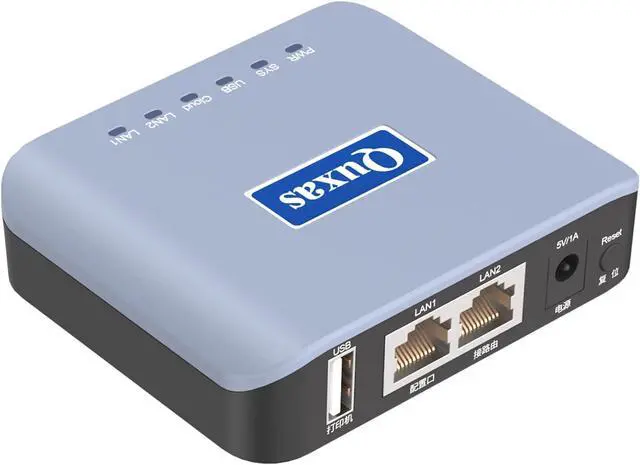
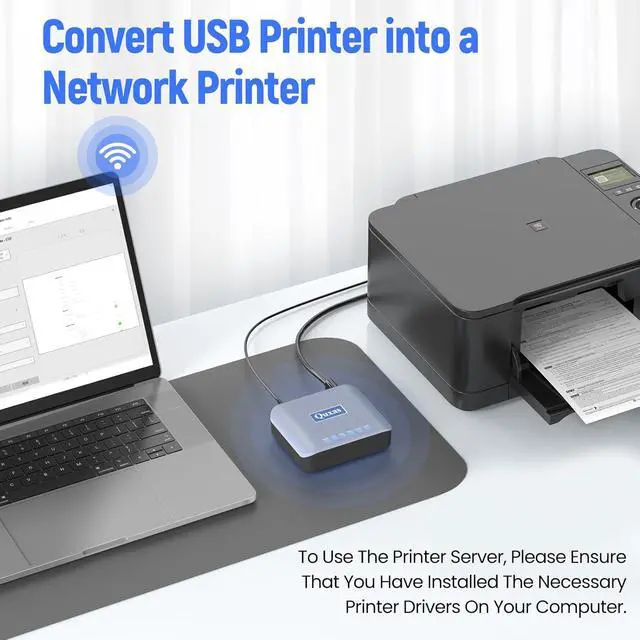
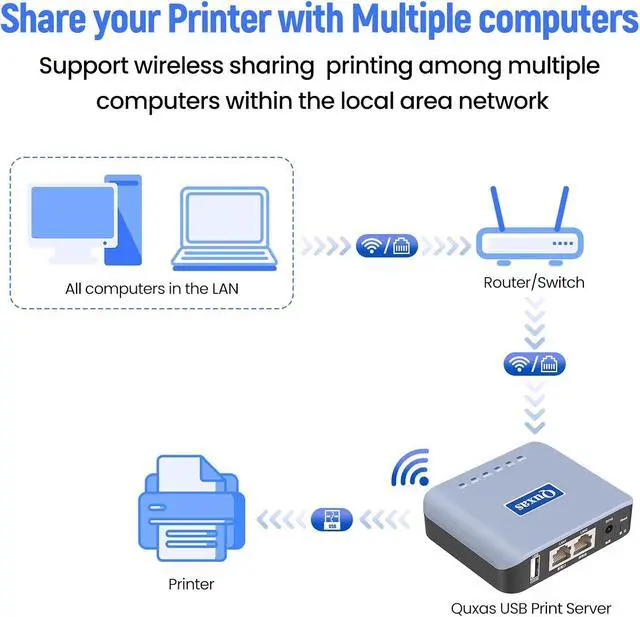
Local wireless shared printing: supports multiple computers to connect and share a printer simultaneously. After installation, the operation and use process is the same as using a USB cable directly connected printer, solving the problem of centralized printing needs for multiple computers without the need to configure a printer separately for each computer.
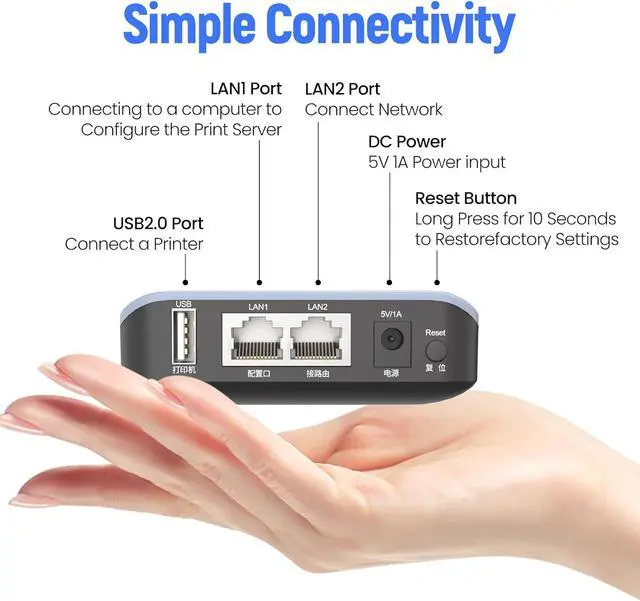
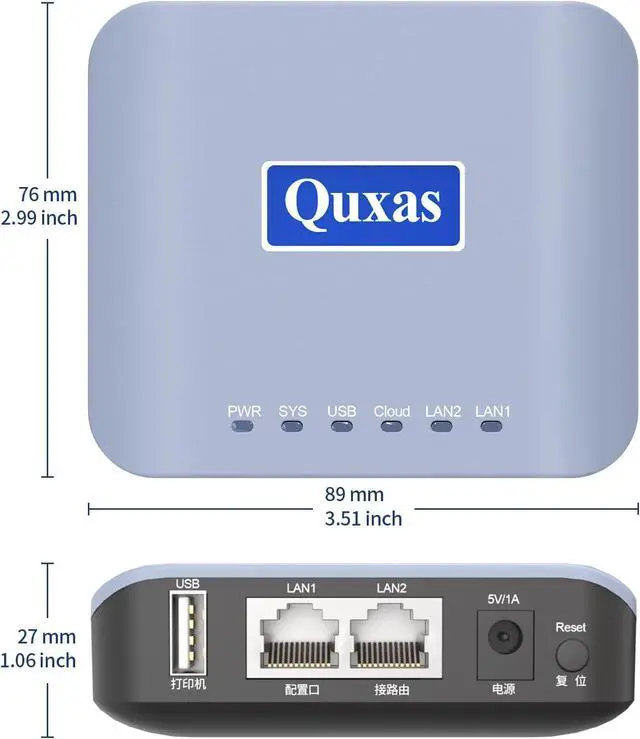
Our print server integrates both wireless and wired networking capabilities to adapt to various office environments. It supports the 2.4 GHz wireless frequency band for wireless network connections, and is equipped with two 10/100 Mbps wired ports to provide versatile wired networking interfaces. This dual-port design not only enables wired network connectivity but also functions as a small switch, and also supports cross-network printing between two adjacent LANs. Whether using wireless or wired connections, it ensures an efficient and stable printing experience.
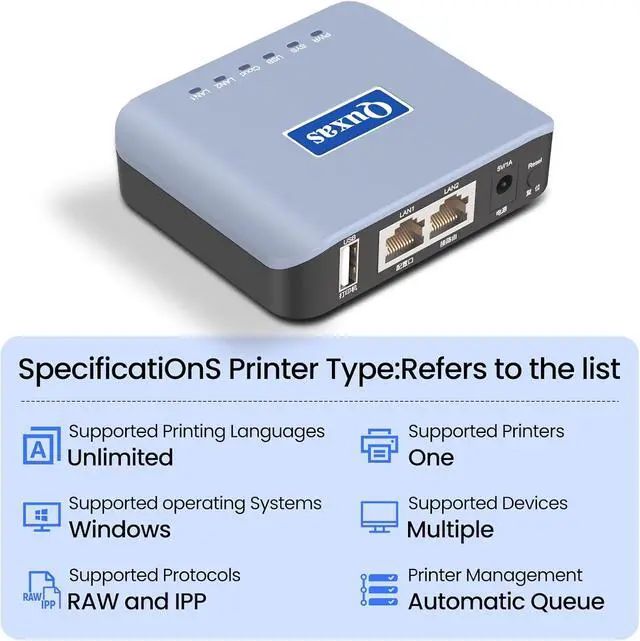
For computer system compatibility: Our 2.4G print server complies with the USB 2.0 standard and supports Simple Network Management Protocol (SNMP), as well as computers with different operating systems such as Windows, Mac, Linux (requiring corresponding printer drivers on the computer system), meeting diverse office needs.
Easy installation: The device installation is simple and fast. Simply power on the device, connect the printer USB data cable, and connect it to the same local area network as the computer. When using the computer for the first time, please follow the instructions in the operation manual to perform simple settings on the computer that needs to be used, in order to achieve wireless transmission of printing tasks within the local area network.
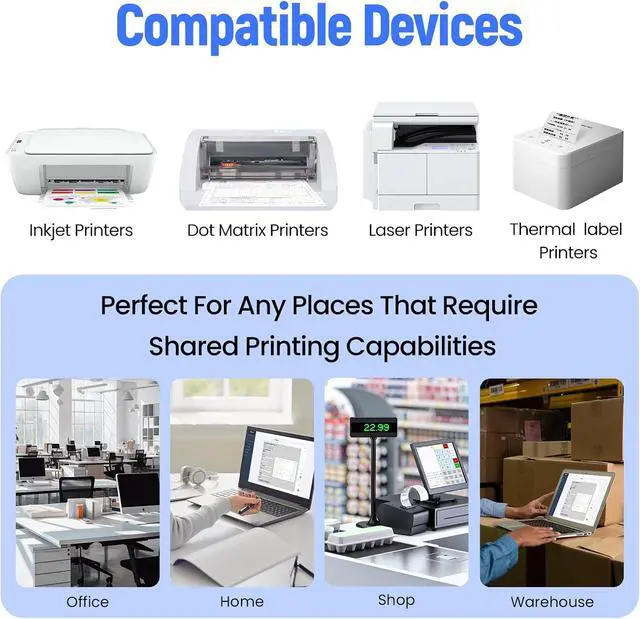
Strong compatibility: Our USB to wireless print server supports multiple brands and models of printers, including laser printers, inkjet printers, dot matrix printers, and thermal printers. Please note that! It is compatible with most models, except for a few models such as the Canon LBP series.