

Your Browsing History
- Free 30-day Returns
$162.99

Meet Your Seller

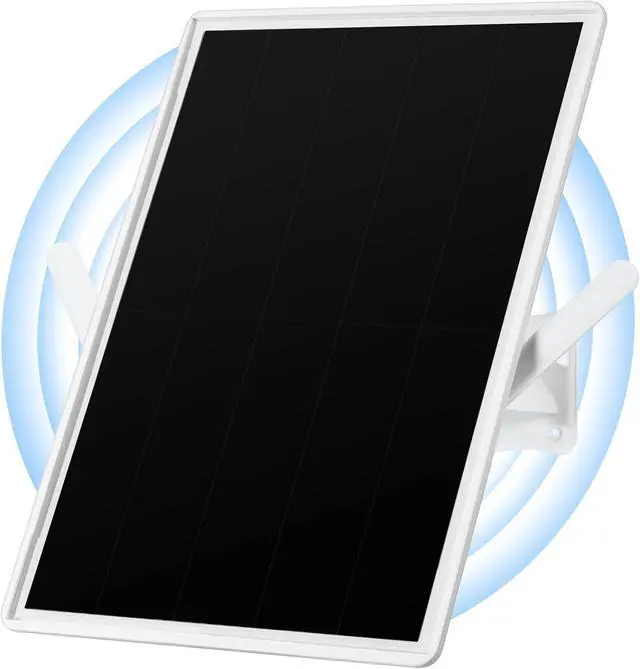
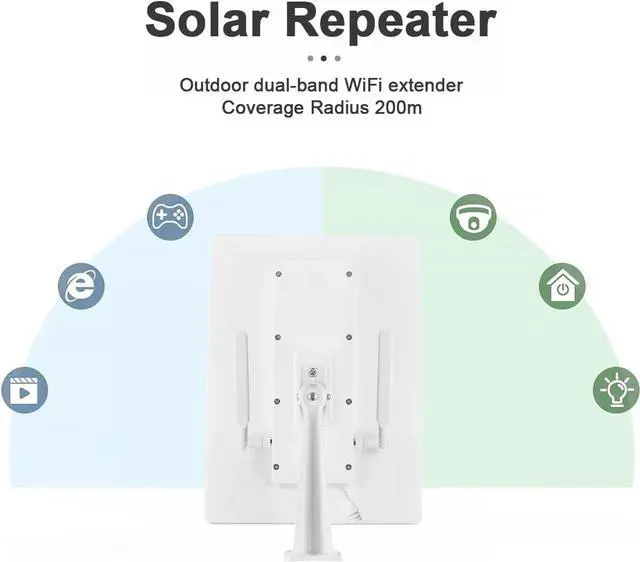


Solar WiFi Extender, Outdoor Repeater, Extends Coverage Up to 500ft, with 15W Solar Panel and 25000mAh Battery, for 2.4GHz WiFi
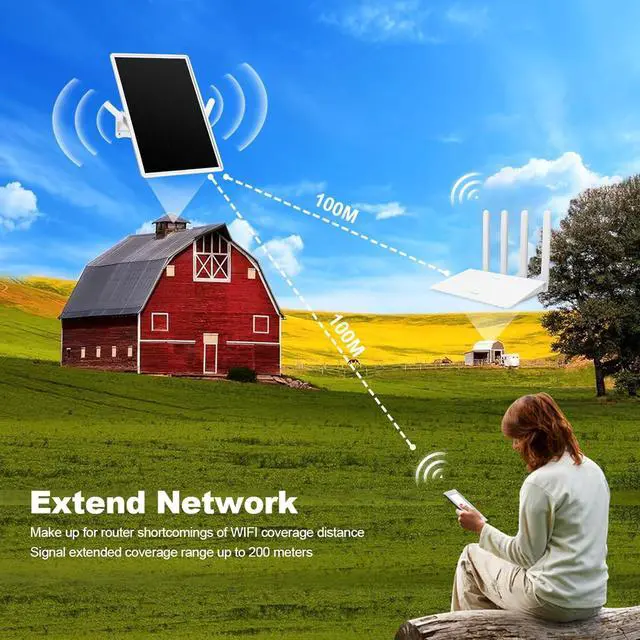
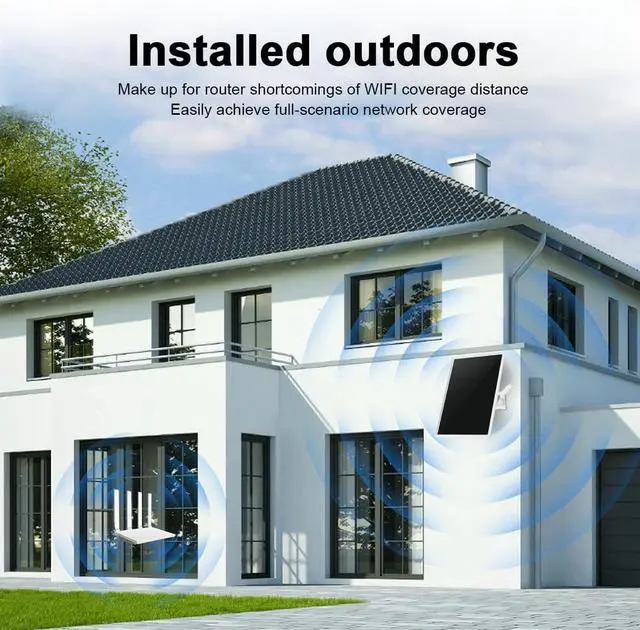
- Solar Powered WiFi ExtenderOutdoor Waterproof, Extends Coverage Up to 500ft, Wireless Repeater with LAN Port, 300Mbps, Perfectly Compatible with 2.4G WiFi Routers
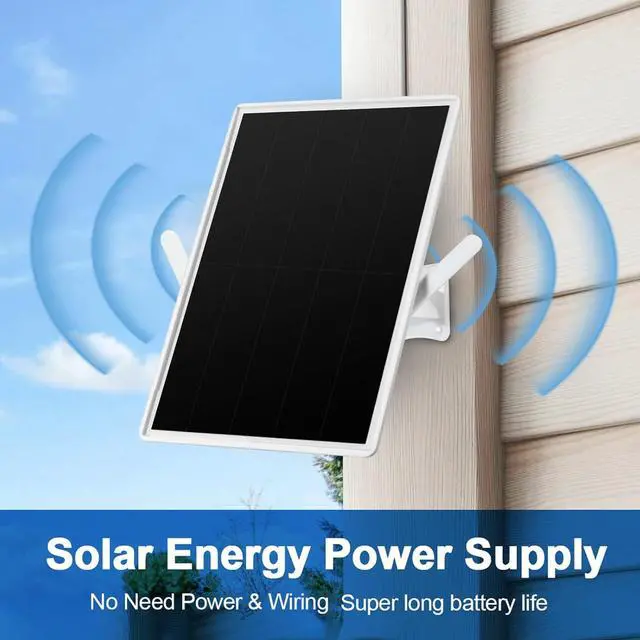
- Solar charging PowerNo need power & wiring, Super long battery life. Built with 15W Solar Panel and 25000mAh Battery, Power supply can last for 7 days even on rainy days, 365 days cycle power, 0 electricity per year.
- Outdoor WIFI RepeaterApplicable to 2.4G Router!
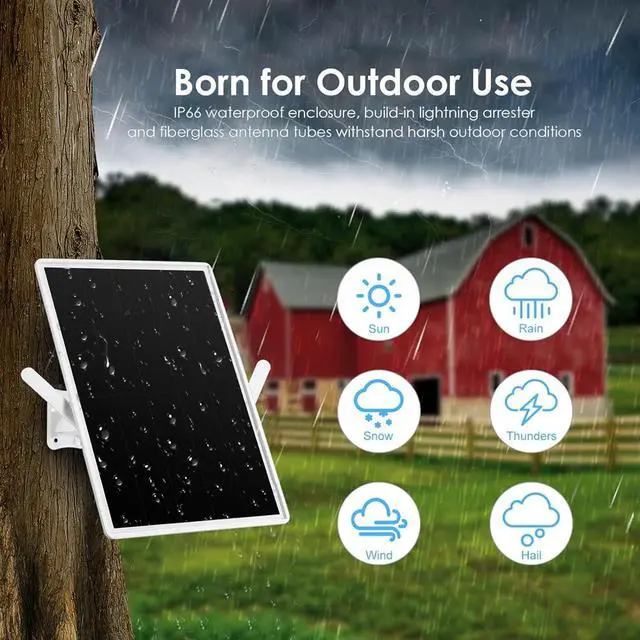
- IP66 waterproofThe IP66 weather-resistant shell can withstand a wide range of workhumidity(10%~90% non condensingand work temperature (-20c~+60"c)
- Customer ServiceAny problem please contact us, we offer Two year warranty and 24-hour online manual customer service. If you have any doubts during use, please contact customer service first
+
+
Overview
Specs
Reviews

Any questions? Our AI mode will help you find out quickly.
Try me now
Step1Connect the B-LINK router wireless with your mobile phone / computer
Step2Log into the B-LINK router WEB page, the login URL is 192.168. 16. 1 or myblink.cn, and the login password is admin
Step3Click internet Network Settings and select the internet access method. The default connection type is dynamic acquisition
Step4Click the mode switch,select the universal repeater mode (WISP) .and configure the network
Step5After saving and taking effect wait for the device to restart.
Step6Reconnect the B-LINK router WiFl, the password is the newly created repeater WiFl password, and log into the WEB page to view the device status.
Wireless Rate300MbpsIEEE StandardsIEEE 802.11b/g/nWireless Security ModeWPA-PSK/WPA2-PSK(Default Disable)Maximum Working Current600mAOperating Frequency2.4-2.4835GHzInput InterfaceType-C 5V Complete the connection in one minute
Step2Log into the B-LINK router WEB page, the login URL is 192.168. 16. 1 or myblink.cn, and the login password is admin
Step3Click internet Network Settings and select the internet access method. The default connection type is dynamic acquisition
Step4Click the mode switch,select the universal repeater mode (WISP) .and configure the network
Step5After saving and taking effect wait for the device to restart.
Step6Reconnect the B-LINK router WiFl, the password is the newly created repeater WiFl password, and log into the WEB page to view the device status.
Wireless Rate300MbpsIEEE StandardsIEEE 802.11b/g/nWireless Security ModeWPA-PSK/WPA2-PSK(Default Disable)Maximum Working Current600mAOperating Frequency2.4-2.4835GHzInput InterfaceType-C 5V Complete the connection in one minute
Warranty & Returns
Warranty, Returns, And Additional Information
Warranty
- Please contact the Seller directly for warranty information. Warranty information may also be found on the Manufacturer's website.
- CONTACT
Return Policies
- Return for refund within: 30 days
- Return for replacement within: 30 days
- This item is covered by E-Transit Limited Return Policy
Manufacturer Contact Info
- For a directory of all our manufacturers, please click below.
- Manufacturers Directory
LOADING...