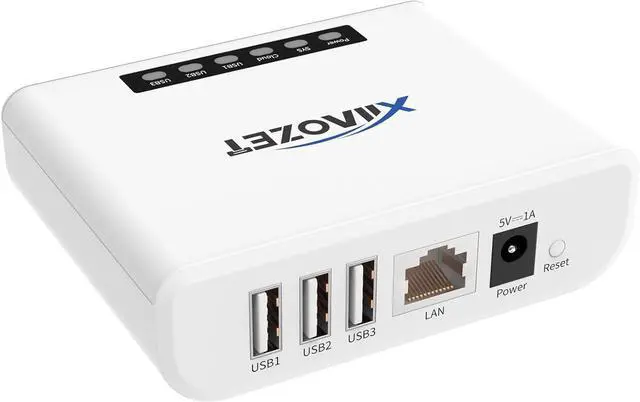
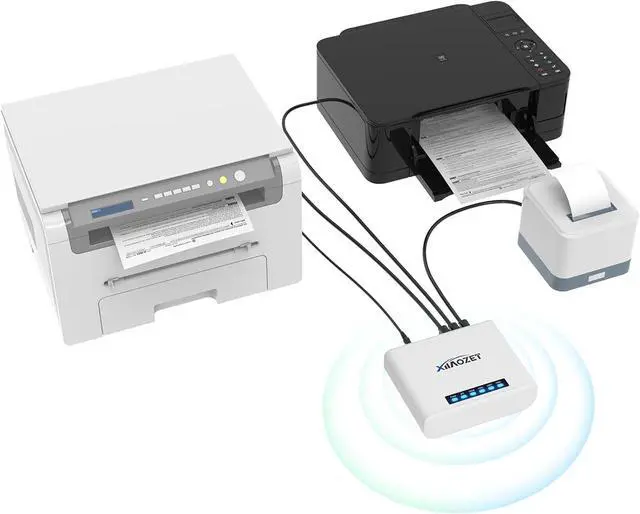
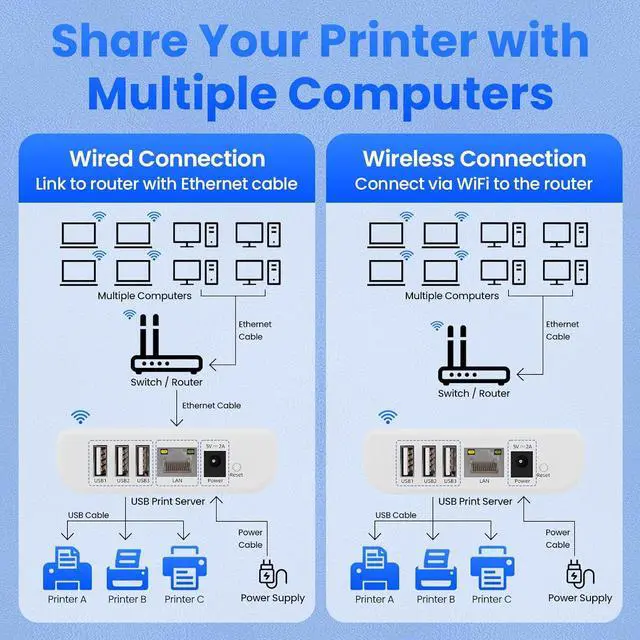
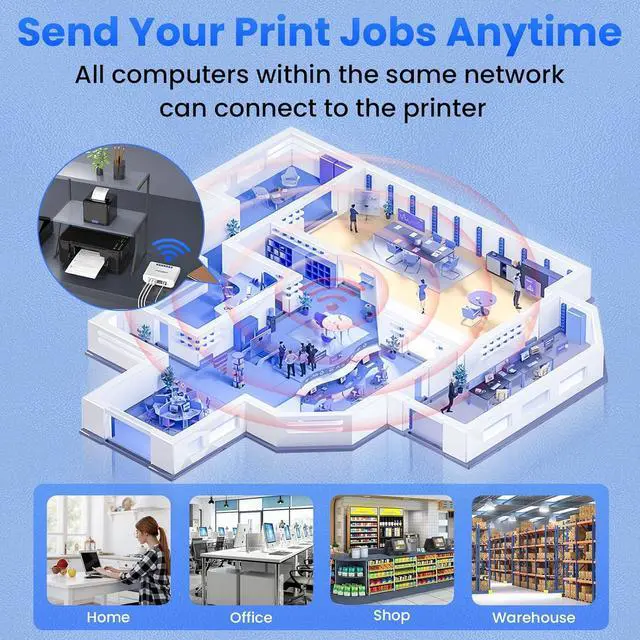
Easily share your USB printer across multiple computers on the same local network. Enjoy automatic print queue management and wireless connectivity. No dedicated host computer is neededthis compact, low-power device reduces maintenance costs and improves efficiency. Note: Mobile printing and AirPrint are not supported.
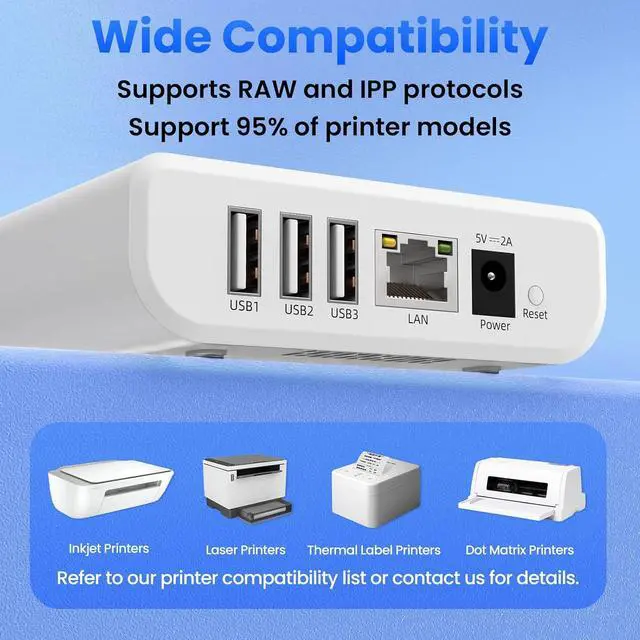
Wide compatibility: Supports standard TCP/IP printing (Raw mode / IPP protocol). Printers can be added in both Windows and macOS systems by specifying the devices IP address or hostname, using the systems built-in print function. Compatible with 95% of printer models including inkjet, laser, thermal label, and dot-matrix printers. Important: Some printers require sleep mode and bidirectional communication to be disabled for proper operation.
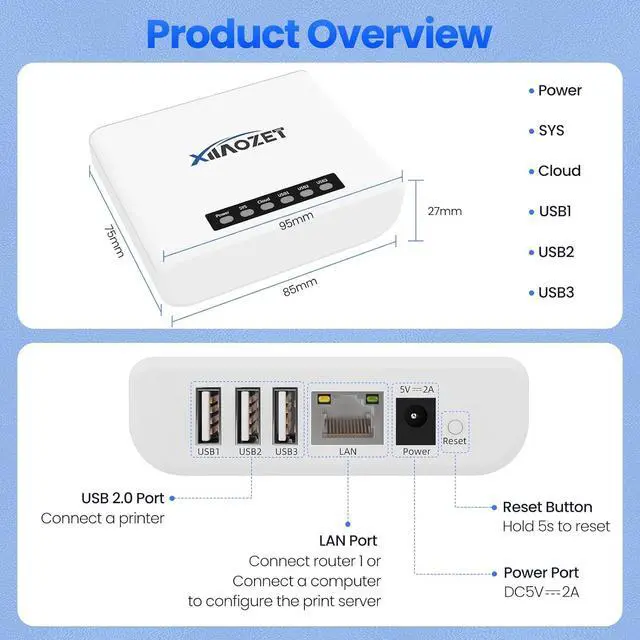
Supports both wireless Wi-Fi and wired LAN connections, allowing flexible setup based on your office environment. Connects to your local network to ensure file security and prevent data leakage. With Wi-Fi connectivity, there's no need to physically link your printer to the router or PC, reducing cable clutter and improving convenience.
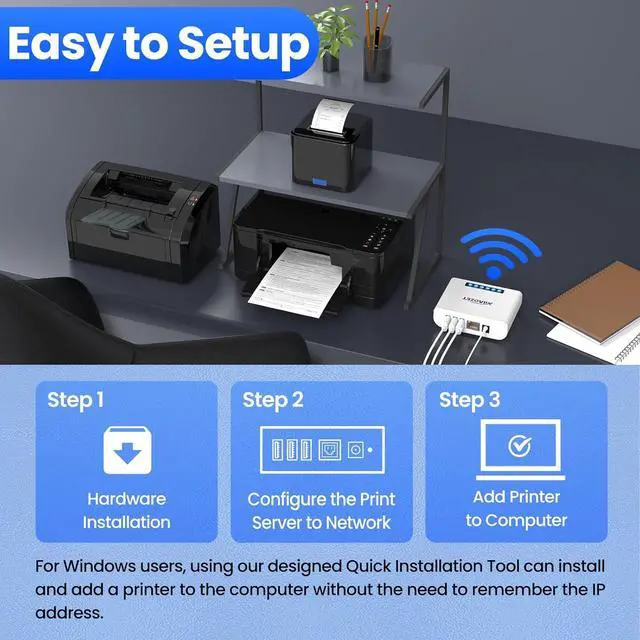
Easy to setup: Just two steps to get started: configure the network and add the printer. Windows users can use our installation tool for quick setup. We provide detailed illustrated guides, video tutorials, and professional support on our website to help you resolve any issues you may encounter.
Read before shopping: This product supports printers that use standard Raw mode or IPP protocol. If your printer uses proprietary protocols (e.g., CAPT, DDST), it may not be compatible. Installation is required, but we have greatly simplified the process. If you encounter any problems, please dont hesitate to contact us.





 here!
here!