

Your Browsing History
- Free 30-day Returns
$108.99

Meet Your Seller


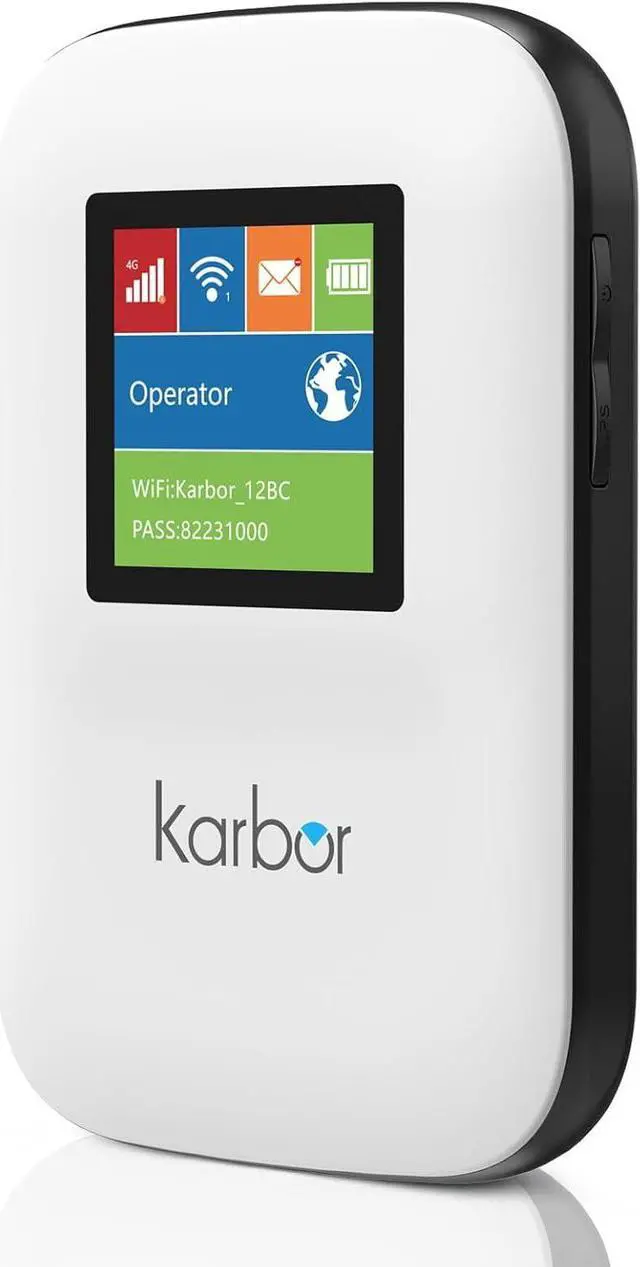

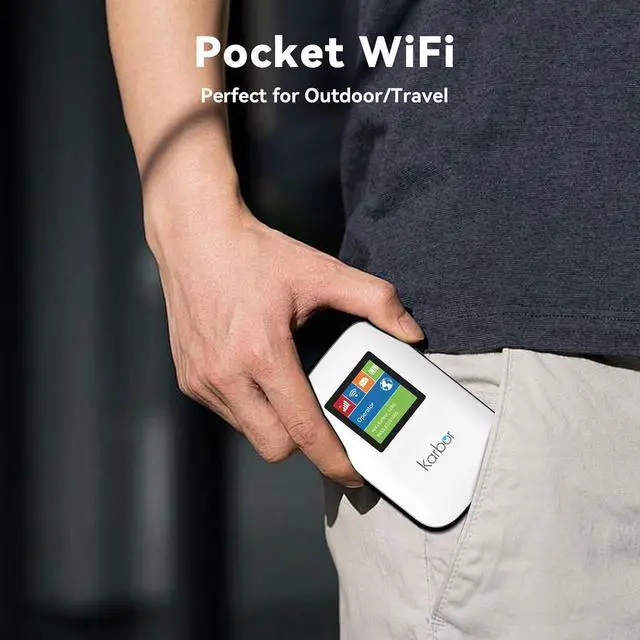


4G LTE WiFi Mobile Hotspot, No SIM Card Required No Contract, 10 Connected Devices, Multiple Networks, Portable Internet for Campers, Motorhomes and Travels, 1GB Local Data
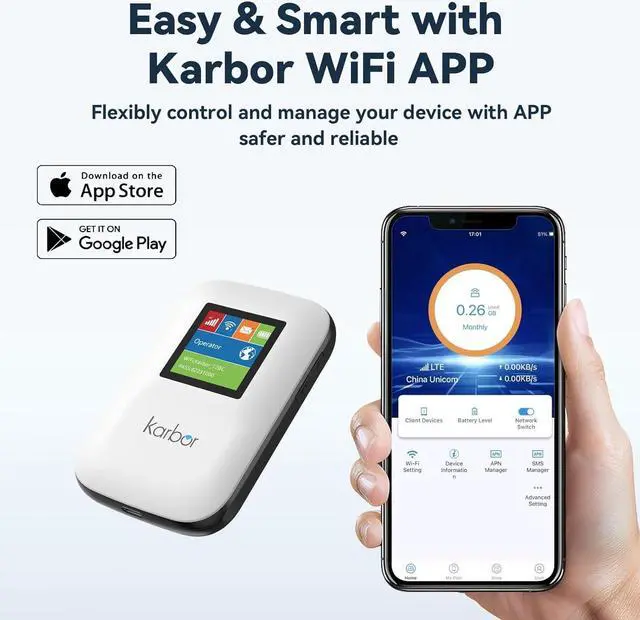
- Portable WiFi Hotspot Karbor mobile hotspot offers flexible local data packages to support your short or long term travel plans. You can scan the QR code which is on the back of the device to choose the data plan for use, which is very simple and clear, no hidden fees. Also you can get 1GB free data if you download the APP, which can makes your device safer.
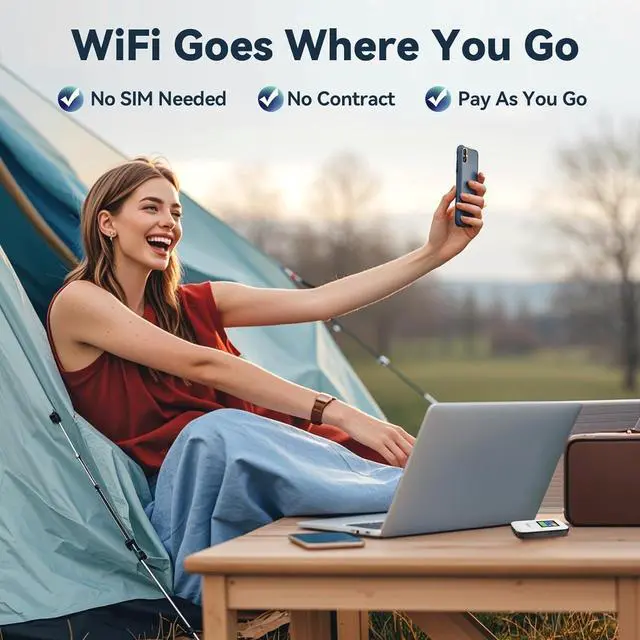
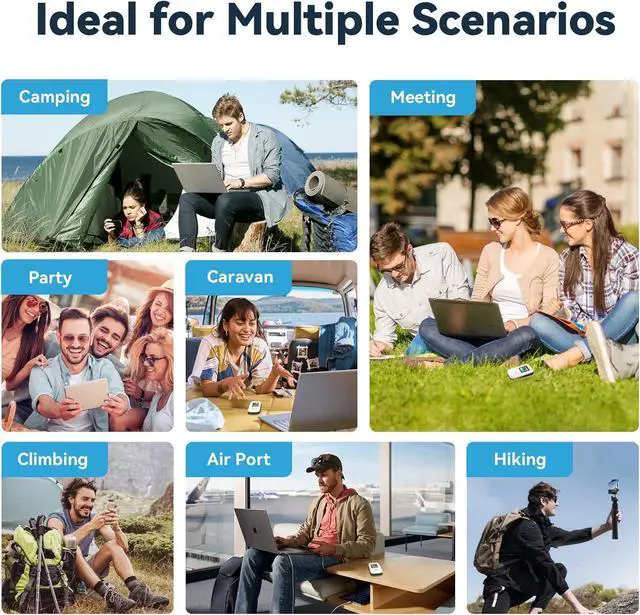
- Wide Coverage Work with major US carriers to cover almost anywhere in US. No contracts, no roaming fees, pay as you go. It's a perfect portable hotspot device for your outdoor adventures or business trips.
- No SIM Card Required With built-in SIM card, this mobile router will automatically access to multiple carriers and provides you the network with best available signal and the fastest data wherever you go in the US.
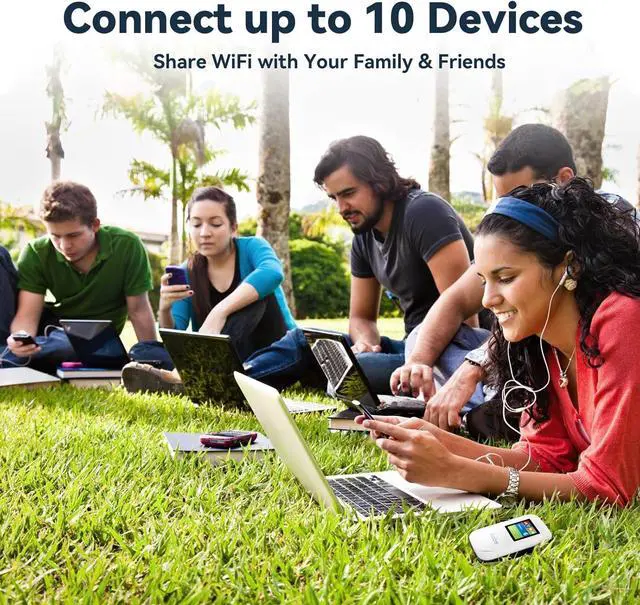
- Connect up to 10 Devices You can connect to the portable WiFi hotspot and share the network with up to 10 smart devices at the same time, including laptops, tablets.also you can control numbers of devices
+
+
Overview
Specs
Reviews

Any questions? Our AI mode will help you find out quickly.
Try me now
What should I do when i get the device for the first time?
Turn your device on by holding on the power button for 3-5 seconds
The WiFi name and password will be displayed on the LCD screen and the package.
Note: If the device doesn't turn on, it may be out of battery. Please charge the device first.
How do I connect to WiFi Network?
Remove the back cover of device, find the WiFi name and WiFi password
Scan with your phone's nature camera, and goes to WiFi setting
Select the WiFi network and password
Or you can connect WiFi by scanning it on the user manual to download our "Karbor WiFi" App
How do I get 1GB data free?
Download our "Karbor WiFi" app by scanning it on the user manual
Create your account
Following the steps and claim free data(User> Device Manage> Claim, including dashes and no spaces
How do I buy a data plan?
Locate it for Top-up on the back cover of the device
Scan with your phone's nature camera and choose your WiFi plan
Or you can also download our "Karbor WiFi" app and choose the data
Note: Payment can be made via Credit Card or PAYPAL. Debit card are not accepted.
How to change the WiFi name and WiFi password?
Download Karbor WiFi app and register an account
Click WiFi Setting on the Home interface
Change WiFi name and WiFi password
Note: The new password must be at least 8 characters , or it's invalid.
With built-in SIM card, no SIM card required, no contract, you can pay as you need.
This mobile router will automatically access to multiple carriers and provides you the network with best available signal and the fastest data in the U.S.
No SIM Card Required
Turn your device on by holding on the power button for 3-5 seconds
The WiFi name and password will be displayed on the LCD screen and the package.
Note: If the device doesn't turn on, it may be out of battery. Please charge the device first.
How do I connect to WiFi Network?
Remove the back cover of device, find the WiFi name and WiFi password
Scan with your phone's nature camera, and goes to WiFi setting
Select the WiFi network and password
Or you can connect WiFi by scanning it on the user manual to download our "Karbor WiFi" App
How do I get 1GB data free?
Download our "Karbor WiFi" app by scanning it on the user manual
Create your account
Following the steps and claim free data(User> Device Manage> Claim, including dashes and no spaces
How do I buy a data plan?
Locate it for Top-up on the back cover of the device
Scan with your phone's nature camera and choose your WiFi plan
Or you can also download our "Karbor WiFi" app and choose the data
Note: Payment can be made via Credit Card or PAYPAL. Debit card are not accepted.
How to change the WiFi name and WiFi password?
Download Karbor WiFi app and register an account
Click WiFi Setting on the Home interface
Change WiFi name and WiFi password
Note: The new password must be at least 8 characters , or it's invalid.
With built-in SIM card, no SIM card required, no contract, you can pay as you need.
This mobile router will automatically access to multiple carriers and provides you the network with best available signal and the fastest data in the U.S.
No SIM Card Required
Warranty & Returns
Warranty, Returns, And Additional Information
Warranty
- Please contact the Seller directly for warranty information. Warranty information may also be found on the Manufacturer's website.
- CONTACT
Return Policies
- Return for refund within: 30 days
- Return for replacement within: 30 days
- This item is covered by E-Transit Limited Return Policy
Manufacturer Contact Info
- For a directory of all our manufacturers, please click below.
- Manufacturers Directory
LOADING...