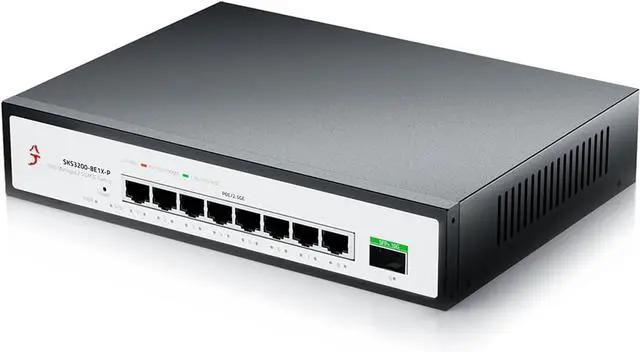
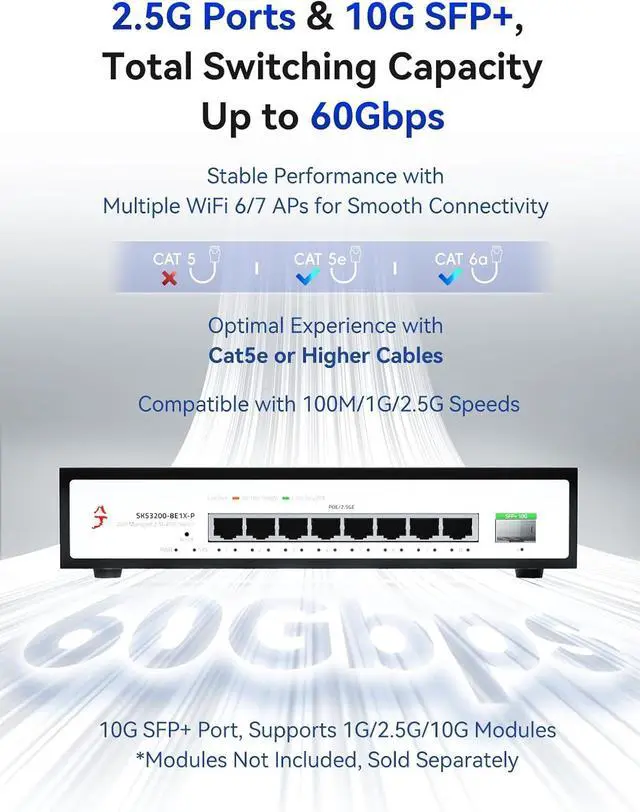
High-Speed Networking: This 8 port 2.5gb switch is powered by a high-performance chipset that supports full line-speed, non-blocking switching on all ports. With automatic port flipping functionality, it ensures minimal latency and prevents data loss, providing a reliable connection for your devices.
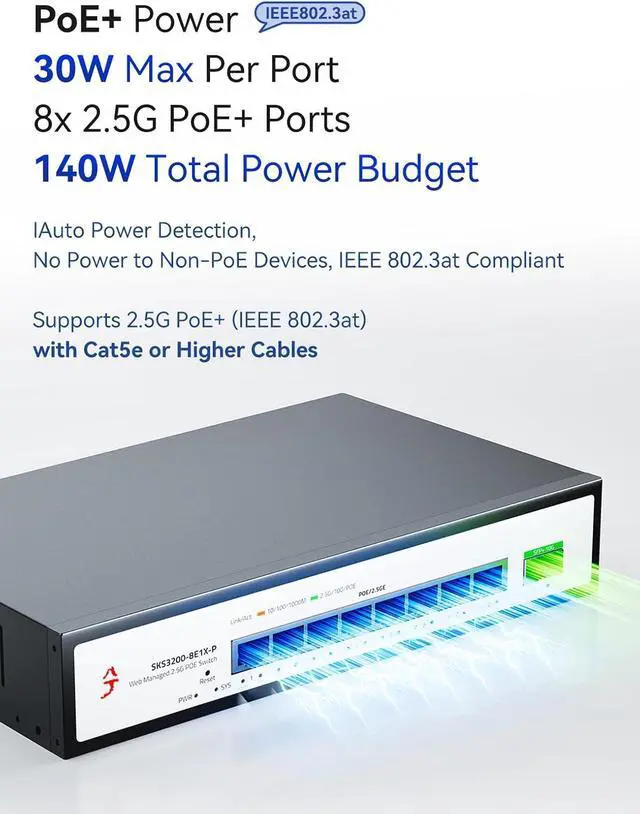
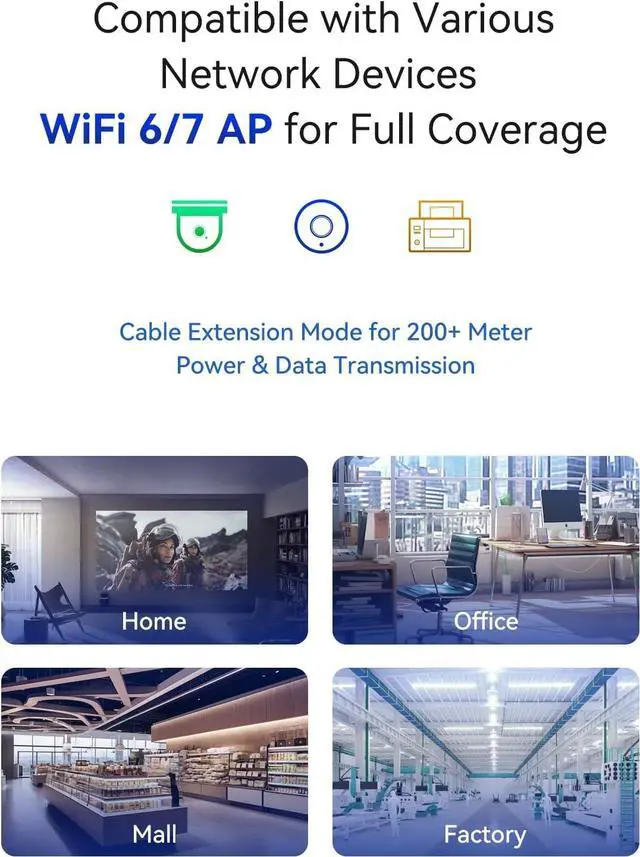
Advanced PoE Features: Equipped with 8 2.5G PoE switch ports, it delivers up to 30W of power per port, supporting the IEEE 802.3af/at standards. This makes it perfect for powering IP cameras, access points, VoIP Phone, NVR and other PoE devices, while ensuring seamless data transmission through your 2.5 gigabit ethernet switch.
Flexible Connectivity: The 2.5gb managed switch features 8 2.5G Ethernet switch ports and 1 10G SFP+ port, compatible with a wide range of modules, including DAC and AOC cables. You can easily connect various devices, including NAS, PCs, and servers, with speeds of up to 2.5 gigabit network switch performance.
Efficient Power Management: The 2.5g managed poe switch supports intelligent power distribution, automatically detecting powered devices and supplying power accordingly. It ensures that non-powered devices are not affected, maintaining full data transfer functionality on your managed network switch.
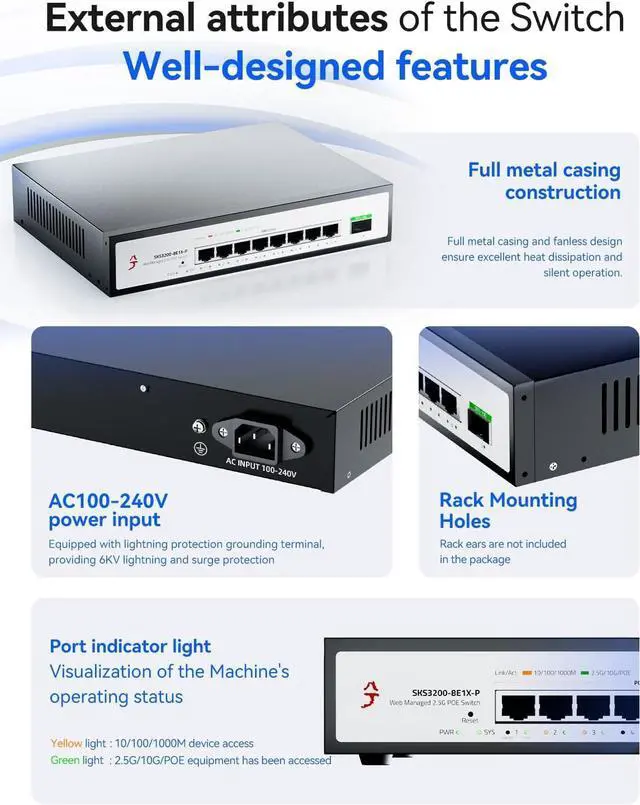
Robust and Quiet Design: The full-metal chassis provides exceptional durability, and the side ventilation holes ensure efficient heat dissipation. With a fanless design, this 2.5 gig switch operates silently, making it ideal for home, office, or desktop use without disturbing noise.
Versatile Installation Options: This 2.5gbe switch can be installed on a desktop or rack-mounted, giving you flexibility for your setup. Rack mounting brackets are not included, but can be requested via email. Perfect for setting up poe network switch systems in homes or small businesses.
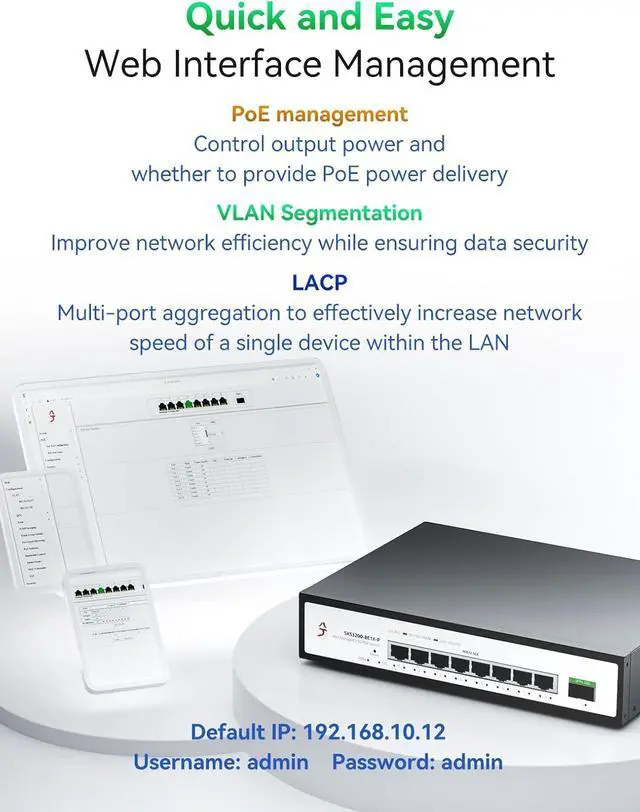
Easy Management Access: To access the management interface of the switch, first change your network's IP address to 192.168.10.X (where X is any number between 2 and 254, excluding 12). Then, open a web browser and enter 192.168.10.12. You can log in using the default username and password(located on the bottom of the product). After configuring settings, remember to click "Save Configuration" button under Tools to ensure settings are retained; otherwise, the switch will revert to factory settings if powered off or upgraded.





 here!
here!