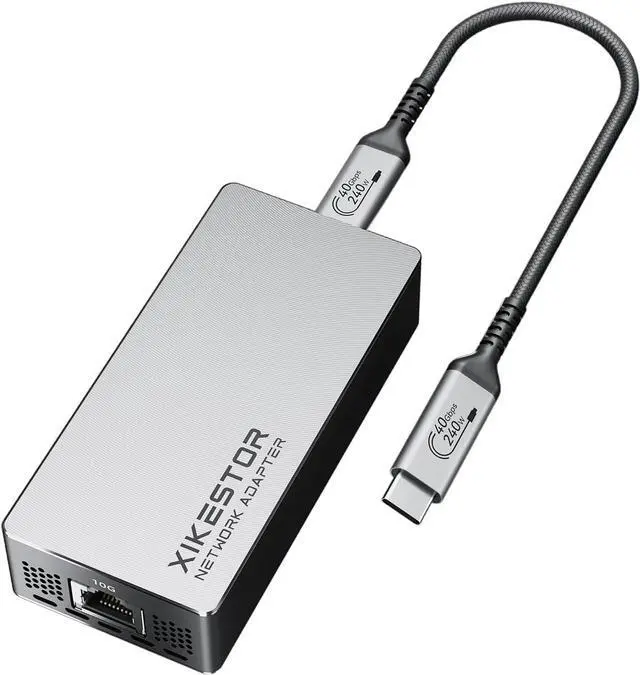
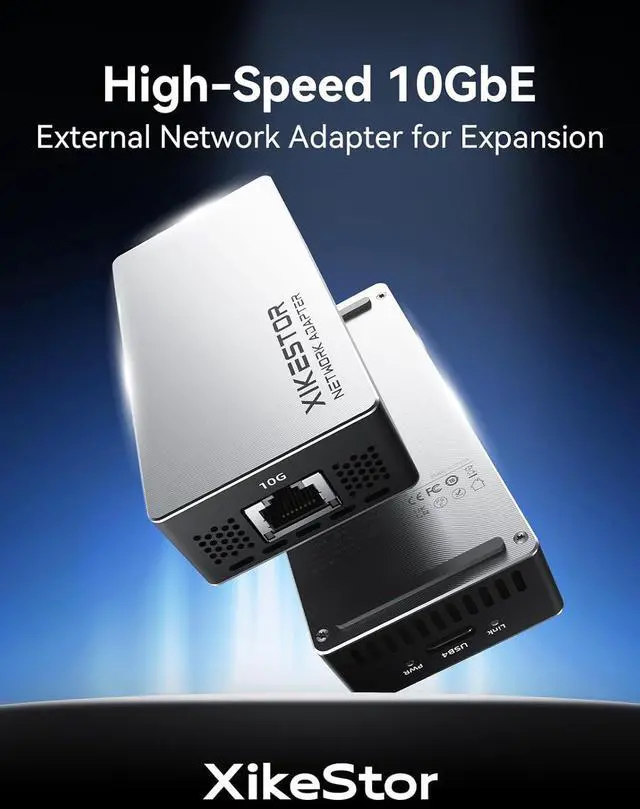
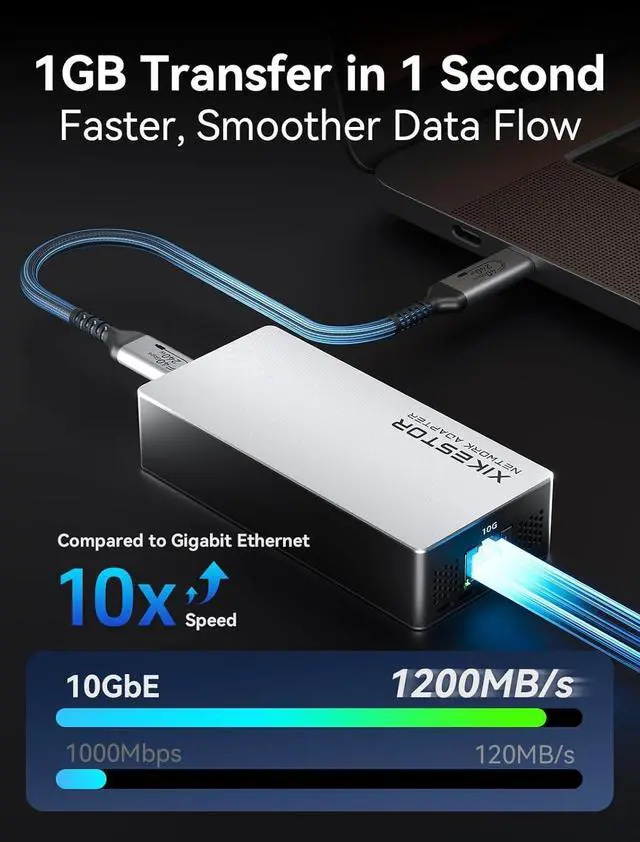
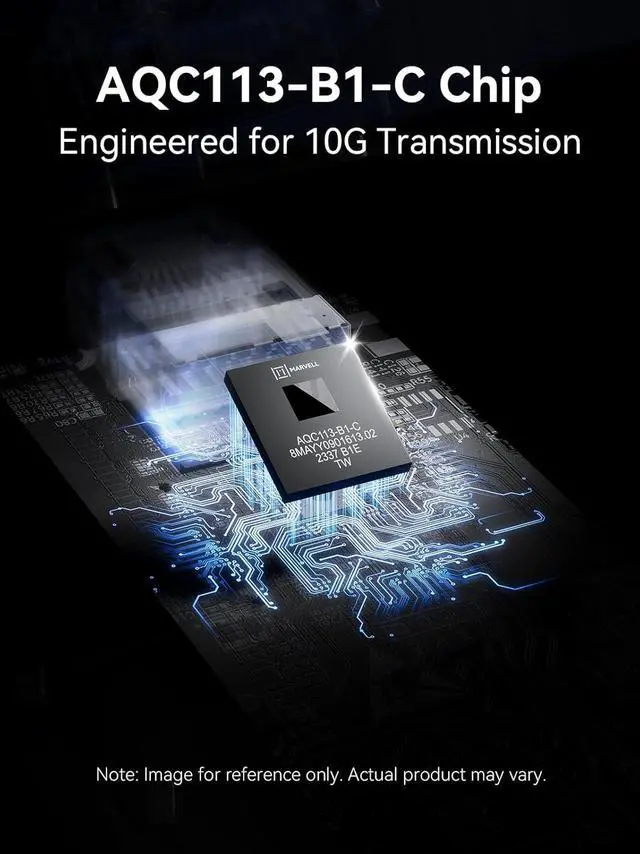
1Aluminum Shell2AQC113 Chip310Gbps Speed4Free USB-C Cable What operaing systems is this adapter compatible with? Does it require driver installation?
Supports Windows, MacOS, and Linux.
MacOS: Plug-and-play, no driver needed
Windows/Linux: Driver required (downloaded from our official website)
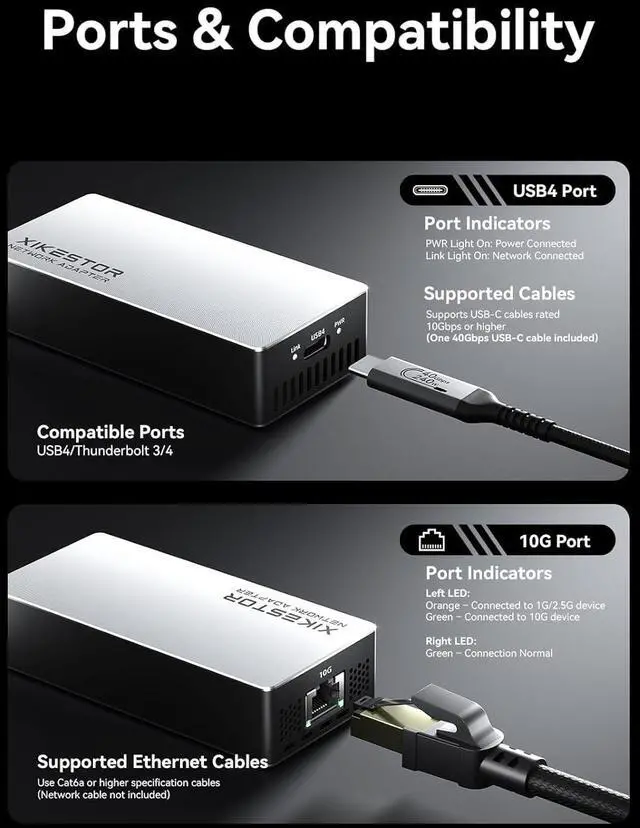
Requires a USB4 or Thunderbolt 3/4/5 port for full performance.
Why can't my Thunderbolt to 10GbE adapter be recognized by my computer?
1. Install USB4/Thunderbolt + AQC113 drivers
2. Try a certified Thunderbolt cable (Win11 lacks Thunderbolt app)
3. Verify Thunderbolt is enabled in BIOS
Still stuck? Contact with your OS + adapter model.
Why am I not getting the full 10Gbps speed?
Ensure your router/switch supports 10G, use a Cat6A or higher cable, and connect to a USB4 or Thunderbolt 3/4/5 port. Also, your network must provide 10Gbps bandwidth. Speed will drop if any part doesnt meet 10G specs.
Does this adapter require an external power supply? Will it get hot during use?
No external power is needed. The adapter is powered directly through the USB4 port.
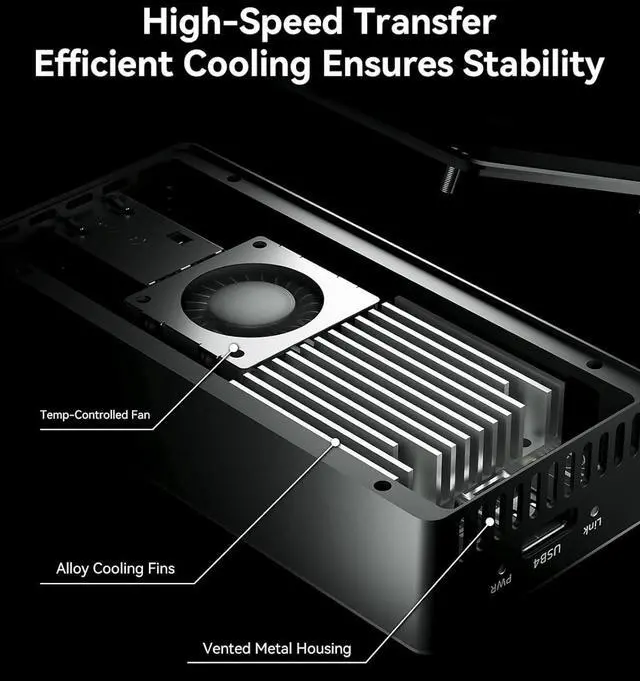
It features an internal airflow design and a metal housing for efficient heat dissipation.
It may feel warm during high-speed transfersthis is normal and safe.
Is a cable included? Can I use my own cable?
Yes, a USB-C cable is included in the box. You may use your own cable, but it must support 40Gbps data transfer speeds (USB4 or Thunderbolt 3/4). Lower-spec cables may result in reduced performance.
What operaing systems is this adapter compatible with? Does it require driver installation?
Why can't my Thunderbolt to 10GbE adapter be recognized by my computer?
Why am I not getting the full 10Gbps speed?
Does this adapter require an external power supply? Will it get hot during use?
Is a cable included? Can I use my own cable?





 here!
here!