Your Browsing History
- Free 30-day Returns
$94.99
Meet Your Seller
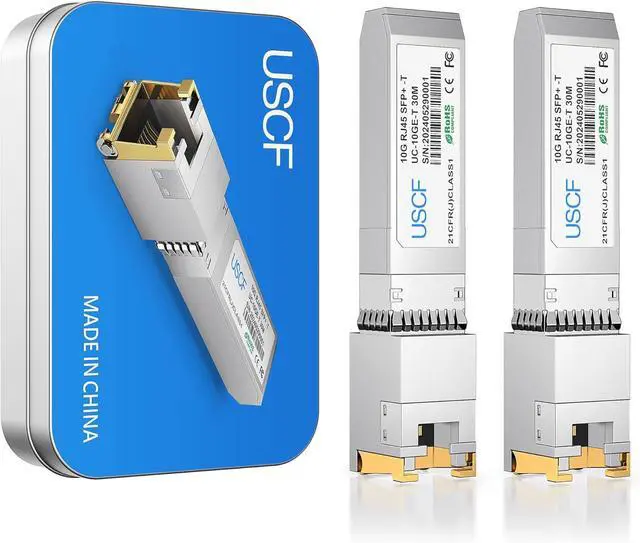
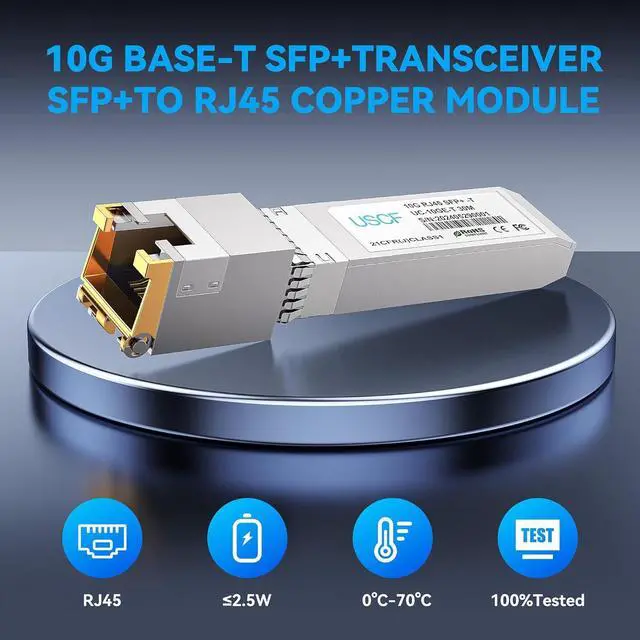
10GBase-T SFP+ to RJ45 Transceiver-10G SFP+ Copper Module (Cat6a, up to 30m)-Compatible with Cisco, Ubiquiti UniFi, Fortinet, TP-Link, Meraki, MikroTik, Supermicro
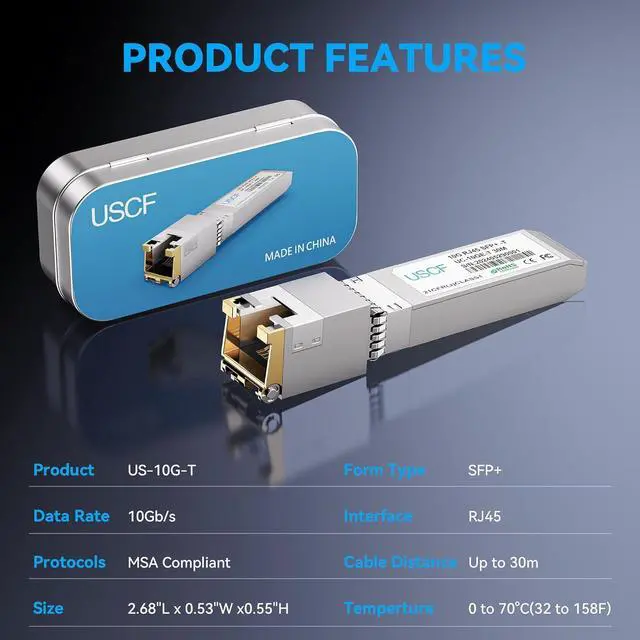
- 10G High-Speed Copper Connectivity Deliver blazing-fast 10 Gigabit Ethernet performance with the Uscf 10GBase-T SFP+ to RJ-45 Transceiver. Supports 10GbE data rates over Cat6a or Cat7 cablesperfect for servers, switches, and data-center upgrades.
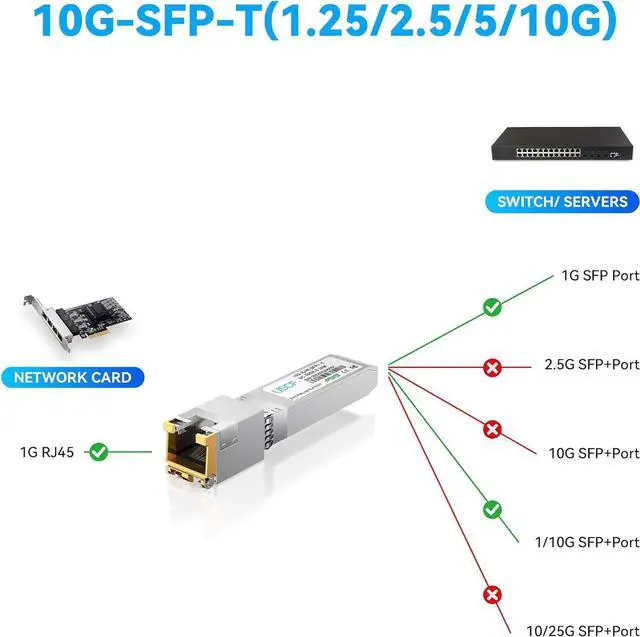
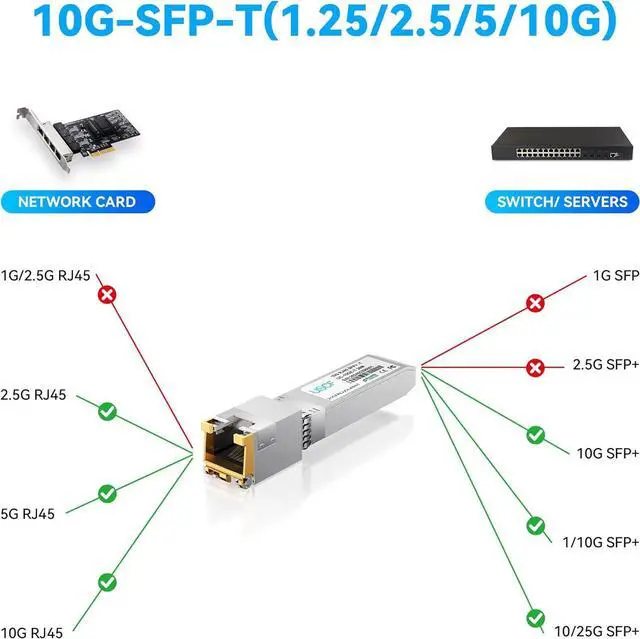
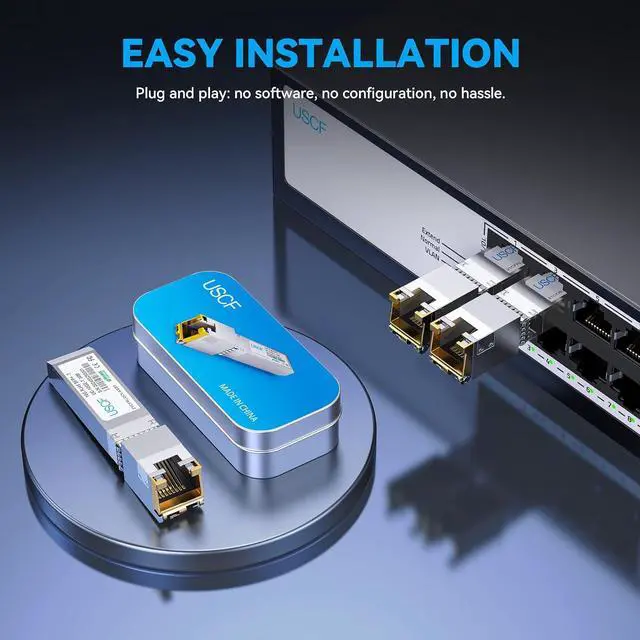
- Plug-and-Play SFP+ to RJ-45 Module Easily convert any SFP+ port into a standard RJ-45 copper interface. Hot-swappable design enables quick installation and replacement with zero downtimeno configuration required. Not compatible with HP/HPE switches.
- Cost-Effective Network Upgrade Use your existing Cat6a or Cat7 copper cabling to achieve up to 30 m 10G connectivity. Save on expensive fiber transceivers and cables while maintaining top performance and reliability.
- Universal Compatibility Fully compatible with Cisco SFP-10G-T-S, Ubiquiti UniFi, Fortinet, TP-Link, MikroTik, D-Link, and other major network brands. Ideal for mixed-vendor environments or expanding 10G infrastructure.
- Reliable & Energy-Efficient Design Built with
+
+
Overview
Specs
Reviews
Any questions? Our AI beta will help you find out quickly.
Try me now
1, Both the remote device and the SFP+ port show no link lights
Most likely a compatibility issue
Check if your switch/router supports 10GBASE-T SFP+ modules
Some devices only support optical modules, not RJ45 ones
2,Remote device shows link light, but SFP+ port doesnt
Possible speed mismatch
Ensure the remote port supports 10Gbps
Use CAT6a or CAT7 cables, under 30 meters (max for 10GBASE-T)
3, SFP+ port link light is on, but no network connection
Not a compatibility issue likely a network configuration issue
Check VLAN settings, port status, or firewall rules
Confirm IP address settings and routing configuration
Troubleshooting Guide for 10GBASE-T RJ45 SFP+ Modules

Most likely a compatibility issue
Check if your switch/router supports 10GBASE-T SFP+ modules
Some devices only support optical modules, not RJ45 ones
2,Remote device shows link light, but SFP+ port doesnt
Possible speed mismatch
Ensure the remote port supports 10Gbps
Use CAT6a or CAT7 cables, under 30 meters (max for 10GBASE-T)
3, SFP+ port link light is on, but no network connection
Not a compatibility issue likely a network configuration issue
Check VLAN settings, port status, or firewall rules
Confirm IP address settings and routing configuration
Troubleshooting Guide for 10GBASE-T RJ45 SFP+ Modules
Warranty & Returns
Warranty, Returns, And Additional Information
Warranty
- Please contact the Seller directly for warranty information. Warranty information may also be found on the Manufacturer's website.
- CONTACT
Return Policies
- Return for refund within: 30 days
- Return for replacement within: 30 days
- This item is covered by E-Transit Limited Return Policy
Manufacturer Contact Info
- For a directory of all our manufacturers, please click below.
- Manufacturers Directory
LOADING...