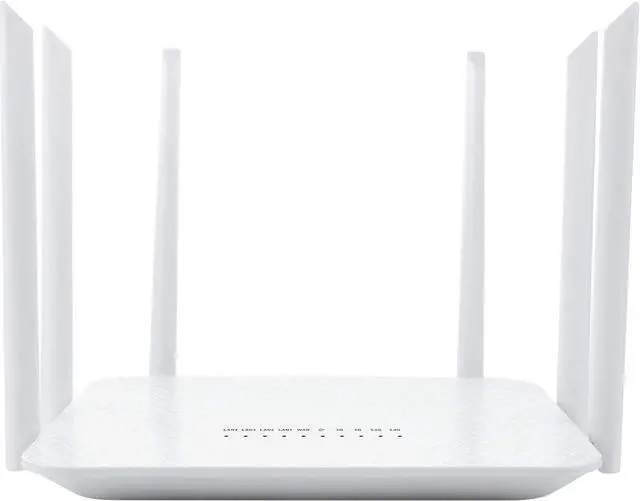
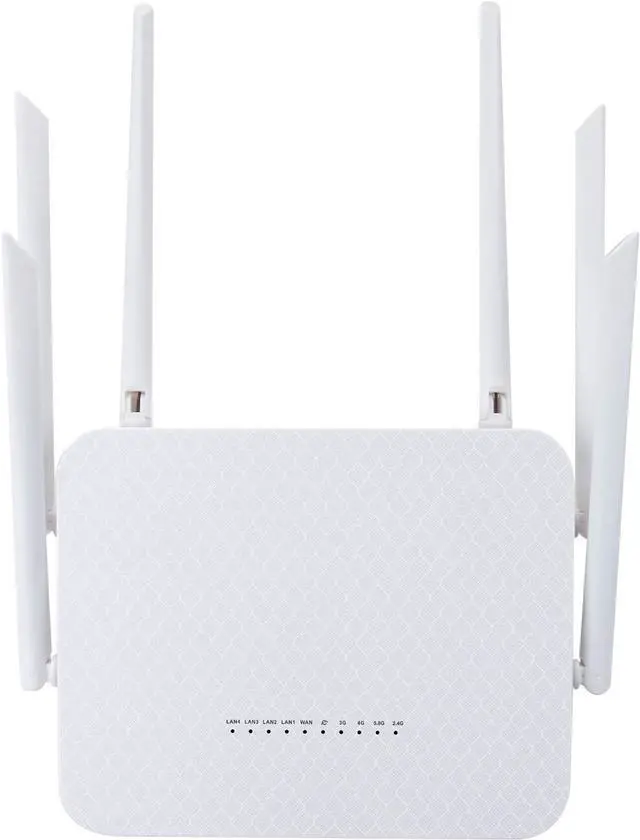
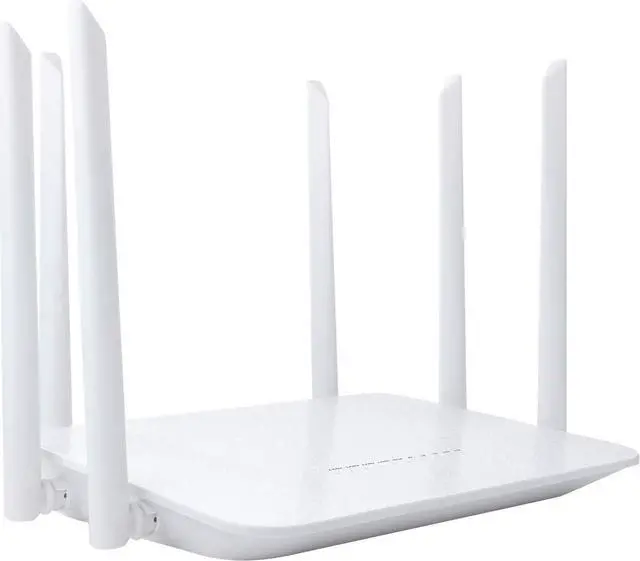
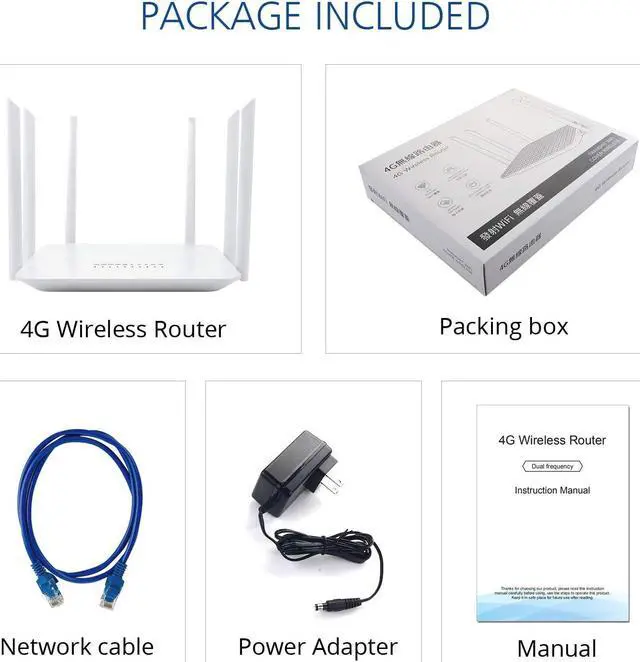
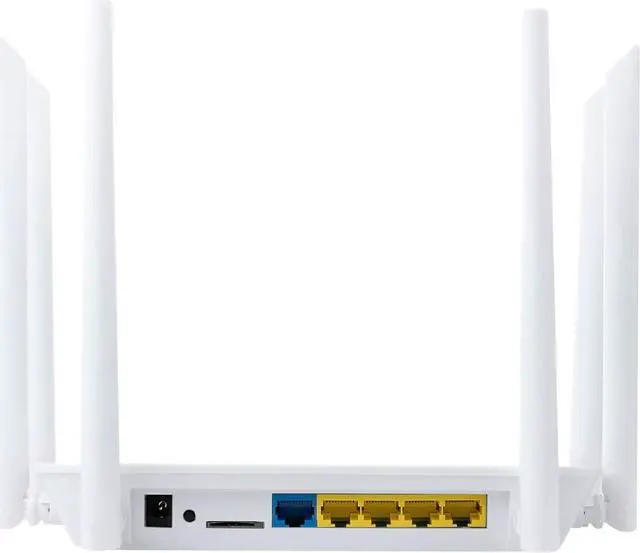
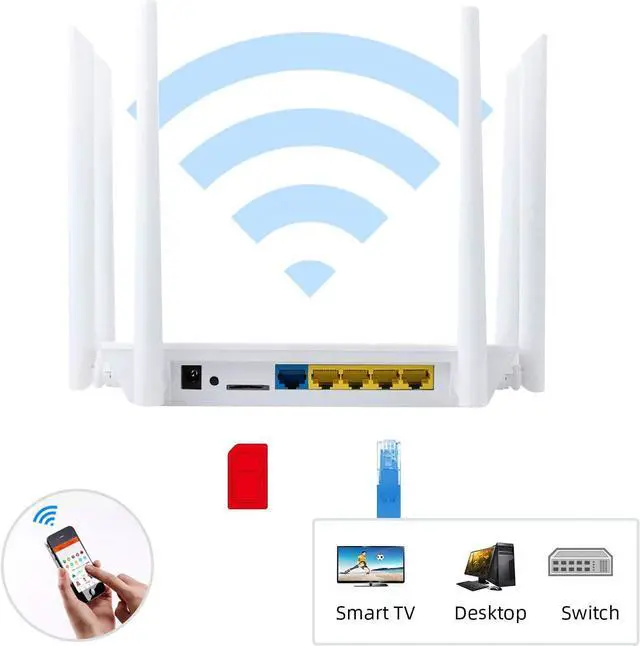
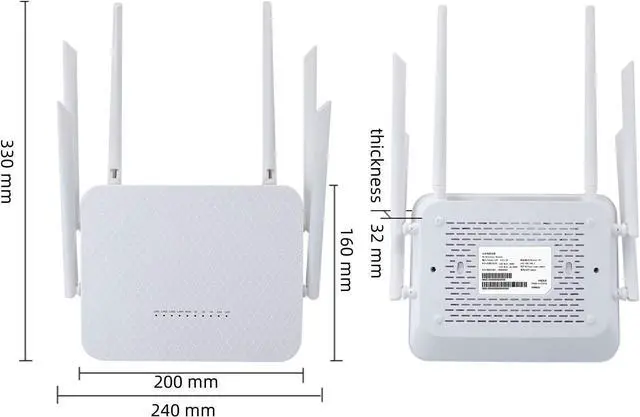
4G LTE CategoryUp to 150 Mbps Download / 50 Mbps Upload5GHz WiFi SpeedUp to 867 Mbps on 5GHz2.4GHz WiFi SpeedUp to 300 Mbps on 2.4GHzAntennas6 x 5 dBi Fixed AntennasSIM SlotStandard SIM (also include with a SIM adapter which could turn Nano SIM to a standard SIM)ISP compatiblityAT&T, T-Mobile, Verizon (Need manual set TTL to 64)Cellular Frequency Band4G-LTE-FDD:B2/B3/B4/B5/B7/B8/B12/B13/B17/B25/B26/B66/B71; 4G-LTE-TDD: B41; 3G-WCDMA:B2/B4/B5/B84G Band SelectionSupportTTL SettingsAuto/ManualIMEI changeSupport [Verizon]:
1: Change TTL to 64. (Please download instruction manual to teach you how to change TTL)
2: Check if the router connect to the internet, if not, follow below instructions.
3: Go to Network Settings -> 4G setting to set Network lock as 4G only, set APN profile as Manual and then set APN as vzwinternet ,
leave username and password as blank. Set Auth mode as PAP+CHAP.
Save all the settings and then check.
[Visible]:
1: Change TTL to 64. (Please download instruction manual to teach you how to change TTL)
2: Go to Network Setting -> 4G setting , Set APN profile as Manual, Set APN as VSBLINTERNET, Leave username and password as blank, Set Auth mode as PAP+CHAP
3: Save all the settings and then check.
[T-Mobile & T-Mobile B2B Static IP]:
1: go to Network setting -> 4G setting
2: Set Network lock as 4G only, Set APN profile as Manual, Set APN as fast dot t-mobile dot com (Note: for static IP plan, set APN as b2b.static ),
Leave username and password as blank. Set Auth mode as PAP+CHAP.
3: Save all the settings and then check.
Product Specifications





 here!
here!