Your Browsing History
- Free 30-day Returns
$313.99
Meet Your Seller
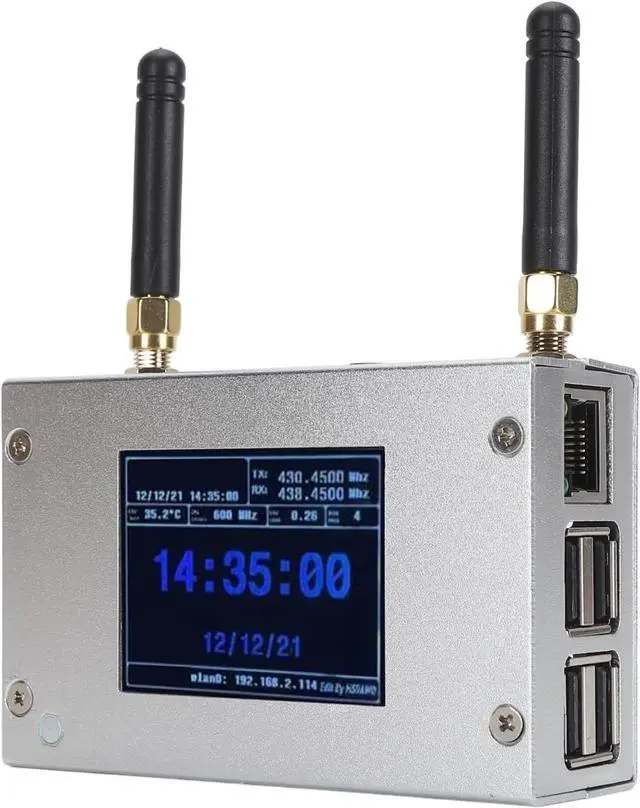
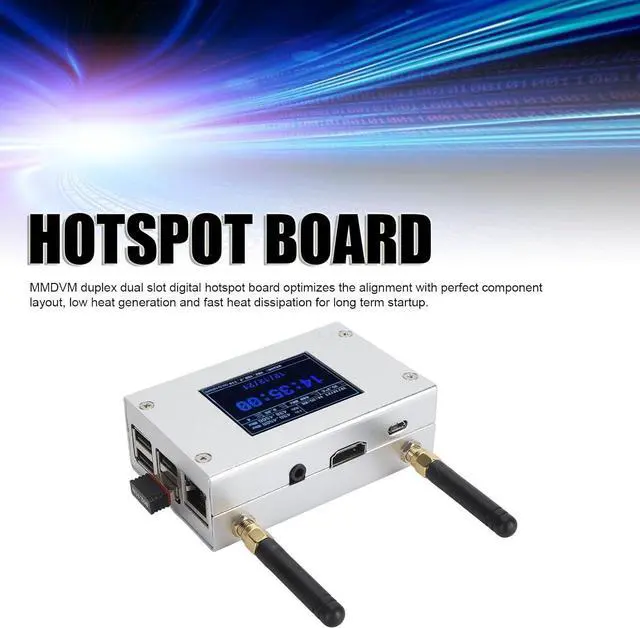
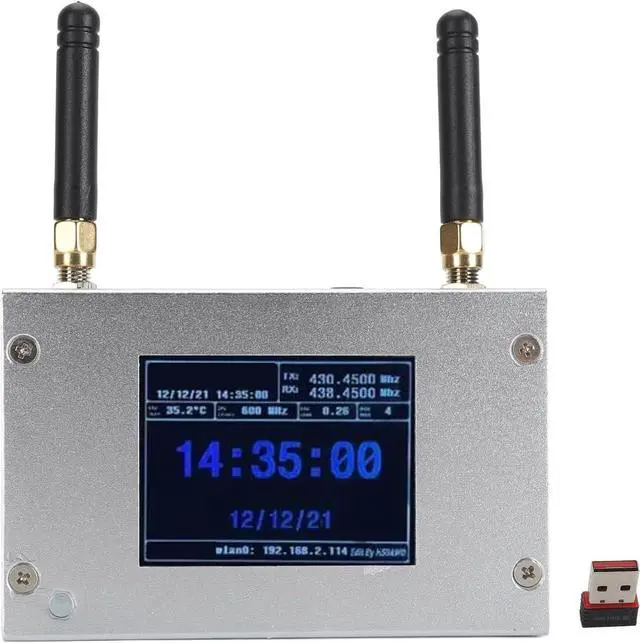
MMDVM Duplex Hotspot Board Multi Mode Digital Voice Modem Support C4FM DMR DSTAR P25 with Aluminium case and Colour Display, Built in 8G TF Card.
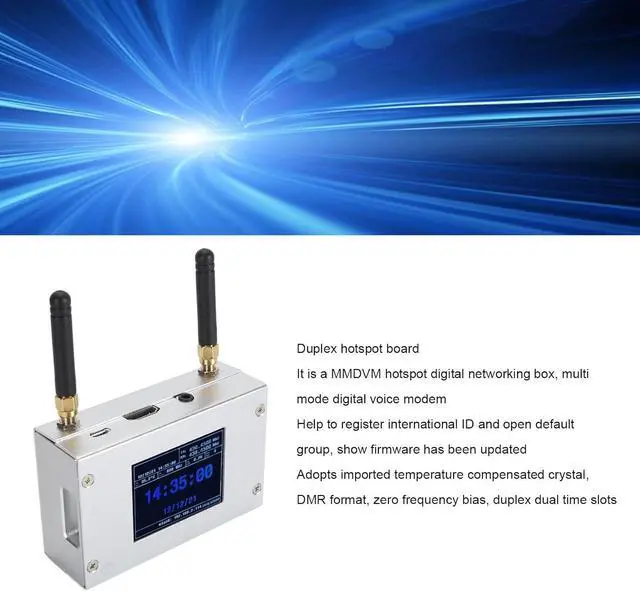
- Duplex Hotspot Board: It is a MMDVM hotspot digital networking box, multi mode digital voice modem, help to register international ID and open a default group, show that the firmware has been updated, using imported temperature compensated crystals, DMR format, bias, duplex double time slot.
- Multifunction: Support C4FM, DMR, DSTAR P25 and other digital formats, to solve the problem of inconsistent digital intercom system, to achieve multi digital system interoperability, the working frequency range: 144148 219225, (the main band) 420475 842950, with a cell phone hotspot or network networking connection, to meet you and the world's HAMs Connectivity.
- Ethernet Connectivity: The unit comes with an Ethernet connectivity device that plugs into one of the micro USB ports. After plugging the device into an Ethernet switch, it will instantly and easily connect to your home network. For a wired connection, log on to the unit using the IP address assigned by your network router.
- Excellen
+
+
Overview
Specs
Reviews
Any questions? Our AI beta will help you find out quickly.
Try me now
Seamlessly connect with multiple digital formats and enjoy reliable communication across various frequency ranges with this advanced hotspot board.
Seamlessly connect with multiple digital radio formats using this compact and efficient device. Enjoy reliable communication with a wide range of users.
Seamlessly connect with multiple digital radio formats using this advanced hotspot board. Enjoy reliable communication across various networks.
Item Type: MMDVM Duplex Hotspot Board
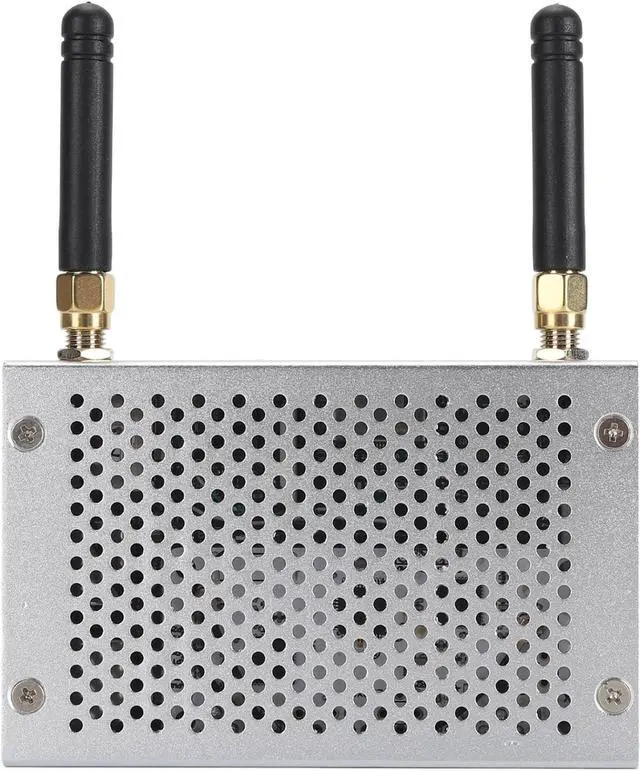
Product Material: Aluminum Alloy
Color: Silver
Support Digital Format: C4FM, DMR, DSTAR P25 and Other Digital Formats
Operating Frequency Range: 144148 219225, (Main Band) 420475 842950
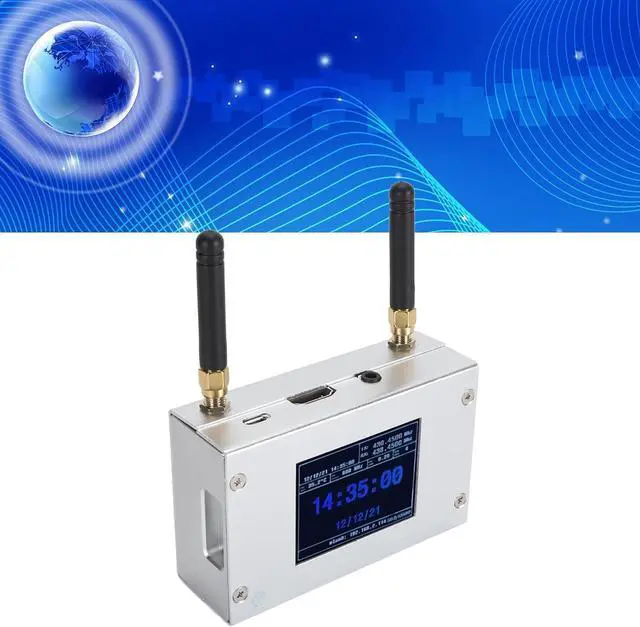
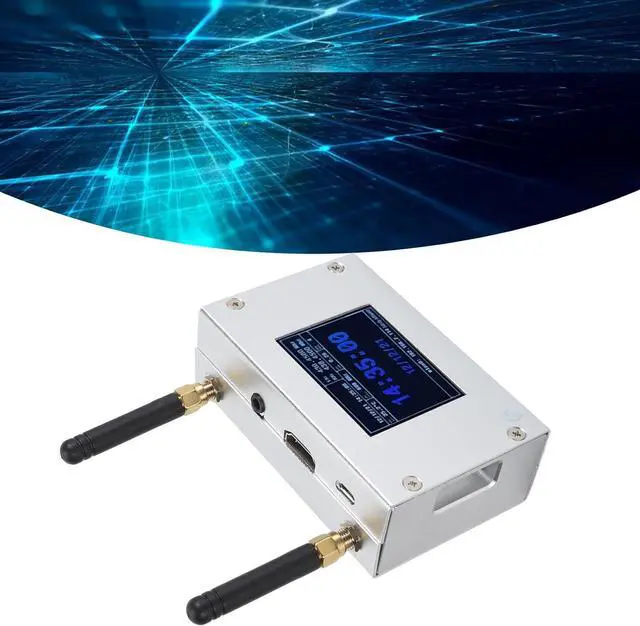
Interface: Micro USB x 1, HD Multimedia Interface x 1, 3.5mm Sound Jack x 1, USB x 4, RJ45 x 1
Memory Card Slot: Built in 8G Memory Card
Antenna: Two External Antennas
Packing list: 1 x Hotspot Board 2 x Antenna
settings when MMDVM first starts up:
I. Connect to an automatic AP hotspot:
1. The hotspot is powered up.
2. Wait for for PiStar to start. It usually takes about a minute (longer if using for Pi0W). If your hotspot has an onscreen display, you can watch for PiStar start up until you are prompted to log in.
3. Wait 2 minutes for the Auto AP feature to activate.
4. View the hotspot named PiStarSetup on your computer or cell phone and connect. Hotspot: PiStarSetup; Password: 12345678
Versatile Digital Voice Modem Versatile Digital Voice Modem Versatile Digital Voice Modem Specification: How to Use:

Seamlessly connect with multiple digital radio formats using this compact and efficient device. Enjoy reliable communication with a wide range of users.
Seamlessly connect with multiple digital radio formats using this advanced hotspot board. Enjoy reliable communication across various networks.
Item Type: MMDVM Duplex Hotspot Board
Product Material: Aluminum Alloy
Color: Silver
Support Digital Format: C4FM, DMR, DSTAR P25 and Other Digital Formats
Operating Frequency Range: 144148 219225, (Main Band) 420475 842950
Interface: Micro USB x 1, HD Multimedia Interface x 1, 3.5mm Sound Jack x 1, USB x 4, RJ45 x 1
Memory Card Slot: Built in 8G Memory Card
Antenna: Two External Antennas
Packing list: 1 x Hotspot Board 2 x Antenna
settings when MMDVM first starts up:
I. Connect to an automatic AP hotspot:
1. The hotspot is powered up.
2. Wait for for PiStar to start. It usually takes about a minute (longer if using for Pi0W). If your hotspot has an onscreen display, you can watch for PiStar start up until you are prompted to log in.
3. Wait 2 minutes for the Auto AP feature to activate.
4. View the hotspot named PiStarSetup on your computer or cell phone and connect. Hotspot: PiStarSetup; Password: 12345678
Versatile Digital Voice Modem Versatile Digital Voice Modem Versatile Digital Voice Modem Specification: How to Use:
Warranty & Returns
Warranty, Returns, And Additional Information
Warranty
- Please contact the Seller directly for warranty information. Warranty information may also be found on the Manufacturer's website.
- CONTACT
Return Policies
- Return for refund within: 30 days
- Return for replacement within: 30 days
- This item is covered by E-Transit Limited Return Policy
Manufacturer Contact Info
- For a directory of all our manufacturers, please click below.
- Manufacturers Directory
LOADING...