

Your Browsing History
- Free 30-day Returns
$90.99

Meet Your Seller

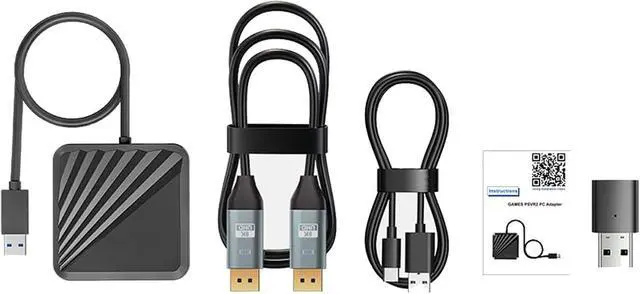
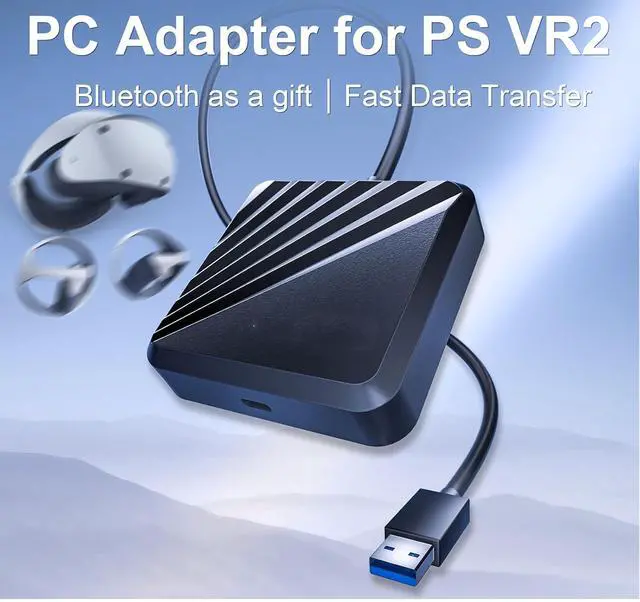


LICHIFIT Adapter + Bluetooth Receiver for PS VR2 to Windows Computer, PC Adapter Kit for PS5 VR2 Converter Connector with Type-C Power Cable and DisplayPort 1.4 HD Cable for PlayStation 5 VR2
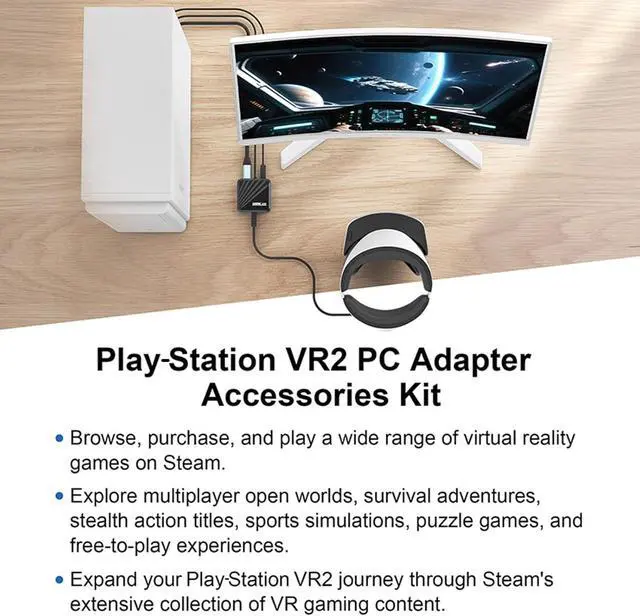
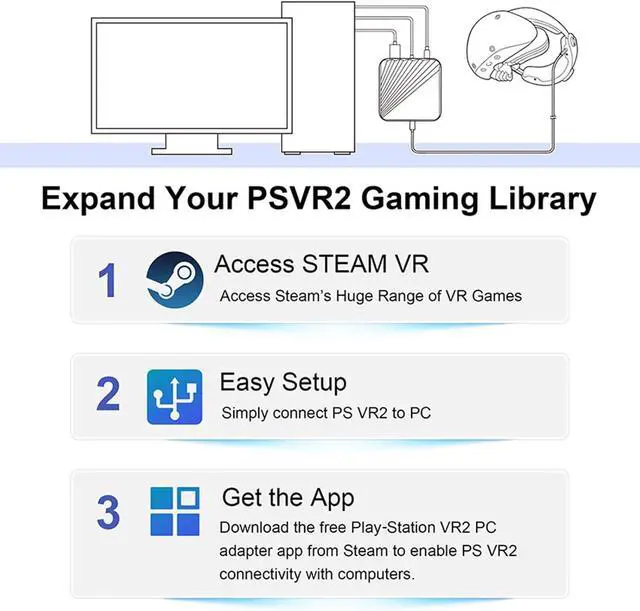
- Expand Your Gamming LibraryAccess a new realm of gaming by connecting your VR2 to your Wins PC with our adapter, browse, purchase, and play a wide range of virtual reality games on Steam, explore multiplayer open worlds, survival adventures, stealth action titles, sports simulations, puzzle games, and free-to-play experiences. Expand your VR2 journey through Steam's extensive collection of VR gaming content.
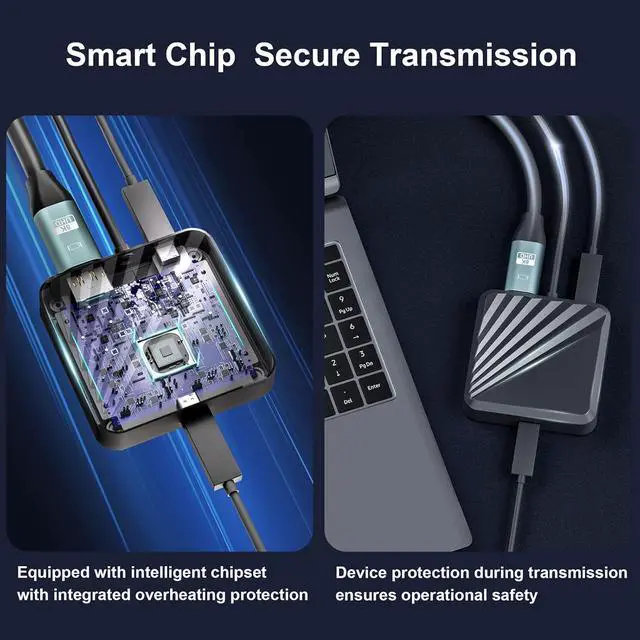
- Smart Chip Secure Transmission Equipped with intelligent chipset with integrated overheating protection, device protection during transmission, ensures operational safety.
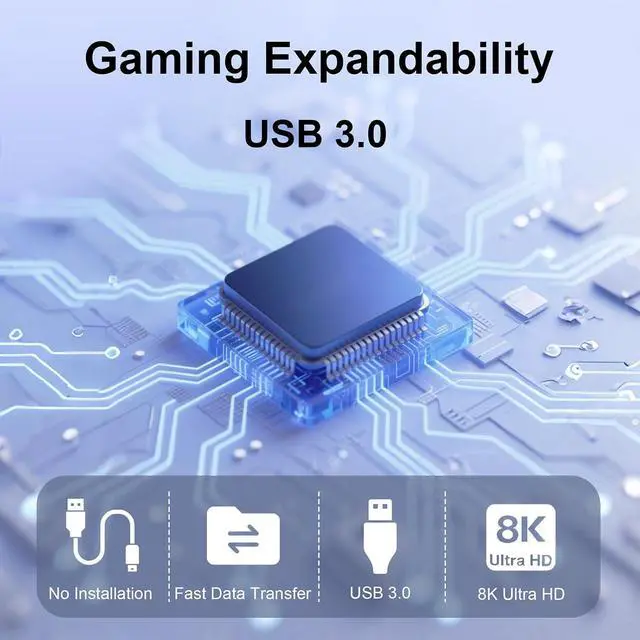
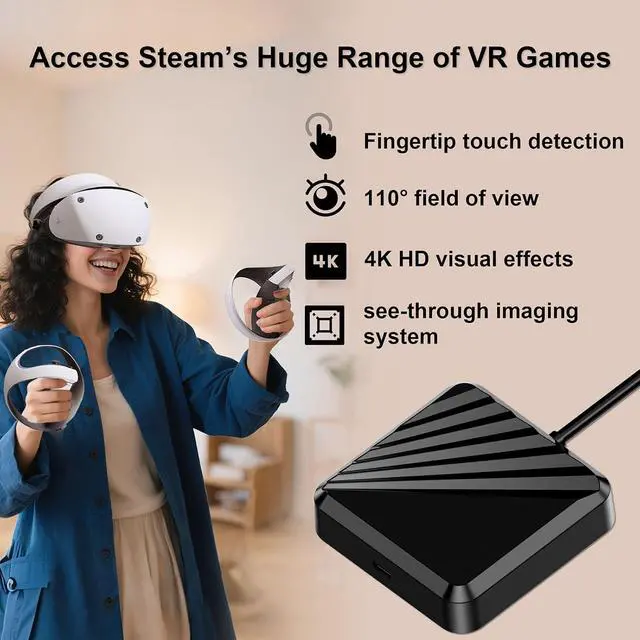
- Industry-Leading Performance It allow you to play huge range of VR game for Steam with good performance, fingertip touch detection, 110° wide field of view, 4K HD visual effects, see-through imaging system, fast data transfer, 8k data stabilization to enhance diverse gaming experience.
- Easy to SetupSimply using the VR2 PC adapter and the DisplayPort 1.4 cable to connect VR2 to your PC . Then download
+
+
Overview
Specs
Reviews

Any questions? Our AI mode will help you find out quickly.
Try me now
Expand Your Gamming LibraryAccess a new realm of gaming by connecting your VR2 to your Wins PC with our adapter, browse, purchase, and play a wide range of virtual reality games on Steam, explore multiplayer open worlds, survival adventures, stealth action titles, sports simulations, puzzle games, and free-to-play experiences. Expand your VR2 journey through Steam's extensive collection of VR gaming content.
Smart Chip Secure Transmission Equipped with intelligent chipset with integrated overheating protection, device protection during transmission, ensures operational safety.
Industry-Leading Performance It allow you to play huge range of VR game for Steam with good performance, fingertip touch detection, 110° wide field of view, 4K HD visual effects, see-through imaging system, fast data transfer, 8k data stabilization to enhance diverse gaming experience.
Easy to SetupSimply using the VR2 PC adapter and the DisplayPort 1.4 cable to connect VR2 to your PC . Then download the VR2 App and the SteamVR App from Steam. This will allow you to set up VR2 on your PC, customize your settings and play area, and start purchasing and playing games in SteamVR.
Bluetooth Receiver for Choice2 types for choice, adapter kit come with Bluetooth Receiver and adapter kit without Bluetooth Receiver, If your computer does not have built-in Bluetooth function, please choose the adapter kit come with Bluetooth Receiver.
Smart Chip Secure Transmission Equipped with intelligent chipset with integrated overheating protection, device protection during transmission, ensures operational safety.
Industry-Leading Performance It allow you to play huge range of VR game for Steam with good performance, fingertip touch detection, 110° wide field of view, 4K HD visual effects, see-through imaging system, fast data transfer, 8k data stabilization to enhance diverse gaming experience.
Easy to SetupSimply using the VR2 PC adapter and the DisplayPort 1.4 cable to connect VR2 to your PC . Then download the VR2 App and the SteamVR App from Steam. This will allow you to set up VR2 on your PC, customize your settings and play area, and start purchasing and playing games in SteamVR.
Bluetooth Receiver for Choice2 types for choice, adapter kit come with Bluetooth Receiver and adapter kit without Bluetooth Receiver, If your computer does not have built-in Bluetooth function, please choose the adapter kit come with Bluetooth Receiver.
Warranty & Returns
Warranty, Returns, And Additional Information
Warranty
- Please contact the Seller directly for warranty information. Warranty information may also be found on the Manufacturer's website.
- CONTACT
Return Policies
- Return for refund within: 30 days
- Return for replacement within: 30 days
- This item is covered by Chinathru Trading Co., Limited Return Policy
Manufacturer Contact Info
- For a directory of all our manufacturers, please click below.
- Manufacturers Directory
LOADING...