

Your Browsing History
- Free 30-day Returns
$173.99

Meet Your Seller


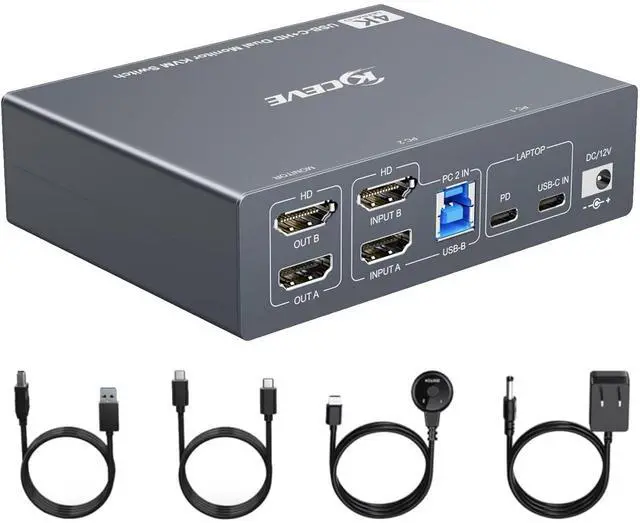
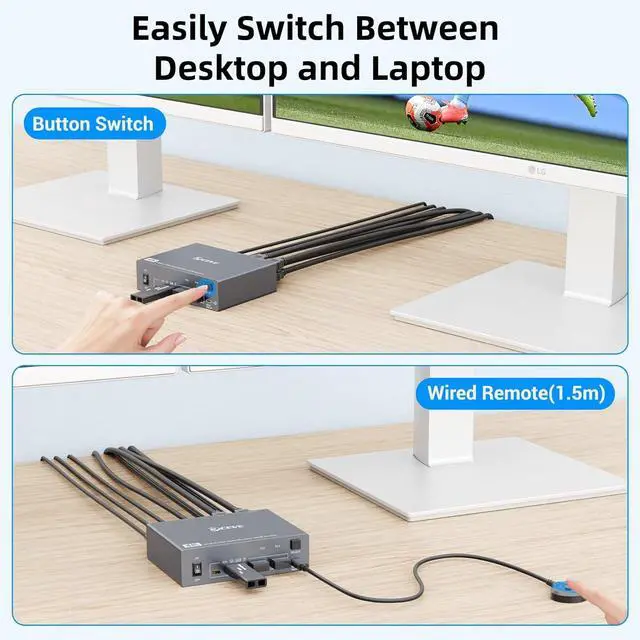


KVM Switch 2 Monitors 1 Laptop and 1 Desktop 4K@60Hz,Camgeet USB C HDMI Dual Monitor KVM Switch with 4 USB3.0 Ports for Keyboard Mouse,80W PD Charging,Wired Remote,USB-C Cable and 12V Adapter Included
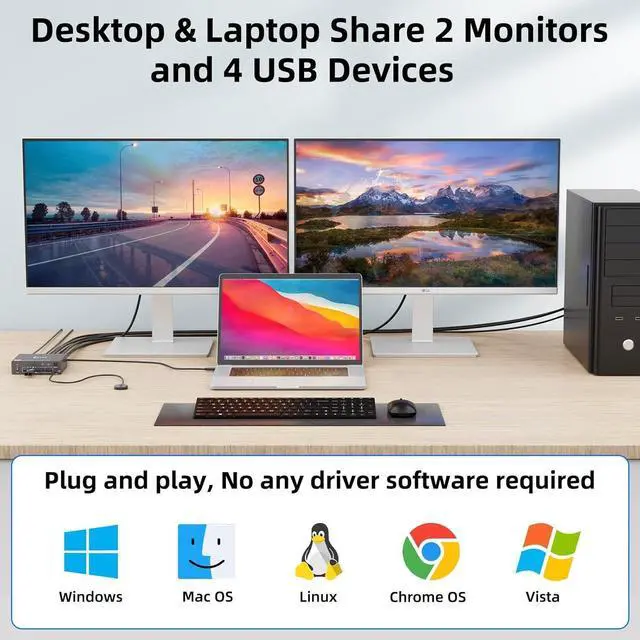
- HDMI and USB C KVM Switch Dual monitorThe USB-C HDMI dual monitor KVM switch combines the functionality of a USB-C docking station and KVM switch, allowing you to expand your laptop with two HDMI monitor outputs and 4 USB 3.0 ports, making it easy for you to share two monitors and USB devices between your laptop and desktop.You can choose expanded mode and mirror mode between two monitors as need.
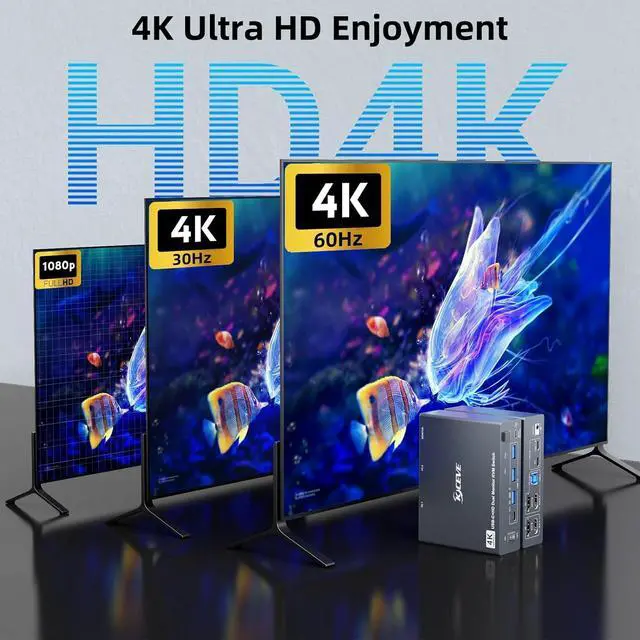
- Ultra HD 4K Visual EffectHDMI 2.0 and DP 1.4a (USB-C) compliant,dual monitor KVM Switch supports up to 4K@60Hz 4:4:4, 2K@120Hz resolutions and is backward compatible, providing an incredible viewing experience with realistic images and vibrant colors.
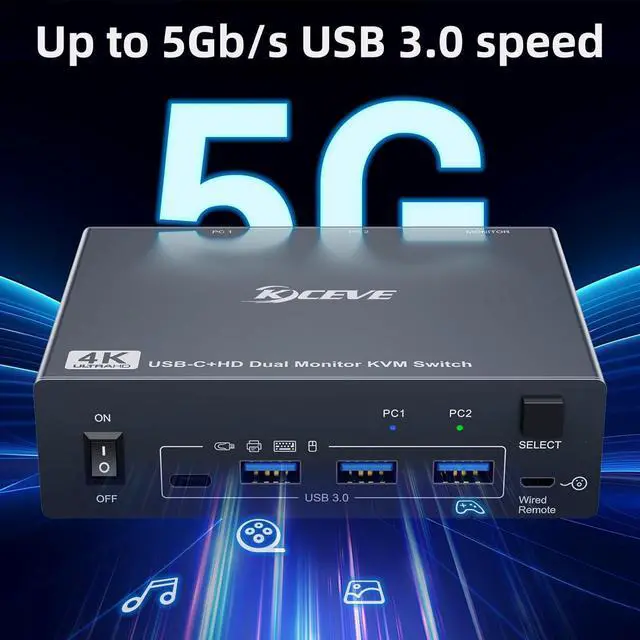
- 5Gbps Ultra-fast TransferUSB 3.0 KVM switch 2 computers 2 monitors transfer files in Seconds.This dual display KVM Switch supports ultra-fast USB 3.0 data transfer rates of up to 5Gb/s. With 4 USB3.0 ports for peripheral USB devices such as keyboard, mouse, printer, etc.,Support wireless keyboard and mouse.
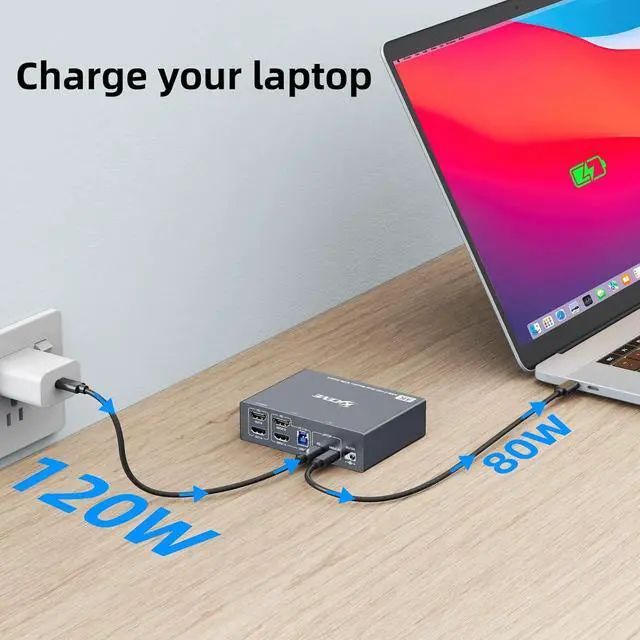
- Quickly Charge Your Laptop
+
+
Overview
Specs
Reviews

Any questions? Our AI mode will help you find out quickly.
Try me now
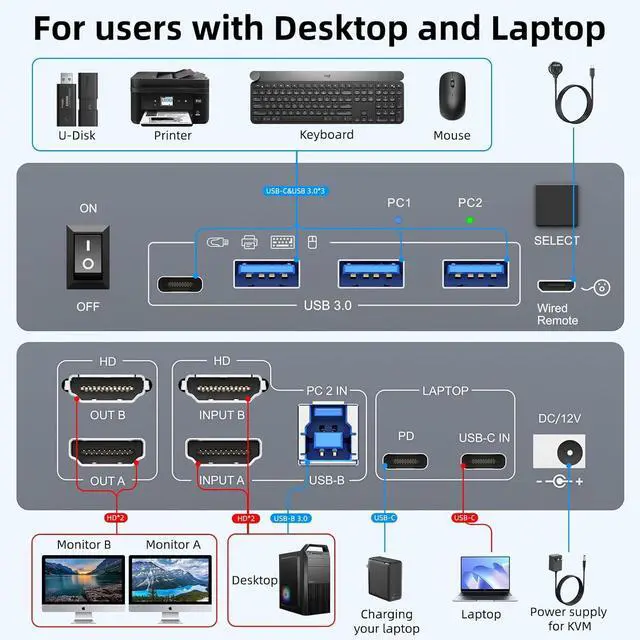
Dedicated to users with 1 desktop and 1 laptop, one set of keyboard and mouse control 2 computers, sharing 2 monitors.
For laptops: simply connect the laptop to the KVM using a USB-C to USB-C cable. If you need to charge your laptop, connect the laptop's power adapter to the KVM's PD port.
For desktop: 2 * HDMI+1 * USB cable are required to connect the desktop to KVM. If your desktop does not have 2 HDMI ports, you can use a Displayport to HDMI cable.
It is also suitable for 2 laptops, but requires a USB C docking station with 2 HDMI outputs.
OUT A, OUT B are used to connect 2 external monitors.
15 Gbps Ultra fast24K Ultra HDExtended mode: 2 monitors output different screens.NOTE: Mac OS doesnt support MST (multi-stream transport), so two duplicate contents will be displayed. For the extended display mode on two screens, please use a USB-C laptop that supporting DP alt mode. 1-year repair or replacement , lifetime service.
How to connect the KVM switch
For laptops: simply connect the laptop to the KVM using a USB-C to USB-C cable. If you need to charge your laptop, connect the laptop's power adapter to the KVM's PD port.
For desktop: 2 * HDMI+1 * USB cable are required to connect the desktop to KVM. If your desktop does not have 2 HDMI ports, you can use a Displayport to HDMI cable.
It is also suitable for 2 laptops, but requires a USB C docking station with 2 HDMI outputs.
OUT A, OUT B are used to connect 2 external monitors.
15 Gbps Ultra fast24K Ultra HDExtended mode: 2 monitors output different screens.NOTE: Mac OS doesnt support MST (multi-stream transport), so two duplicate contents will be displayed. For the extended display mode on two screens, please use a USB-C laptop that supporting DP alt mode. 1-year repair or replacement , lifetime service.
How to connect the KVM switch
Warranty & Returns
Warranty, Returns, And Additional Information
Warranty
- Please contact the Seller directly for warranty information. Warranty information may also be found on the Manufacturer's website.
- CONTACT
Return Policies
- Return for refund within: 30 days
- Return for replacement within: 30 days
- This item is covered by Chinathru Trading Co., Limited Return Policy
Manufacturer Contact Info
- For a directory of all our manufacturers, please click below.
- Manufacturers Directory
LOADING...