

Your Browsing History
- Free 30-day Returns
$90.99

Meet Your Seller

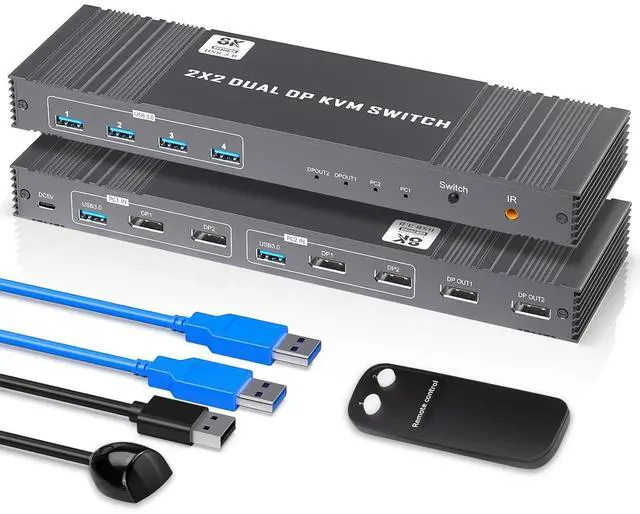
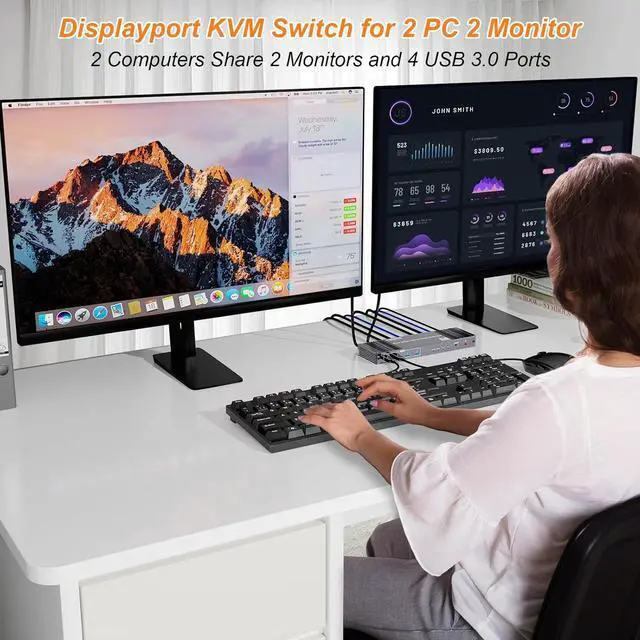


8K KVM Switch 2 Monitors 2 Computers Displayport, DP+DP 4K@120Hz USB3.0 Dual Monitor KVM Switches for 2 PC Sharing 2 Monitor of 1 Set Keyboard Mouse and USB Device, with IR Controller
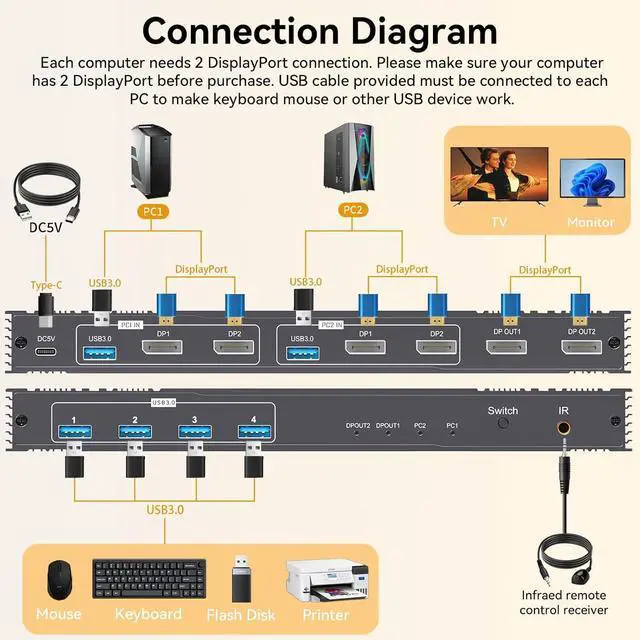
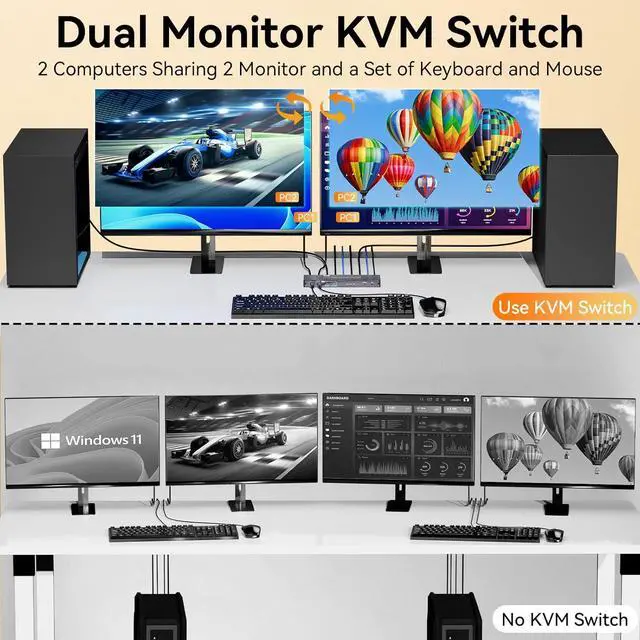
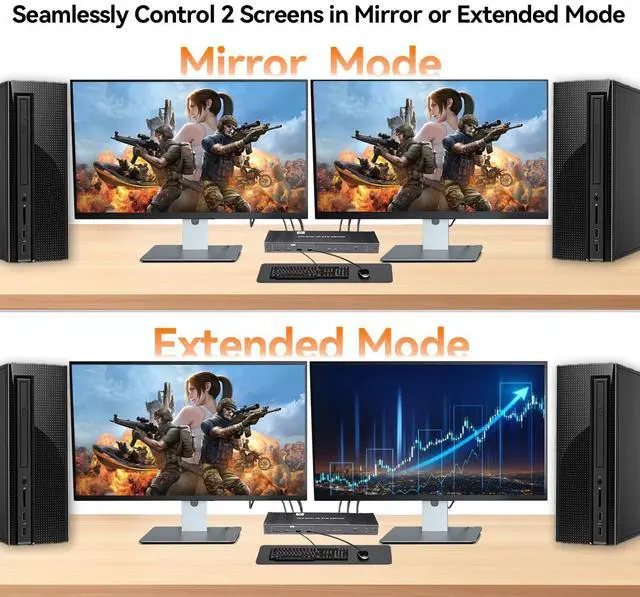
- Dual Display Port KVM Switch: This Display Port KVM switcher allows you to control 2 monitors 2 computers with just one set keyboard mouse. Perfect for users who need expansive screen real estate to enhance productivity and workflow efficiency. (Note: Requires 2 Display Ports for each connected computer and make sure your PC or laptop supports multiple monitors)
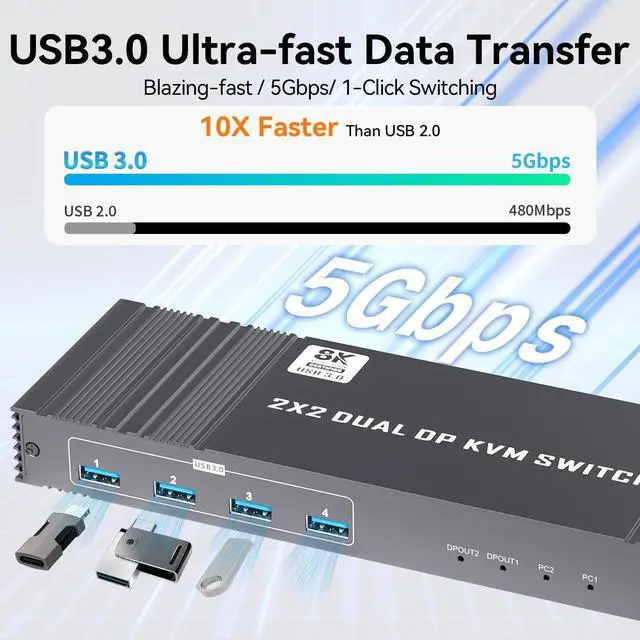
- USB 3.0 KVM Switch:The Display KVM switch has 4 USB 3.0ports with data transfer rates up to 5GBP/S,10 times faster than USB 2.0ports.You can share four USB devices at the same time,such as printers,scanners,webcams,wired or wireless keyboards and mice
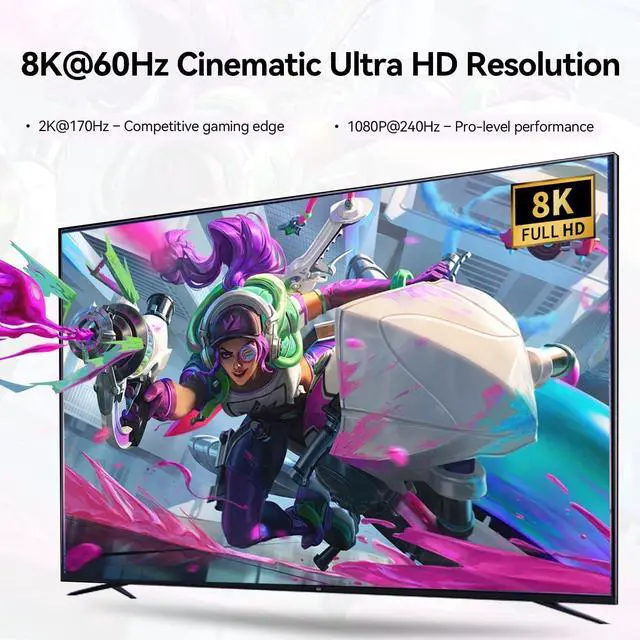
- 8K High Resolution:The resolution of the displayport KVM switch is up to 8K60Hz and is backward compatible with 4K120Hz or lower resolutions .If your computer and monitor support 8K,then this KVM switcher can achieve the best visual effect without affecting the performance of your PC and monitor
- Two Switching Methods:Support panel buttons and IR control 2 ways to switc
+
+
Overview
Specs
Reviews

Any questions? Our AI mode will help you find out quickly.
Try me now
1Efficient Working2Conference3Entertainment Does this KVM switch have a hotkey switching function?
No, it does not have a hotkey switching function. However, it comes with an extended remote control that can extend up to 3-5 meter, allowing you to hide the KVM switch and still easily switch between computers.
What if my computer has a USB-C port and no DP port?
You will need to use a USB-C to DP adapter, please ensure that you use high-quality adapters to maintain compatibility.
What devices and operating systems are compatible with this KVM switch?
This KVM switch is compatible with a variety of input devices including PCs, laptops, and gaming consoles. It supports multiple operating systems such as Windows, Linux, and MacOS.
Does this KVM switch require an external power supply?
Yes, this KVM switch requires an external power supply to ensure stability. A USB-A to USB-C cable is included in the package for connecting to a power adapter, and the adapter itself is included.
KVM Switch 2 Monitors 2 Computers Displayport KVM Switch 2 Monitors 2 Computers Displayport 8K KVM Switch 2 Monitors 2 Computers Displayport 8K KVM Switch 2 Monitors 2 Computers Displayport Why can't I achieve a 8K 60Hz resolution?
Does this KVM switch have a hotkey switching function?
What if my computer has a USB-C port and no DP port?
What devices and operating systems are compatible with this KVM switch?
Does this KVM switch require an external power supply?
No, it does not have a hotkey switching function. However, it comes with an extended remote control that can extend up to 3-5 meter, allowing you to hide the KVM switch and still easily switch between computers.
What if my computer has a USB-C port and no DP port?
You will need to use a USB-C to DP adapter, please ensure that you use high-quality adapters to maintain compatibility.
What devices and operating systems are compatible with this KVM switch?
This KVM switch is compatible with a variety of input devices including PCs, laptops, and gaming consoles. It supports multiple operating systems such as Windows, Linux, and MacOS.
Does this KVM switch require an external power supply?
Yes, this KVM switch requires an external power supply to ensure stability. A USB-A to USB-C cable is included in the package for connecting to a power adapter, and the adapter itself is included.
KVM Switch 2 Monitors 2 Computers Displayport KVM Switch 2 Monitors 2 Computers Displayport 8K KVM Switch 2 Monitors 2 Computers Displayport 8K KVM Switch 2 Monitors 2 Computers Displayport Why can't I achieve a 8K 60Hz resolution?
Does this KVM switch have a hotkey switching function?
What if my computer has a USB-C port and no DP port?
What devices and operating systems are compatible with this KVM switch?
Does this KVM switch require an external power supply?
Warranty & Returns
Warranty, Returns, And Additional Information
Warranty
- Please contact the Seller directly for warranty information. Warranty information may also be found on the Manufacturer's website.
- CONTACT
Return Policies
- Return for refund within: 30 days
- Return for replacement within: 30 days
- This item is covered by Chinathru Trading Co., Limited Return Policy
Manufacturer Contact Info
- For a directory of all our manufacturers, please click below.
- Manufacturers Directory
LOADING...