

Your Browsing History
- Free 30-day Returns
$126.99

Meet Your Seller


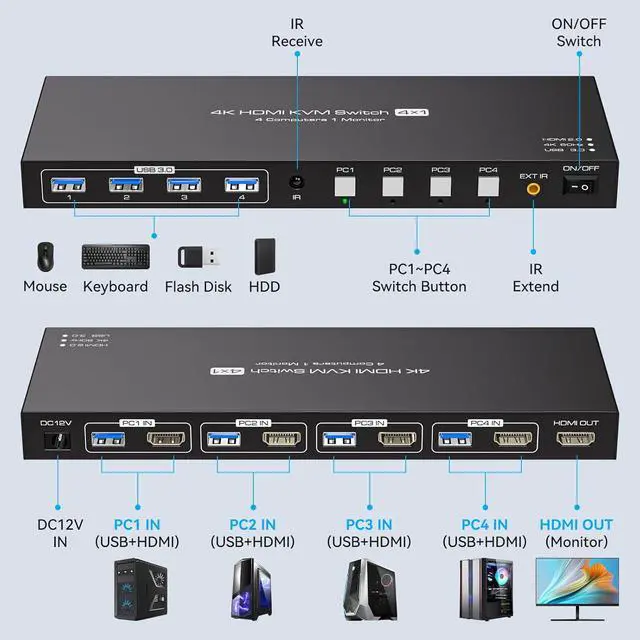
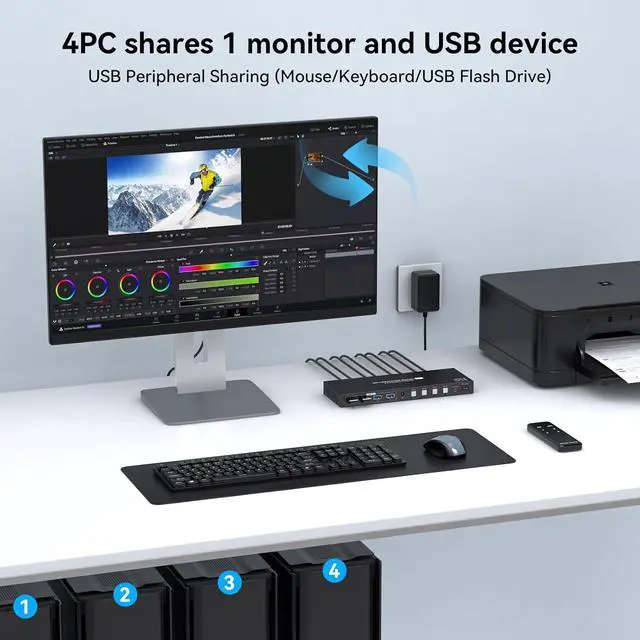


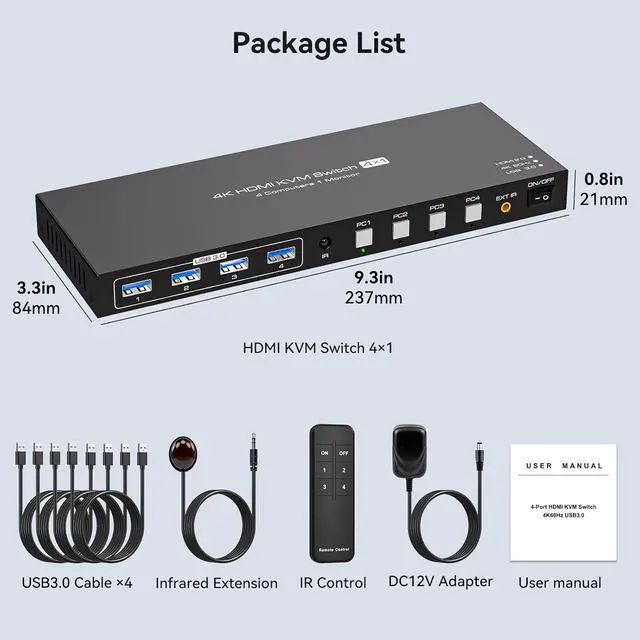


KVM Switch 4 Computers 1 Monitor
- KVM Switch 4 Computers 1 Monitor
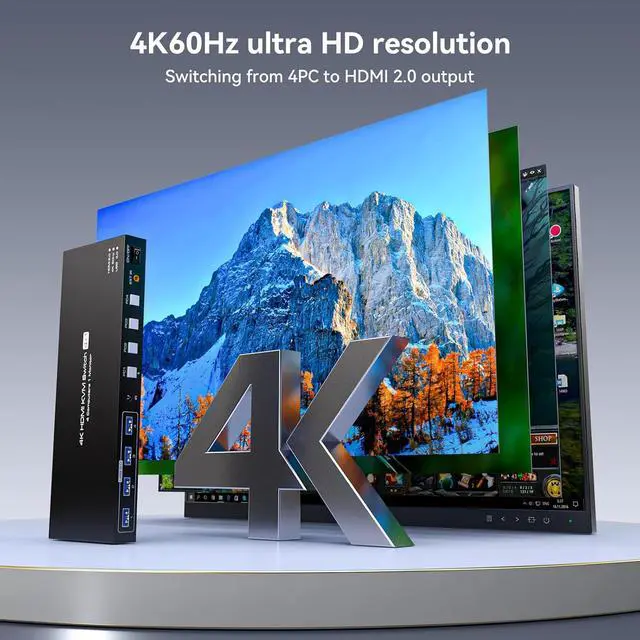
- Ultra-High Definition ResolutionKVM switches 4 port supports astonishing resolutions up to 4K@60Hz, enhancing image clarity and color saturation for an amazing visual experience. It is also backward compatible with resolutions such as 4K@30Hz, 1080P@60Hz, and 720P@60Hz. Note: to achieve the highest resolution, ensure that the signal source, HDMI cable, and DP cable all support 4K@60Hz
- 2 Switching Mode 1. Remote Control Switching: Aim the remote control at the hdmi kvm switcher and press the button to easily switch between different computers; you can also place the KVM switcher outside of the workspace, connect the wired infrared device, aim the remote control at the infrared device, and press the button to switch. 2. Pushbutton Switching: Si
+
+
Overview
Specs
Reviews

Any questions? Our AI mode will help you find out quickly.
Try me now
KVM Switch 4 Computers 1 Monitor
Ultra-High Definition ResolutionKVM switches 4 port supports astonishing resolutions up to 4K@60Hz, enhancing image clarity and color saturation for an amazing visual experience. It is also backward compatible with resolutions such as 4K@30Hz, 1080P@60Hz, and 720P@60Hz. Note: to achieve the highest resolution, ensure that the signal source, HDMI cable, and DP cable all support 4K@60Hz
2 Switching Mode 1. Remote Control Switching: Aim the remote control at the hdmi kvm switcher and press the button to easily switch between different computers; you can also place the KVM switcher outside of the workspace, connect the wired infrared device, aim the remote control at the infrared device, and press the button to switch. 2. Pushbutton Switching: Si
Ultra-High Definition ResolutionKVM switches 4 port supports astonishing resolutions up to 4K@60Hz, enhancing image clarity and color saturation for an amazing visual experience. It is also backward compatible with resolutions such as 4K@30Hz, 1080P@60Hz, and 720P@60Hz. Note: to achieve the highest resolution, ensure that the signal source, HDMI cable, and DP cable all support 4K@60Hz
2 Switching Mode 1. Remote Control Switching: Aim the remote control at the hdmi kvm switcher and press the button to easily switch between different computers; you can also place the KVM switcher outside of the workspace, connect the wired infrared device, aim the remote control at the infrared device, and press the button to switch. 2. Pushbutton Switching: Si
Warranty & Returns
Warranty, Returns, And Additional Information
Warranty
- Please contact the Seller directly for warranty information. Warranty information may also be found on the Manufacturer's website.
- CONTACT
Return Policies
- Return for refund within: 30 days
- Return for replacement within: 30 days
- This item is covered by Chinathru Trading Co., Limited Return Policy
Manufacturer Contact Info
- For a directory of all our manufacturers, please click below.
- Manufacturers Directory
LOADING...