Your Browsing History
Best Sellers
- $124.12
- $122.82
- + $9.99 Shipping
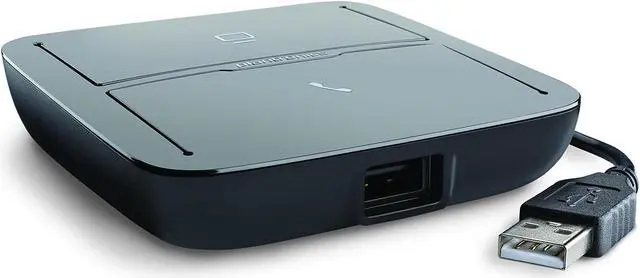
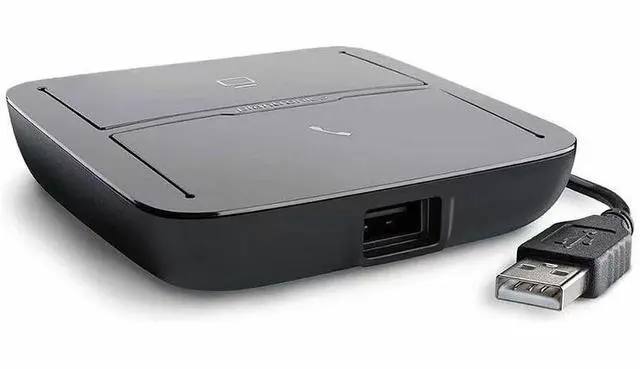
Poly MDA220 USB-A Headset Adapter 8A7E0AA
- Blackwire Family
- Voyager Family
- Savi Series
- EncorePro USB Series
- Bluetooth USB Adapter BT600
- DA Series
+
+
Overview
Specs
Reviews
See all Q & A
Any questions? Ask CelesteSM will help you find out quickly.
Try me now
PLY MDA220 USB-A
Warranty & Returns
Warranty, Returns, And Additional Information
Warranty
- Limited Warranty period (parts): 1 year
- Limited Warranty period (labor): 1 year
- Read full details
Return Policies
- Return for refund until: January 31, 2027
- Return for replacement until: January 31, 2027
- This item is covered by Newegg.com's Extended Holiday Return Policy.
- Read full return policy for details.
We want to ensure your holiday shopping this year is hassle-free. That’s why we’re automatically extending our return policies on almost every product! For purchases placed between November 1st, 2026 and December 31, 2026 you will have until January 31, 2027 to return your product.
Manufacturer Contact Info
LOADING...
LOADING...
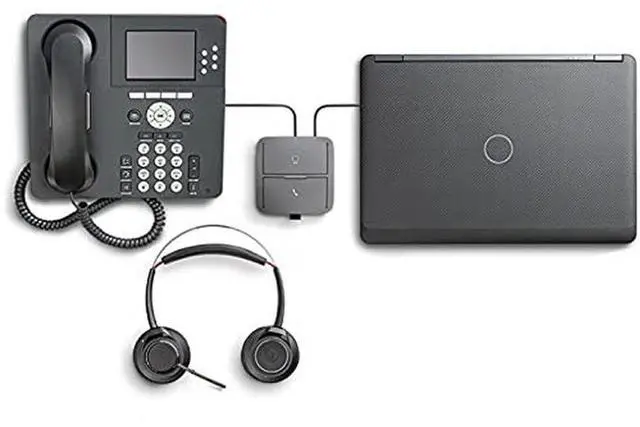
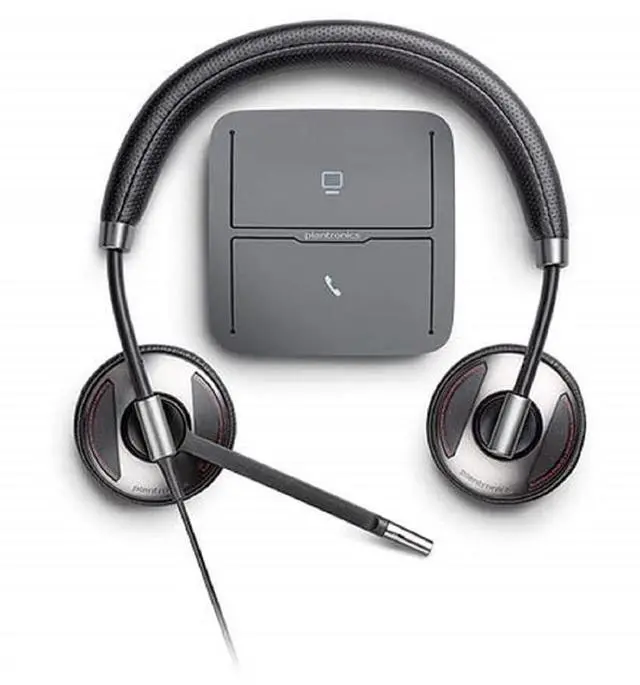
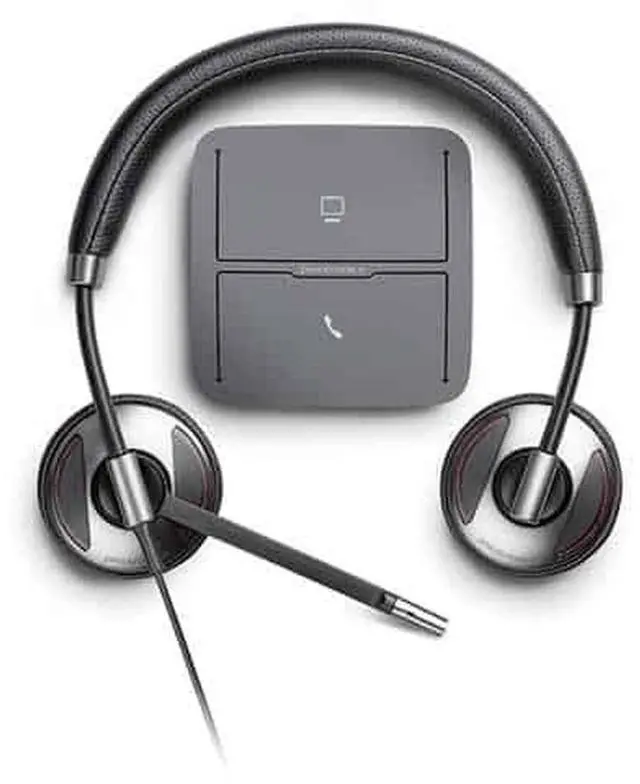
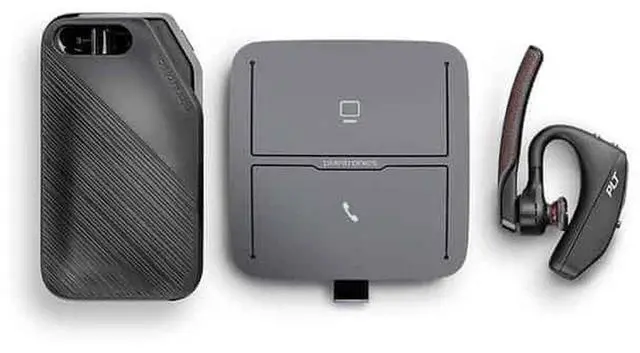
The Poly MDA220 USB-A Headset Adapter is designed for people who want to use a compatible Poly headset across desk-phone and computer calls, with support listed for Blackwire, Voyager, Savi, EncorePro USB, DA Series and BT600 devices.
Recommended For
- Office workers who regularly switch between a compatible desk phone and a PC softphone and want to use one headset for both.
- Organizations moving to unified communications that need to keep existing desk phones in service while adding PC softphone calling.
- Teams using supported Poly USB headsets who need a shared headset setup for calls through Microsoft, Avaya, Cisco, or other compatible softphones and desk phones.
- Desk-based callers who want to answer or end desk-phone calls from the headset, provided they add a compatible EHS cable or HL10 lifter where needed.
Real-World Use Scenarios
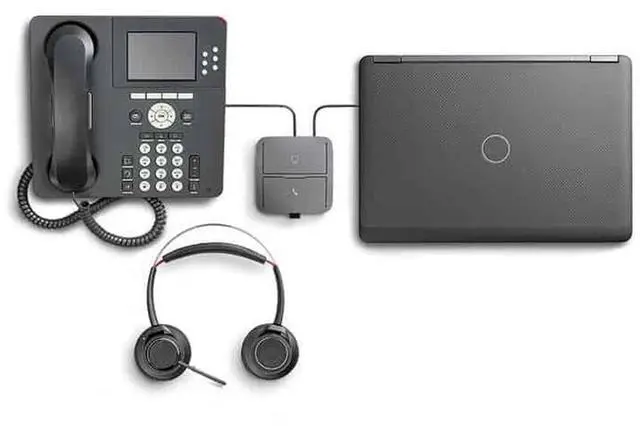
- At a desk where both a desk phone and a PC softphone are used, connect one compatible Poly USB headset and select the phone or computer audio button to handle calls without swapping headsets.
- During a gradual move to softphone calling, keep using the existing desk phone while adding PC calls through the same headset; switch audio channels with the MDA220’s buttons.
- When calls arrive on both a desk phone and a supported PC softphone, use the illuminated controls to identify and select the audio channel you need; the adapter helps manage the two sources from one headset.
- In an office that wants to answer or end desk-phone calls from the headset, add a compatible electronic hookswitch cable or handset lifter; remote call control depends on the phone and accessory setup.
- For a workstation using a compatible Poly wireless USB headset, plug its supported USB adapter into the MDA220 to use that headset with desk-phone and PC audio; confirm adapter compatibility before setup.
Spec Summary
| Attribute | Value |
|---|---|
| Best For | Connecting listed Poly Blackwire, Voyager, Savi, EncorePro USB, DA Series, and BT600 products with compatible laptops, personal computers, or smartphones |
| Ports And Connectivity | USB cable connection with 2 ports |
| Audio Output | Stereo |
| Physical Specifications | Black; item measures 3.5 × 3.5 × 1 inches and weighs 3 ounces |
| Package Dimensions And Weight | 14.7 × 17.8 × 5.6 cm; package weight 0.23 kg |
| Model Identifiers | Poly MDA220; manufacturer listed as Plantronics, Inc |