




IIISOGNO 2 in 1 Garmin Watch Charger Cable 3.3FT

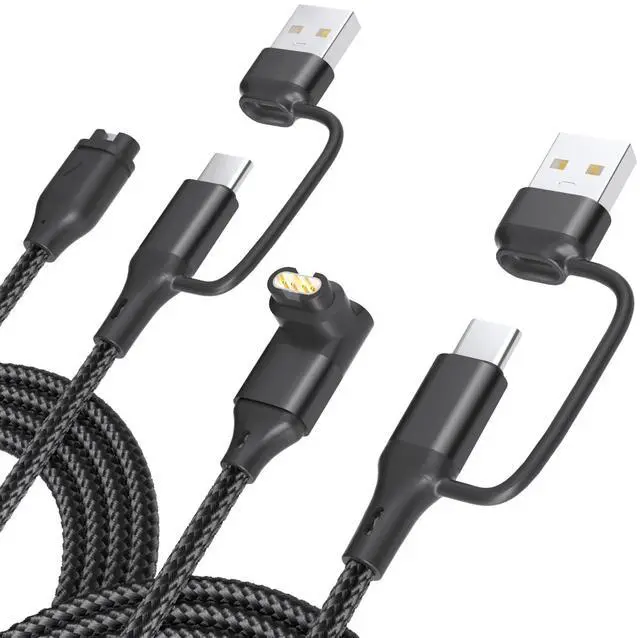
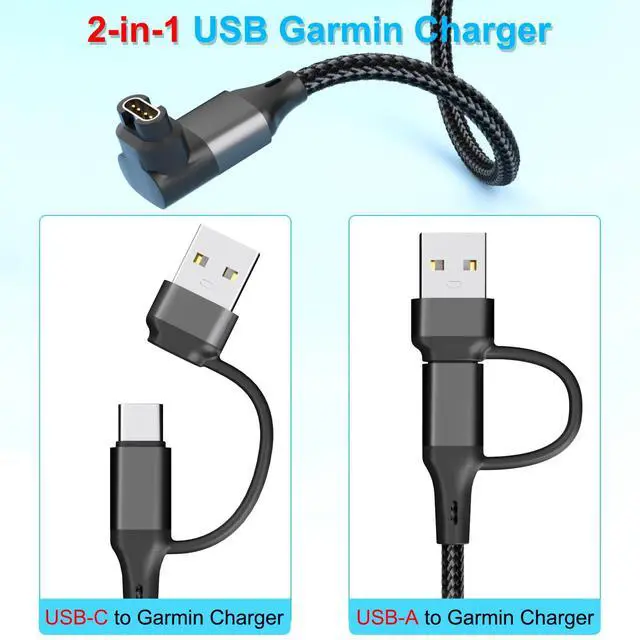
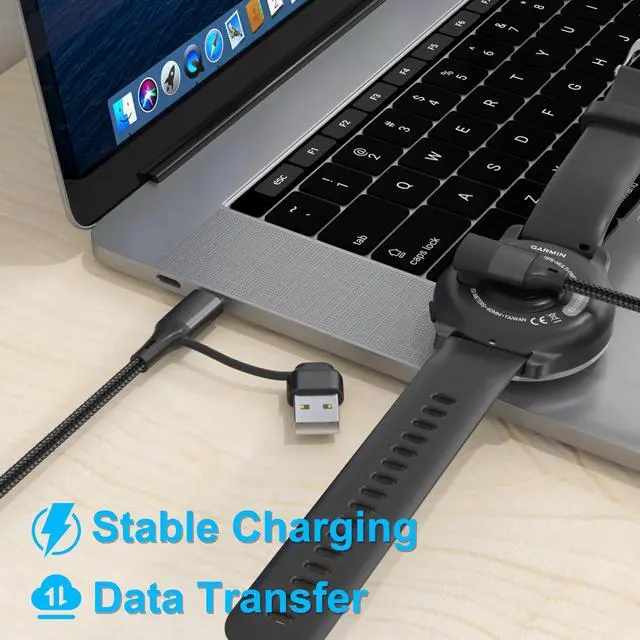
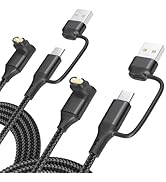
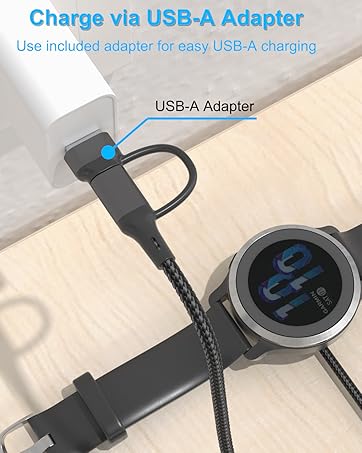
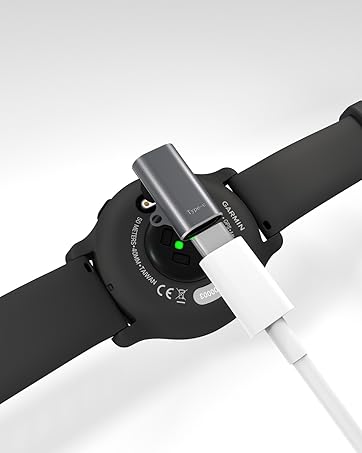
The 2 in 1 Charging Cable 3.3FT is compatible with Garmin smartwatches, featuring a braided nylon cable and a 90-degree connector. Connect the 4-Pin charger to your watch and the USB-C or USB-A to a charger or computer for charging or data transfer. Includes a USB adapter for more charging options.

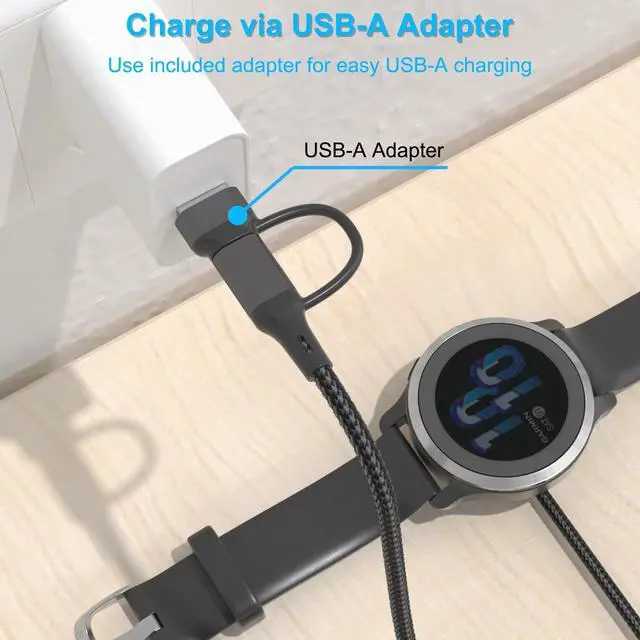
Charging with USB-A

Charging with USB-C

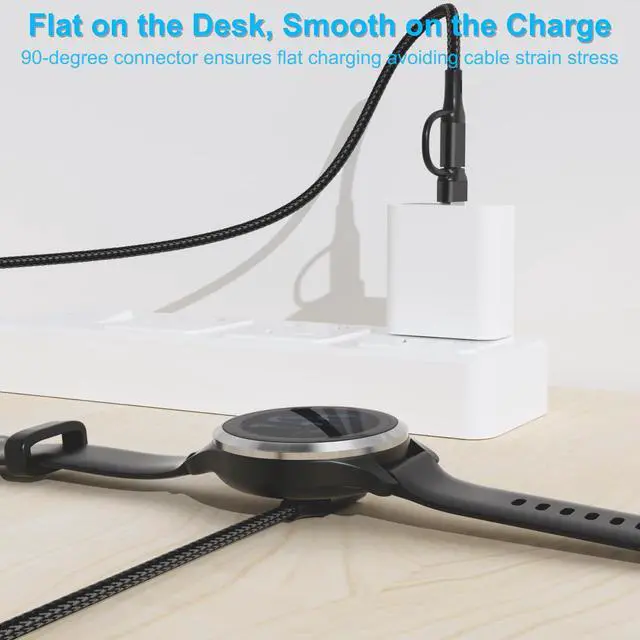
90 Degree Connector

Nylon Braided Cable

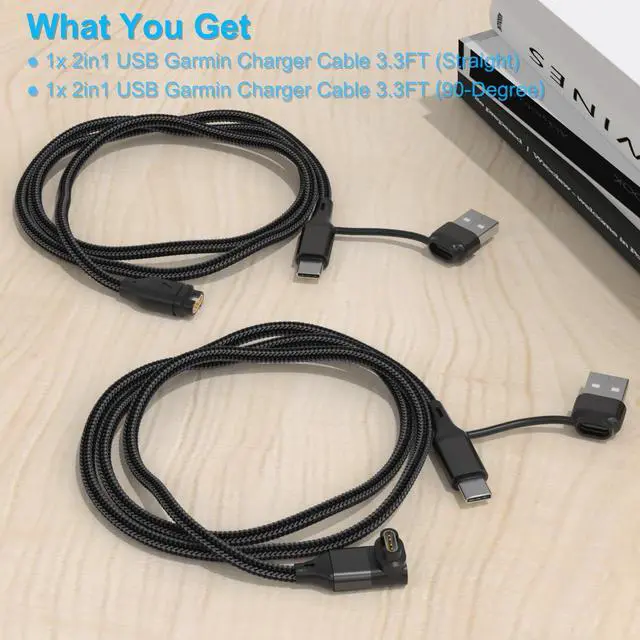
What You Get
- 1x 2in1 USB Garmin Charger Cable 3.3FT (Straight)
- 1x 2in1 USB Garmin Charger Cable 3.3FT (90-Degree)
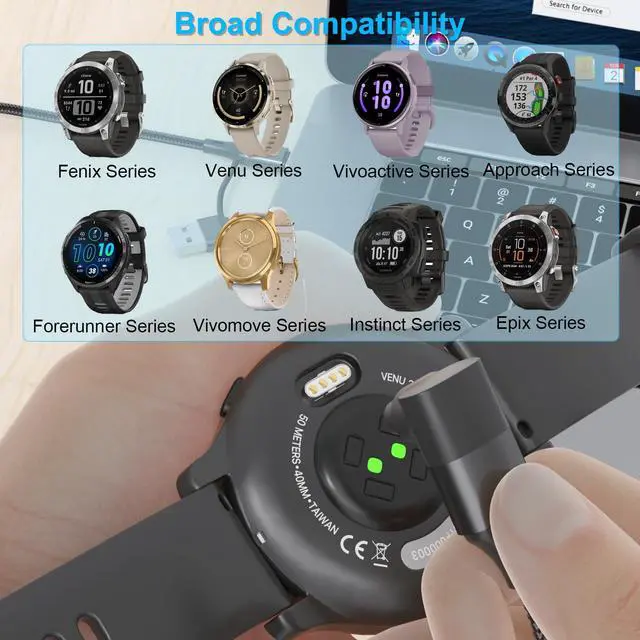
Broad Compatibility

Friendly Reminder
To ensure smooth data transfer and firmware updates:
- Windows users: Once the watch is connected with this cable, you can directly access its folder in File Explorer. Some models allow direct file copying or updates.
- Mac users: Please download and install Garmin Express (from the official website) before connecting your watch with this cable, or the system may not detect the device.
- For both Windows and Mac, we still recommend using Garmin Express for data transfer or firmware updates to ensure the best compatibility and stability.
Why can my Windows computer update my Garmin watch using the charging cable, but my Mac cannot?
Windows natively supports Garmin’s USB protocol and can recognize the watch as a removable drive for direct data access. macOS does not support this mode and requires Garmin’s official software to detect and update data.
How can I update my Garmin watch data or firmware on a Mac?
On macOS, you need to install and use Garmin Express software to complete data sync and firmware updates.
What happens if I just plug the cable into my Mac?
Your Mac may fail to detect the watch storage or show it as an unknown device. File transfer will not work. This is not an issue with the cable but a difference in system support.
Is this a problem with the cable or the watch?
Neither. It’s due to operating system USB protocol compatibility. No matter what cable you use, macOS requires Garmin Express for data transfer and updates.
IIISOGNO 2 in 1 Garmin Watch Charger Cable 3.3FT

The 2 in 1 Charging Cable 3.3FT is compatible with Garmin smartwatches, featuring a braided nylon cable and a 90-degree connector. Connect the 4-Pin charger to your watch and the USB-C or USB-A to a charger or computer for charging or data transfer. Includes a USB adapter for more charging options.
Charging with USB-A
Charging with USB-C
90 Degree Connector
Nylon Braided Cable

What You Get
- 1x 2in1 USB Garmin Charger Cable 3.3FT (Straight)
- 1x 2in1 USB Garmin Charger Cable 3.3FT (90-Degree)
Broad Compatibility

| Fenix Series | Fenix 8, E, 7X, Fenix 7, Fenix 6X Pro Solar, Fenix 6 Pro, Fenix 5 Plus, Fenix 5S, Fenix 5X, Fenix 5 |
|---|---|
| Forerunner Series | Forerunner 970/570, 965, Forerunner 955, Forerunner 945, Forerunner 935, Forerunner 745, Forerunner 735XT, Forerunner 645, Forerunner 245 Music, Forerunner 55, Forerunner 45, Forerunner 265/265S, Forerunner 255/255S, Forerunner 165 |
| Venu Series | Venu 3/3S, Venu 2/2S, Venu SQ/SQ 2, X1 |
| Vivoactive Series | Vivoactive 6 / 5, Vivoactive 4/4S, Vivoactive 3 Music, Vivoactive 3, Vivosmart 5, Vivosport |
| Instinct Series | Instinct 3 / 2, Instinct Solar, Instinct Tactical Edition, Instinct Standard Edition |
| Vivomove Series | Vivomove 3/3S, Vivomove Luxe, Vivomove Style, Vivomove Sport |
| Tactix Series | Tactix 8 / 7, Tactix Delta, Tactix Charlie, Tactix Bravo |
| Approach Series | Approach S62, Approach S42, Approach S40, Approach S12, Approach G12, Approach X10 |
| Quatix Series | Quatix 8 / 7, Quatix 7X, Quatix 6, Quatix 6X, Quatix 5 |
| Epix Series | Epix Pro (Gen2), Epix Gen 2 |
| Swim Series | Swim 2 |
| Other Series | D2 Air, D2 Air X10, Charlie, Delta, Delta PX, Delta S, Mach 1, Mach 1 Pro, Darth Vader, Enduro 3/2, Index Sleep Monitor, Impact Bat Swing Sensor, Rey, |
Friendly Reminder
To ensure smooth data transfer and firmware updates:
- Windows users: Once the watch is connected with this cable, you can directly access its folder in File Explorer. Some models allow direct file copying or updates.
- Mac users: Please download and install Garmin Express (from the official website) before connecting your watch with this cable, or the system may not detect the device.
- For both Windows and Mac, we still recommend using Garmin Express for data transfer or firmware updates to ensure the best compatibility and stability.
Why can my Windows computer update my Garmin watch using the charging cable, but my Mac cannot?
Windows natively supports Garmin’s USB protocol and can recognize the watch as a removable drive for direct data access. macOS does not support this mode and requires Garmin’s official software to detect and update data.
How can I update my Garmin watch data or firmware on a Mac?
On macOS, you need to install and use Garmin Express software to complete data sync and firmware updates.
What happens if I just plug the cable into my Mac?
Your Mac may fail to detect the watch storage or show it as an unknown device. File transfer will not work. This is not an issue with the cable but a difference in system support.
Is this a problem with the cable or the watch?
Neither. It’s due to operating system USB protocol compatibility. No matter what cable you use, macOS requires Garmin Express for data transfer and updates.
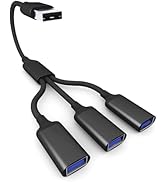
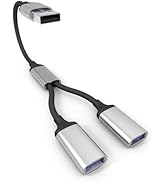
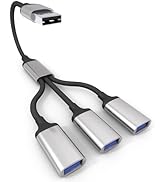
USB Splitter Cable
IIISOGNO
Bike Mount for Garmin Edge
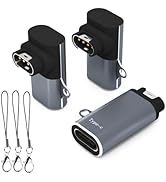
USB C Changer for Garmin Watch
USB C Charger for Garmin Watch