







Diverse product selection
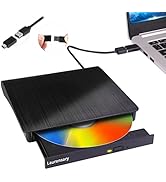
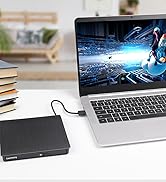
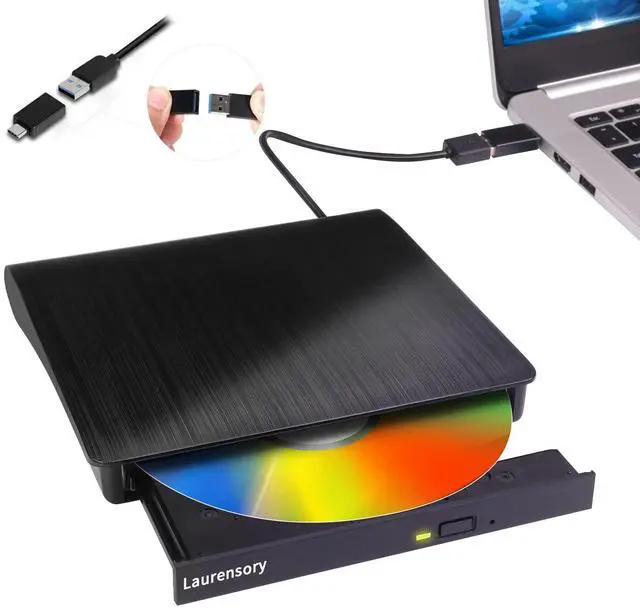
External CD player

Laurensory focus on providing people with high quality products and services. We attach importance to user experience, If you have any problems about our products, No need to rush returns, please let us know. We will provide you with a satisfactory solution! We sincerely appreciate you for coming to us, which makes us continuously progress.

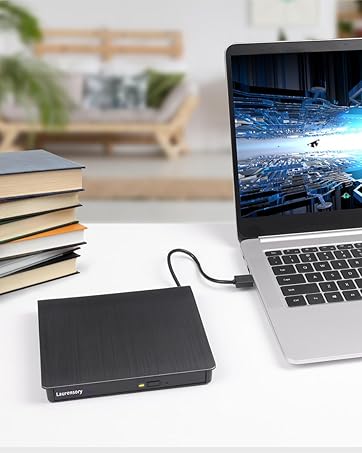

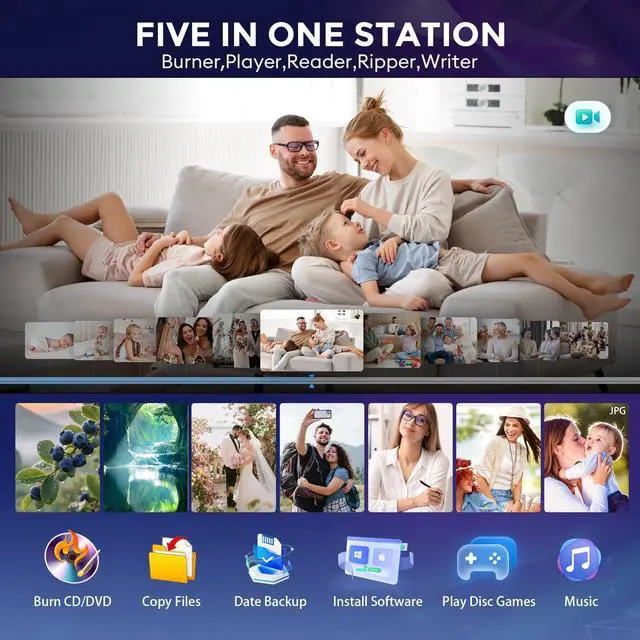
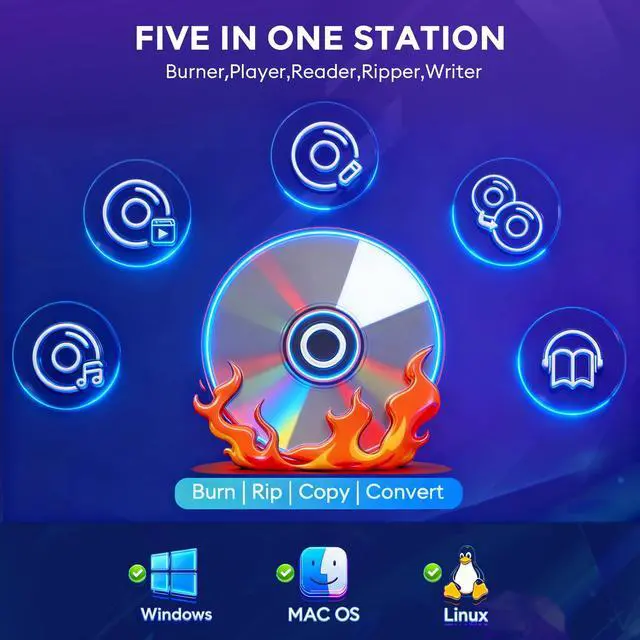
FIve in One Station


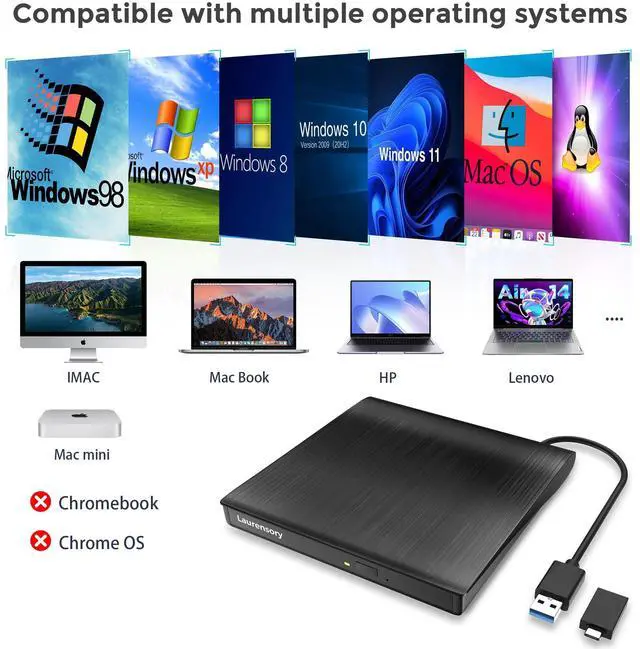
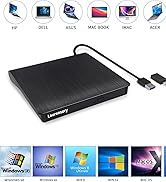
Compatible with multiple operating systems & devices

Supported OS Systems: Windows XP/2003/ Vista/7/8/10/11, Mac OS, Linux
Supported Laptop Models: Mac laptop 2015/MacBook Pro/ASUS/Apple MacBook Air 2020/iMac/Mac Mini/Dell/HP/Lenovo//Acer...
Not Support: tv/car/blu ray/projector/tablet/smartphone/Chrome/Android/iPhone/iPad/Ubuntu OS/3D/4K/Surface Pro


What disc formats/media types are supported by this portable computer DVD player?
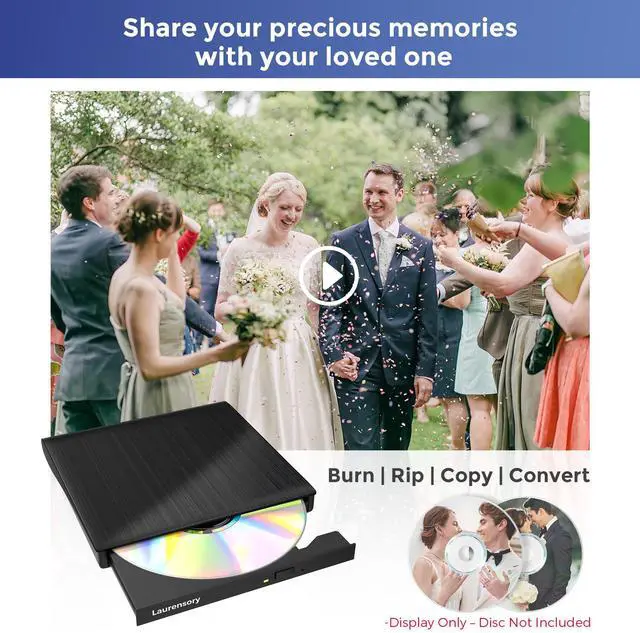
Supported formats: DVD-ROM, DVD-video, CD-R/RW, CD-ROM/XA, CD-ROM, CD-EXTRA, CD-TEXT
Supported media types: CD-ROM, CD-R, CD-RW, DVD-ROM, DVD-R, DVD-RW, DVD+RW, DVD+R, DVD+R DL, DVD-R DL, DVD RAM
What software is recommended for media playback and disc burning?
For playing software, please download software: VLC media player or Kmplayer.
For burning software, please download software: Nero.
What ISO/software for burning DVDs with a Mac-compatible laptop DVD drive, and recommended options?
Mac OS-compatible DVD drive (burning) – needs ISO + compatible software.
Key Notes
Software for device + Mac OS
Check Tech Radar/Tom's Hardware picks
Recommended: Ashampoo Burning Studio ImgBurn BurnAware CDBurnerXP DVD Flick DeepBurner
Do I need to set the region code to #1 for playing USA discs, and how?
Please must set region code to #1 to play USA discs. (Device Manager> Right-click DVD/CD Rom> Properties> Area)
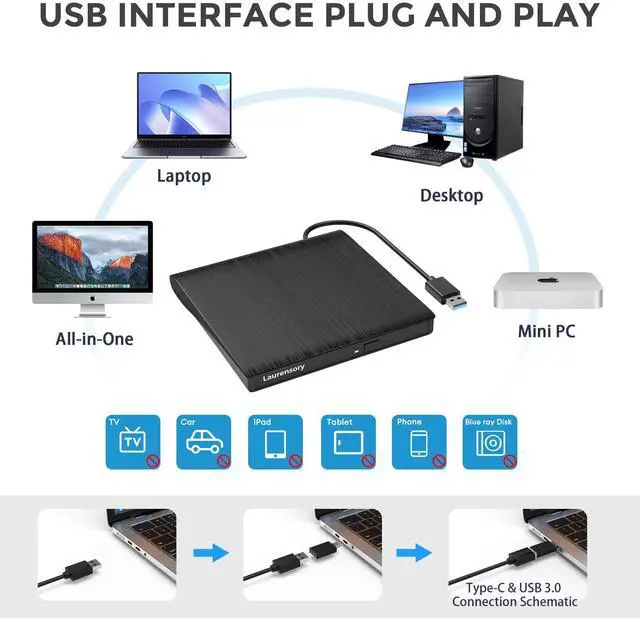
Why connect external CD/DVD drive to desktop’s rear USB port?
For desktop PC, please connect the external cd/dvd drive for laptop to the back-end USB interface, because the front-end USB port of the PC extends outward and the power supply is insufficient.

FIve in One Station


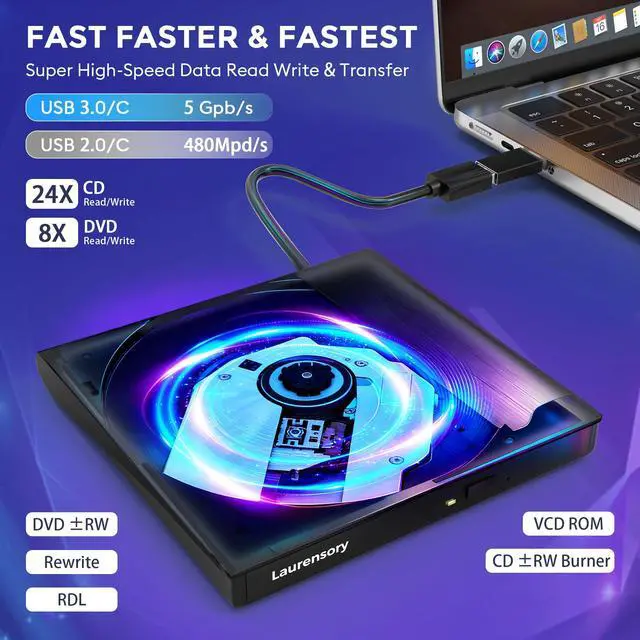
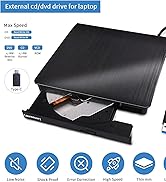
USB 3.0 & 5Gbps
- CDs: Max read/write 24X
- DVDs: Max read/write 8X
external optical player anytime, anywhere


Compatible with multiple operating systems & devices

Supported OS Systems: Windows XP/2003/ Vista/7/8/10/11, Mac OS, Linux
Supported Laptop Models: Mac laptop 2015/MacBook Pro/ASUS/Apple MacBook Air 2020/iMac/Mac Mini/Dell/HP/Lenovo//Acer...
Not Support: tv/car/blu ray/projector/tablet/smartphone/Chrome/Android/iPhone/iPad/Ubuntu OS/3D/4K/Surface Pro


What disc formats/media types are supported by this portable computer DVD player?
Supported formats: DVD-ROM, DVD-video, CD-R/RW, CD-ROM/XA, CD-ROM, CD-EXTRA, CD-TEXT
Supported media types: CD-ROM, CD-R, CD-RW, DVD-ROM, DVD-R, DVD-RW, DVD+RW, DVD+R, DVD+R DL, DVD-R DL, DVD RAM
What software is recommended for media playback and disc burning?
For playing software, please download software: VLC media player or Kmplayer.
For burning software, please download software: Nero.
What ISO/software for burning DVDs with a Mac-compatible laptop DVD drive, and recommended options?
Mac OS-compatible DVD drive (burning) – needs ISO + compatible software.
Key Notes
Software for device + Mac OS
Check Tech Radar/Tom's Hardware picks
Recommended: Ashampoo Burning Studio ImgBurn BurnAware CDBurnerXP DVD Flick DeepBurner
Do I need to set the region code to #1 for playing USA discs, and how?
Please must set region code to #1 to play USA discs. (Device Manager> Right-click DVD/CD Rom> Properties> Area)
Why connect external CD/DVD drive to desktop’s rear USB port?
For desktop PC, please connect the external cd/dvd drive for laptop to the back-end USB interface, because the front-end USB port of the PC extends outward and the power supply is insufficient.
Diverse product selection
External CD player
Laurensory focus on providing people with high quality products and services. We attach importance to user experience, If you have any problems about our products, No need to rush returns, please let us know. We will provide you with a satisfactory solution! We sincerely appreciate you for coming to us, which makes us continuously progress.