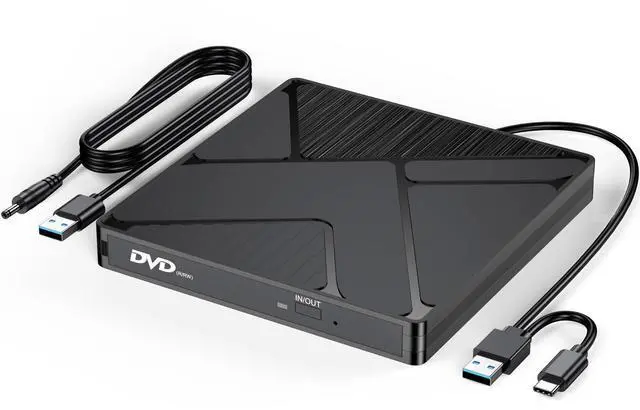
External CD DVD Drive for Laptop PC, USB 3.0 & Type C CD/DVD Burner Disk Optical Reader Player with Power Supply for HP Dell ASUS Lenovo Laptop MacBook Pro Air Mac mini PC, Win11/10/8/7 macOS Linux
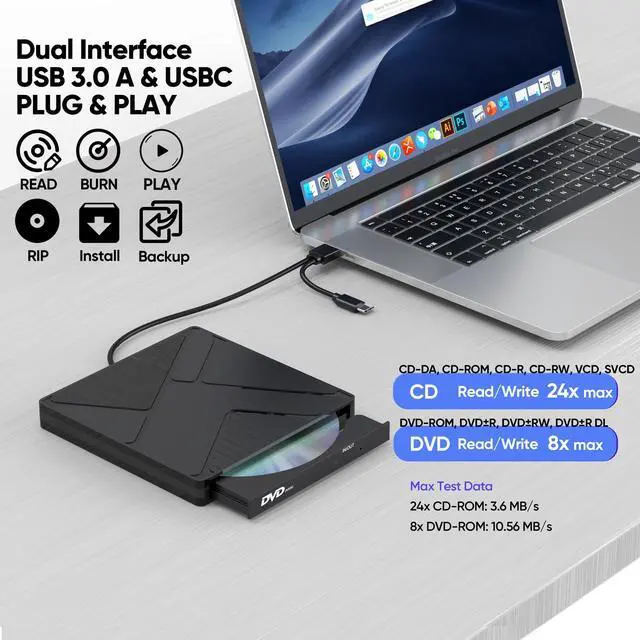
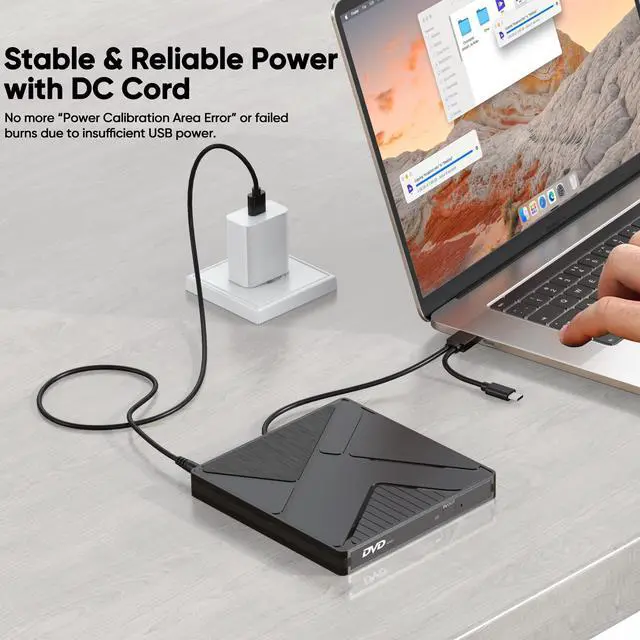
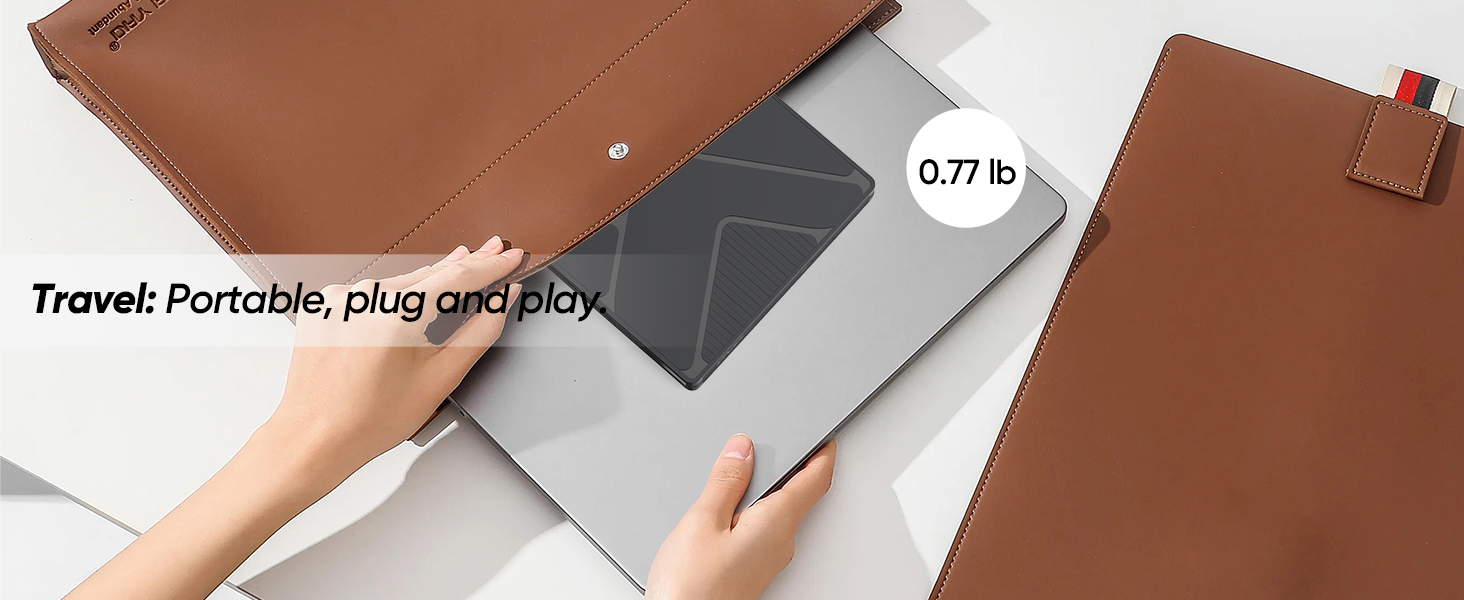
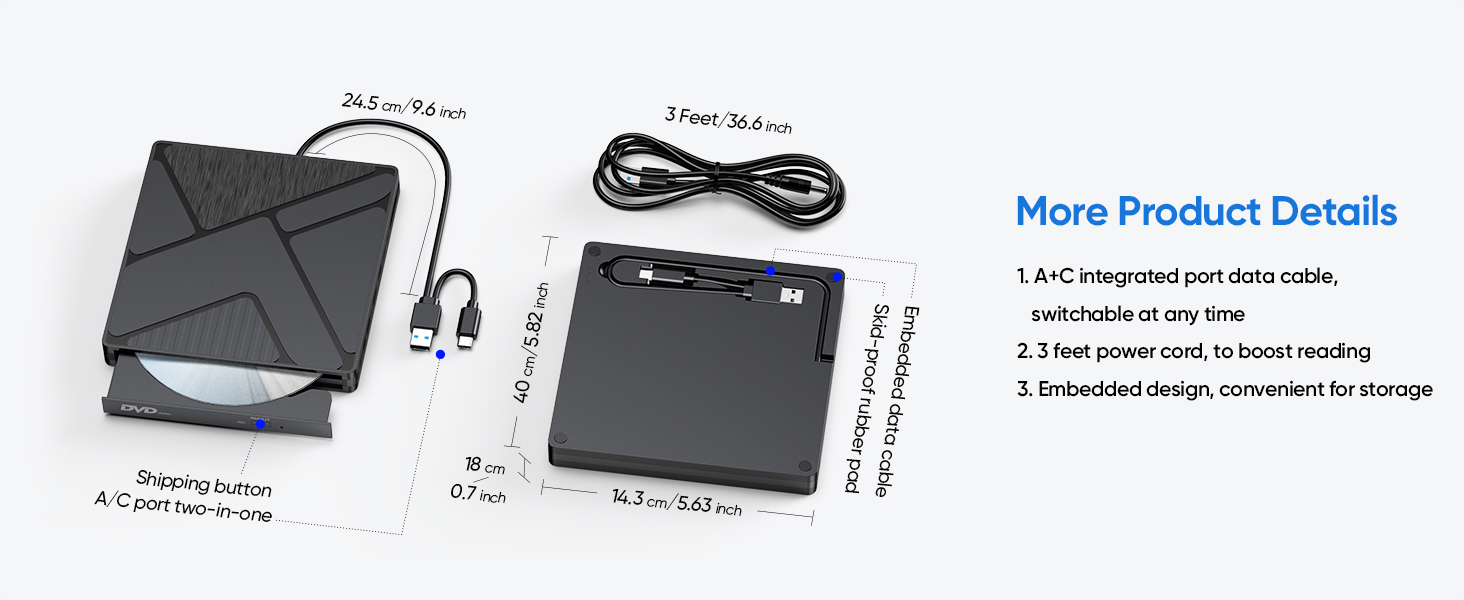
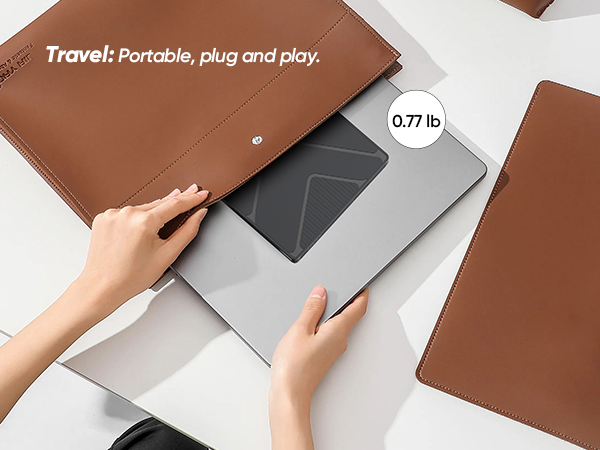
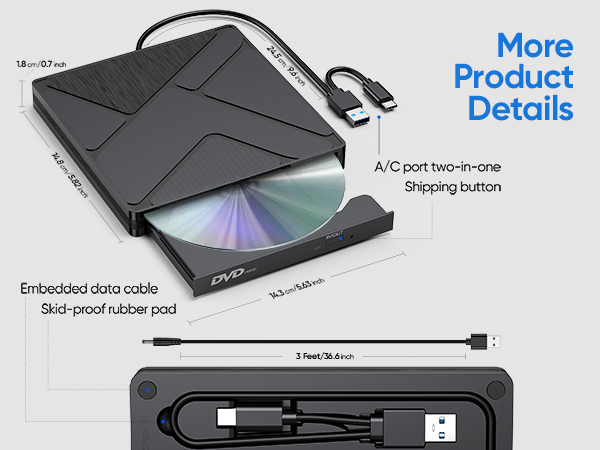
Independent 5V Power Cable: Compared to those without a power cable, a DVD drive with a power cable is more suitable for high - power operations and has better compatibility. The DVD drive features a 2-in-1 data cable (USB 3.0 + Type C), adapting to devices with different ports for reading/burning your CDs/DVDs.
High Speed Read/Write: Up to 8x DVD and 24x CD read/write speeds. Lag-free playback, software installation, and disc burning. Anti-interference core ensures error-free operation.
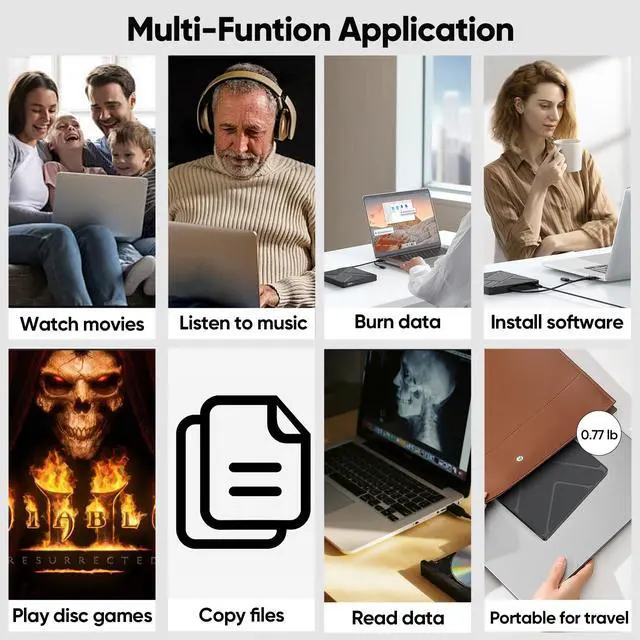
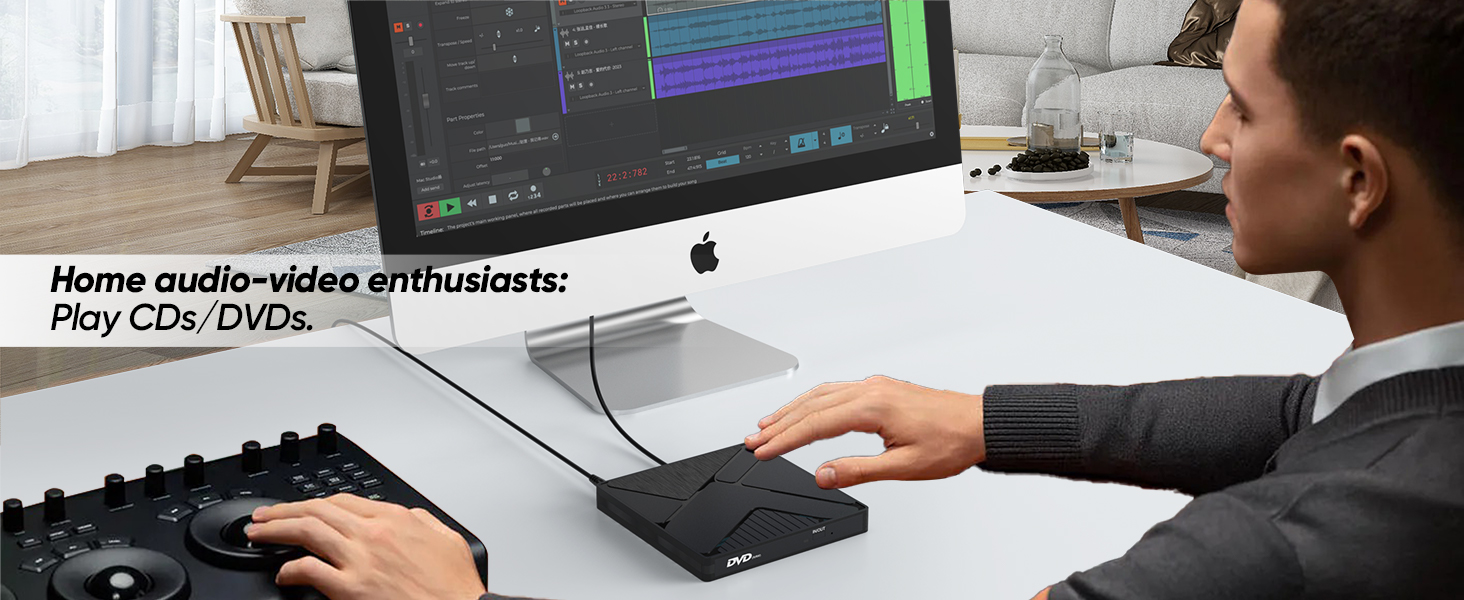
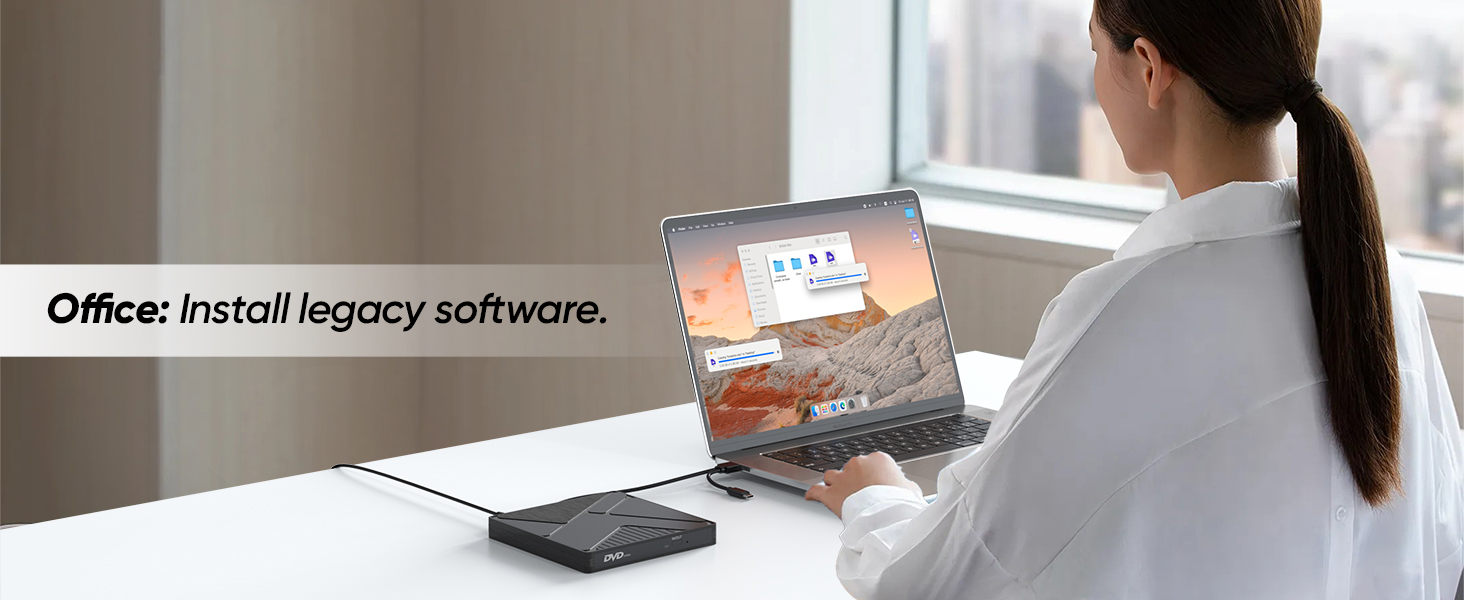
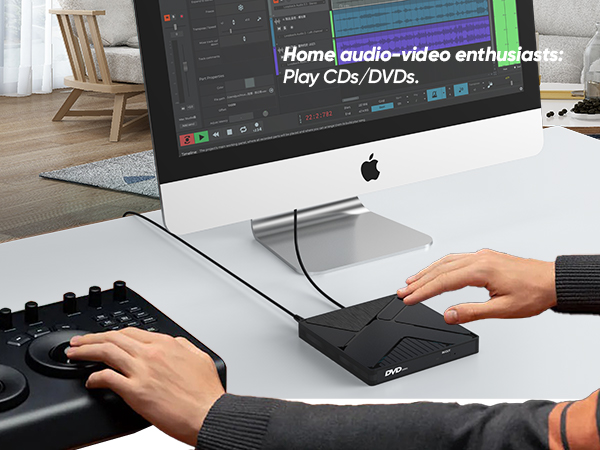
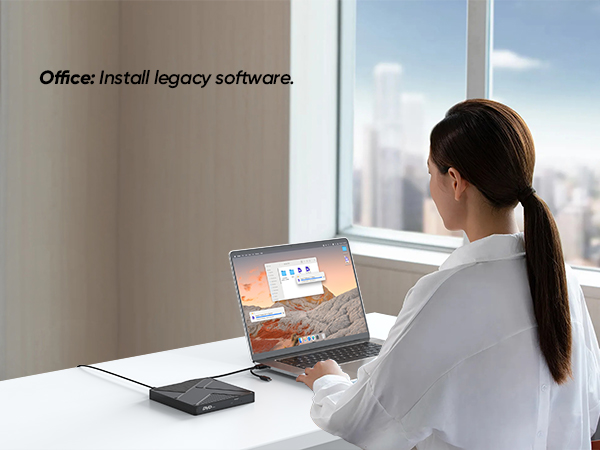
Perfect DVD Burner/Reader/Player: This external DVD drive is designed for devices without a built in DVD drive. It's great for burning blank DVDs, reading/writing data, playing movies/music/pictures, installing systems, and backing up files.
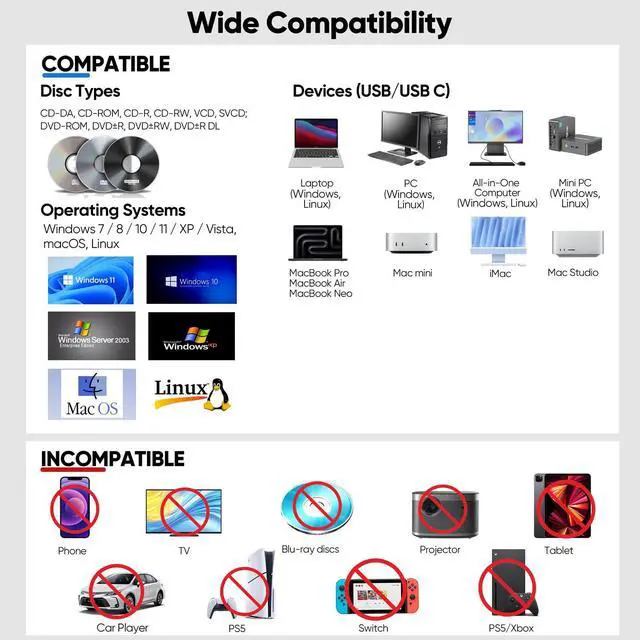
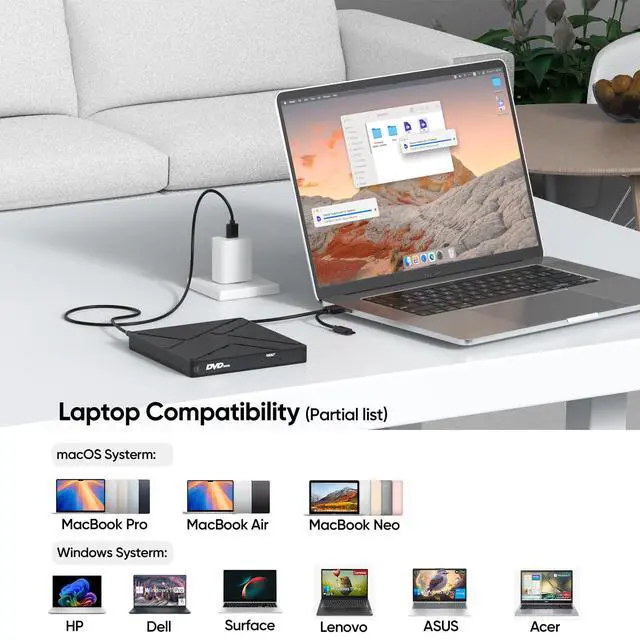
Compatible with Laptop and Various Devices: Supported devices include: PC: Mac Pro/Studio, HP, Dell, Lenovo...All-in-One Computer: iMac, Lenovo, HP... Mini PC: Mac Mini, KAMRUI, GMKtec, BOSGAME...Laptops: Macbook pro, Dell, SONY, Samsung(For incompatible devices, please scroll down to the details page.)
Multi-Format & Systerm: Support CD-DA, CD-ROM, CD-R, CD-RW, VCD, SVCD, DVD-ROM, DVD±R, DVD±RW, DVD±R DL; Support system that Windows 11/10/8.1/7/Vista/2003/XP, Linux, MacOS; Note: It does not support Blu-ray discs. Windows 11 requires a media player (e.g., VLC) and internet access
+
+
Overview
Specs
Reviews
Any questions? Our AI beta will help you find out quickly.
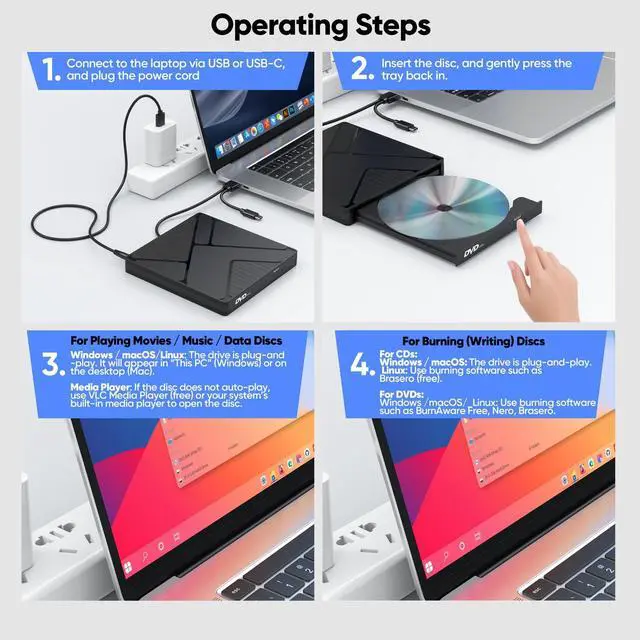
Before using, ensure your computer has the necessary software installed. Media Players: VLC Media Player, KMPlayer (VLC is recommended for DVD playback) Burning Software: BurnAware Free, Nero, or your system’s built-in tool
DVD Region Code
Your drive supports region codes. You can change the region code up to 5 times (the limit is set by the drive firmware). After that, it will lock to the last region. If you only play discs from one region, this won’t affect you.
Disc Condition
Do not insert scratched, cracked, or warped discs into the drive to avoid damage.
Safe Usage
Keep the drive away from magnetic objects. Do not look directly into the laser lens — the internal laser light may be harmful to eyes.
Speed & Performance
Actual data transfer speed may vary depending on your computer’s performance, USB port type (externel power cord recommended), and system environment.
DVD Copy Protection
Some commercially purchased DVDs have copyright protection. If you are unable to rip or copy such a disc, this is due to the disc’s protection, not a drive issue. You may use software like HandBrake to handle protected DVDs where legally permitted.
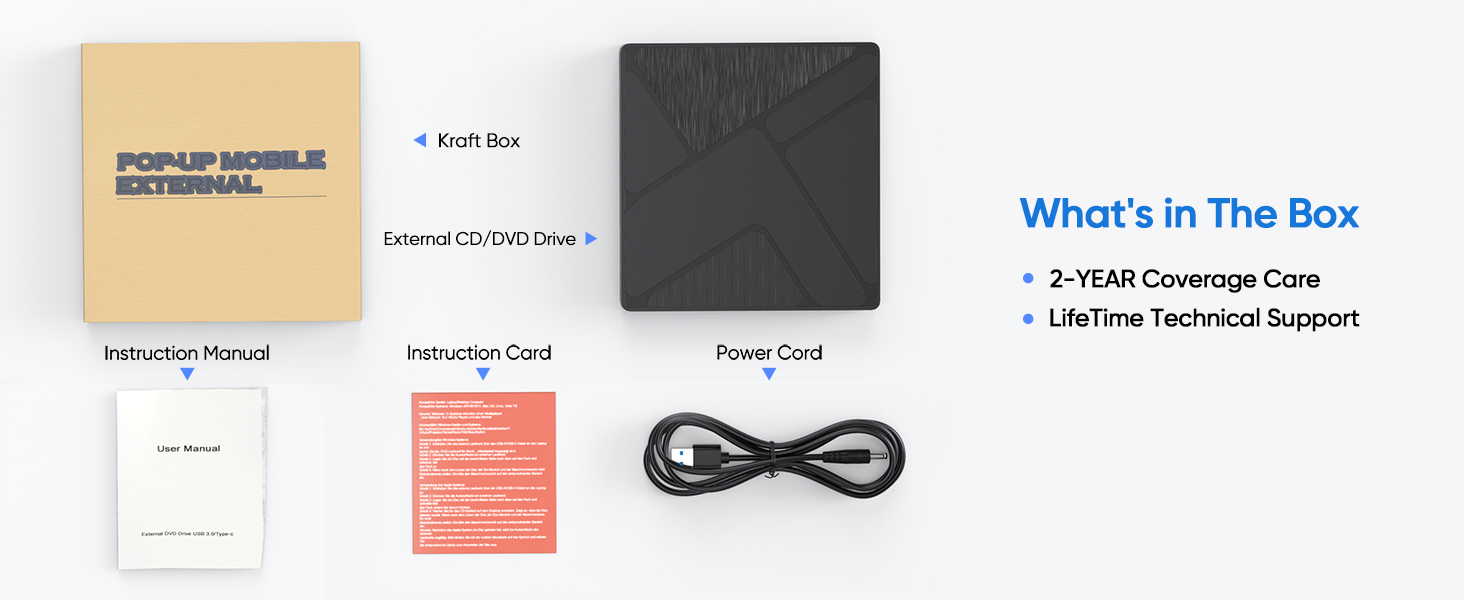
Packaging & Dimensions (Swipe to view more)
Warm Tips for Optimal Use
Software & Playback
Before using, ensure your computer has the necessary software installed. Media Players: VLC Media Player, KMPlayer (VLC is recommended for DVD playback) Burning Software: BurnAware Free, Nero, or your system’s built-in tool
DVD Region Code
Your drive supports region codes. You can change the region code up to 5 times (the limit is set by the drive firmware). After that, it will lock to the last region. If you only play discs from one region, this won’t affect you.
Disc Condition
Do not insert scratched, cracked, or warped discs into the drive to avoid damage.
Safe Usage
Keep the drive away from magnetic objects. Do not look directly into the laser lens — the internal laser light may be harmful to eyes.
Speed & Performance
Actual data transfer speed may vary depending on your computer’s performance, USB port type (externel power cord recommended), and system environment.
DVD Copy Protection
Some commercially purchased DVDs have copyright protection. If you are unable to rip or copy such a disc, this is due to the disc’s protection, not a drive issue. You may use software like HandBrake to handle protected DVDs where legally permitted.
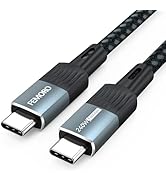
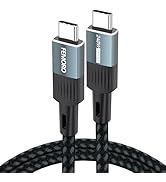
USB C Data Cable [10GBPS]
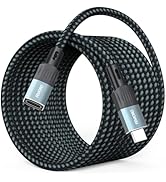
USB C Extension Cable
Other Products 1
Other Products 2
External CD DVD Drive for Laptop PC, USB 3.0 & Type C CD/DVD Burner Disk Optical Reader Player with Power Supply for HP Dell ASUS Lenovo Laptop MacBook Pro Air Mac mini PC, Win11/10/8/7 macOS Linux
Learn more about the Detailed Specifications
Additional Information
First Listed on Newegg
May 09, 2026
There are no reviews yet.
Do you own this product?
Warranty & Returns
Warranty, Returns, And Additional Information
Warranty
Please contact the Seller directly for warranty information. Warranty information may also be found on the Manufacturer's website.






![USB C Extension Cable 1.5ft/0.5M, USBC Extender [20Gbps/8K@30Hz/240W], Short Type C Male to Femal...](http://c1.neweggimages.com/sellingpilot/modules/product/a-plus/02c6bc18c3319dd226f4bdc4e5574491b204823bb09052194adaf65ea8b33dea.jpg)
![USB C Extension Cable 3ft, [8K@30Hz/20Gbps/240W] USBC Extender, 4K Dual Video Display Type-C Male...](http://c1.neweggimages.com/sellingpilot/modules/product/a-plus/f1e66361e806b3282b5ca99fd91939c6debaa76ce867aa6c4777bbc07c3d944e.jpg)
![FEMORO External CD/DVD Drive for Laptop, [Updated with Power Cord] USB 3.0/USBC CD Burner DVD Pla...](http://c1.neweggimages.com/sellingpilot/modules/product/a-plus/42b31f097c84bdfccc6fd7675008dbd09942ed9545e8664f5b513fbb743a8f34.jpg)





![USB C Extension Cable 1.5ft/0.5M, USBC Extender [20Gbps/8K@30Hz/240W], Short Type C Male to Femal...](//c1.neweggimages.com/sellingpilot/modules/product/a-plus/02c6bc18c3319dd226f4bdc4e5574491b204823bb09052194adaf65ea8b33dea.jpg)
![USB C Extension Cable 3ft, [8K@30Hz/20Gbps/240W] USBC Extender, 4K Dual Video Display Type-C Male...](//c1.neweggimages.com/sellingpilot/modules/product/a-plus/f1e66361e806b3282b5ca99fd91939c6debaa76ce867aa6c4777bbc07c3d944e.jpg)
![FEMORO External CD/DVD Drive for Laptop, [Updated with Power Cord] USB 3.0/USBC CD Burner DVD Pla...](//c1.neweggimages.com/sellingpilot/modules/product/a-plus/42b31f097c84bdfccc6fd7675008dbd09942ed9545e8664f5b513fbb743a8f34.jpg)
