• $77.99
  • Free 30-day Returns
  • Price alert
    Shop it at NeweggBusiness.

    Meet Your Seller

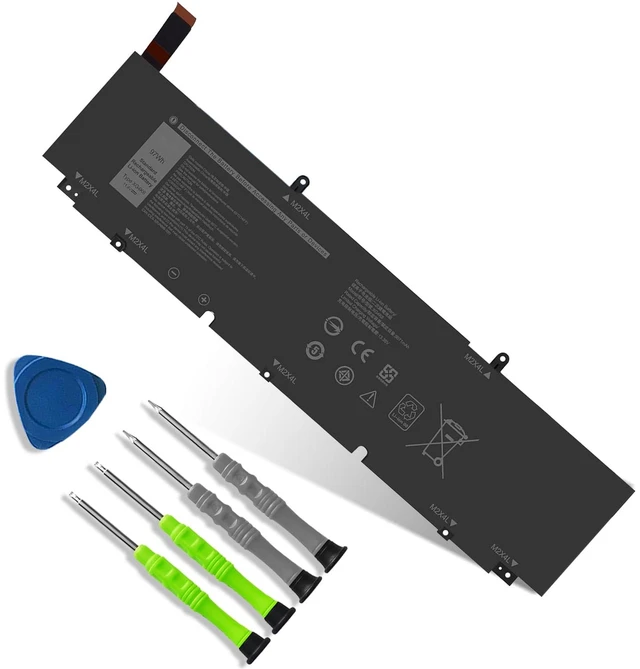
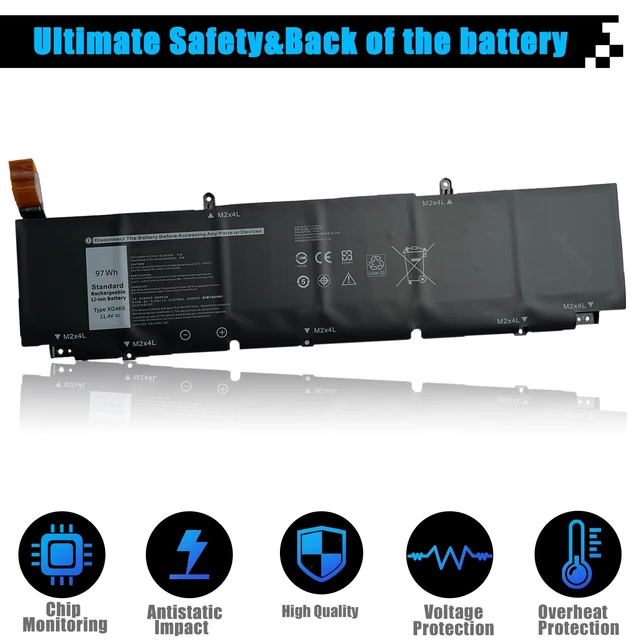
    97Wh XG4K6 Battery Replacement for Dell XPS 17 9700 9710 9720 9730 / Precision 5750 5760 5770 Series P92F P92F001 P92F002 P92F003 01RR3 001RR3 F8CPG 0F8CPG 5XJ6R KVPMY 0YY3V KRDHV 11.4V

    Limited time offer, ends 11/24 By Yihe Global Store

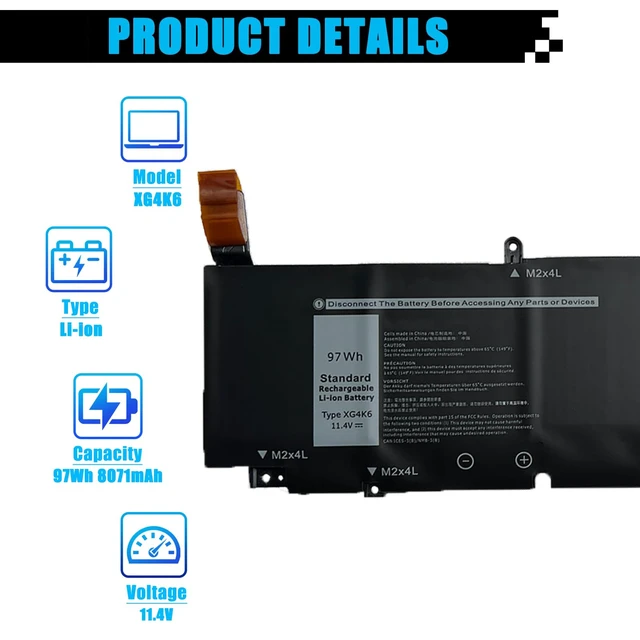
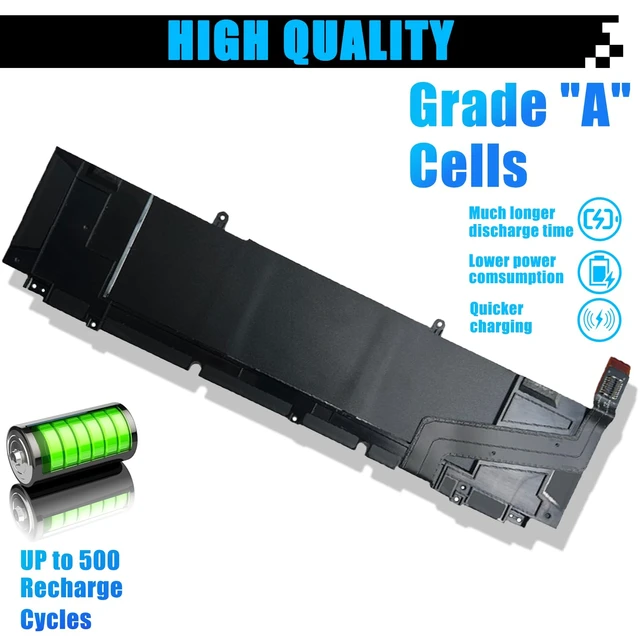
    • Specifications: Item Model: XG4K6; Battery Type: Li-ion; Voltage: 11.4V; Capacity: 97Wh 8071mAh; Battery Condition: Brand New. Replacement for P/N: XG4K6 5XJ6R 01RR3 001RR3 3ICP7/54/65-2 F8CPG 0YY3V KVPMY KRDHV5. Compatible Laptop Models: for Dell XPS 17 9700 17-9700-D1741S 17-9700-D1761TS 17-9700-D2961TS 17-9700-R1505S 17-9700-R1868TS series; for Dell XPS 17 9710 9720 9730 Series; for Dell Precision 5750 5760 5770 Series; for Dell P92F P92F001 P92F002 P92F003. Note: Please open the back cover of the laptop before ordering and make sure that the original battery model matches the listing. After receiving the battery, please install the battery correctly, make sure that the battery connector is firmly connected to the laptop motherboard, and use the original charger to charge the laptop. Discharge the new battery to 5% (not 0%), then charge and cycle 3-4 times to activate the new battery
    +
    +
    Overview
    Specs
    Reviews

    Any questions? Ask CelesteSM will help you find out quickly.

    Specifications

    : Item
    Model: XG4K6;
    Battery Type: Li-ion;
    Voltage: 11.4V;
    Capacity: 97Wh 8071mAh;
    Battery Condition: Brand New.
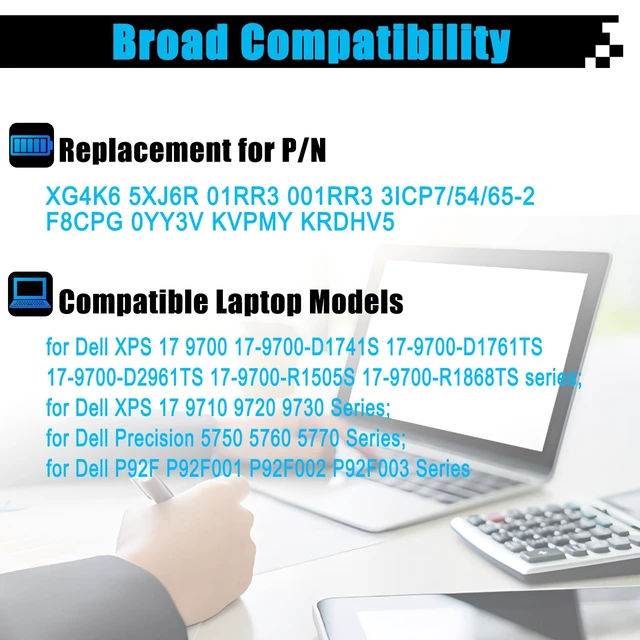
    Replacement for P/N: XG4K6 5XJ6R 01RR3 001RR3 3ICP7/54/65-2 F8CPG 0YY3V KVPMY KRDHV5.
    Compatible Laptop Models: for Dell XPS 17 9700 17-9700-D1741S 17-9700-D1761TS 17-9700-D2961TS 17-9700-R1505S 17-9700-R1868TS series; for Dell XPS 17 9710 9720 9730 Series; for Dell Precision 5750 5760 5770 Series; for Dell P92F P92F001 P92F002 P92F003.
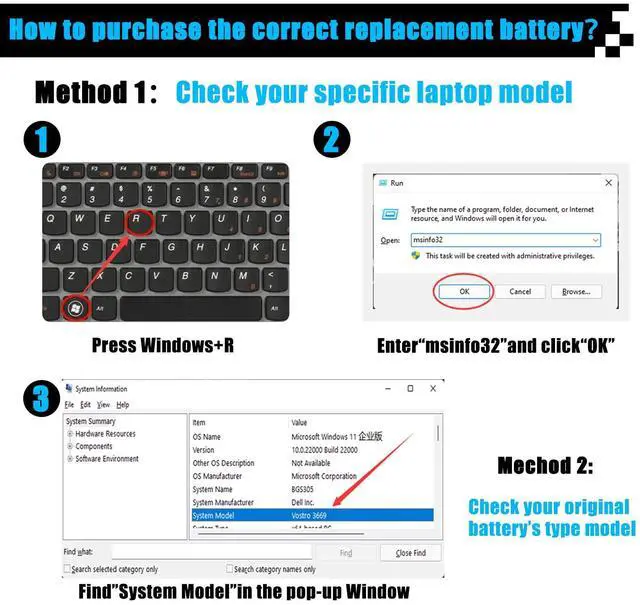
    Note: Please open the back cover of the laptop before ordering and make sure that the original battery model matches the listing. After receiving the battery, please install the battery correctly, make sure that the battery connector is firmly connected to the laptop motherboard, and use the original charger to charge the laptop. Discharge the new battery to 5% (not 0%), then charge and cycle 3-4 times to activate the new battery

    Warranty & Returns

    Warranty, Returns, And Additional Information

    Warranty

    • Please contact the Seller directly for warranty information. Warranty information may also be found on the Manufacturer's website.
    • CONTACT

    Return Policies

    Manufacturer Contact Info

    LOADING...