• $86.99
  • Free 30-day Returns
  • Price alert
    Shop it at NeweggBusiness.

    Meet Your Seller

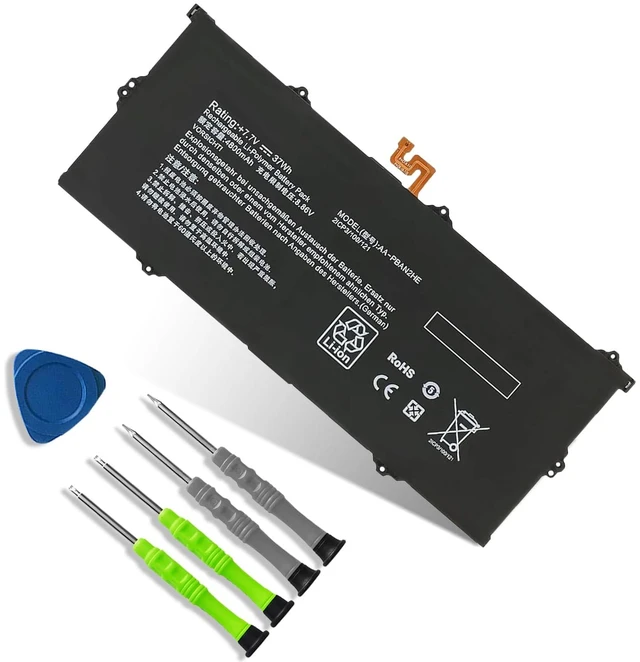
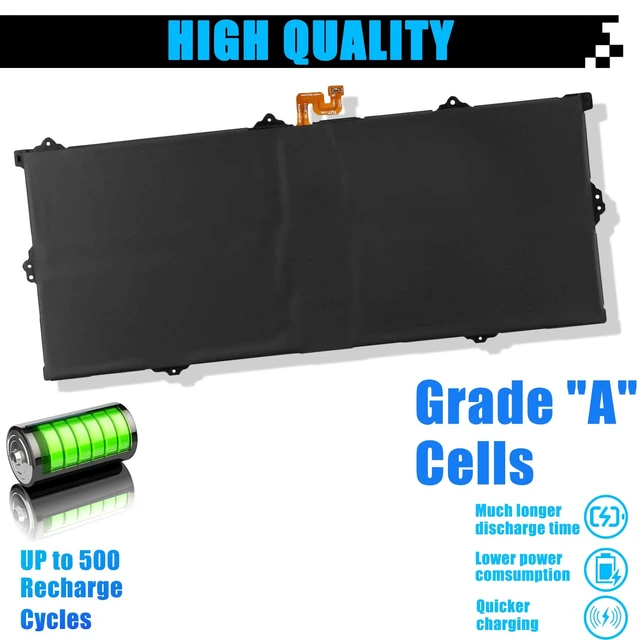
    AA-PBAN2HE Laptop Battery Replacement for Samsung Galaxy Book Go 340XDA NP340XLA-KA4US NP340XLA-KA12US NP340XLA-KA2CA XE340XDA-KA3US-RB XE340XDA-KA1US XE340XDA-KA3 XE340XDA-ka1it 4800mAh 37Wh

    Limited time offer, ends 11/24 By Yihe Global Store

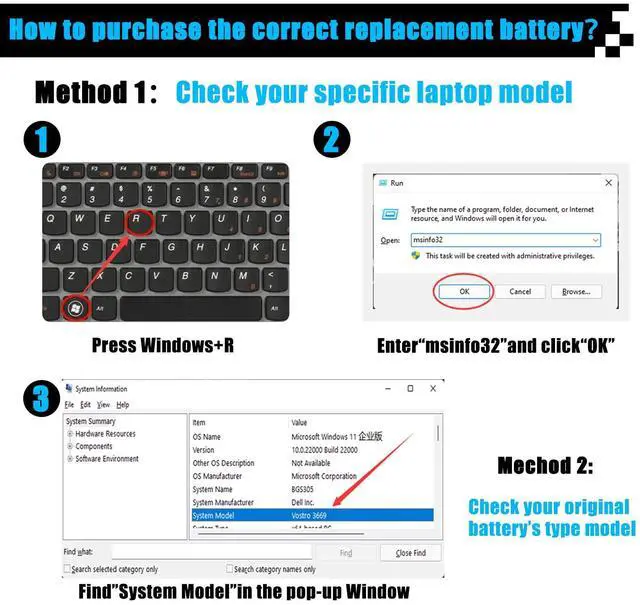
    • Specifications Item Model: AA-PBAN2HE Battery Type: Li-ion Voltage: 7.7V Capacity: 37Wh 4800mAh Battery Condition: Brand New Replacement for P/N: AA-PBAN2HE, BA43-00399A Compatible Laptop Models: for Samsung Galaxy Book Go 340XDA, NP340XLA, NP340XLA-KA1US, NP340XLA-KA3US, NP340XLA-KA5US, NP340XLA-KA12US, NP340XLA-KA2CA, XE340XDA-KA3US-RB, XE340XDA-KA1US, XE340XDA-KA3, XE340xda-ka1it Series. Note: Please open the back cover of the laptop before ordering and make sure that the original battery model is consistent with the listing. After getting the battery, please install the battery correctly, make sure that the battery connector is firmly connected to the laptop motherboard, and use the original charger to charge the laptop. Discharge the new battery to 5% (not 0%), then charge and cycle 3-4 times to wake up the new battery
    +
    +
    Overview
    Specs
    Reviews

    Any questions? Ask CelesteSM will help you find out quickly.

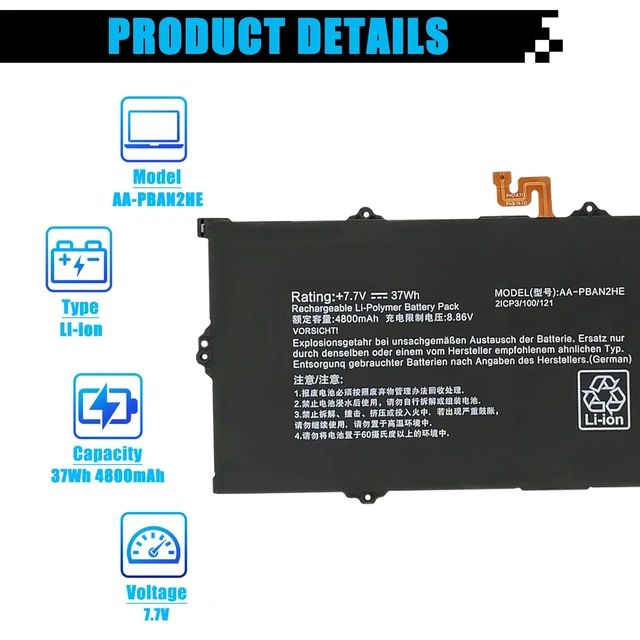
    Specifications Item Model: AA-PBAN2HE
    Battery Type: Li-ion
    Voltage: 7.7V
    Capacity: 37Wh 4800mAh
    Battery Condition: Brand New
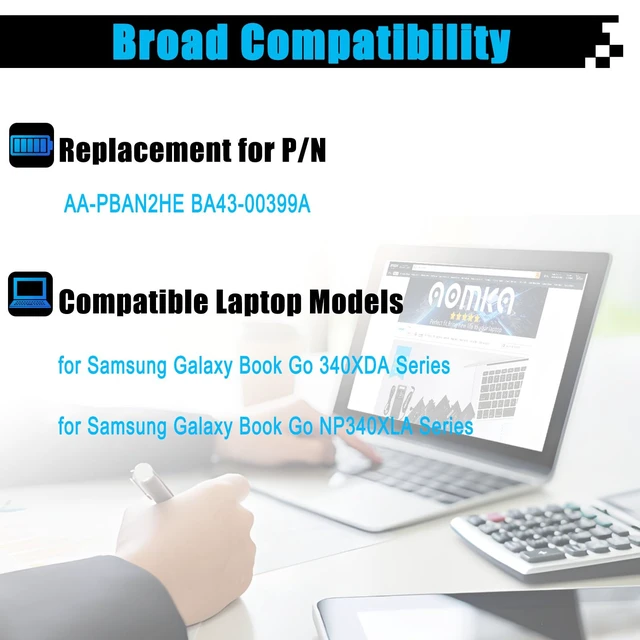
    Replacement for P/N: AA-PBAN2HE, BA43-00399A
    Compatible Laptop Models: for Samsung Galaxy Book Go 340XDA, NP340XLA, NP340XLA-KA1US, NP340XLA-KA3US, NP340XLA-KA5US, NP340XLA-KA12US, NP340XLA-KA2CA, XE340XDA-KA3US-RB, XE340XDA-KA1US, XE340XDA-KA3, XE340xda-ka1it Series.
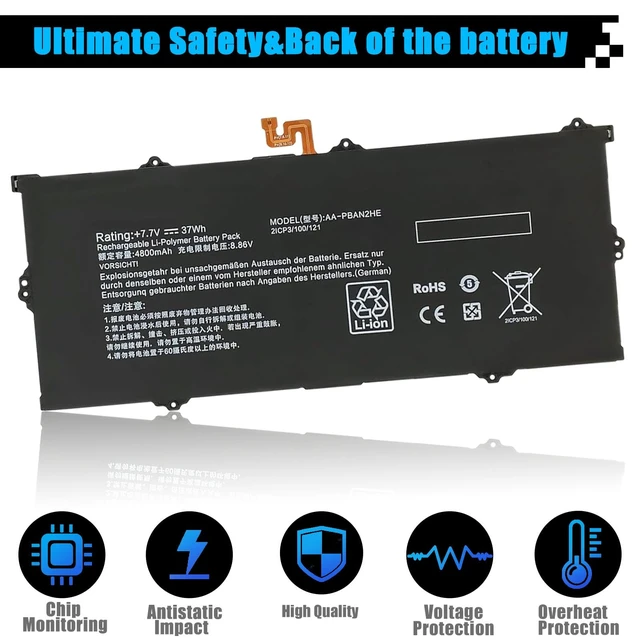
    Note: Please open the back cover of the laptop before ordering and make sure that the original battery model is consistent with the listing. After getting the battery, please install the battery correctly, make sure that the battery connector is firmly connected to the laptop motherboard, and use the original charger to charge the laptop. Discharge the new battery to 5% (not 0%), then charge and cycle 3-4 times to wake up the new battery

    Warranty & Returns

    Warranty, Returns, And Additional Information

    Warranty

    • Please contact the Seller directly for warranty information. Warranty information may also be found on the Manufacturer's website.
    • CONTACT

    Return Policies

    Manufacturer Contact Info

    LOADING...