• $107.99
  • Free 30-day Returns
  • Price alert
    Shop it at NeweggBusiness.

    Meet Your Seller

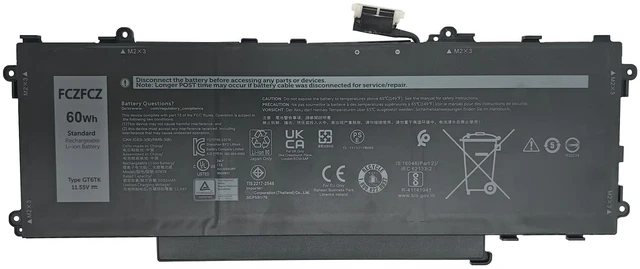
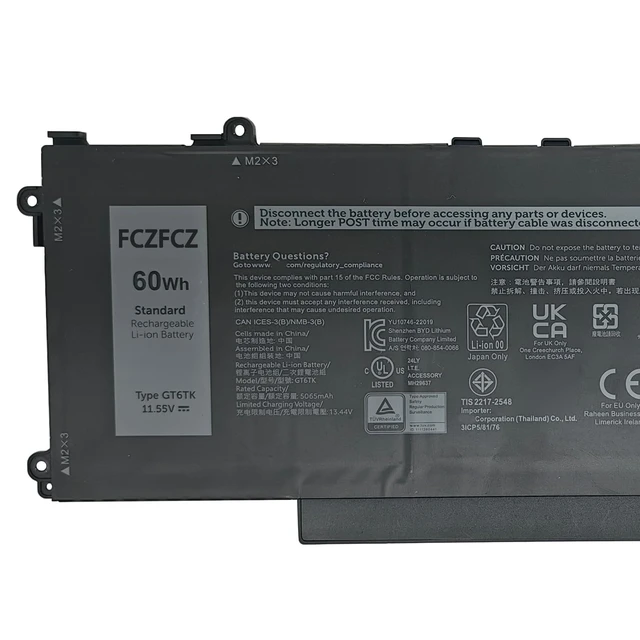
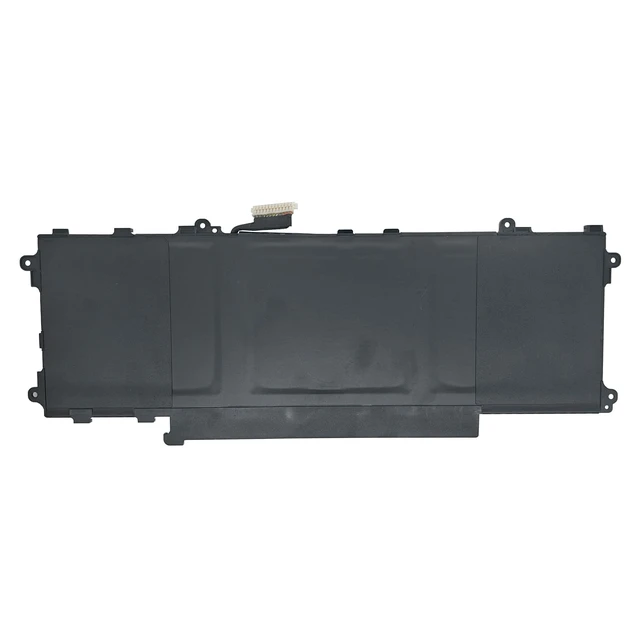
    GT6TK Battery 60Wh 5065mAh Replacement for Dell Latitude 9440 2-in-1 9450 2-in-1 Series K2CPY 31CP5/81/75 11.55V 3-Cell

    Limited time offer, ends 11/24 By Yihe Global Store

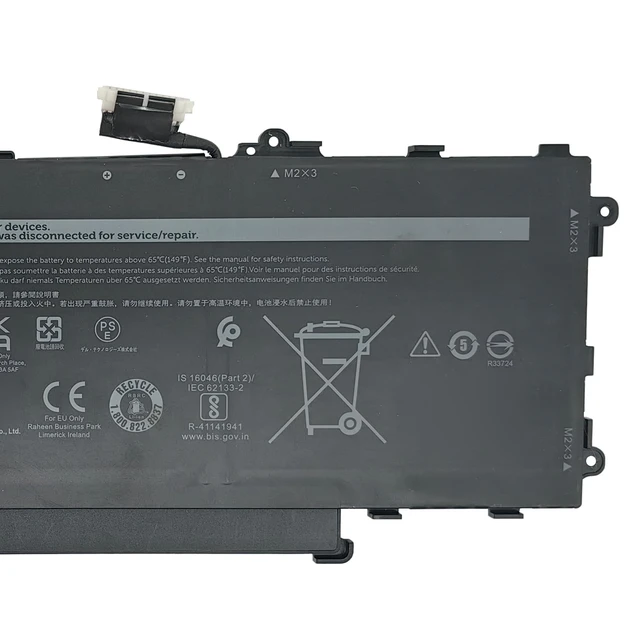
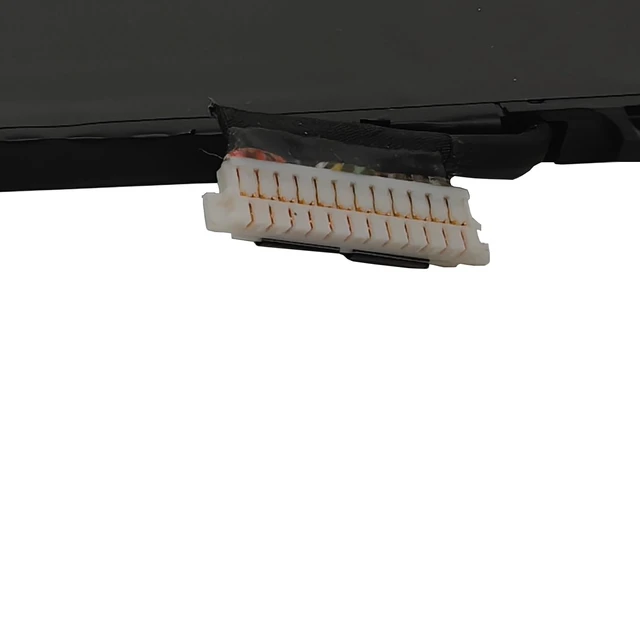
    • [Specifications] Battery Model: GT6TK Voltage: 11.55V Capacity: 60Wh 5065mAh 3-cell Color: Black Condition: Brand New [Replacement for Part Number] GT6TK K2CPY 31CP5/81/75 [Compatible with Machine Models] For Dell Latitude 9440 2-in-1 Series; for Dell Latitude 9450 2-in-1 Series. [Safety] All products are Certified by CE, UL for safety. Each battery is factory tested before shipment and in good condition, and has its mark. Built-in circuit protection ensures both safety and stability. Each battery has high capacity to provide enduring, continual use. [Instructions] Please open the back cover of the laptop before purchasing and confirm that the original battery type is the same as the picture. Please read the battery instruction manual carefully before installing the battery. Please install the battery correctly and ensure that the battery interface and the motherboard are firmly connected. Please use the original charger to charge the laptop. After battery installation, discharge the new battery to 5% (not 0%), then charge and cycle 3-4 times to wake up the new battery
    +
    +
    Overview
    Specs
    Reviews

    Any questions? Ask CelesteSM will help you find out quickly.

    [Specifications]
    Battery Model: GT6TK
    Voltage: 11.55V
    Capacity: 60Wh 5065mAh 3-cell
    Color: Black
    Condition: Brand New [Replacement for Part Number] GT6TK K2CPY 31CP5/81/75 [Compatible with Machine Models] For Dell Latitude 9440 2-in-1 Series; for Dell Latitude 9450 2-in-1 Series. [Safety] All products are Certified by CE, UL for safety. Each battery is factory tested before shipment and in good condition, and has its mark. Built-in circuit protection ensures both safety and stability. Each battery has high capacity to provide enduring, continual use. [Instructions] Please open the back cover of the laptop before purchasing and confirm that the original battery type is the same as the picture. Please read the battery instruction manual carefully before installing the battery. Please install the battery correctly and ensure that the battery interface and the motherboard are firmly connected. Please use the original charger to charge the laptop. After battery installation, discharge the new battery to 5% (not 0%), then charge and cycle 3-4 times to wake up the new battery

    Warranty & Returns

    Warranty, Returns, And Additional Information

    Warranty

    • Please contact the Seller directly for warranty information. Warranty information may also be found on the Manufacturer's website.
    • CONTACT

    Return Policies

    Manufacturer Contact Info

    LOADING...