




How to Use It ?
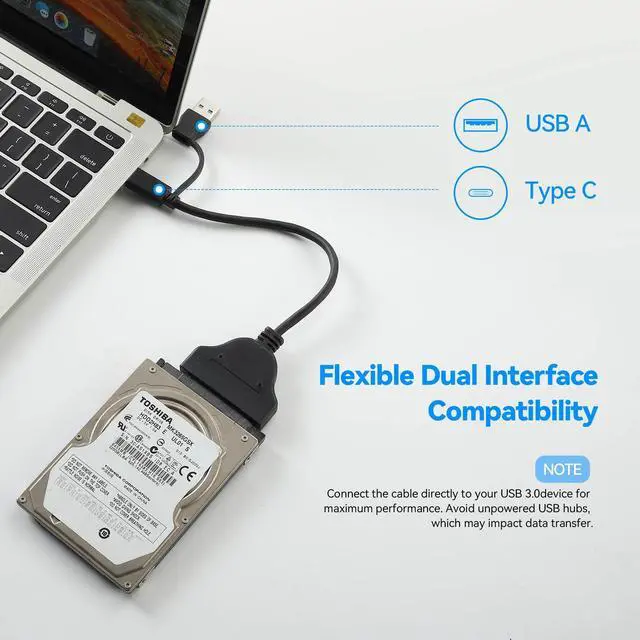
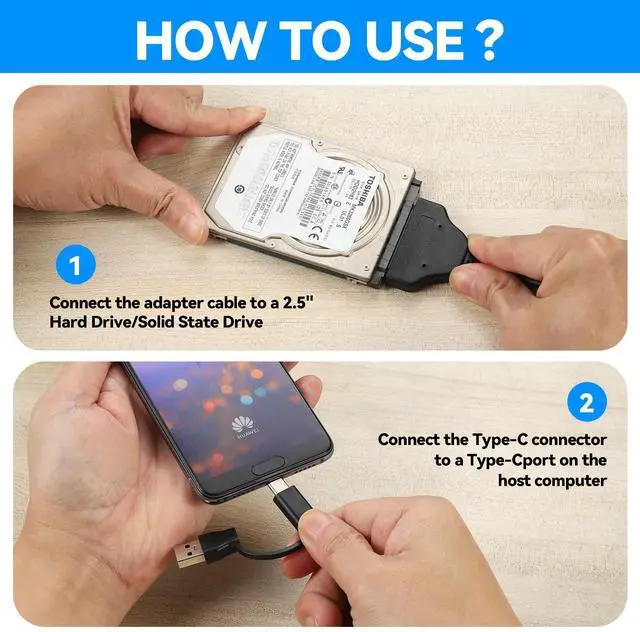
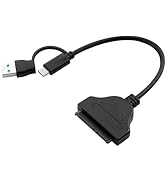
First, Connect the SATA cable to the 2.5 inch SSD/HDD
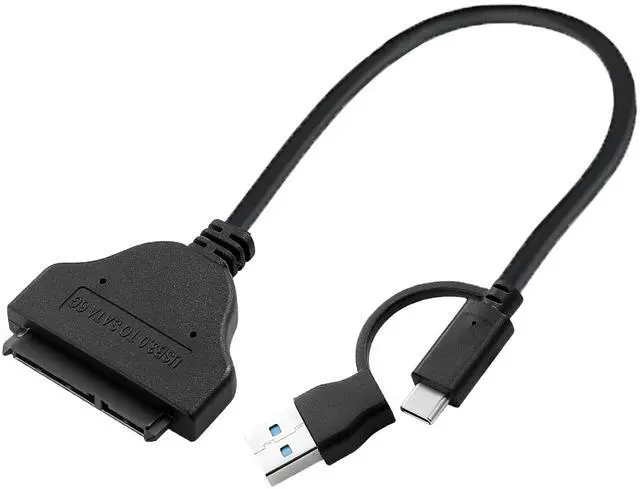
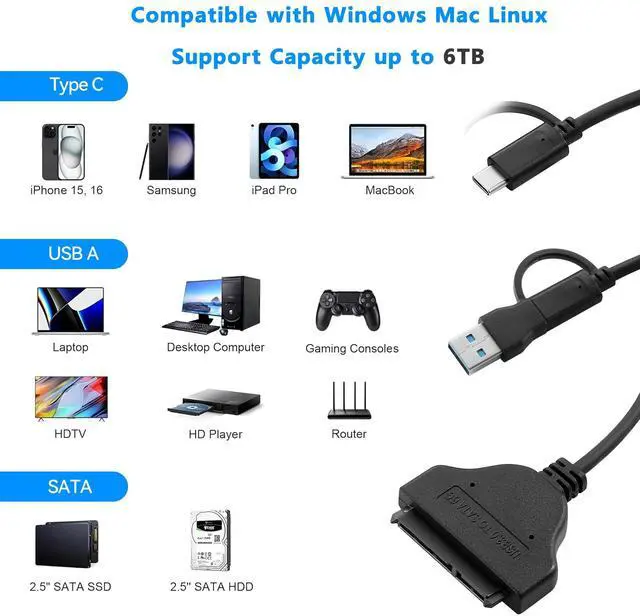
Second, Connect the USB 3.0 port to a USB A/C port on the host computer or cell phone
How to use it ?
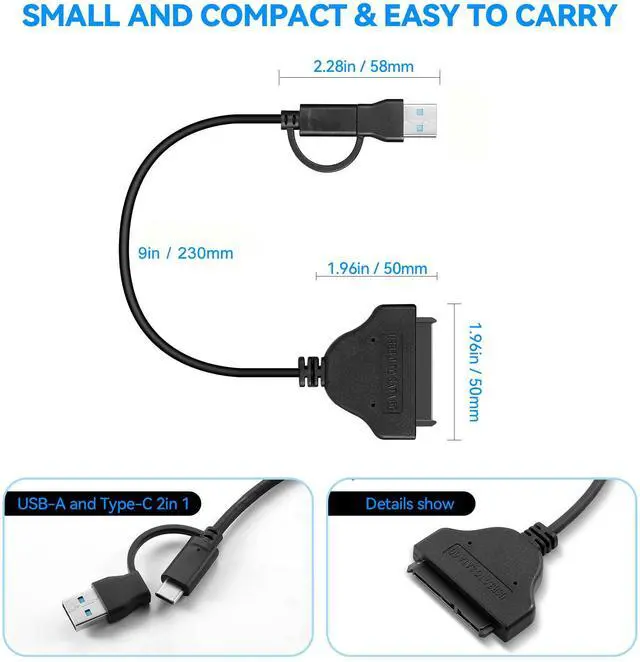
Merchant Video2-in-1 USB 3.0 to SATA adapter cable
Applications
- Take advantage of USB 3.0-enabled laptops or desktops with UASP for faster transfer speeds.
- Access any 2.5" hard drive or solid state drive from any USB enabled computer, for data migration or drive cloning.
- Back up important data to an external storage device.
- Retrieve data from an old SATA drive.
Note:
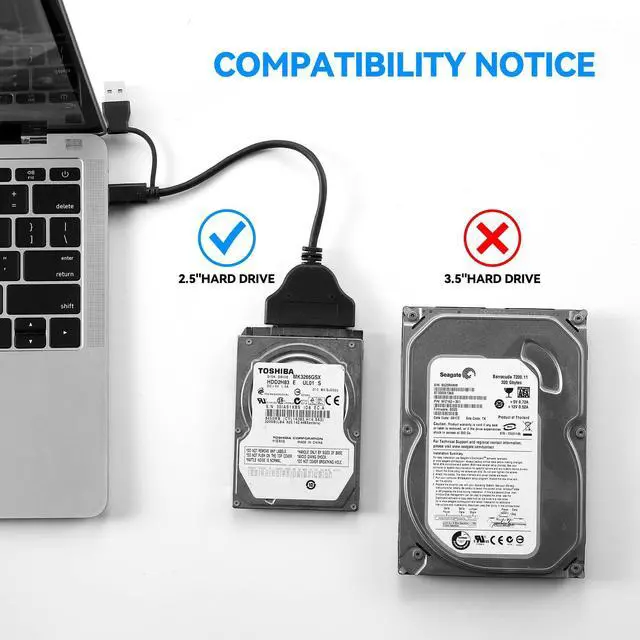
- Can not available for 3.5” hard drive.
- Not compatible with ATA(IDE), MSATA, and M.2 interfaces.
- The new hard disk must be partitioned before use.
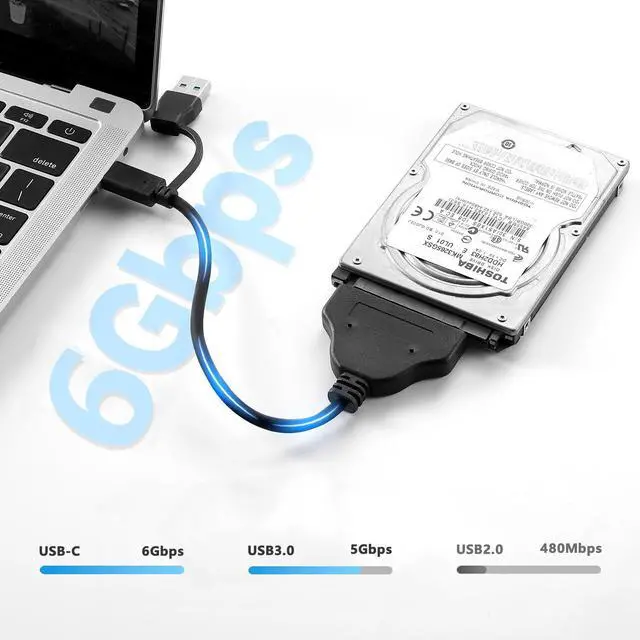
- Affected by the maximum hard disk read and write speed, the SSD read and write speed is between 400-600MB/S, the HDD read and write speed is generally under 300MB/S.


About Us
- FANBLACK was founded in 2015 and we are a factory dedicated to providing our customers with the highest quality products. FANBLACK pursues continuous research and development and innovation, suggestions are welcome!
- Our main business: Computer Accessories, PCIe expansion card, M.2 NVMe SSD Enclosure, Steam Deck Dock, SATA to USB Cable
- Our concept: Pursuit of quality, friendly after-sales, continuous innovation.
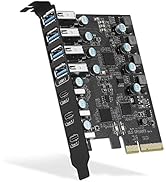
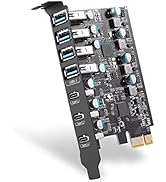
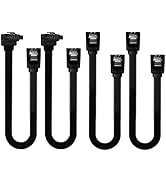
PCIE CARD and Sata cable
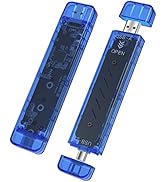
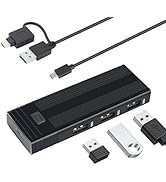
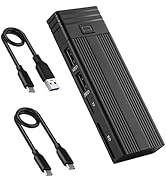
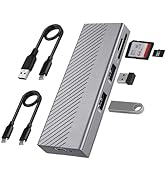
M.2 NVMe SSD Enclosure


How to use it ?
Merchant VideoHow to Use It ?
First, Connect the SATA cable to the 2.5 inch SSD/HDD
Second, Connect the USB 3.0 port to a USB A/C port on the host computer or cell phone
2-in-1 USB 3.0 to SATA adapter cable
Applications
- Take advantage of USB 3.0-enabled laptops or desktops with UASP for faster transfer speeds.
- Access any 2.5" hard drive or solid state drive from any USB enabled computer, for data migration or drive cloning.
- Back up important data to an external storage device.
- Retrieve data from an old SATA drive.
Note:
- Can not available for 3.5” hard drive.
- Not compatible with ATA(IDE), MSATA, and M.2 interfaces.
- The new hard disk must be partitioned before use.
- Affected by the maximum hard disk read and write speed, the SSD read and write speed is between 400-600MB/S, the HDD read and write speed is generally under 300MB/S.
About Us
- FANBLACK was founded in 2015 and we are a factory dedicated to providing our customers with the highest quality products. FANBLACK pursues continuous research and development and innovation, suggestions are welcome!
- Our main business: Computer Accessories, PCIe expansion card, M.2 NVMe SSD Enclosure, Steam Deck Dock, SATA to USB Cable
- Our concept: Pursuit of quality, friendly after-sales, continuous innovation.
PCIE CARD and Sata cable
M.2 NVMe SSD Enclosure