


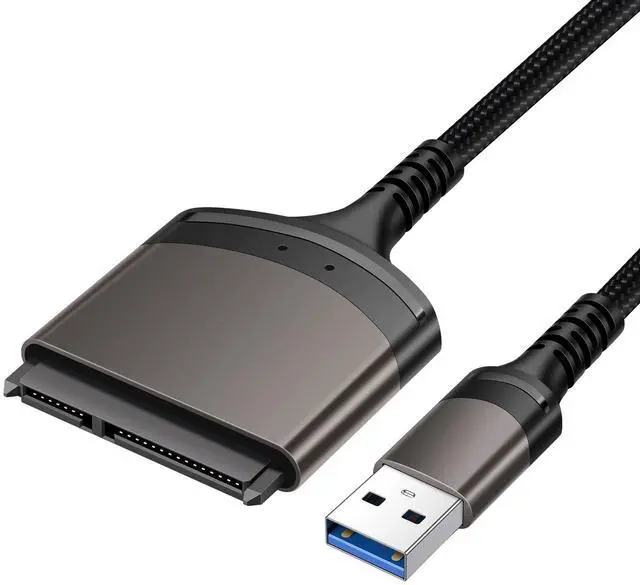
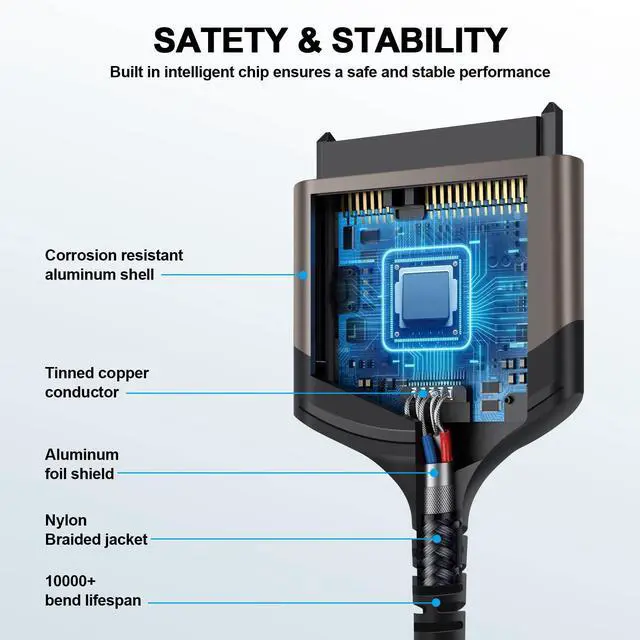


ULXUUUN USB to SATA adapter cable


Why Is My Hard Drive Not showing Up in Windows
Symptoms of Disk Not showing up
1. The hard drive display is not showing up in File Explorer. 2. The hard drive shows Disk Unknown, Not Initialized, including the new drive. 3. The hard drive displays as RAW in DiskManagement. 4. The hard drive has no drive letter. 5. The hard drive has a yellow exclamation mark
Causes of Hard Drive Not Showing Up
1. Problematic connection. 2. The file system is not supported or corrupted. 3. Drive letter conflict. 4. The hard drive driver is outdated. 5. The hard drive is unallocated or not initialized. 6. The hard drive is damaged
Please follow the tutorial to make your drive show up again
- #Fix 1. Change Disk Connection
- #Fix 2. Format Hard Drive to NTFS
- #Fix 3. Restore Data and Create a New Partition
- #Fix 4. Change Hard Drive Drive Letter
- #Fix 5. Update Hard Drive Disk Driver
- #Fix 6. Initialize Disk, Create A Volume and Enable Disk in BIoS
SATA Series Products
 SATA to USB Cable |  SATA/IDE to USB 3.0 |  SATA/IDE to Type C |  SATA/IDE to USB 3.0 | |
|---|---|---|---|---|
Customer Reviews | — | — | — | — |
Price | — | — | — | — |
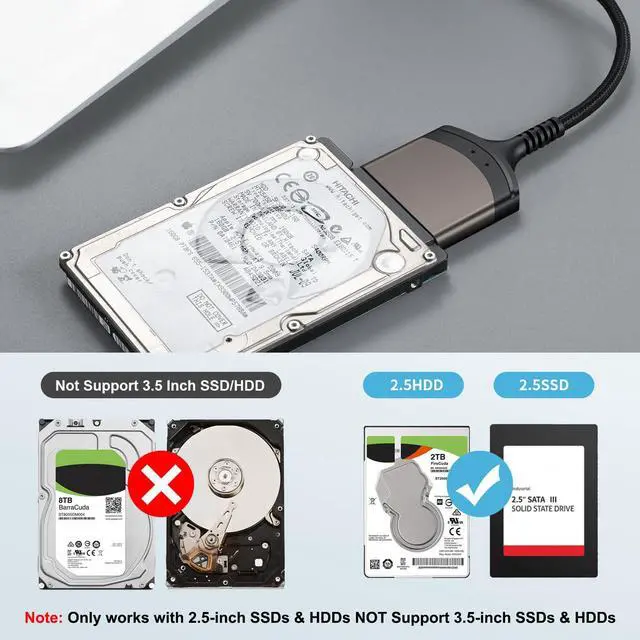
Support Drives | 2.5" SSD & HDD | 2.5"/3.5" HDD SSD/5.25" DVD | 2.5"/3.5" HDD SSD/5.25" DVD | 2.5"/3.5" HDD SSD/5.25" DVD |
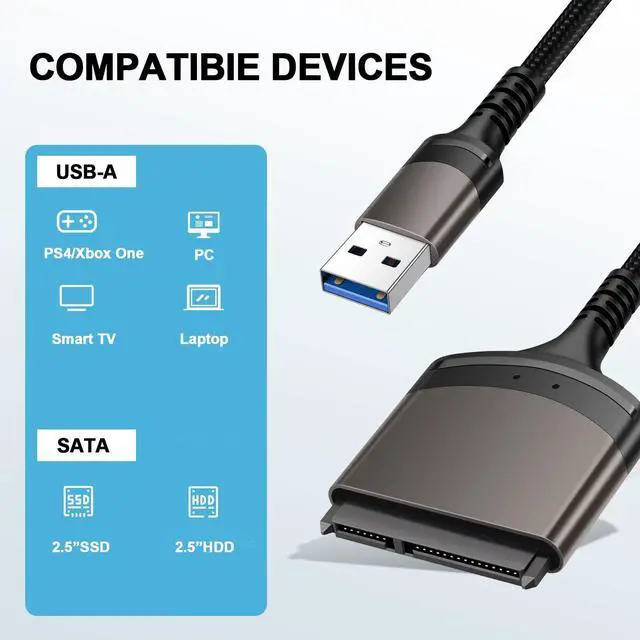
Port | USB | USB/Type C | USB/Type C | USB/Type C |
Power adapter | No | 12V/2A | 12V/2A | 12V/2A |
Plug and Play | ? | ? | ? | ? |
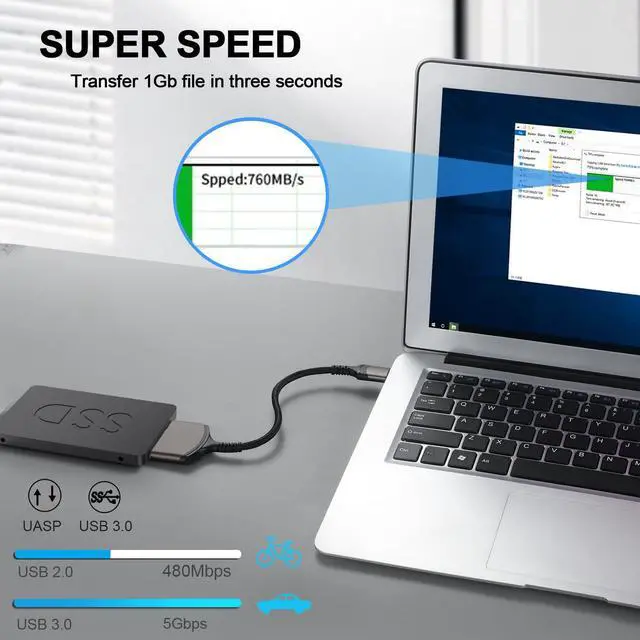
Transmission speed | Up to 5Gbps | Up to 5Gbps | Up to 5Gbps | Up to 5Gbps |

ULXUUUN
Commitment to Provide the Highest Standard of Service to Every Customer

ULXUUUN provides a lot excellent accessories and peripherals for computer products! Great products allow you to have high efficiency! A productive work environment will make your life easier and happier!
We promise that our products are sold directly from the factory to the customer. With ULXUUUN, let's explore an efficient and convenient work and life together!
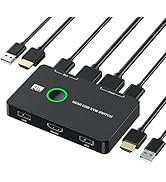
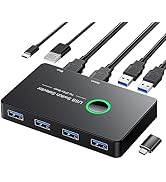
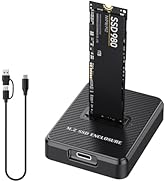
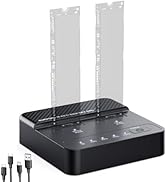
KVM Switch & SSD Dock
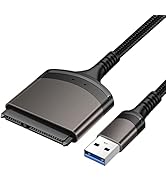
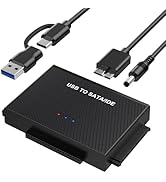
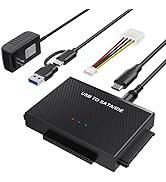
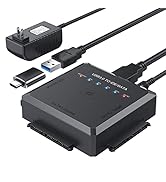
Hard Drive Adapter
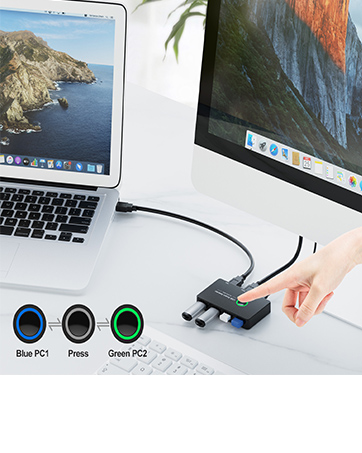
4 Port USB3.0 Switch Selector
Ideal KVM Switch for 2 Computers 1 Monitor Share 4 USB Devices, Free Your Desk Space and Save Your Time!
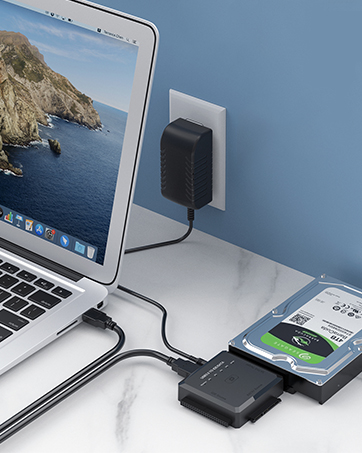
SATA/ IDE to USB 3.0 Adapter
One Touch Backup for 2.5/3.5 Inches SATA/IDE, ideal to upgrade your PC hard drive quickly! Plug and Play
Why choose ULXUUUN?
Stylish appearance, considerate budget, excellent quality, professional support! Let you buy satisfactory products at a preferential budget! Your purchase, we escort!
Why do we love what we do?
We have carried out years of research on the product, the product has a professional analysis, is committed to creating quality products for customers, to meet customer needs! We are confident to do better!
ULXUUUN USB to SATA adapter cable


Why Is My Hard Drive Not showing Up in Windows
Symptoms of Disk Not showing up
1. The hard drive display is not showing up in File Explorer. 2. The hard drive shows Disk Unknown, Not Initialized, including the new drive. 3. The hard drive displays as RAW in DiskManagement. 4. The hard drive has no drive letter. 5. The hard drive has a yellow exclamation mark
Causes of Hard Drive Not Showing Up
1. Problematic connection. 2. The file system is not supported or corrupted. 3. Drive letter conflict. 4. The hard drive driver is outdated. 5. The hard drive is unallocated or not initialized. 6. The hard drive is damaged
Please follow the tutorial to make your drive show up again
- #Fix 1. Change Disk Connection
- #Fix 2. Format Hard Drive to NTFS
- #Fix 3. Restore Data and Create a New Partition
- #Fix 4. Change Hard Drive Drive Letter
- #Fix 5. Update Hard Drive Disk Driver
- #Fix 6. Initialize Disk, Create A Volume and Enable Disk in BIoS
SATA Series Products
SATA to USB Cable | SATA/IDE to USB 3.0 | SATA/IDE to Type C | SATA/IDE to USB 3.0 |
|---|---|---|---|
| Customer Reviews | |||
| — | — | — | — |
| Price | |||
| — | — | — | — |
| Support Drives | |||
| 2.5" SSD & HDD | 2.5"/3.5" HDD SSD/5.25" DVD | 2.5"/3.5" HDD SSD/5.25" DVD | 2.5"/3.5" HDD SSD/5.25" DVD |
| Port | |||
| USB | USB/Type C | USB/Type C | USB/Type C |
| Power adapter | |||
| No | 12V/2A | 12V/2A | 12V/2A |
| Plug and Play | |||
| ? | ? | ? | ? |
| Transmission speed | |||
| Up to 5Gbps | Up to 5Gbps | Up to 5Gbps | Up to 5Gbps |
ULXUUUN
Commitment to Provide the Highest Standard of Service to Every Customer
ULXUUUN provides a lot excellent accessories and peripherals for computer products! Great products allow you to have high efficiency! A productive work environment will make your life easier and happier!
We promise that our products are sold directly from the factory to the customer. With ULXUUUN, let's explore an efficient and convenient work and life together!
KVM Switch & SSD Dock
Hard Drive Adapter
4 Port USB3.0 Switch Selector
Ideal KVM Switch for 2 Computers 1 Monitor Share 4 USB Devices, Free Your Desk Space and Save Your Time!
SATA/ IDE to USB 3.0 Adapter
One Touch Backup for 2.5/3.5 Inches SATA/IDE, ideal to upgrade your PC hard drive quickly! Plug and Play
Why choose ULXUUUN?
Stylish appearance, considerate budget, excellent quality, professional support! Let you buy satisfactory products at a preferential budget! Your purchase, we escort!
Why do we love what we do?
We have carried out years of research on the product, the product has a professional analysis, is committed to creating quality products for customers, to meet customer needs! We are confident to do better!