

Your Browsing History




Any questions? Our AI beta will help you find out quickly.
Compliant with PCI-Express Specification v2.0 and backward compatibile with PCI-Express 1.x
* Compliant with Serial ATA Specification 3.0
* Supports communication speeds of 6.0Gbps, 3.0Gbps and 1.5Gbps
* Hot plug and Hot Swap
* Support Native Command Queue (NCQ)
* Support Port Multiplier
* Compatible with SATA 6G, 3G and 1.5G Hard Drives
* Supports Windows® XP/Vista/7 (32/64 bit)
Package content
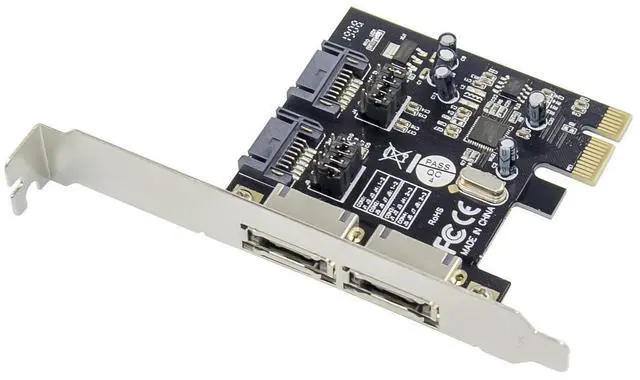
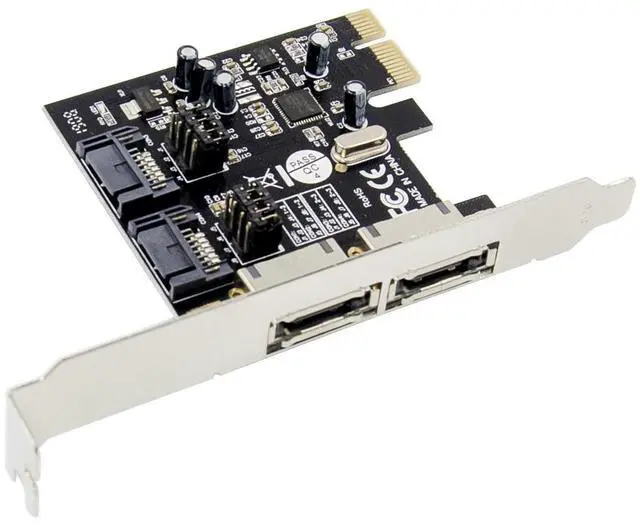
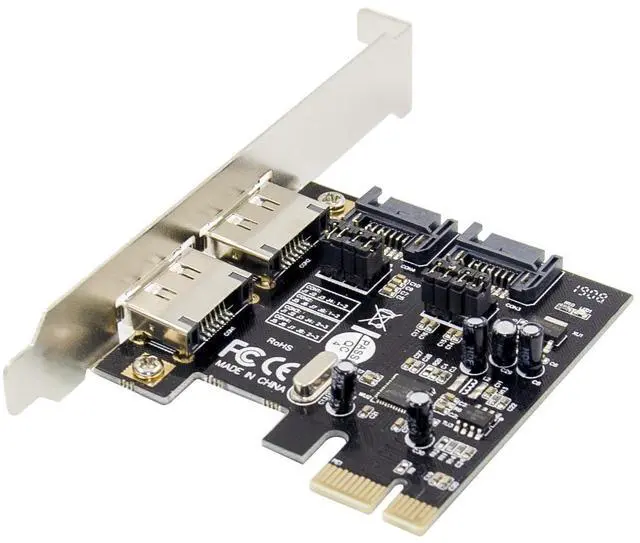
1 x PCIe ASM1061 SATAIII 4-Channel Expansion card
1 x Users Manual
1 x CD Driver
1 x Low profile bracket
Accessories
Note: Contents may vary depending on country/market.
Hardware Description
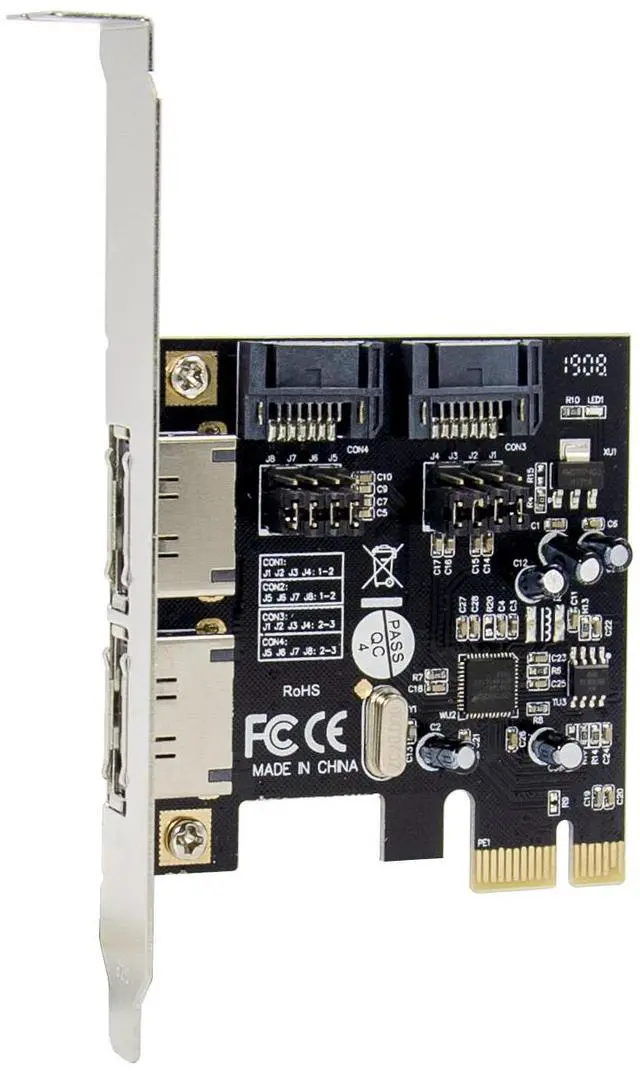
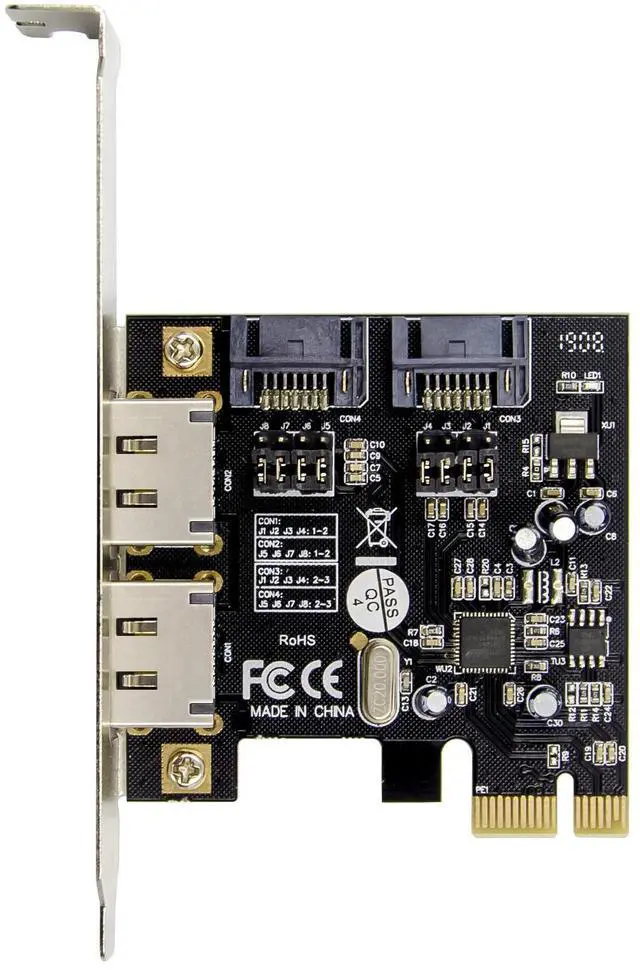
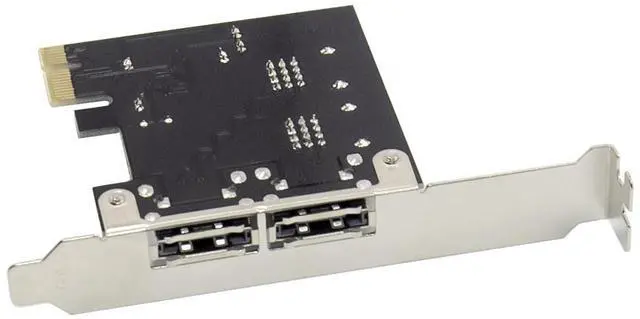
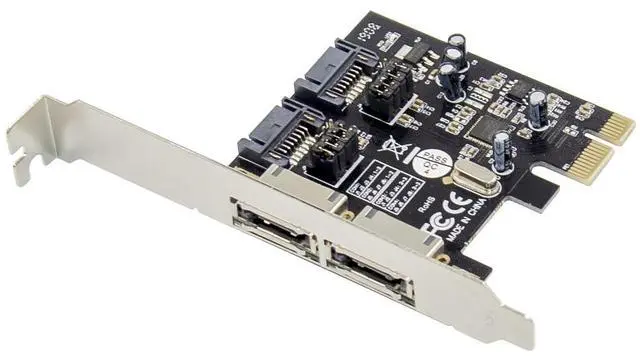
There are four SATA ports available on the SATA 6G PCIe Card, 2 internally SATA connectors and 2 eSATA connectors externally. Based on the image below, the respective ports have been name Con1 through Con4. Con3 & Con4 are internal SATA ports, while Con1 and Con2 are external SATA ports. By changing the jumper setting on the SATA 6G PCIe Card circuit board, you will be able to utilize two of the ports simultaneously. Please designate which ports you wish to use, by adjusting jumper setting according to the chart below. By default, Con3 & 4 are working.
Jumper Settings (Default Mode: 2~3 close)
J( Jumper settings)
JP Description Active Port
J1J2J3J4 2-3 Close Enable SATA Port(Con3, Con4)
J5J6J7J8 2-3 Close
J1J2J3J4 1-2 Close Enable eSATA Port(Con1,Con2)
J5J6J7J8 1-2 Close
J1J2J3J4 2-3 Close Enable SATA Con3, eSATA Con2
J5J6J7J8 1-2 Close
J1J2J3J4 1-2 Close Enable eSATA Con1 ,SATA Con4
J5J6J7J8 2-3 Close
Hardware Verify
Verifying for Windows XP/Vista/7
1. Right click My Computer and click Manage.
2. Select Device Manager.
3. Look for the following:
Windows® XP: Double click SCSI and RAID Controller:
-ASMedia 106X SATA Controller should be displayed
Windows® Vista/7: Double click IDE ATA/ATAPI Controllers:
-ASMedia 106X SATA Controller should be displayed