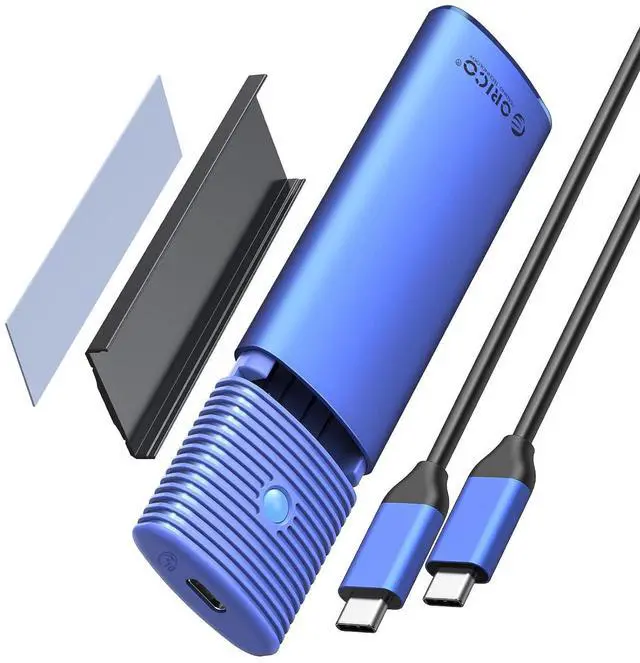
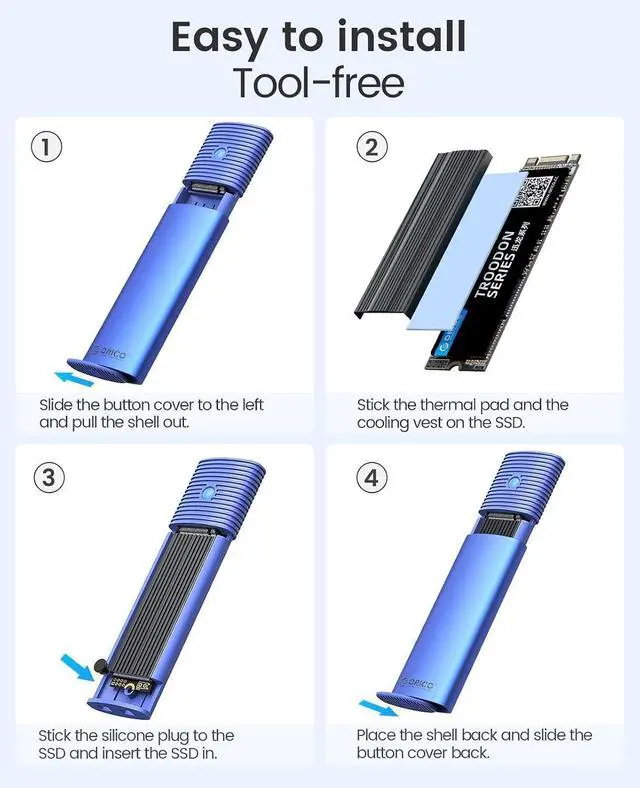
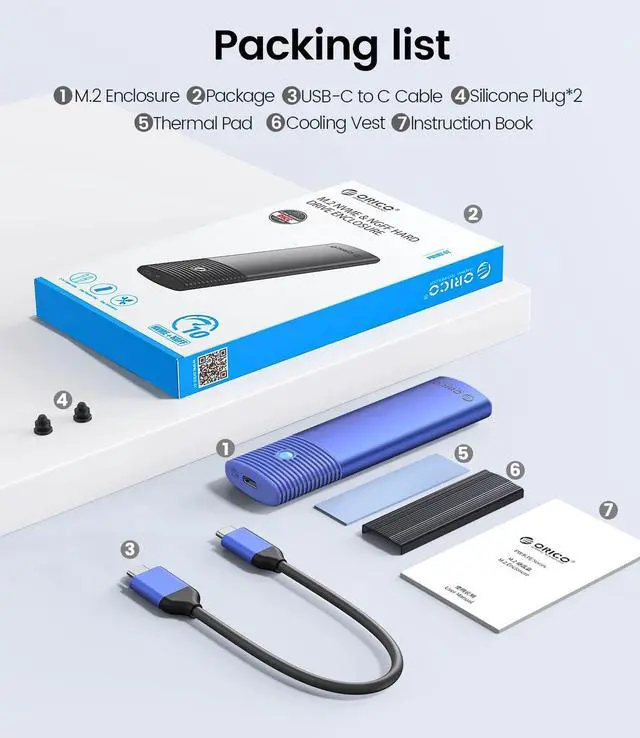
Product description Click to play video LED Indicator & 10Min Auto Sleep With the auto indicator, you can get to know that the ssd enclosure is in working mode.
*Light Always on: Standby/Sleep Mode *Light
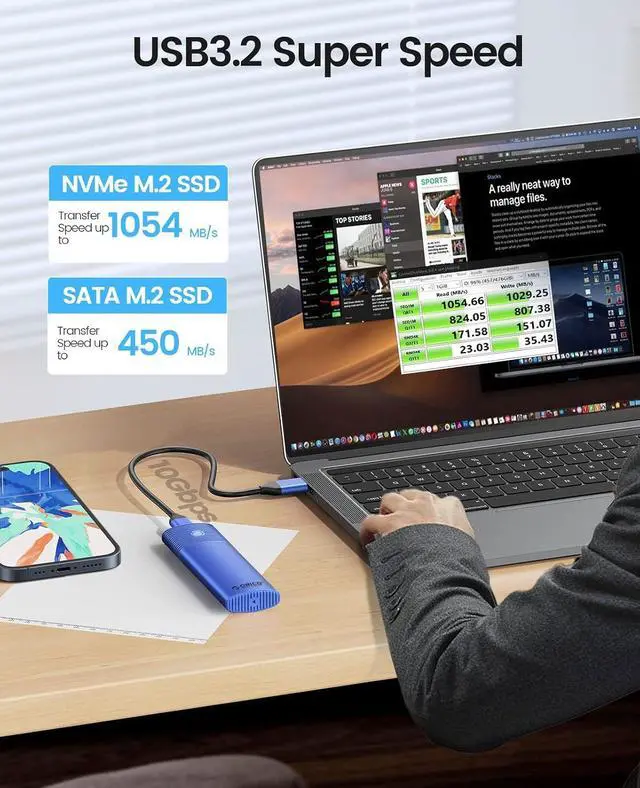
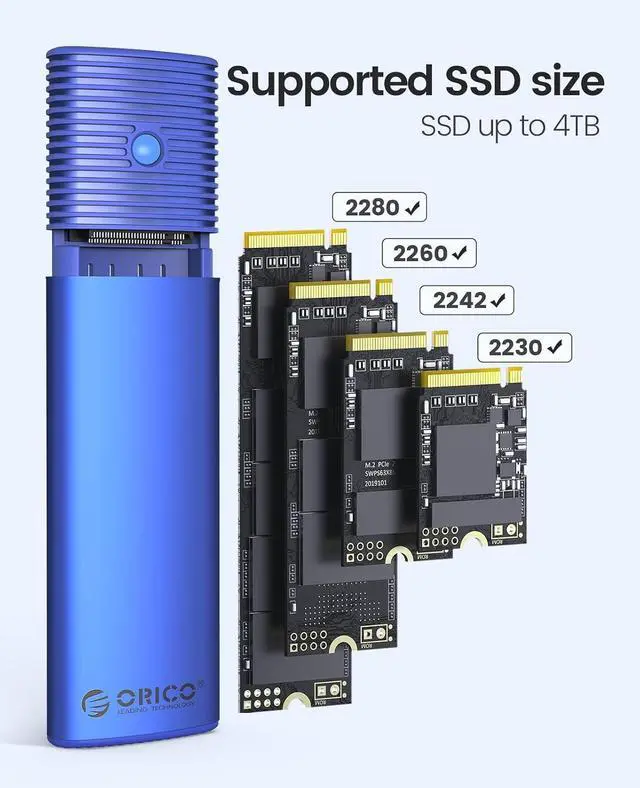
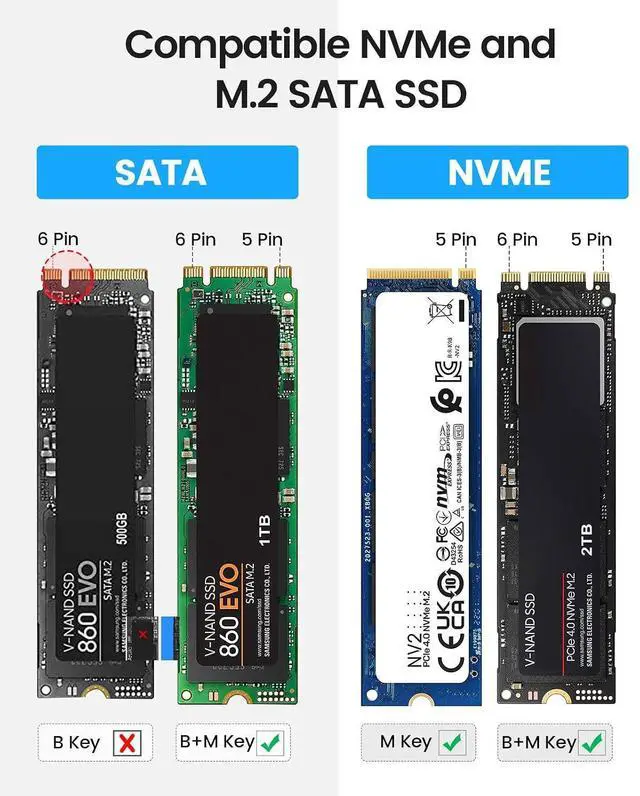
Flashing: Data transmitting Stable Cable Single cable provides stable data transmission *USB C to USB C *30cm long 10Gbps High Speed Load Faster. Save Faster. Premium Storage Expansion Suitable for Gaming Back up Data Your External Database M. 2 NVMe SATA Enclosure M. 2 NVMe SATA Enclosure Tool Free M. 2 NVMe & SATA SSDs Compatibility M. 2 NVMe & SATA SSDs 10 Gbps Transfer Speed 10 Gbps USB C 3.2 Gen 2 USB Interface USB C 3.2 Gen 2 4TB Max Capacity 4TB Aluminum Material Aluminum C to C Cable Included C to C M. 2 NVMe SATA Enclosure Learn More M. 2 NVMe SATA Enclosure Learn More M. 2 NVMe SATA Enclosure Learn More M. 2 SATA Enclosure Learn More Why can't it write in Mac OS? But it can read and write normally under Windows. After installing SSD, the computer is not read by the enclosure? Is there a sleep setting? Are there any interruptions in data transmission during sleep? Why is the speed not as fast as advertised? Why does it generate heat?





 here!
here!