





What type of phone is this, and does it support internet or display incoming numbers?
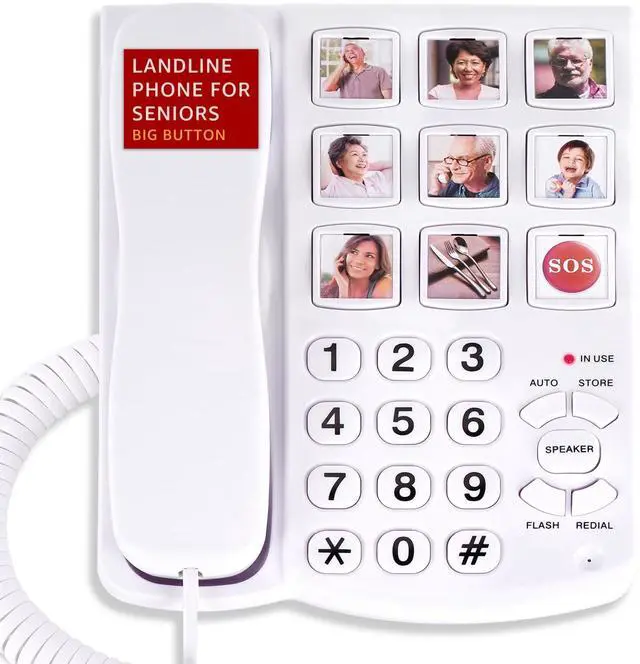
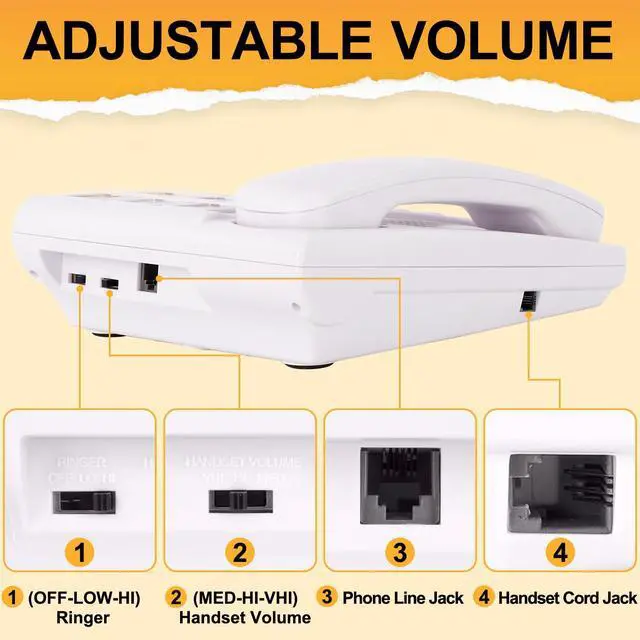
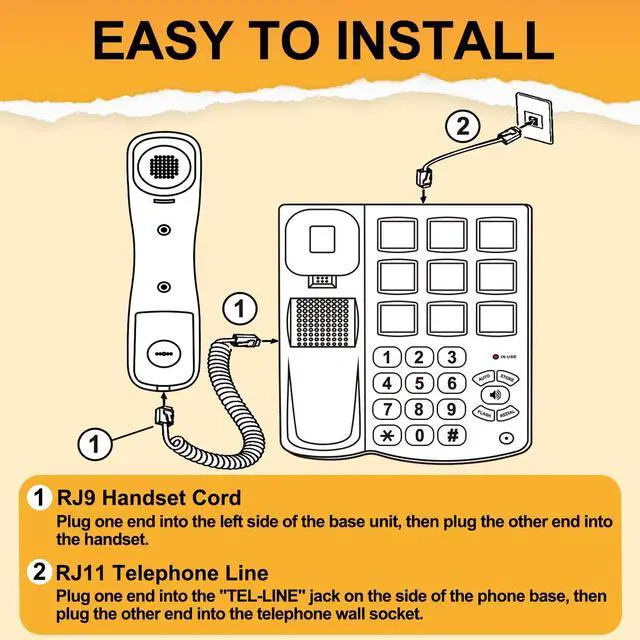
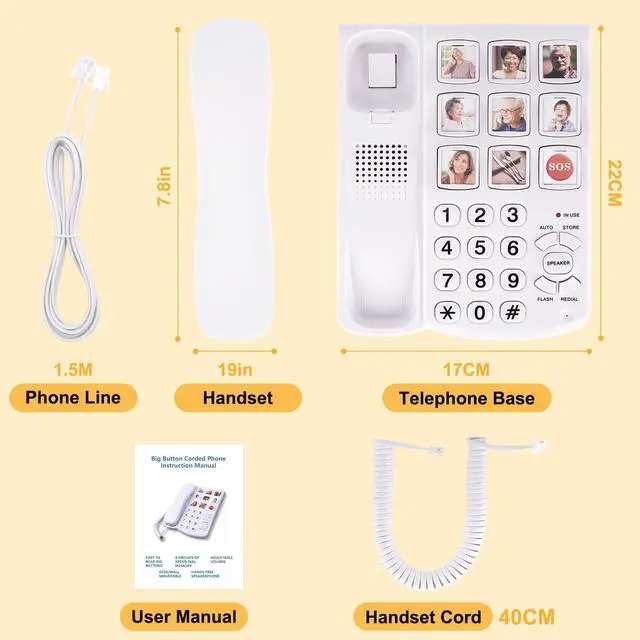
This is a CORDED landline phone, not a cordless one. It only supports RJ11 TELEPHONE LINE connections and does not work with the internet. The phone has no display screen, so it cannot show incoming call numbers.
How do I store a phone number to a one-touch photo dial button?
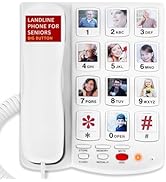
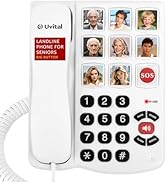
1.Pick up the handset. 2.Press the STORE button. 3.Input the phone number. 4.Press STORE button again. 5.Press one of the picture buttons. 6.Replace the handset.
What should I do if I hear a busy signal during the photo dial button storage?
If you hear a "beep-beep-beep" during storage, don't worry—it's just a busy signal sent by the switchboard. Continue the steps, and the number will store correctly. Afterward, press the stored button to check if it dials correctly.
How does the one-touch dialing feature work? How many digits can the picture buttons store?
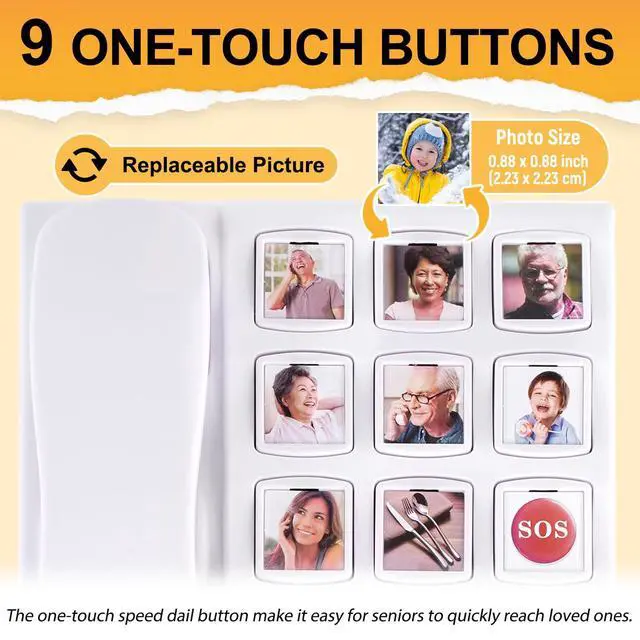
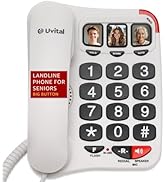
This phone is equipped with one-touch dialing buttons that allow users to store important contacts. Users can replace the button images with photos of family or friends. Note: The picture buttons can store up to 16-digit number.
Is the big button landline phone suitable for seniors?
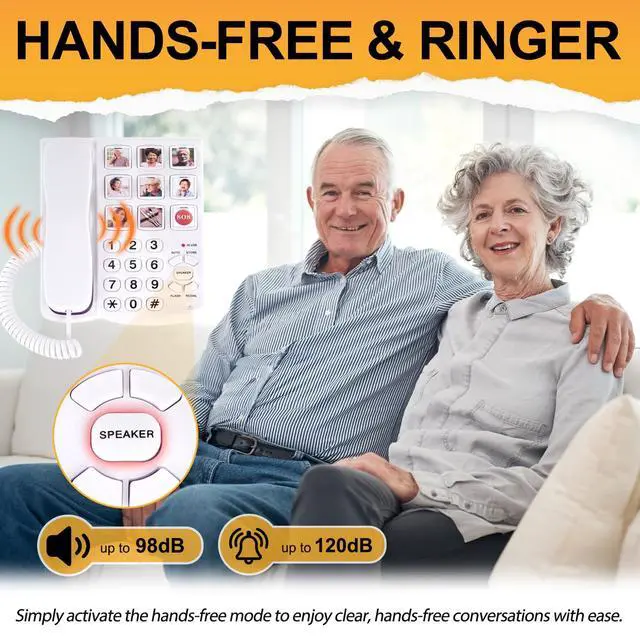
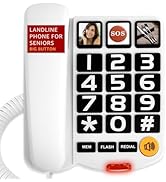
Yes, this phone is particularly suitable for seniors due to its user-friendly design, which includes large buttons and clear sound quality. The simplicity of the features makes it accessible for those who may have difficulty with standard phones.
Uvital Corded Telephone for Home/Office/Hotel
 Big Button Telephone |  Big Button Telephone |  Big Button Telephone |  Big Button Telephone |  Basic Office Telephone |  Basic Office Telephone |  Retro Red Telephone | |
|---|---|---|---|---|---|---|---|
Customer Reviews | — | — | — | — | — | — | — |
Price | — | — | — | — | — | — | — |
Big Button | ? | ? | ? | ? | ? | ? | ? |
Hands Free | ? | ? | ? | ? | ? | ? | ? |
Adjustable Ringer | ? | ? | ? | ? | ? | ? | ? |
Hearing Aid-Compatible | ? | ? | ? | ? | ? | ? | ? |
Power Source | No power required | No power required | No power required | No power required | No power required | No power required | No power required |

Uvital
Vital Choices Vital Connections


Uvital Telephone
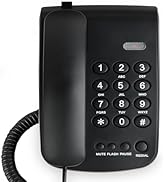
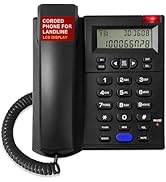
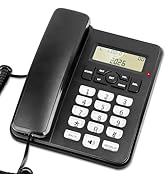
Uvital Telephone
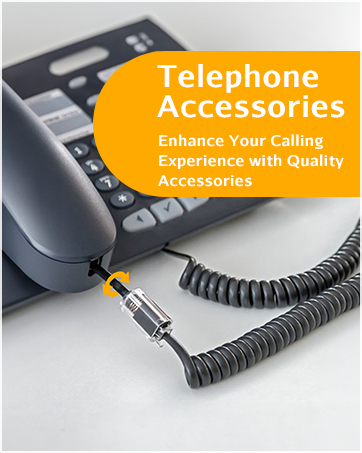
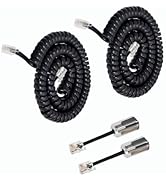
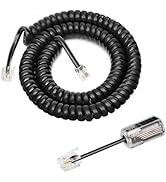
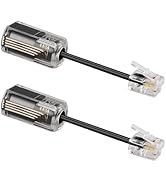
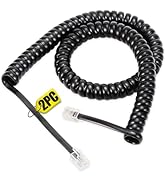
Uvital Telephone Accessories
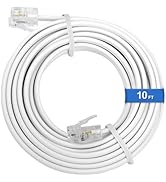
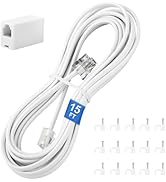
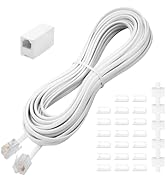

Uvital Telephone Accessories
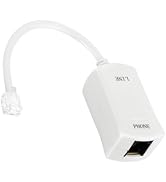
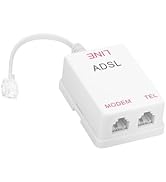
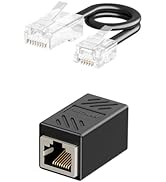
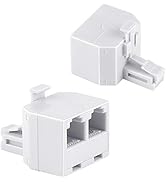
Uvital Telephone Accessories
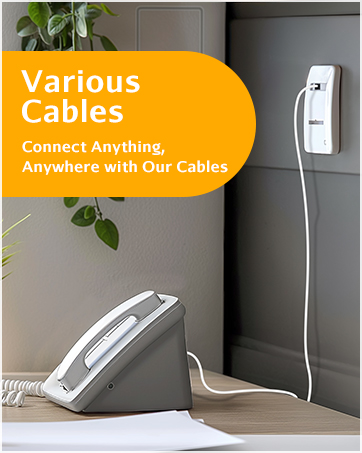
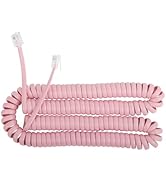
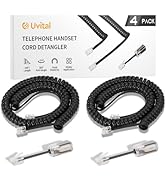
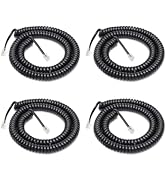
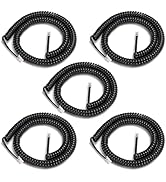
Uvital Telephone Cord
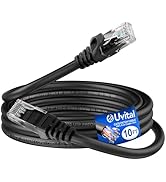
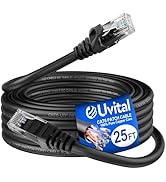

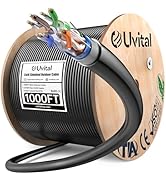
Uvital CAT6 Ethernet Cable
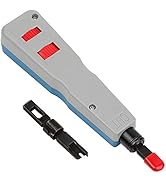
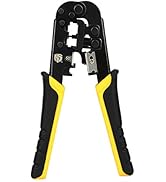
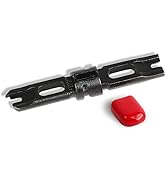
Uvital Hand Tools
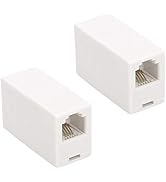
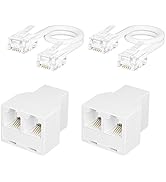
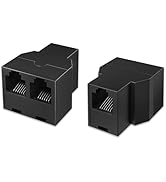
Uvital Best Product


How did we get our start?
We are a start-up company, initially we were just a factory, then we expanded our consumer base to directly address each individual customer and not just large commercial companies.
What makes our products unique?
We have a long history of craftsmanship and we love to innovate, bringing convenient tools to every user makes us happy.


What type of phone is this, and does it support internet or display incoming numbers?
This is a CORDED landline phone, not a cordless one. It only supports RJ11 TELEPHONE LINE connections and does not work with the internet. The phone has no display screen, so it cannot show incoming call numbers.
How do I store a phone number to a one-touch photo dial button?
1.Pick up the handset. 2.Press the STORE button. 3.Input the phone number. 4.Press STORE button again. 5.Press one of the picture buttons. 6.Replace the handset.
What should I do if I hear a busy signal during the photo dial button storage?
If you hear a "beep-beep-beep" during storage, don't worry—it's just a busy signal sent by the switchboard. Continue the steps, and the number will store correctly. Afterward, press the stored button to check if it dials correctly.
How does the one-touch dialing feature work? How many digits can the picture buttons store?
This phone is equipped with one-touch dialing buttons that allow users to store important contacts. Users can replace the button images with photos of family or friends. Note: The picture buttons can store up to 16-digit number.
Is the big button landline phone suitable for seniors?
Yes, this phone is particularly suitable for seniors due to its user-friendly design, which includes large buttons and clear sound quality. The simplicity of the features makes it accessible for those who may have difficulty with standard phones.
Uvital Corded Telephone for Home/Office/Hotel
Big Button Telephone | Big Button Telephone | Big Button Telephone | Big Button Telephone | Basic Office Telephone | Basic Office Telephone | Retro Red Telephone |
|---|---|---|---|---|---|---|
| Customer Reviews | ||||||
| — | — | — | — | — | — | — |
| Price | ||||||
| — | — | — | — | — | — | — |
| Big Button | ||||||
| ? | ? | ? | ? | ? | ? | ? |
| Hands Free | ||||||
| ? | ? | ? | ? | ? | ? | ? |
| Adjustable Ringer | ||||||
| ? | ? | ? | ? | ? | ? | ? |
| Hearing Aid-Compatible | ||||||
| ? | ? | ? | ? | ? | ? | ? |
| Power Source | ||||||
| No power required | No power required | No power required | No power required | No power required | No power required | No power required |
Uvital
Vital Choices Vital Connections
Uvital Telephone
Uvital Telephone
Uvital Telephone Accessories
Uvital Telephone Accessories
Uvital Telephone Accessories
Uvital Telephone Cord
Uvital CAT6 Ethernet Cable
Uvital Hand Tools
Uvital Best Product
How did we get our start?
We are a start-up company, initially we were just a factory, then we expanded our consumer base to directly address each individual customer and not just large commercial companies.
What makes our products unique?
We have a long history of craftsmanship and we love to innovate, bringing convenient tools to every user makes us happy.