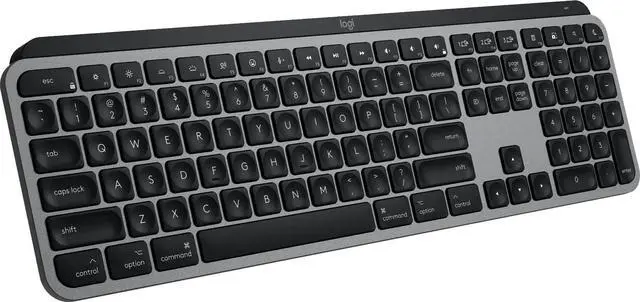
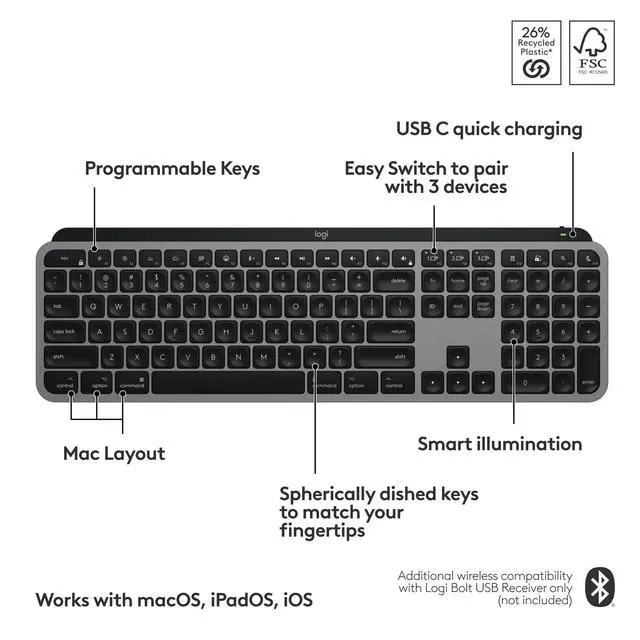
Mastered for Mac: With a Mac key layout and matching Apple finishes, Logi Options plus functions for macOS (1), USB C charging, Logitech MX Keys S for Mac makes for a perfect fit with your Apple setup
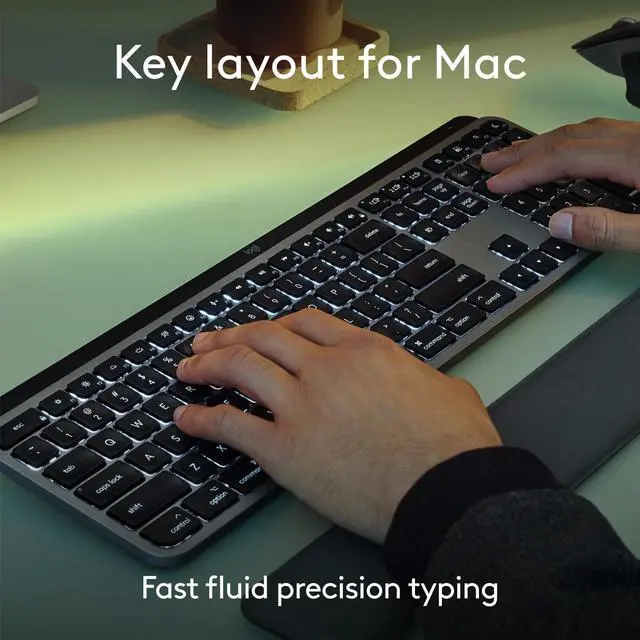
Fluid Typing Experience: A laptop-like profile with spherically dished keys shaped for your fingertips; experience fast, fluid, and precise typing on this wireless bluetooth keyboard for Mac
Automate Repetitive Tasks with Logitech Keyboard: Easily create and share time-saving Smart Actions shortcuts to perform multiple actions with a single keystroke with the Logi Options plus app (1)
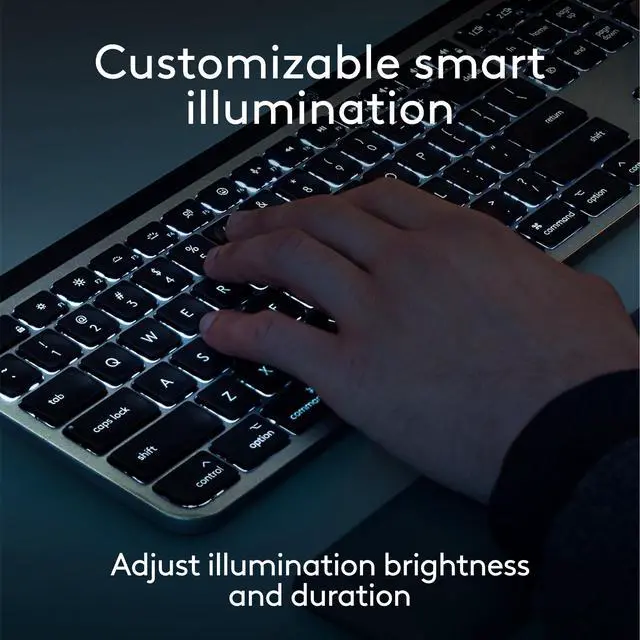
Smarter Illumination: Keys on this backlit keyboard light up as your hands approach and adapt to the environment; now with more lighting customizations on Logi Options plus (1)
More Comfort, Deeper Focus: Work comfortably for longer with a low-profile design and an optimum keyboard angle that is better for your wrist posture
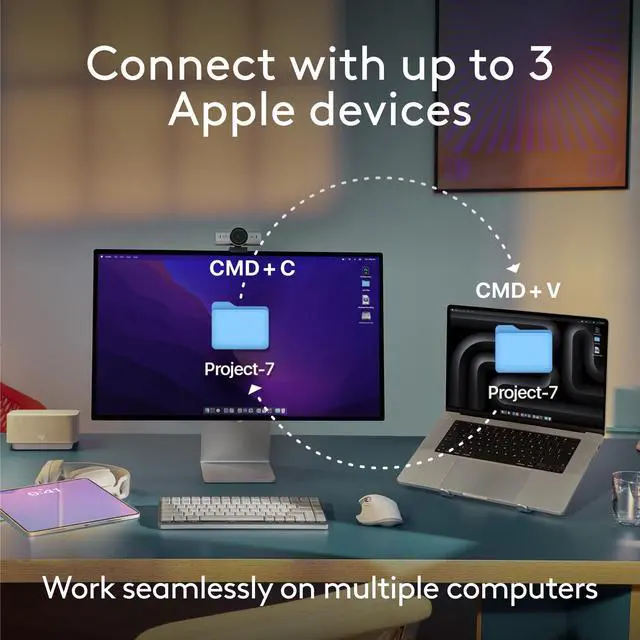
Connect To Multiple Apple Devices: Work seamlessly on up to 3 devices on macOS, iPadOS, iOS via Bluetooth Low Energy (2)
Team With MX Master 3S For Mac: Pair any MX for Mac wireless keyboard and mouse with Logi Options plus (1) and seamlessly work, transfer text and files between 3 Apple computers
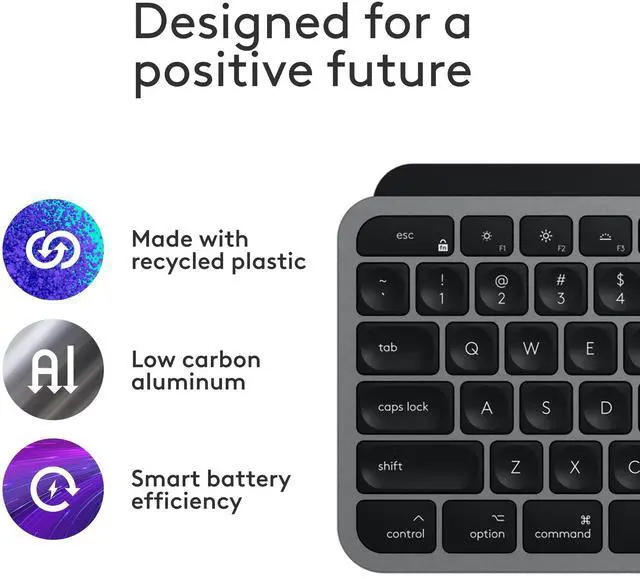
Made With Recycled Plastic: Plastic parts in Logitech MX Keys S for Mac include certified post-consumer recycled plastic 26% for Space Gray and 11% for Pale Grey (5)
In case of wireless keyboard or combo (keyboard and mouse), the USB receiver is usually provided either inside the mouse (under the battery cover) or attached within the product packaging