Q & A:
Q: How to Change Region Code?(For Windows System)
A: 1. Open "Device Manager" ( "This PC" > "Manage" > "Device Manager");
2. Locate the optical drive, right-click, and select "Properties";
3. Under the "Settings" tab, adjust the "Start Drive Letter" and "End Drive Letter" to the desired drive letter.
Q: How to Change Region Code?(For MacOS System)
A: 1. Insert the DVD;
2. Insert the DVD into your Mac's optical drive;
3. If the DVD's region code does not match the current drive settings, a dialog box will prompt you to change the region code.
Q: Why the optical drive did not function, or stopped working after received?
A: 1. Check for Systems Updates, Sometimes a system update may resolve compatibility issues;
2. Ensure it's connected properly;
3. Check the Cable and Connection;
4. Ensure the disc is clean and free from scratches.
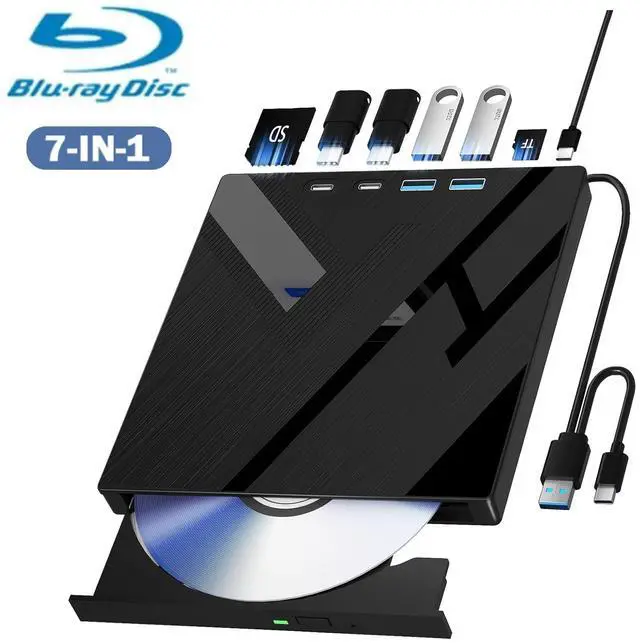
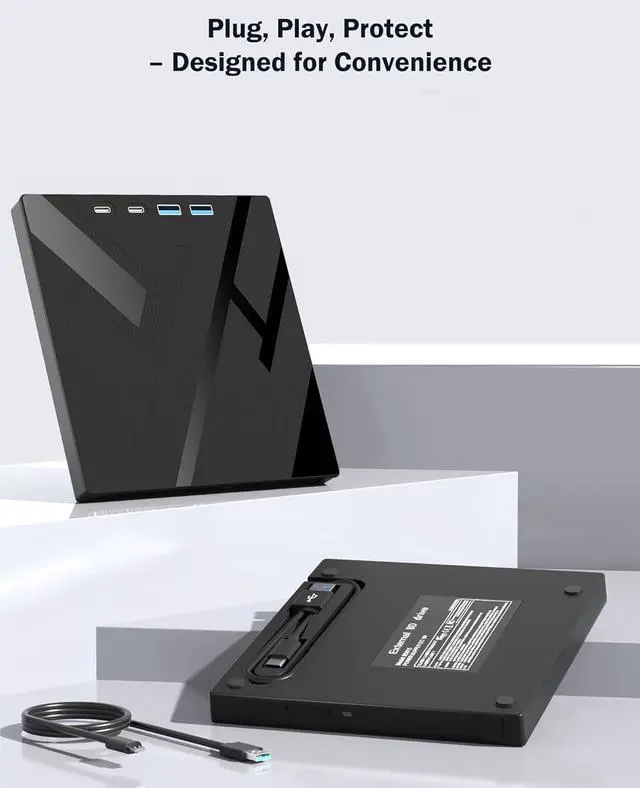
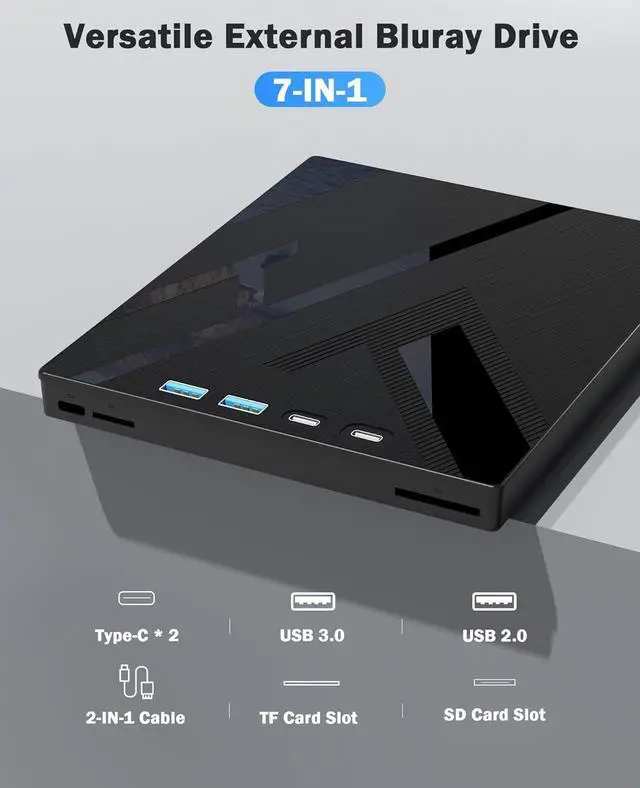
This blu ray burner offers versatile features. It has 1*SD card slot, 1*TF card slot, 2*Type-C ports, 1*USB 3.0 +1*USB 2.0 ports, and 1*2-in-1 cable(usb 3.0 +type-c) for data transfer or charging purposes. It supports reading BD/DVD/CD discs and writing BD/DVD/CD discs. You can easily copy music, movies, and data files from SD cards, TF cards, or through the USB/Type-C ports to your computer. You can also transfer files from a Bluray player to an SD card, USB hard drive, or USB flash drive. Please note that the SD card and TF card cannot be used simultaneously; you can only choose one at a time.
However, both of them can function simultaneously with the USB ports.
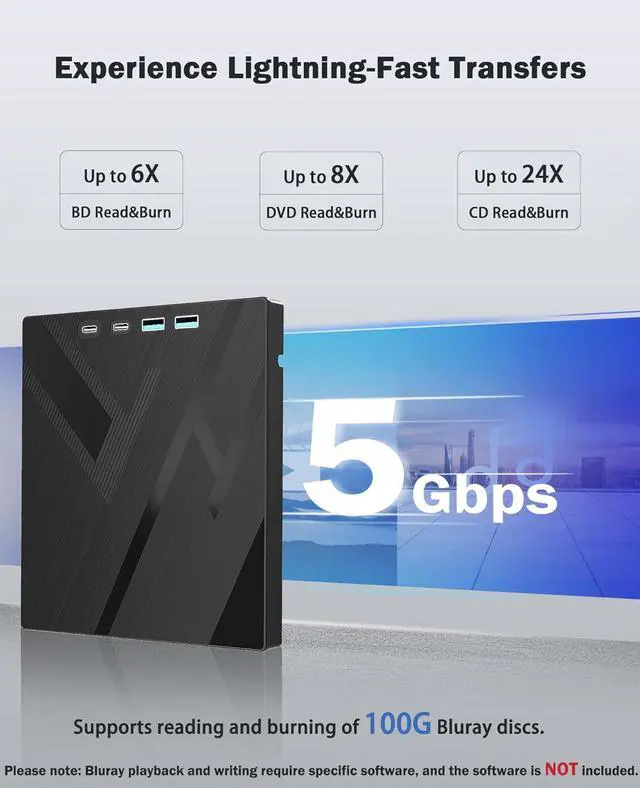
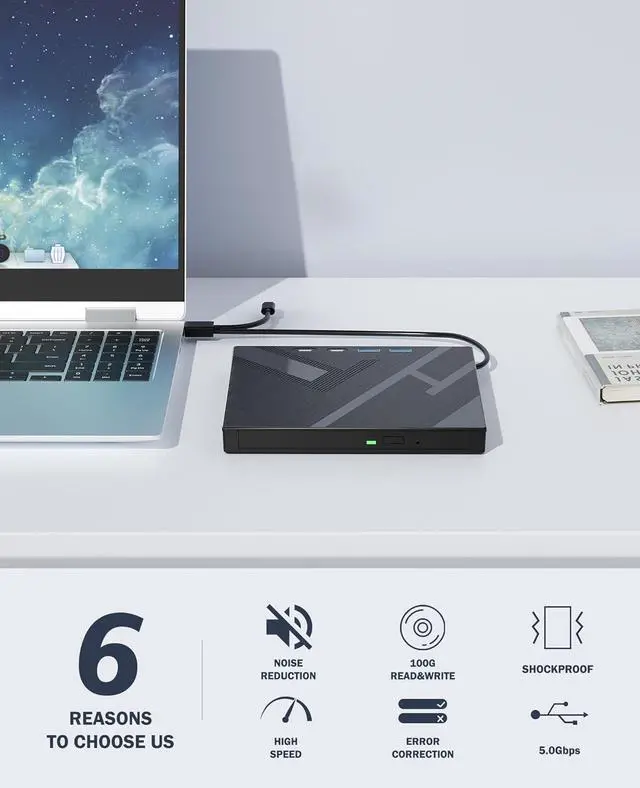
This external blu ray drive allows you to burn high-capacity 100GB discs, perfect for large file storage, backups, or creating high-definition content. Enjoy hassle-free burning for all your media needs. It reads Blu-ray discs at up to 6x, DVDs at up to 8x, and CDs at up to 24x.
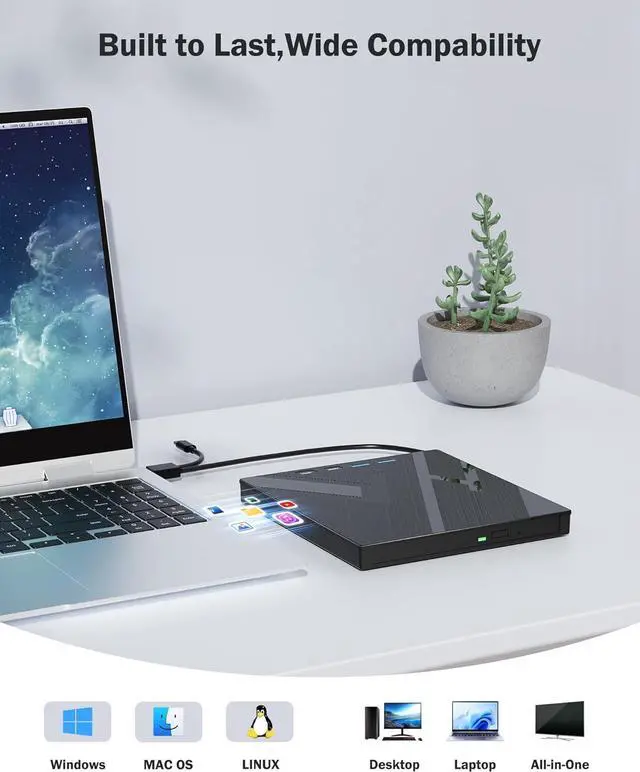
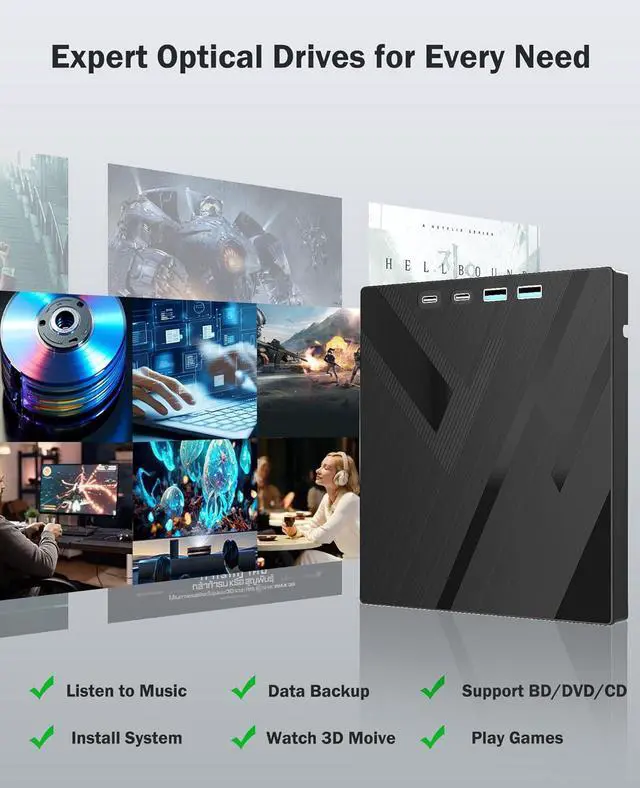
This external Bluray drive is compatible with a wide range of devices, including laptops, PCs, working seamlessly with Windows, macOS, and Linux. However, Bluray playback and writing require specific software, such as PowerDVD, Leawo Blu-ray Player, or VLC Media Player. [,. ] Simply install your preferred Bluray software to get started.