Get a $25 Newegg Promo Gift Card when you spend $250+ between 1/17/26 and 1/19/26. Learn More>
  • $24.99
  • Free 30-day Returns
  • Ships from China.
    Price alert
    Shop it at NeweggBusiness.

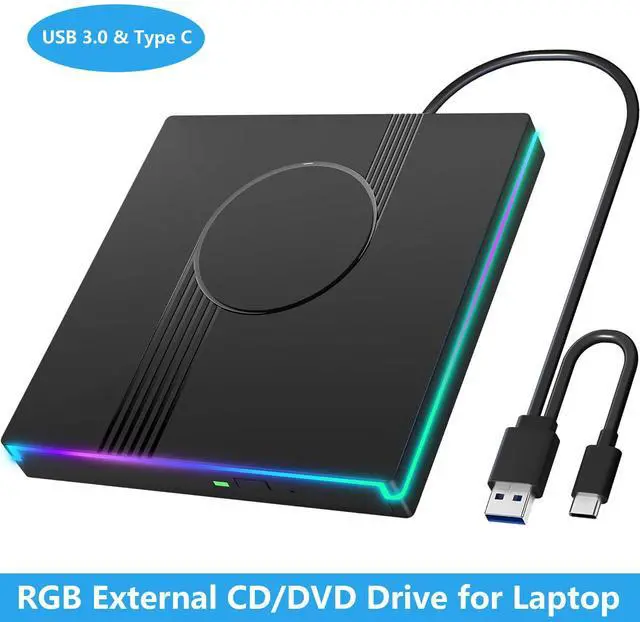
    Hitoor RGB External CD/DVD Drive for Laptop, External DVD Drive USB 3.0 Type-C Portable DVD Player, CD Burner +/-RW Optical Drive, Slim CD ROM External Optical Drive for Laptop Desktop PC Windows Mac

    Limited time offer, ends 01/17 By Smart Life Marketplace

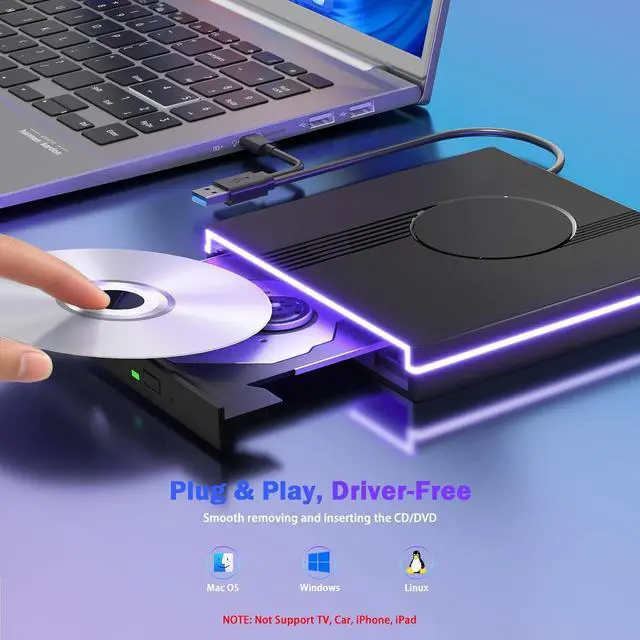
    • Easy Plug & Play CD/DVD Player: Simply plug it into your laptop or desktop pc, insert your cds or dvds, and let our drive do the rest. Enjoy using media player, burning, or ripping software to read, write, and rip your discs!
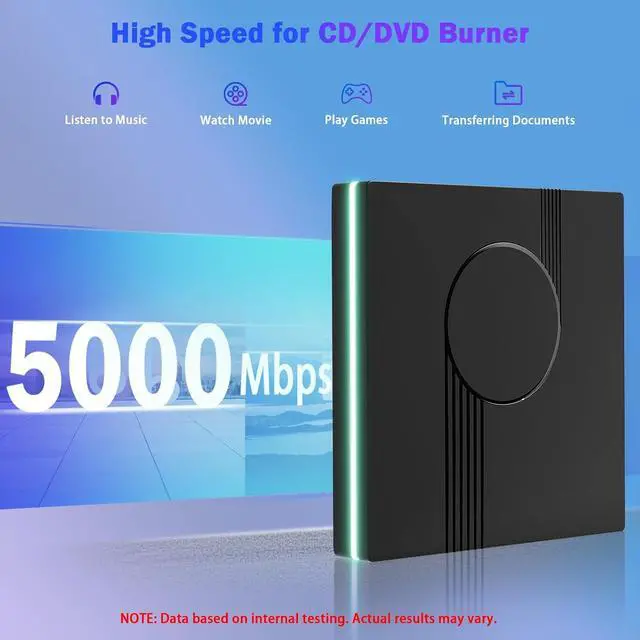
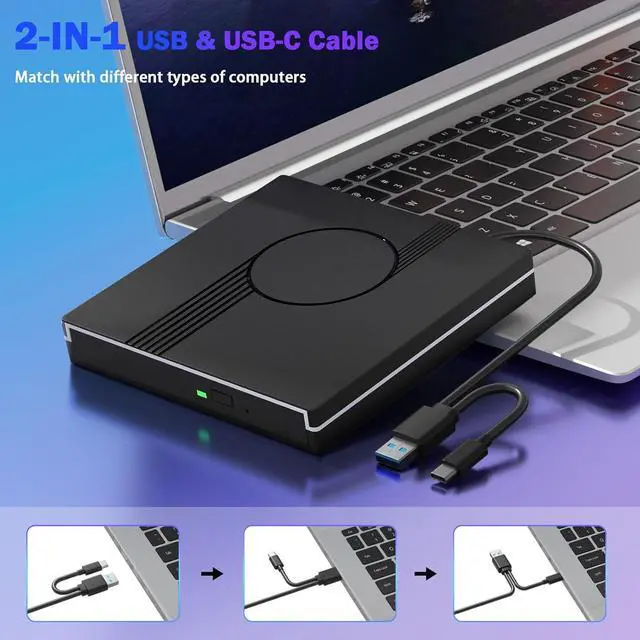
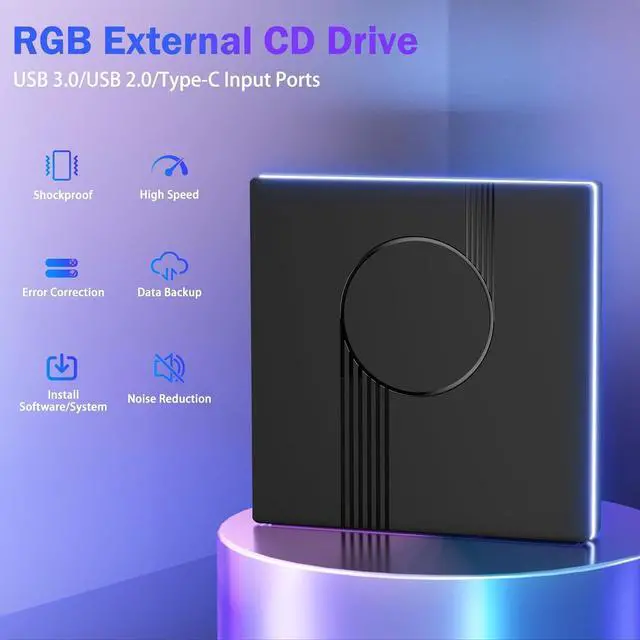
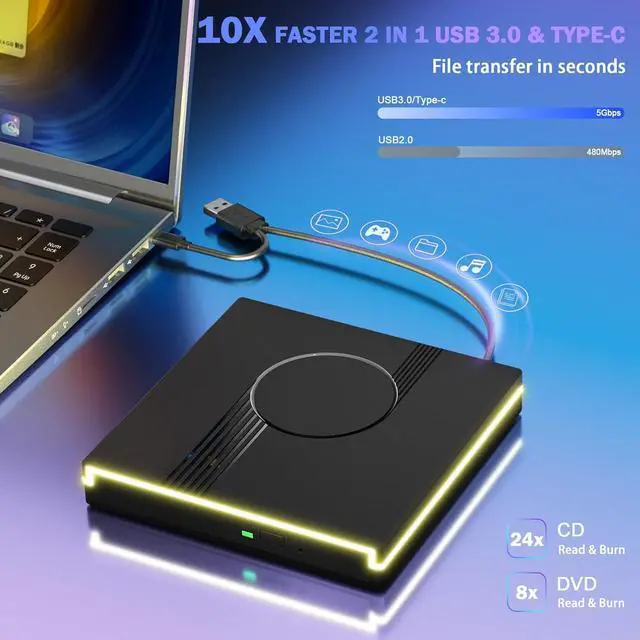
    • Latest USB 3.0 Tech: Enjoy faster data transfer and more stable performance with advanced USB 3.0 technology. Also backward compatible with USB 2.0, perfect for recording music, videos, installing software or creating CD/DVD backups. And Compatibility with Windows (98/ SE/ ME/ 2000/ XP/ Vista/ Windows 11/10/8/7), Mac OS.
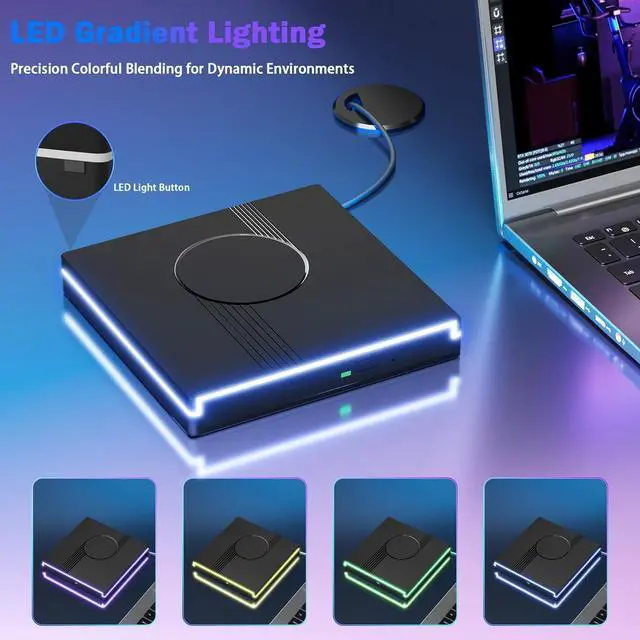
    • RGB CD Burner: Vibrant RGB Lighting: Features 7 dynamic gradient modes & 7 solid colors. Powers on with a self-test sequence flashing red, green, and blue before cycling gradients. Easily customize your drive's look: short-press the rear button to cycle colors or restore light.
    • Compact & Portable: Our slim, lightweight design is ideal for on-the-go use. Whether you're at home, in the office, or on the move, you can easily carry this portable cd/dvd drive with you.
    • CD Drive Warm Tips: (1) Mac Users Eject discs via desktop icon (right-click > Eject) or menu (File > Eject); tray button won't work post-play/burn. (2) Connect hidden Type C&A cable (not power!) to computer. (3) Plug & Play is no driver install needed, but software required for playing/burning discs. And check compatibility list carefully before purchase!
    +
    +
    Overview
    Specs
    Reviews
    avatar

    Any questions? Our AI beta will help you find out quickly.

    RGB External CD/DVD Drive for Laptop, External DVD Drive USB 3.0 Type-C Portable DVD Player
    RGB External CD/DVD Drive for Laptop, External DVD Drive USB 3.0 Type-C Portable DVD Player
    RGB External CD/DVD Drive for Laptop, External DVD Drive USB 3.0 Type-C Portable DVD Player
    RGB External CD/DVD Drive for Laptop, External DVD Drive USB 3.0 Type-C Portable DVD Player
    RGB External CD/DVD Drive for Laptop, External DVD Drive USB 3.0 Type-C Portable DVD Player
    RGB External CD/DVD Drive for Laptop, External DVD Drive USB 3.0 Type-C Portable DVD Player
    RGB External CD/DVD Drive for Laptop, External DVD Drive USB 3.0 Type-C Portable DVD Player

    Troubleshooting Steps


    1. Do not look directly at the internal laser light source as it may be harmful to the eyes.
    2. Keep the drive away from strong magnetic objects and ensure it is placed on a stable desktop surface to prevent damage or unstable operation.
    3. The data transfer speed may be affected by the computer and system environment.
    4. This drive does not support use in TV, car, Blu-ray players, projectors, tablets, smartphones, Chromebooks, or Ubuntu systems.
    5. If the driver cannot be recognized by your computer or you are experiencing issues with CD playback, try connecting the drive directly to a USB port on your laptop or back USB port on your desktop computer. Ensure the CD is properly inserted and not scratched.


    6. Make sure there is a built-in practical driver software on your computer or try using the drive with another device.

    7. Set the area code correctly according to your region to play discs from that region. NOTE: Each external optical only allows us to changethe region code 4~5 times.

    8. Make sure your computer has a media player software such as VLC Media Player before using the external drive.

    Troubleshooting Steps


    1. Do not look directly at the internal laser light source as it may be harmful to the eyes.
    2. Keep the drive away from strong magnetic objects and ensure it is placed on a stable desktop surface to prevent damage or unstable operation.
    3. The data transfer speed may be affected by the computer and system environment.
    4. This drive does not support use in TV, car, Blu-ray players, projectors, tablets, smartphones, Chromebooks, or Ubuntu systems.
    5. If the driver cannot be recognized by your computer or you are experiencing issues with CD playback, try connecting the drive directly to a USB port on your laptop or back USB port on your desktop computer. Ensure the CD is properly inserted and not scratched.
    6. Make sure there is a built-in practical driver software on your computer or try using the drive with another device.
    7. Set the area code correctly according to your region to play discs from that region. NOTE: Each external optical only allows us to changethe region code 4~5 times.
    8. Make sure your computer has a media player software such as VLC Media Player before using the external drive.


    Warranty & Returns

    Warranty, Returns, And Additional Information

    Warranty

    • Please contact the Seller directly for warranty information. Warranty information may also be found on the Manufacturer's website.
    • CONTACT

    Return Policies

    Manufacturer Contact Info

    LOADING...