




 here!
here!
I’m your shopping assistant for PC builds, upgrades, and everything tech.
Got questions? Ask away!
Start a conversation
here!
I’m your shopping assistant for PC builds, upgrades, and everything tech.
Got questions? Ask away!
Start a conversation



Any questions? Ask CelesteSM will help you find out quickly.
1. Important usage and safety instructions
A. For Your Safety Laser Hazard: Never look directly at the laser inside the drive as it can cause serious eye damage.
Setup & PlacementStable surface: place the drive on a stable, flat surface to ensure proper operation. - Avoid magnets: Keep the drive away from strong magnetic fields to avoid damage.
2. Troubleshoot common issues:
A. Drive not recognized?
- Connect the drive directly to a USB port on your computer (avoid using hubs without power).
For desktop computers, use the USB ports on the back of the tower.
B. Discs are not playing or reading?
- Make sure the disc is inserted correctly and is clean and free from scratches. Check if a media player is installed on your computer (e.g. VLC Media Player). Verify that the correct region code is set in your player software for the CD you want to play.
3. Performance Notes:
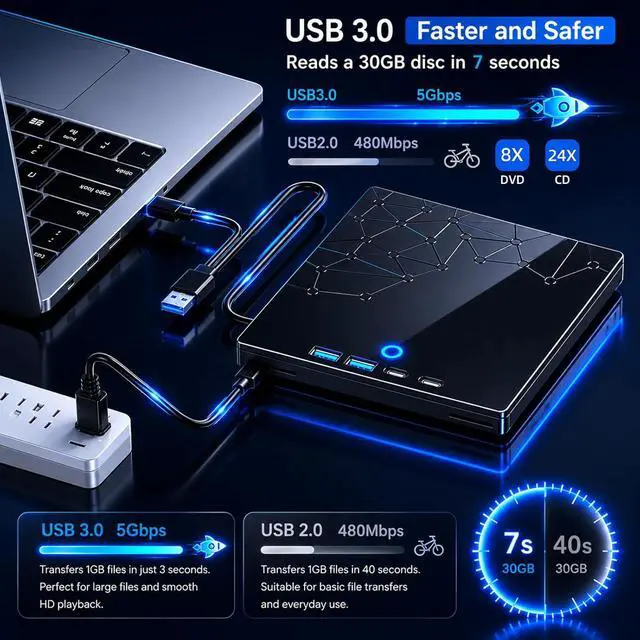
A Data Transfer SpeedThe actual read/write speed may vary depending on your computer's hardware and system performance.
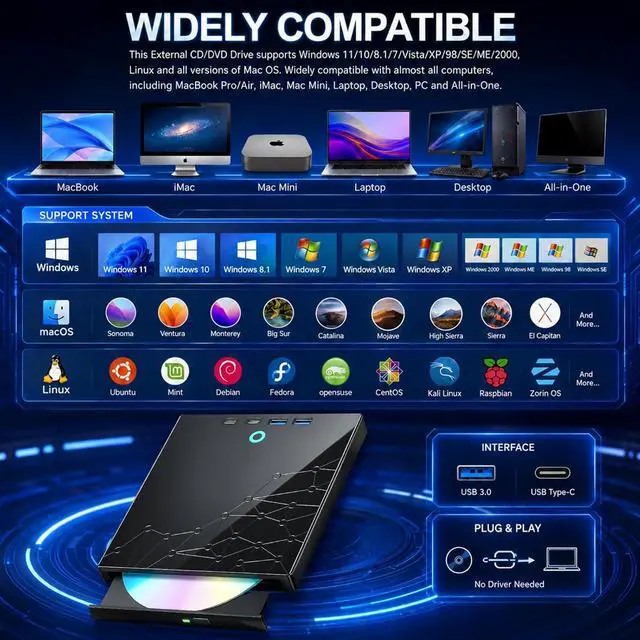
B. Driver software: the drive should automatically install basic drivers on modern systems. If this is not the case, try using it on another computer to see if the problem is with your computer's drive or configuration.
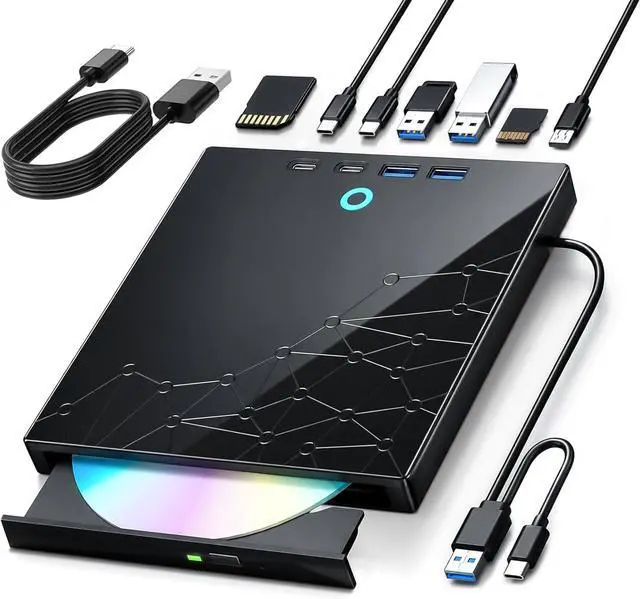
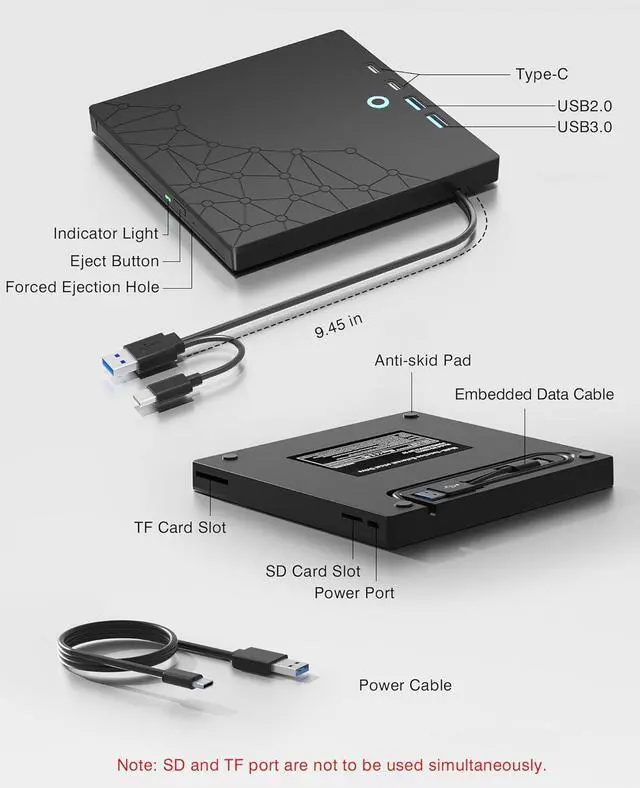
1 x Power cable
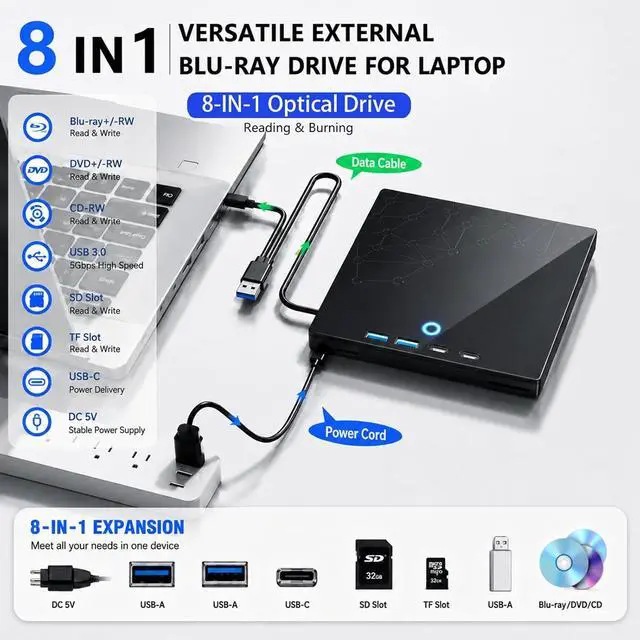
1 x External DVD Drive
1 x Power cord
1 x Instruction manual


