





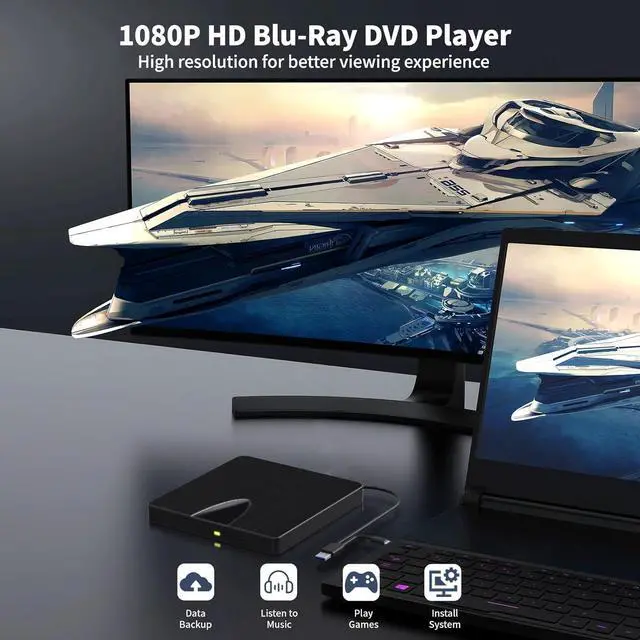
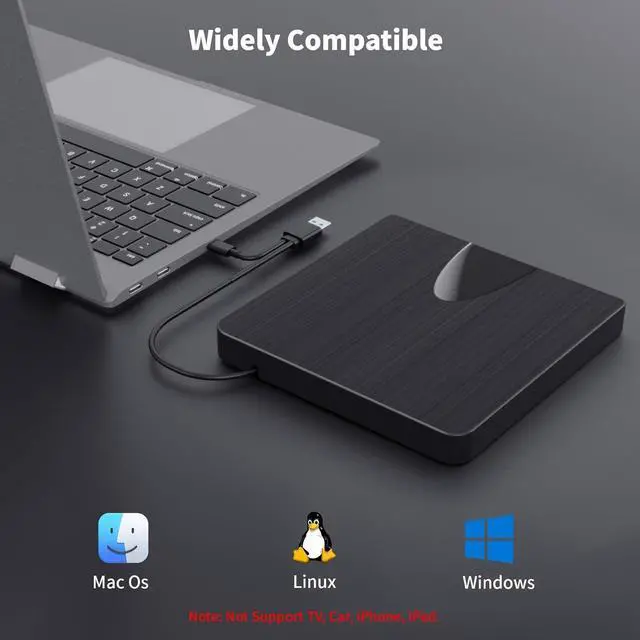


Note:
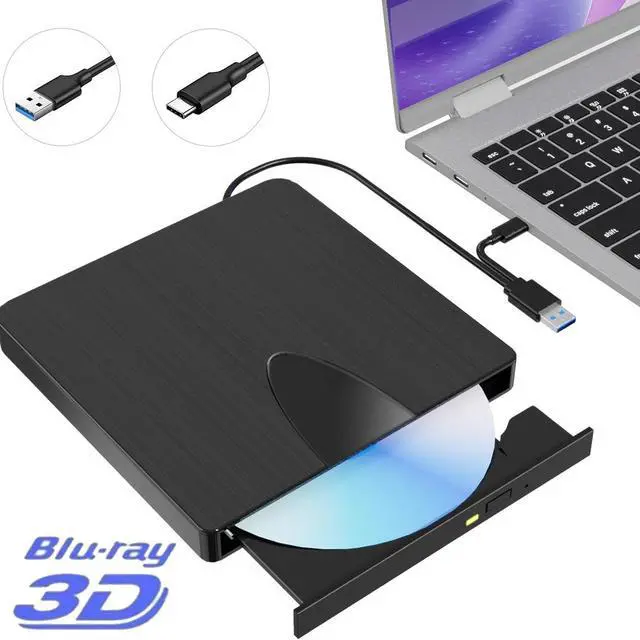
- (1) Check whether your computer is compatible with the blu ray burner for mac to play by downloading the software 'Cyberlink BD & 3D Advisor'.
- (2) Make sure you have the appropriate software installed before playing a CD/DVD on your laptop with this usb c blu ray drive external. When playing BDs, it is recommended to use the professional BD player 'PowerDVD10-19'(For Mac OS, Macgo Bluray Player is recommended).
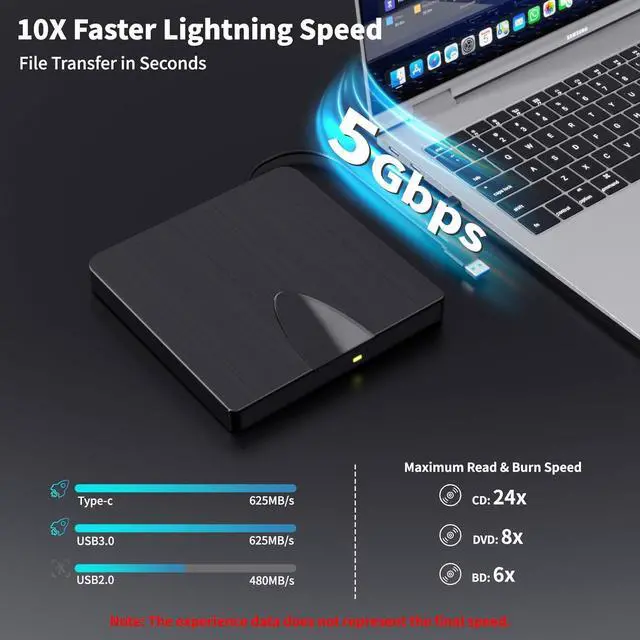
- (3) When burning BDs, It's recommended to use the burning software "Nero" (it needs extra purchase).
- (4) Playing a disc with a different region code to that of the drive may cause an error. Note that including the initial setting, the region code can only be changed 5 times.