

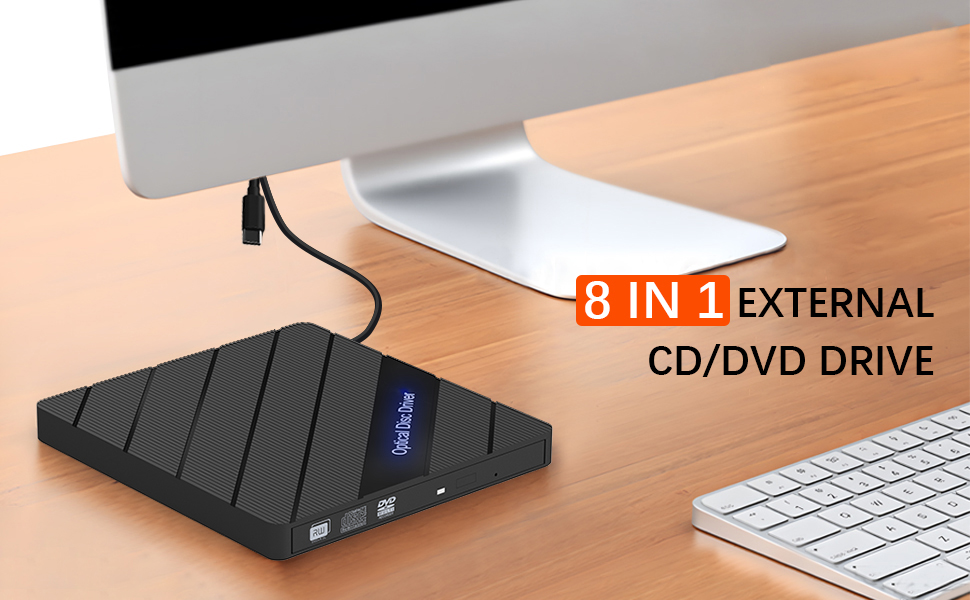
8 in 1 Portable CD DVD Burner Rewriter
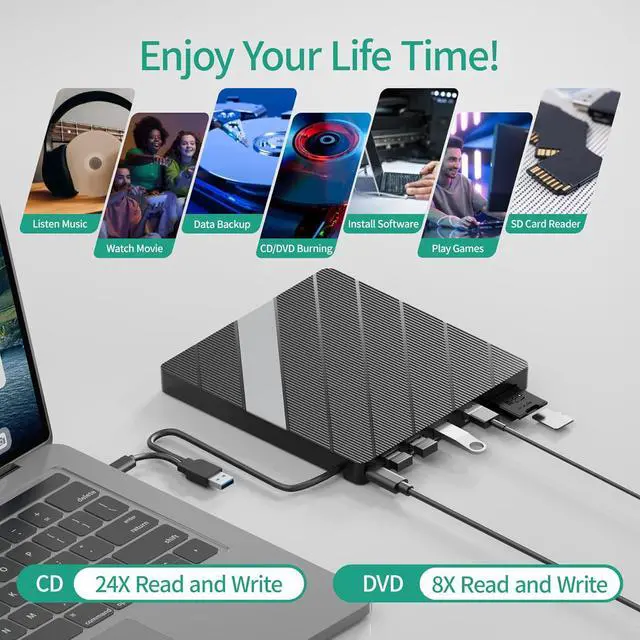
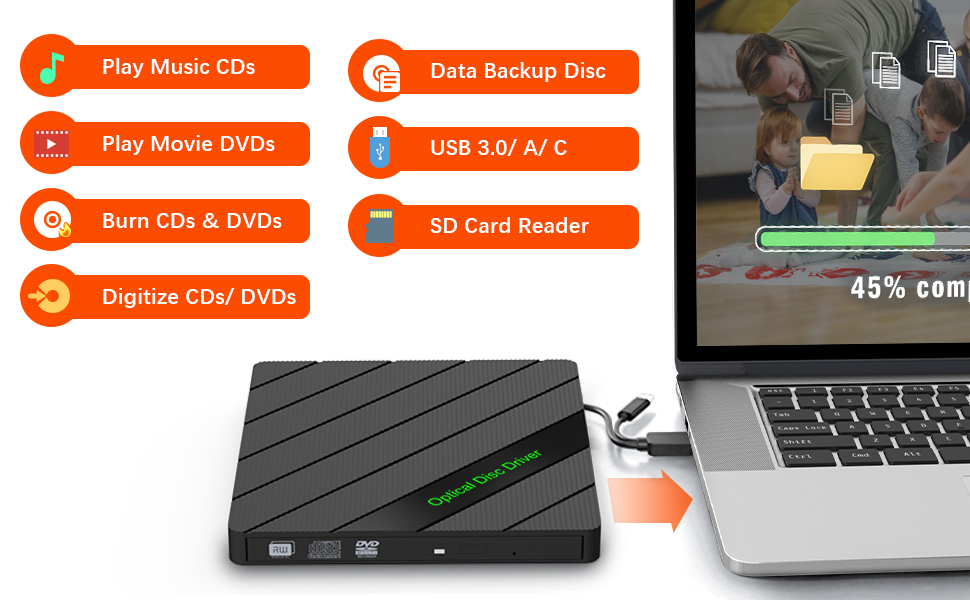
- Versatile External CD/DVD Drive - Seamlessly adds optical disc capabilities to your laptop, blaze through CD and DVD recording and playback with impressive 8x CD and 24x DVD speeds.
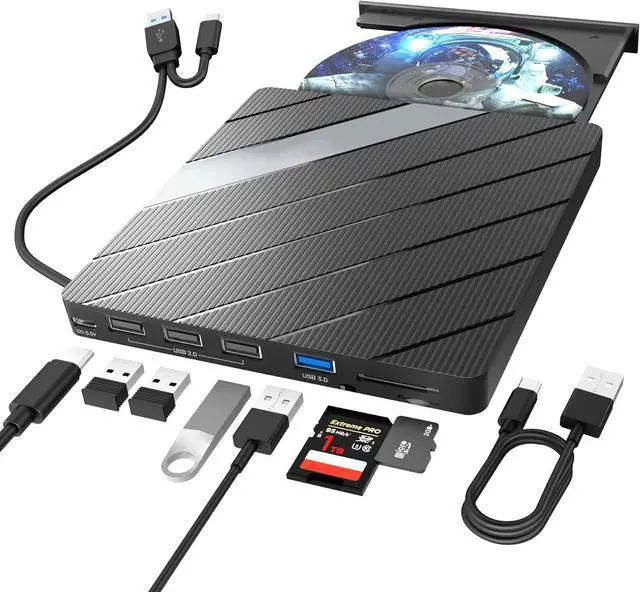
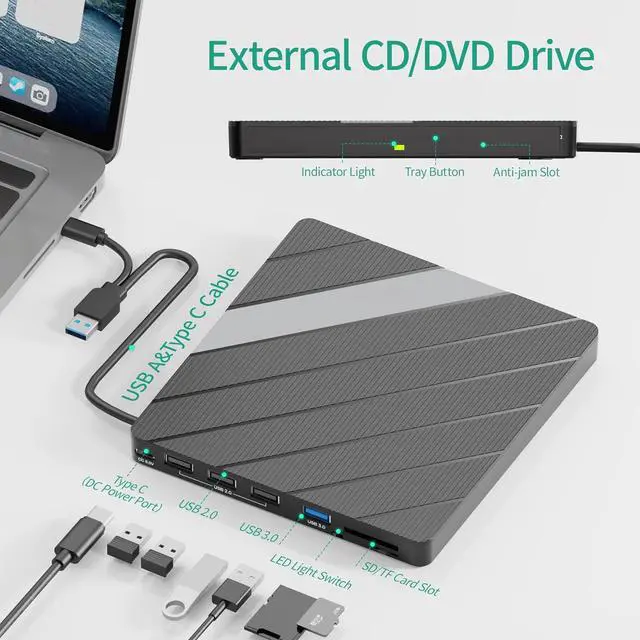
- Integrated Multiple Ports - Jansicotek external CD DVD drive for laptop has come with multiple ports which works like a hub as well, such as 3 * USB2.0 Type A ports, 1 * USB3.0 Type A port, 1 * CF card slot, 1 * SD Card slot, conveniently U-disk connecting, transfer files, photos, and media between your devices.
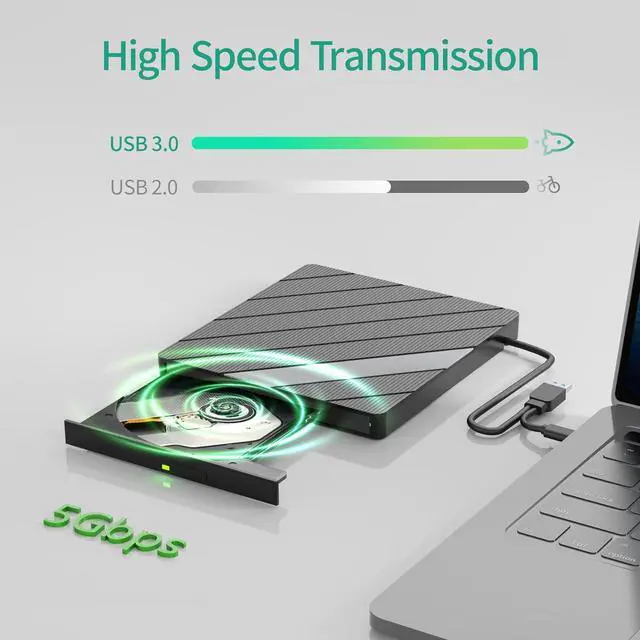
- 5Gbps Data Speeds - With a high-speed USB 3.0 port, this external DVD drive offers a transfer rate of up to 5Gbps. backward compatible with USB2.0, USB1.1. Enjoy lightning-fast data transfer rates, allowing you to quickly move large files and stream high-quality content.
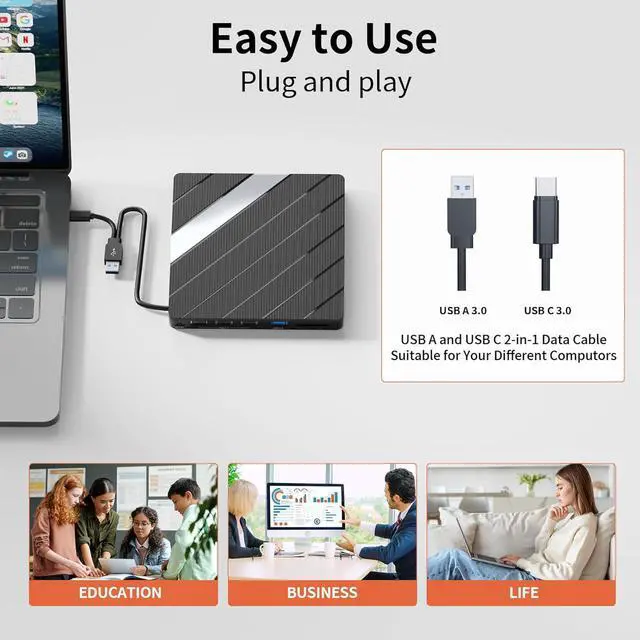
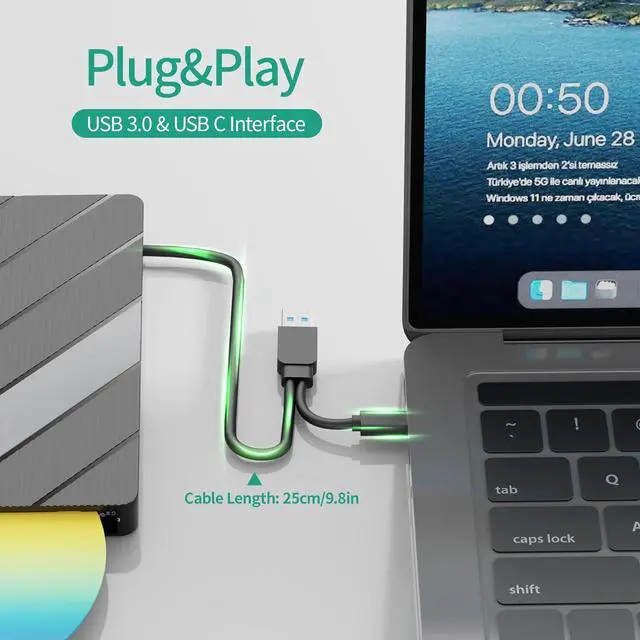
- Compact, Portable Design - Instantly connects to your laptop with no software installation required; The ultra slim, lightweight form factor makes this drive easy to take anywhere, perfect for travel and on-the-go use.
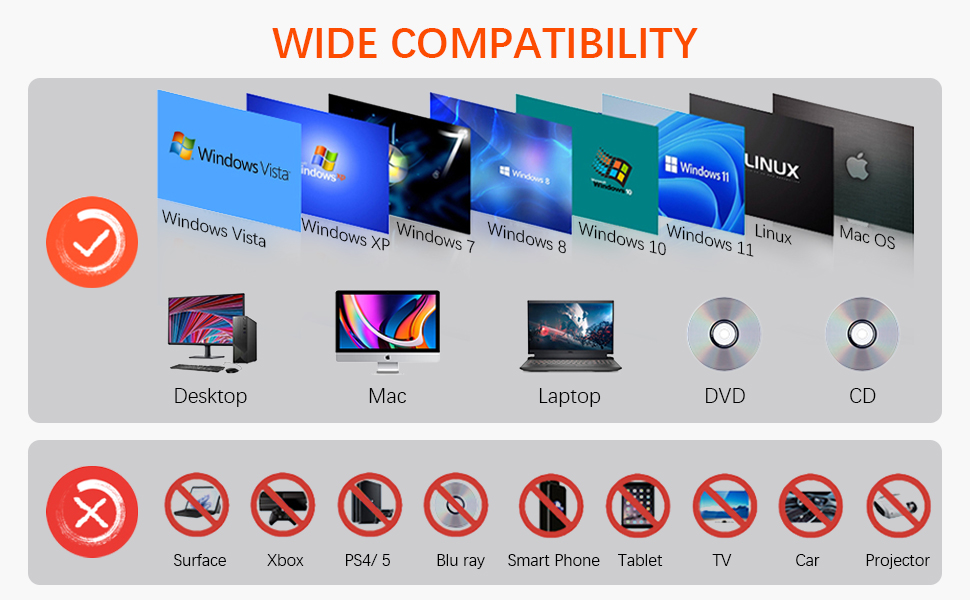
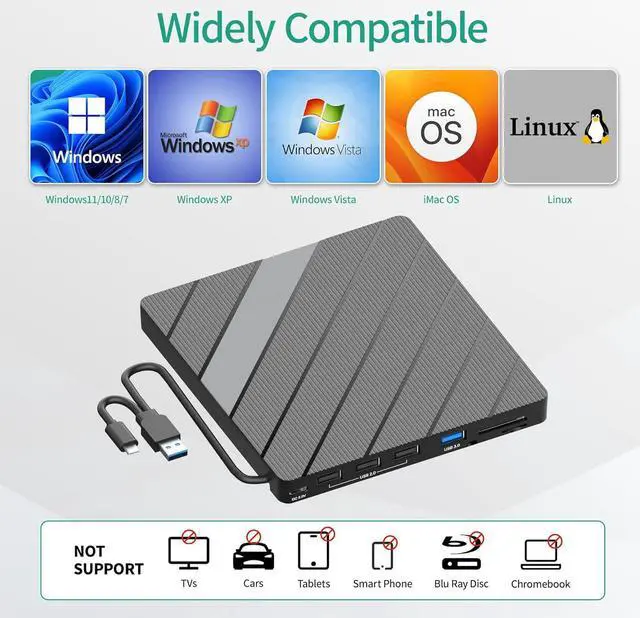
- Universal Compatibility - Works seamlessly with PC and laptop with Windows, macOS, and Linux system, expanding your optical disc capabilities.
- Jansicotek Provide - 1* Jansicotek external CD & DVD drives, 1*0.6m USB A to Micro B power cable, 1*SD to micro SD card holder, 1* User manual and 24H friendly & professional supports.

About External CD/DVD Drive
Specification:
- Length: 6.1in/15.5cm
- Width: 5.6in/14.3cm
- Height: 0.9in/2.3cm
- Weight: 10.22oz/290g
Package Include:
- 1 x External CD/DVD Drive(Black)
- 1 x Type C Charging Cable(Black)
- 1 x User Manual

8 IN 1 USB HUB
Jansicotek external cd/dvd drive can not only burn and read CD/DVD, but also be used as an external USB hub for your computer, includes 4 USB ports/1 TF card slot/1 SD card slot/1 USB type C port.

3 COLORS RGB LIGHT
Our external CD drive comes with a 3 color gradient RGB LED light. The cool RGB LED light can cycle through green, blue and red gradient. It's cooler and sleeker than other ordinary external CD/DVD drive. The RGB light can be turned on or off using the ON/OFF button.

PROFESSIONAL DESIGN
The bottom of our external DVD drive is professionally designed with portability and aesthetics in mind, so we designed the extension cable to fit into the bottom slot. Also, the bottom four corners are equipped with non-slip rubber pads to keep it stable while you use it.


Warm Tips:
- The dvd drive should be connected with USB port on laptop rather than connect with USB HUB. Please connect the item with USB port behind of computer host if you use a desktop.
- It's better to use the 5V charger/power bank to increase the power if your devices don't have enough power to support the external drive. (The power cable in the package)
- Make sure your computer's CD/DVD driver is intact before using an external optical drive. The computer operating system comes with a CD/DVD driver. If the program is damaged or removed, the CD/DVD driver needs to be updated or reinstalled.
- Make sure your computer has a driver before using the external cd drive. (VLC Media Player or other player software). WINDOWS 11 needs a media player and a network connection.
- Computers often do not natively support DVD movie playing, so a third-party media player (such as VLC) must be downloaded and installed to watch DVDs using this CD/DVD player. You can download and install a playing/burning software you like.
- Because the video formats of most computers and mobile phones are not compatible with DVD, you need third-party software to convert the file format to a format that can be displayed on the disc, otherwise, even if you burn the file to a disc, it will not work.
- The Mac OS system comes with a burning function: Connect the optical drive and put the disc into it - click "File" on the top menu bar - click on the new "Burn Folder" - drag the files to be burned into the "Burn Folder" - click "Burn to Disc" - and then You can eject the disc. But one thing to note is that Mac OS computers can only burn blank discs, and a disc can only be burned once.
- Setting area code according to different regions, you should set the same region code to play dvd discs.
Setting Refion Code:
1.Windows : This PC - dvd drive- Properties - Hardware Tab - Properties button - Choose Region
2.Mac: Menu-System Preference-Language & Region - Region - Select Country - Apply
3.Notice: Remember you can only reset the country 5 times.