


• $25.99
  • Free 45-day Returns
  • Ships from China.
    Price alert
    Shop it at NeweggBusiness.

    SMA External CD DVD Drive for Laptops, USB 3.0 Type-C Portable CD/DVD Player External CD DVD Burner Reader Writer Recorder, External Optical DVD Drive for Laptop Windows 11/10/8/7 Mac MacBook Linux PC

    Limited time offer, ends 01/10 By Smart Electronic Marketplace

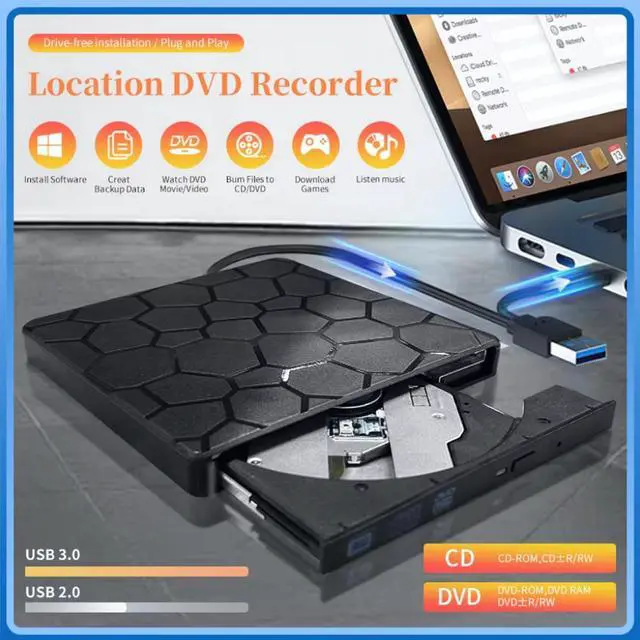
    • External CD/DVD Drive for Laptop] The external DVD Drive offering effortless use and smooth, stable performance. Instantly play movie DVDs, burn music or video discs, convert CDs/DVDs into digital files, view photos, read medical CDs, install software from discs, back up data for long-term storage, and more.
    • Plug and Play: Just plug the USB type-A or type-C connector on the data cable into your computer, and this DVD drive will be detected by your computer automatically (On Mac, the disc drive icon will appear on the desktop after a disc is inserted and successfully read). You can then use the corresponding software to read and write the discs with no complex settings!
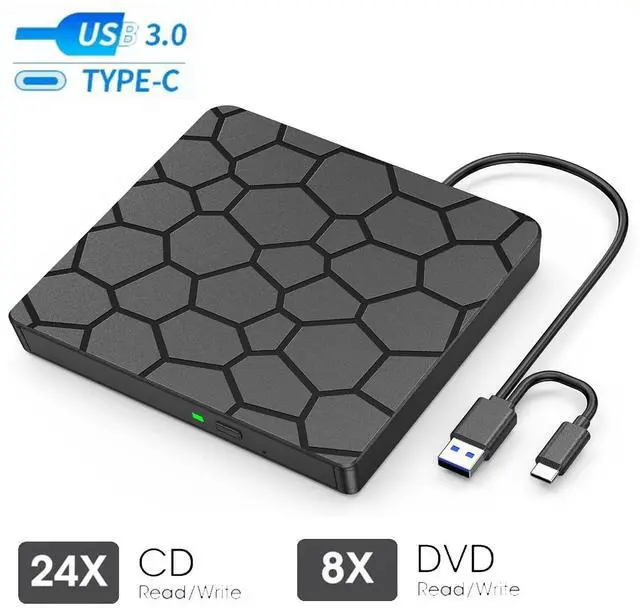
    • High-Speed & Reliable Performance: This external CD drive delivers fast and stable read/write speedsup to 8× for DVDs and 24× for CDs -ensuring smooth, lag-free performance for movies, music, or data.
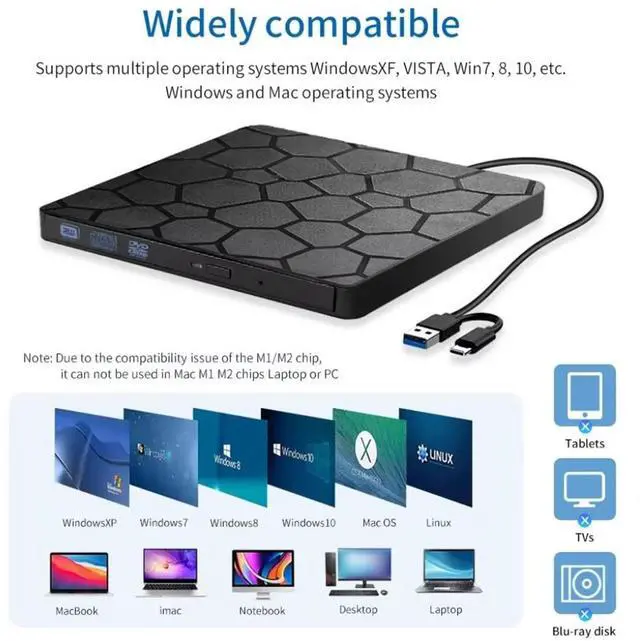
    • Wide Compatibility: Works with Windows 11/10/8/7/Vista/XP or Linux, as well as macOS 10.16 and later. For desktop PC, connect to a rear USB port for stable power. Not compatible with Chromebooks, iPads, iPhones, tablets, projectors, TVs, cars, trucks, Surface (some models), PS4/5, Xbox, Switch, or Blu-ray/4K discs.
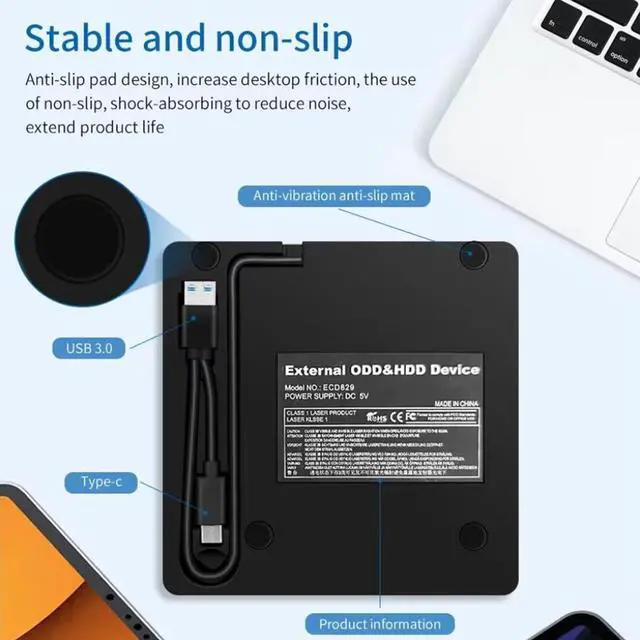
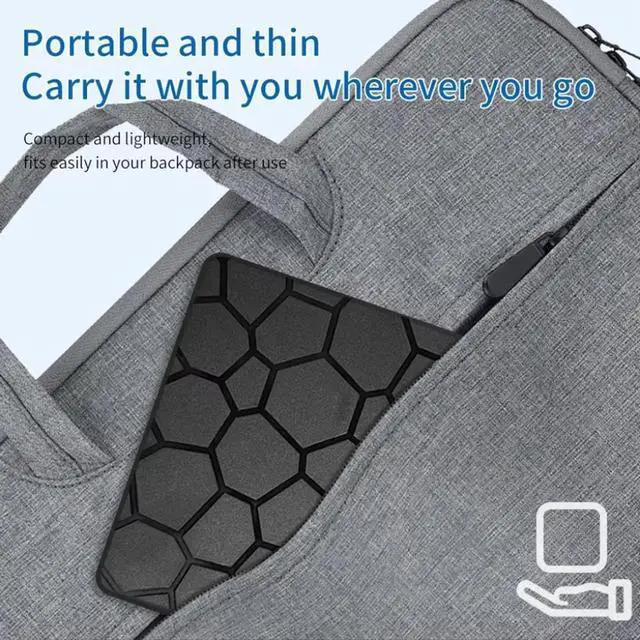
    • Slim, Portable & Practical: Ultra-compact and lightweight, this external CD/DVD player burner fits easily in your laptop bag or on your desk without taking up space. Built-in cable storage keeps everything tidy, and the anti-slip rubber base ensures stable, worry-free operation.
    +
    +
    Overview
    Specs
    Reviews
    avatar

    Any questions? Our AI beta will help you find out quickly.

    Description:

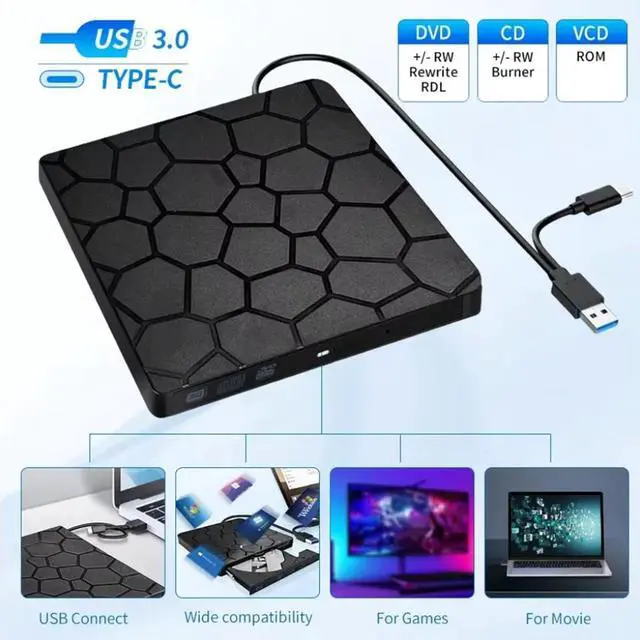
    The external mobile optical drive box is suitable for desktop and laptop computers with USB C, USB 2.0 or 3.0 interface protocol. It realizes the function of reading information between the external optical drive and the computer through the USB interface.

    *Compatible with WindowsXP/Wind8/Wind7/Wind10, Linux, Mac IOS systems.
    *The internal laser light source may be harmful to your face and eyes, please do not look directly at it.
    *No need to install driver, supports plug and play.
    *Compatible with USB 3.0 port and below ports USB 2.0, USB 1.1, the work efficiency is more stable. Applicable more widely.


    Portable external CD DVD drive USB 3.0 DVD/CD player

    Portable external Cd dvd drive USB 3.0 DVD/CD player


    Detailed Design

    Brushed design, classic and beautiful. Wire trough design makes it easy to store wires.

    Detailed Design Brushed design, classic and beautiful. Wire trough design makes it easy to store wir


    Multi-functional & Practical

    It's not only a reader, but also writer / burner. you can use it to play your movie DVDs, enjoy music CDs, burn/rip discs, install software/system, download games, and more.

    Multifunctional & Practical It's not only a reader, but also writer / burner. you can use it to play


    High Speed USB 3.0 External DVD drive

    USB 3.0 external CD/DVD optical drive player with durable DVD loader and low impedance & anti-interference ability, brings more smooth and stable experience. Backwards compatible with USB 2.0, 1.0.

    High Speed USB 3.0 External DVD drive USB 3.0 external CD/DVD optical drive player with durable DVD


    Wide Compatibility

    This portable external CD/DVD drive is compatible with most laptops and desktops running Windows 10, 8, 7, Vista, XP, Linux. Note: Cannot work with Chromebook, Car, TV, Truck, Tablet, iPad, iPod.

    Wide Compatibility This portable external CD/DVD drive is compatible with most laptops and desktops


    Note:

    It is a CD/DVD drive burner, but not a Blu-ray drive, so it can not play Blu ray discs. Due to the compatibility issue of the M1/M2 chip, it can not be used in Mac M1 M2 chips Laptop or PC.

    Note It is a CD/DVD drive burner, but not a Blu-ray drive, so it can not play Blu ray discs. Due to
    Note It is a CD/DVD drive burner, but not a Blu-ray drive, so it can not play Blu ray discs. Due to

    How to use:

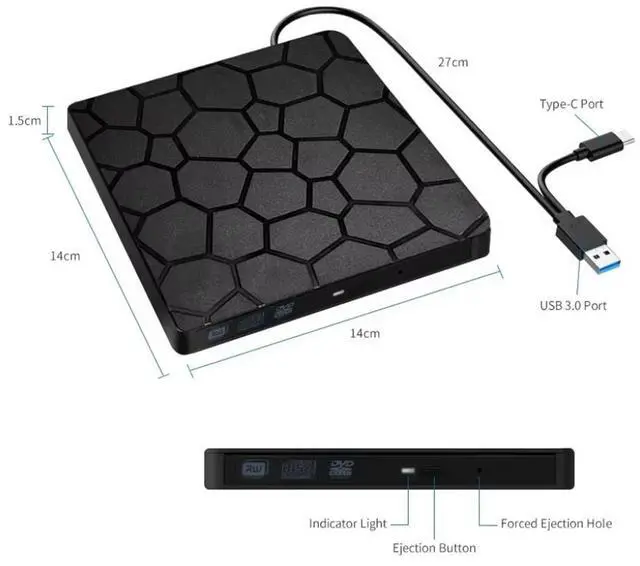
    Step 1: Connect the data cable interface to the USB port of the computer, and the device icon should appear in the lower right corner of the computer display.
    Step 2: Click the button of the DVD drive and the chuck will pop up.
    Step 3: Please put the DVD in and press the disc so that it is stuck on the tray, then push the tray in.
    Step 4: Wait to read the data, "My computer" display DVD RW drive, click to open.
    Note: During work, the indicator light will come on from time to time, not always on.

    How to use:  Step 1: Connect the data cable interface to the USB port of the computer, and the devic

    Kindly Note: 

    Internal laser may be harmful to eyes and face, please do not turn on.
    Do not place the machine outside the press in an easily accessible place to ensure the function of the machine.
    When using an external CD-ROM drive, connect the external power supply of the laptop.
    Before using an external CD/DVD drive, make sure your computer has a "Media Player".
    If you find that the external CD/DVD drive starts up a little slow, wait 5-10 seconds.
    It is a CD/DVD burner, but not a Blu-ray drive, so it cannot play Blu-ray discs.
    In order to save power, the indicator light will not be on all the time during work, and the light will be on for a while and off for a while

    Description:


    The external mobile optical drive box is suitable for desktop and laptop computers with USB2.0 or 3.0 interface protocol. It realizes the function of reading information between the external optical drive and the computer through the USB interface.


    *Compatible with WindowsXP/Wind8/Wind7/Wind10, Linux, Mac IOS systems.

    *The internal laser light source may be harmful to your face and eyes, please do not look directly at it.

    *No need to install driver, supports plug and play.

    *Compatible with USB3.0 port and below ports USB2.0, USB1.1, the work efficiency is more stable. Applicable more widely.


    External CD/DVD Drive User Guide & Notes

    CONNECTION: Powered directly via USB 3.0/USB-C, no extra cable needed. For best results, use built-in USB ports (rear ports on desktops recommended). Avoid hubs or long extension cables.

    PLAY DISCS: Windows Media Player (audio CDs), VLC (video DVDs). On Mac, CDs open in Music; use VLC for DVDs. Linux: VLC works for both.

    BURN & RIP/COPY DISCS: (You can create data, music, or video discs, copy discs, rip music to digital files, and back up photos or videos.)

    * Choose trusted software (Windows: ImgBurn, BurnAware, CDBurnerXP; Mac: Burn, Express Burn, HandBrake, MakeMKV; Linux: K3b).

    * Always check that your BLANK disc has ENOUGH space for the files. Write speed matters: use SLOWER speeds (CD 10X, DVD 8X) to reduce errors. Before burning, convert video files to DVD-compatible formats (e.g., MPEG-2) or audio files to CD-compatible formats (e.g., WAV or MP3).

    TROUBLESHOOTING:

    * Drive not recognized: connect directly, try another port, restart, or reinstall drivers.

    * DVD wont play: install VLC and check Region Code (To play video/movie DVDs, please check the region code setting: On Windows:: Go to This PC > right-click DVD drive > Properties > Hardware > Properties > DVD Region, then set the correct region (USA = Region 1). On Mac: Region setting will appear automatically the first time you insert a DVD. Note: The region code can only be changed 4~5 times. After that, it will stay fixed.).

    * Burning fails: use quality discs, lower speed, close other programs.

    * To eject a disc on Mac computers after playback/burning, right-click on the desktop icon and select "eject," or choose "File" > "Eject" from the menu.


    Warranty & Returns

    Warranty, Returns, And Additional Information

    Warranty

    • Please contact the Seller directly for warranty information. Warranty information may also be found on the Manufacturer's website.
    • CONTACT

    Return Policies

    Manufacturer Contact Info

    LOADING...