


• $24.99
  • Free 45-day Returns
  • Ships from China.
    Price alert
    Shop it at NeweggBusiness.

    SMA External CD DVD Drive for Laptop, USB 3.0 &Type-C Portable Slim CD/DVD +/-RW Burner, DVD/CD ROM Rewriter Low Noise Optical External Disk Drive for Desktop PC Windows 11/10/8/7/XP/Vista/Linux, Mac

    Limited time offer, ends 01/31 By Smart Electronic Marketplace

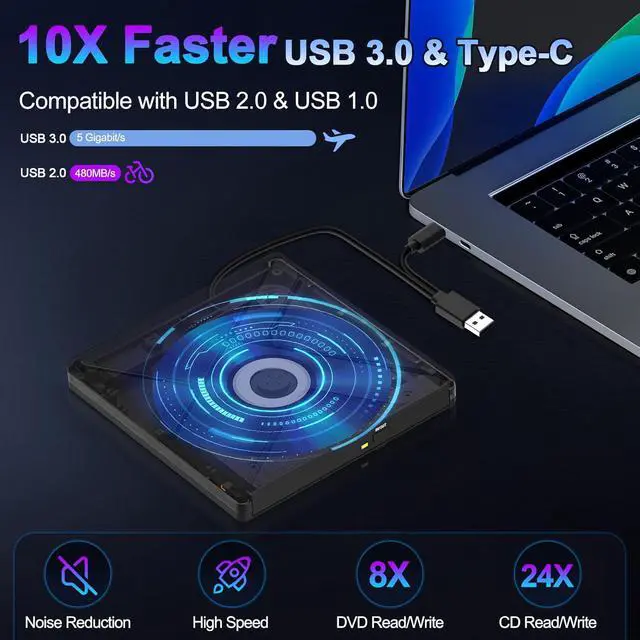
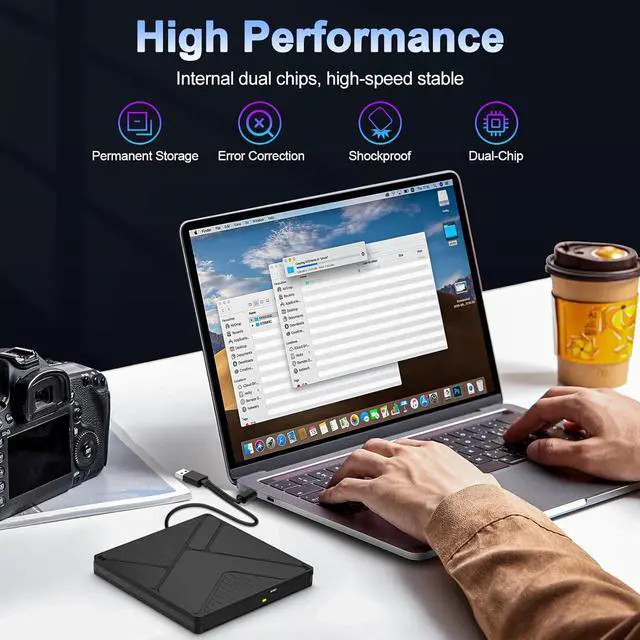
    • 2-in-1 High-Speed External DVD Drive: Featuring upgraded USB and Type-C ports, this cd burner is compatible with USB 3.0 and backward compatible with USB 2.0/1.0, delivering data transfer speeds up to 5Gbps (625MB/s)-10x faster than USB 2.0. It supports max 8x DVD and 24x CD read/write speeds for efficient, lag-free operation. With enhanced error correction, noise reduction, shock resistance, and low power consumption, this usb dvd drive external helps you achieve more in less time!
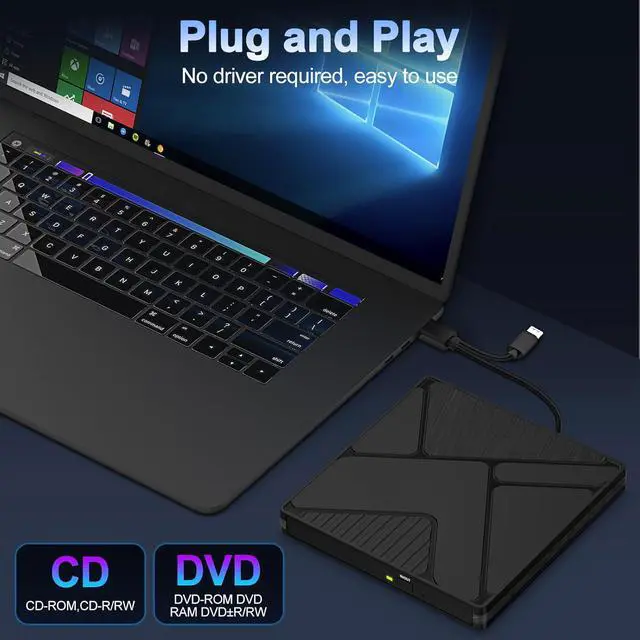
    • Plug and Play,Easy to Use: Powered by USB port, no external driver and power needed. Simply plug it into your laptop or desktop computer and you're ready to go. Note: For Mac system, the computer will not display the device icon until the disc is placed and read successfully.
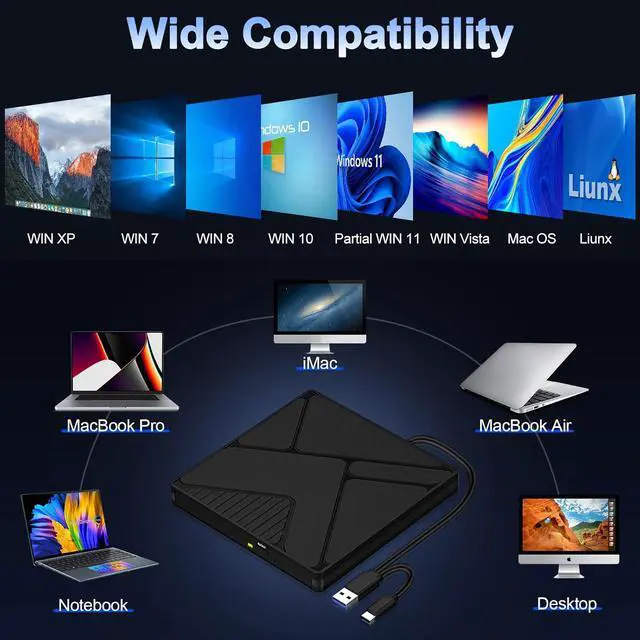
    • Wide Compatibility: This dvd player for laptop supports to read CD, VCD, SVCD, CD-R/RW, DVD-R/RW, and burn CD+/- RW, DVD+/- RW, etc. externally. In addition, external cd drive is compatible with Windows XP, 7, 8, 10, Partial 11, 2003, Vista, Linux, all version Mac OS system.As for desktops, it will be better to connect the disk drive to the back USB port of the motherboard to avoid power shortage.
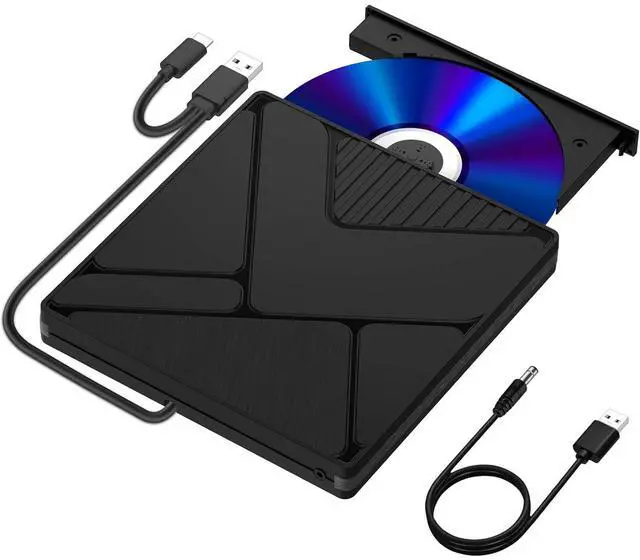
    • Slim & Compact: With an ultra-thin profile of only 16mm thick, this cd drive for laptop is effortlessly portable for on-the-go use. The integrated cable design eliminates worry about lost cords, while the easy-eject button ensures smooth disc handling.
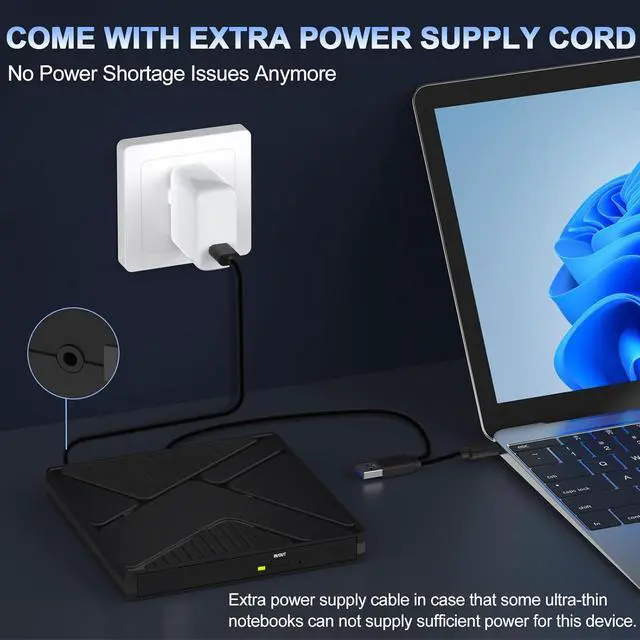
    • Package includes: 1 x DVD drive, 1 x Power Supply Cable, 1 x User Manual.
    +
    +
    Overview
    Specs
    Reviews
    avatar

    Any questions? Our AI beta will help you find out quickly.

    External CD DVD Drive for Laptop, USB 3.0 &Type-C Portable Slim CD/DVD +/-RW Burner, DVD/CD ROM Rewr


    Our external CD DVD drive for laptop, you can insert it into your laptop or desktop computer to automatically recognize it, powered directly by USB without the need for additional drives or applications. You can enjoy up to 8X DVD reading speed and up to 24X CD reading speed.

    Our external CD DVD drive for laptop, you can insert it into your laptop or desktop computer to auto
    Our external CD DVD drive for laptop, you can insert it into your laptop or desktop computer to auto
    Our external CD DVD drive for laptop, you can insert it into your laptop or desktop computer to auto
    Our external CD DVD drive for laptop, you can insert it into your laptop or desktop computer to auto
    Our external CD DVD drive for laptop, you can insert it into your laptop or desktop computer to auto
    Our external CD DVD drive for laptop, you can insert it into your laptop or desktop computer to auto
    Wide Compatibility


    Our DVD player for laptop compatible with Windows XP, 7, 8, 10, partial 11, 2003, Vista, Linux, all version Mac OS system. Ideal for Laptop, Notebook, Mac, PC and Desktop.


    * NOTE: Do not support Chromebook , Ubuntu system, Blu-ray, 3D, 4K discs, TV, car, truck, iPad, iPhone, and Android.

    Our DVD player for laptop compatible with Windows XP, 7, 8, 10, partial 11, 2003, Vista, Linux, al


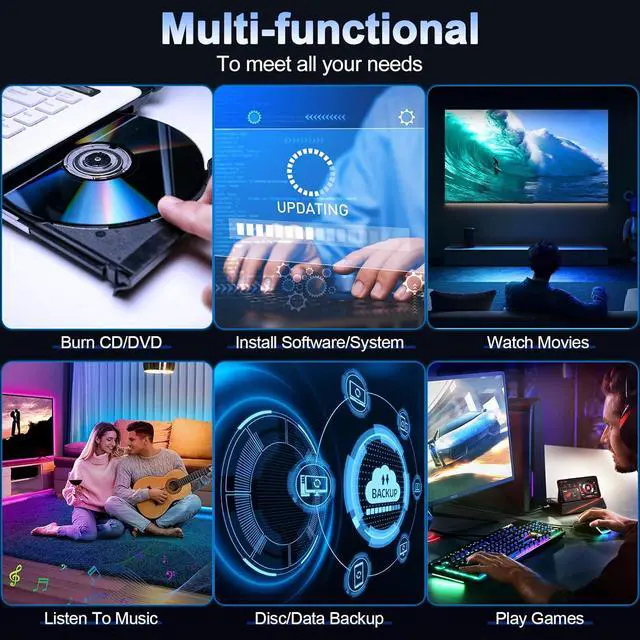
    Multiple Uses of External CD Drive for Laptop

    Multiple Uses of External CD Drive for Laptop
    Warm Tips


    1. For all system,to burn a disk, please make sure your computer has burning software, if not please download one.

    For example:"NERO"format.

    1. The USB interface on the front of mainboard has poor performance, you need to use USB interface on the back of the mainboard.

    2. The newly released Windows system has stopped using external DVD media player software.

    3. If your device system is Windows 10 or above, when DVD cannot be played normally, please install VLC media player to play DVD or CD.

    4. Please make sure your computer has the mediaplayer. Otherwise the CD/DVD could not be played.

    5. For Apple System, please eject disk from your computer.

    6. Next to the open button, there is an emergency pin hole, you can use a paperclip to stick it to force tray ejects.

    7. Applicable disc sizes: 4.72in/3.15in

    Q & A:


    Q: How should you operate if the tray gets stuck?

    A: Next to the open button, there is an emergency pin hole, you can use a paperclip to stick it to force tray ejects.


    Q: Why can't desktop PC recognize the drive?

    A: The USB interface on the front of the motherboard has poor performance and can affect recognition. You need to use the USB on the back of the motherboard.


    Q: Why does the burner make strange noises and stop copying during the process of copying content?

    A: The sound emitted by the burner indicates that the content is damaged, and severe damage will stop copying.


    Q: What is the length of the cable?

    A: The cable length is close to 10 inches, and the built-in cable design. If the cable is too short to use, you can consider purchasing a USB 3.0 extension cable.


    Q: What should I do if my burner makes a noise?

    A: First, verify proper disc placement and inspect for surface contaminants - gently clean the disc radially with a lint-free cloth before reinserting.


    Things to Know Before You Buy


    This cd drive doesn't support Chromebook and Ubuntu system, Blu-ray, 3D, 4K discs, TV, car, truck, iPad, iPhone, and Android phone.

    Due to limitations of Mac OS, the tray can't be opened by the button after playing or burning a disc. To eject a disc on a Mac, right-click the desktop icon and select "Eject", or select "File" > "Eject" from the menu.

    For desktop computers, connect the cd reader to the USB port on the back of the computer motherboard.


    Package includes: 1 x DVD drive, 1 x Power Supply Cable, 1 x User Manual.

    Warranty & Returns

    Warranty, Returns, And Additional Information

    Warranty

    • Please contact the Seller directly for warranty information. Warranty information may also be found on the Manufacturer's website.
    • CONTACT

    Return Policies

    Manufacturer Contact Info

    LOADING...