


Team Group T-FORCE G50 M.2 2280 512GB PCIe 4.0 x4 with NVMe 1.4 TLC Internal Solid State Drive (SSD) TM8FFE512G0C129
  •  
  • $126.99 
  • $24.99
  • Free 45-day Returns
  • Ships from China.
    Price alert
    Shop it at NeweggBusiness.

    SMA External CD/DVD Drive,High-Speed USB 3.0 & Type-C External DVD Drive, Slim Portable Burner Writer Player Reader,CD DVD +/-RW Optical Disk Driver Compatible with Laptop Desktop PC Windows Linux Mac

    Limited time offer, ends 04/18 By Smart Electronic Marketplace

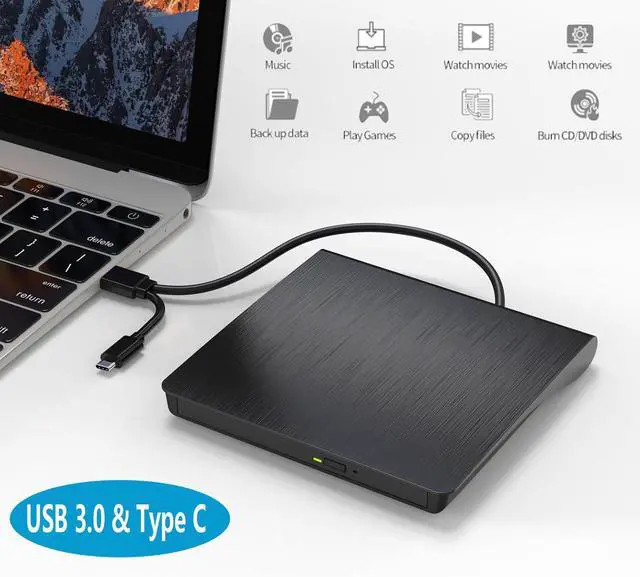
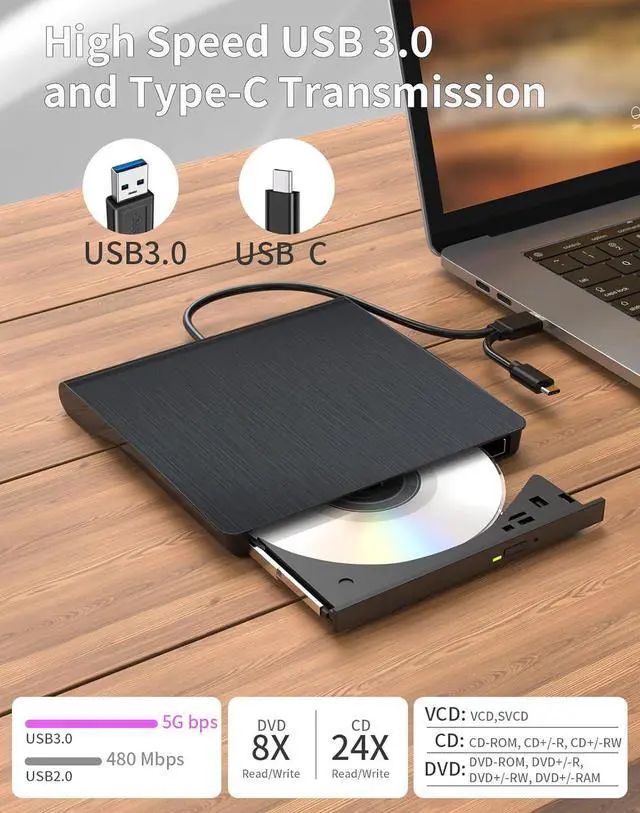
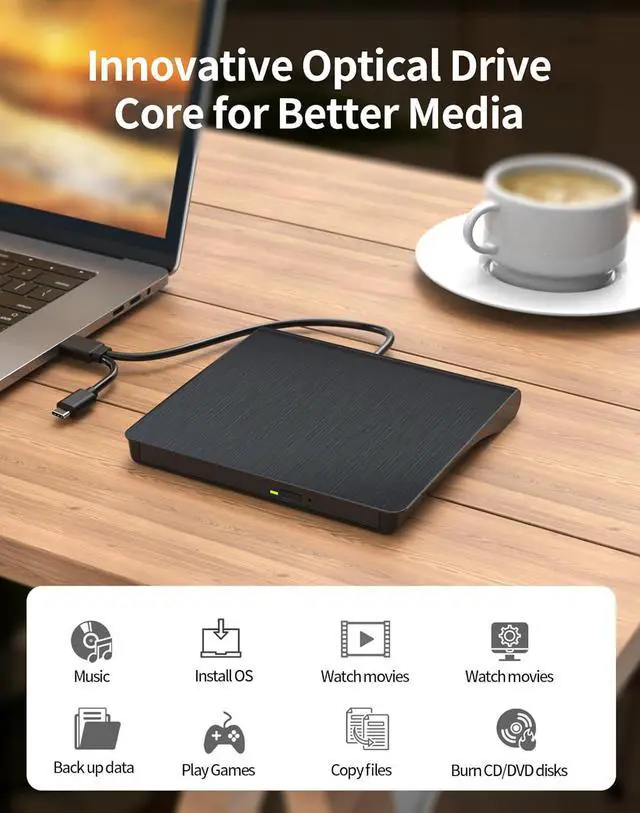
    • High-Speed Data Transfer & Performance: Equipped with dual Type-C and USB 3.0 connectivity, this external CD/DVD drive supports up to 5Gbps transfer speeds for smooth media playback, fast software installations, and reliable disc burning. It delivers up to 8x DVD read/rewrite speeds and 24x CD write/read speeds.
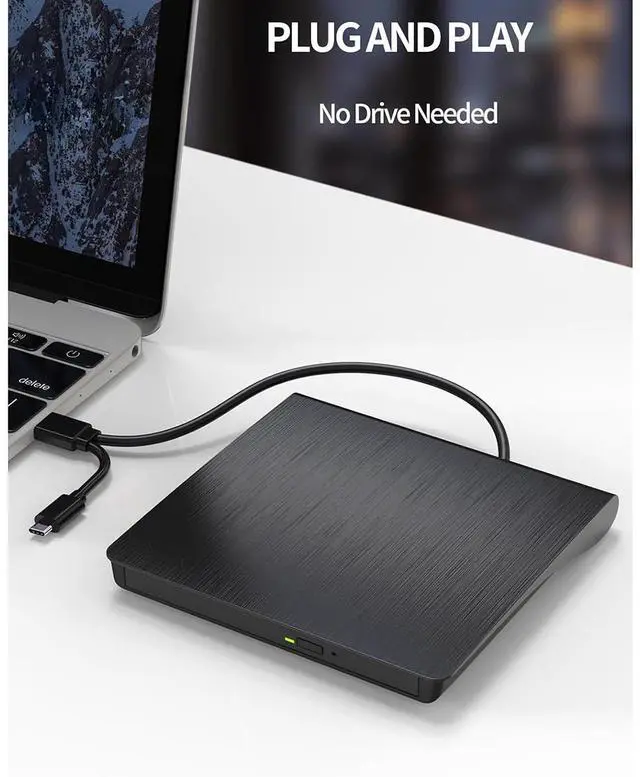
    • Plug-and-Play: No driver installation is needed-simply connect the drive to your device and start using it immediately. Featuring both USB 3.0(backwards compatible with USB 2.0) and USB-C interfaces, it offers a hassle-free setup experience and is designed to work seamlessly with a wide range of laptops and computers.
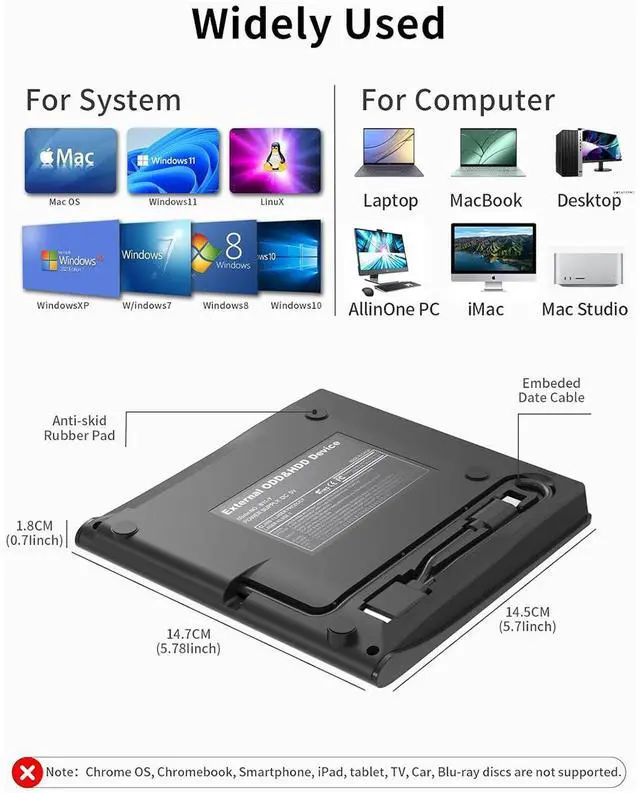
    • Wide Compatibility: Compatible with Windows 11/10/8.1/7/Vista/XP, most Linux distributions, and macOS 10.16 and later. For optimal performance on desktop computers, connect to a rear USB port. Pls note it is not designed for use with Chromebooks, car systems, tablets, or televisions.
    • Versatile Disc Support & Reliable Operation: Reads and writes standard 120mm discs, including CD-ROM, CD-R, CD+/-RW, DVD-ROM, DVD-R, DVD+/-RW, DVD-R DL, and VCD-ROM. The thoughtfully designed disc bay offers ample clearance to accommodate thicker labels, helping to reduce skipping and prevent damage during reading or burning.
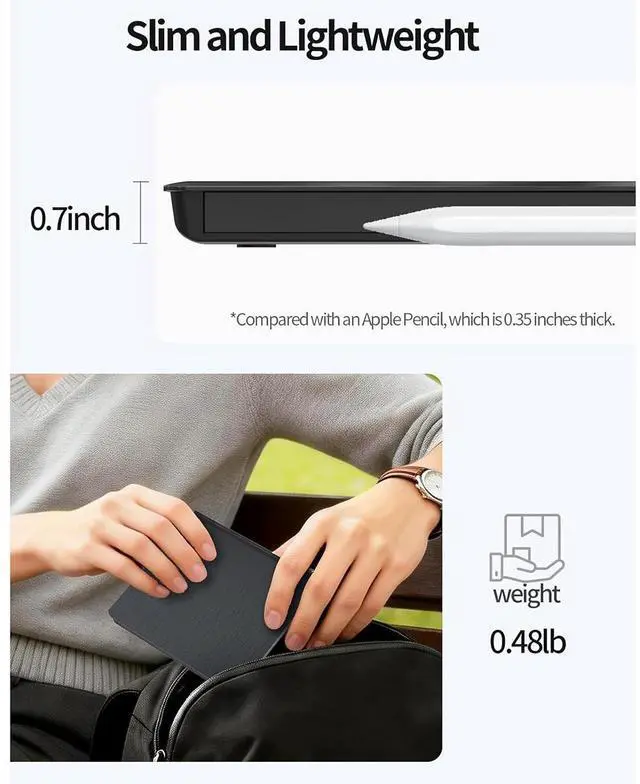
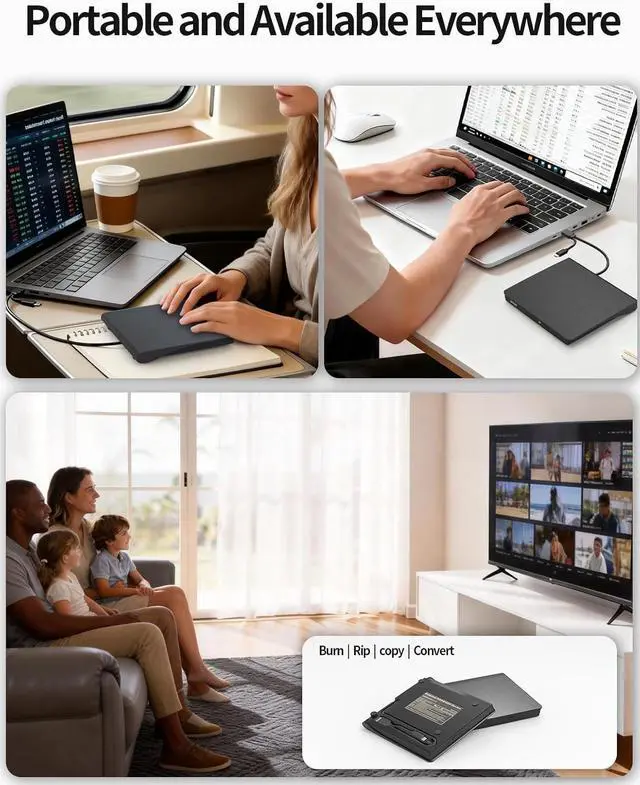
    • Portable & Durable Construction: Compact, lightweight, and built with a sturdy chassis. Features anti-skid rubber padding, a textured exterior, and a convenient embedded storage slot for the integrated USB cable. Designed for stable, on-the-go use.
    +
    +
    Overview
    Specs
    Reviews
    avatar

    Any questions? Our AI beta will help you find out quickly.

    External CD/DVD Drive,High-Speed USB 3.0 & Type-C External DVD Drive, Slim Portable Burner Writer Pl
    External CD/DVD Drive,High-Speed USB 3.0 & Type-C External DVD Drive, Slim Portable Burner Writer Pl
    External CD/DVD Drive,High-Speed USB 3.0 & Type-C External DVD Drive, Slim Portable Burner Writer Pl

    Warm Tips:

    Only for computer of different kind, do not support car / tv / projector / tablet / smartphonr etc.

    Make sure the laptop is with sufficient power, a low capacity may lead to a recognizing failure.

    Please hook up the device to the direct USB port on your computer.

    For desktop, you need to connect drive to the usb port at the back panel of the computer.

    For mac os, please use mac command to eject the disc.

    For mac os, the dvd drive icon shows after drive reads successfully the disc.

    Drive will need a output about 3V-5V  (1.3A-2A)from your computer usb port)

    Warm Tipes: Only for computer of different kind, do not support car / tv / projector / tablet / smar

    Troubleshooting

    1. Region Code Not Correctly Set

    The disc can only be played when the region code of this cd/dvd player matches the cd's. Remember you can only reset the region code 5 times.

    How to change region code: Windows :This PC-dvd drive- Properties -Hardware Tab- Properties button -Choose Region (US is 1) -Apply. Mac: Menu-System Preference-Language & Region -Region -Select Country -Apply

    2. Computer Software Missing

    If you find the drive not working it may just because your computer has no media player software. Some Media software may just support specific file format, so make sure you are using the right media software.

    You can try Media player: like VLC media player, Kmplayer. Burning software: like BurnAware Free, Nero. Or you can download any one of burning software utilities available on the Internet.

    You need to convert your digital file to one that compatible with your blank cd/dvds, otherwise it won't work even you burn the files onto disc with the help of our cd/dvd burner.

    3. Power Supply Failure

    This usb drive for laptop needs enough power supply to work, a power failure may cause a recognizing failure or reading failure.

    Please directly connect it to the USB port of the computer. If needed keep your computer charging. For desktop please connect the dvd drive ot the usb port on the back of your computer host. The use of non-powered hubs can keep the drive from getting enough power to function.

    4. Wrong steps performed

    1. Mac OS computers do not display the device icon before placing a disc into disc tray. Connect drive to Mac - open drive door - place a disk - wait for recognizing and reading process - disk show up - drive show up.

    2. For Mac OS, use the mac command to eject disc. If eject button/computer command not working, stick emergency hole to force eject a disc.

    3. Power Supply Failure  This usb drive for laptop needs enough power supply to work, a power failur
    3. Power Supply Failure  This usb drive for laptop needs enough power supply to work, a power failur
    3. Power Supply Failure  This usb drive for laptop needs enough power supply to work, a power failur
    Warm Tipes:

    Only for computer of different kind, do not support car / tv / projector / tablet / smartphonr etc.

    Make sure the laptop is with sufficient power, a low capacity may lead to a recognizing failure.

    Please hook up the device to the direct USB port on your computer.

    For desktop, you need to connect drive to the usb port at the back panel of the computer.

    For mac os, please use mac command to eject the disc.

    For mac os, the dvd drive icon shows after drive reads successfully the disc.

    Drive will need a output about 3V-5V (1.3A-2A)from your computer usb port)


    Warranty & Returns

    Warranty, Returns, And Additional Information

    Warranty

    • Please contact the Seller directly for warranty information. Warranty information may also be found on the Manufacturer's website.
    • CONTACT

    Return Policies

    Manufacturer Contact Info

    LOADING...